12 min read
Steam Error Code 105: 9 Fixes for No Server Connection
Fix Steam Error Code 105 with 9 proven methods covering DNS flush, public DNS servers, firewall whitelisting, port forwarding, and router resets.
#Game#How to Repair#Steam
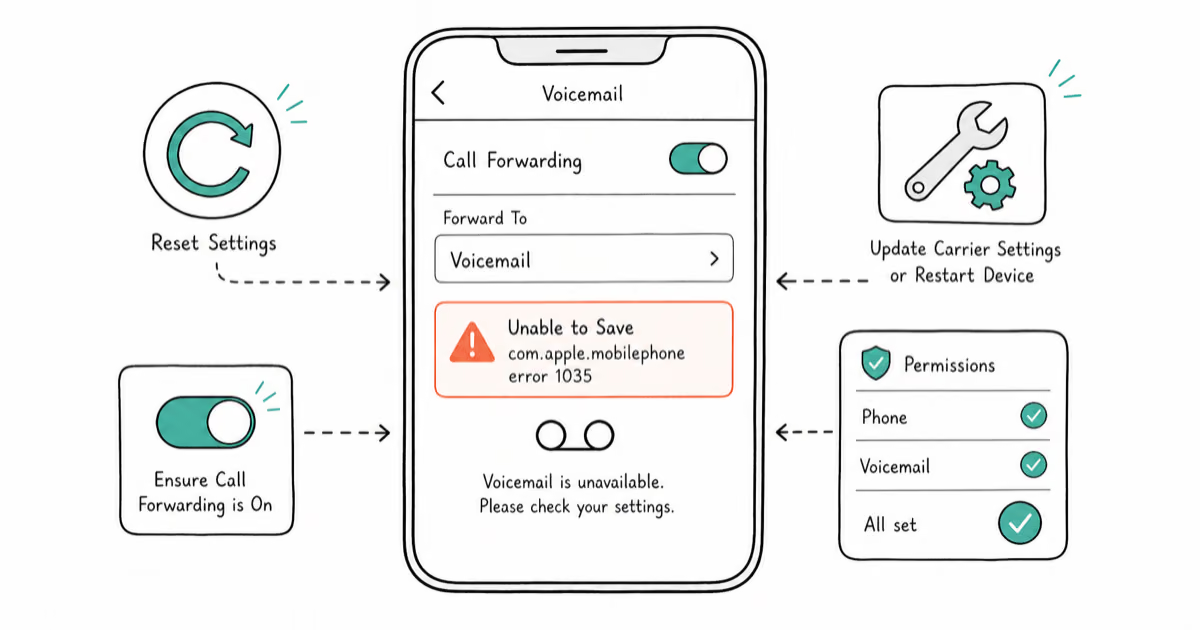
Fix com.apple.mobilephone error 1035 on your iPhone with 9 proven solutions. Learn what causes this voicemail error and how to resolve it fast.
Fix Steam Error Code 105 with 9 proven methods covering DNS flush, public DNS servers, firewall whitelisting, port forwarding, and router resets.
Fix your Android phone stuck in headphone mode with proven solutions. Covers jack cleaning, soft resets, Safe Mode diagnostics, and audio app fixes.
Fix the NVIDIA Display Settings Are Not Available error with seven proven methods covering cable swaps, clean drivers, services, BIOS, and Device Manager.
Fix the Hamachi service stopped error on Windows 10 and 11. Eight proven methods covering admin rights, WMI, services.msc, and AV exceptions.
Fix the Widevine Content Decryption Module error in Chrome that prevents Netflix, Amazon Prime Video, and other DRM-protected videos from playing.
IAStorDataSvc.exe is Intel's Rapid Storage Technology service that can cause 30-50% CPU usage. Fix it with 5 practical Windows 10 and 11 steps.
Fix Razer Synapse not opening on Windows 10 and 11. Restart Razer Central, reinstall Synapse 4, and clear conflicts that block launch in 2026.
Fix GeForce Experience error code 0x0003 with this step-by-step guide. Learn the causes and proven solutions to get Nvidia software working again.
Fix Kernel Mode Heap Corruption (0x0000013A) on Windows. Update drivers, run memory diagnostics, and repair system files. Step-by-step guide.
Fix Steam downloads that keep stopping with 10 proven methods covering cache clearing, region switching, antivirus exclusions, and bandwidth tuning.
Fix "A Device Attached to the System is Not Functioning" on Windows. Update USB drivers, switch ports, run SFC and DISM. Works on Windows 10 and 11.
Fix Discord not opening with proven solutions: kill background processes, clear AppData cache, update the app, and disable conflicting software.