Pokemon GO Joystick: Ban Risks and Official Policy
Can you use a Pokemon GO joystick safely? Learn why GPS controls risk account strikes, what Niantic prohibits, and which official options to use.
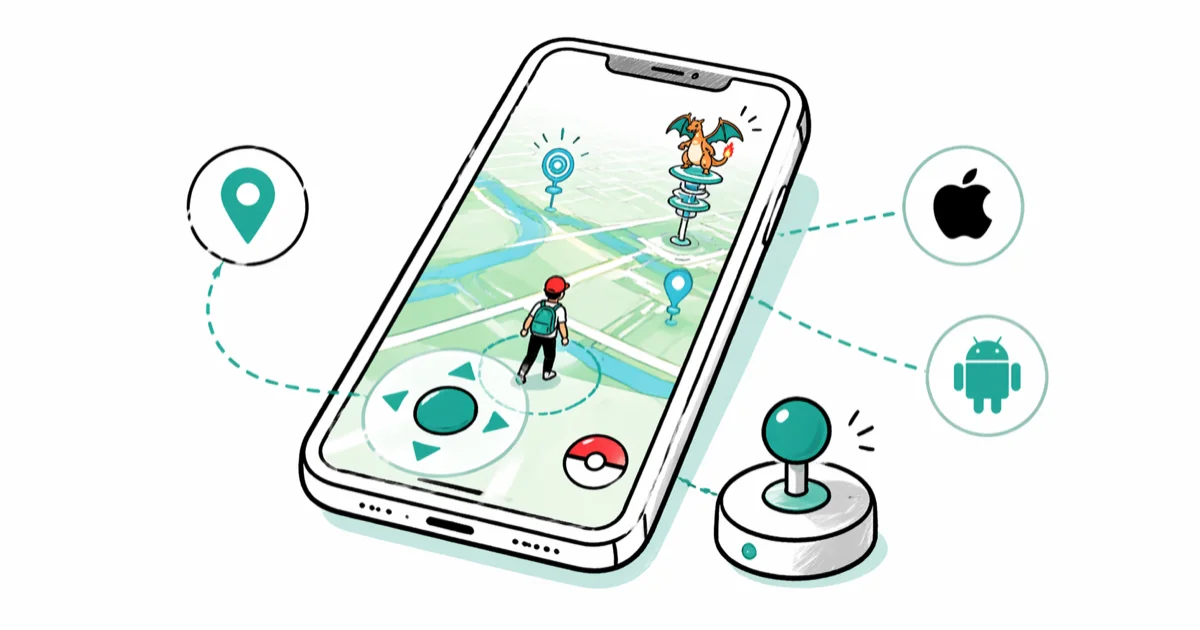
Quick AnswerA GPS joystick falsifies your phone location, which Pokemon GO defines as cheating. Use the official app on a supported phone and official features instead.
A Pokemon GO joystick makes an avatar move by feeding false GPS coordinates to the game. That may look like an accessibility shortcut, but Niantic classifies falsifying location as cheating and can take action against the Trainer account.
- A joystick overlay doesn’t turn false GPS coordinates into supported gameplay
- Niantic’s official fairness policy names GPS location spoofing as cheating
- Modified clients, mock-location apps, and tools that conceal device changes all carry account risk
- Enforcement can escalate from a warning to a suspension or permanent account termination
- Adventure Sync, remote raids, and supported accessories cover several common reasons players consider a joystick
#How Does a Pokemon GO Joystick Work?
A GPS joystick is an on-screen control connected to a false-location source. Instead of reading the phone’s real position, Pokemon GO receives coordinates generated by an app, desktop program, modified client, or altered operating system.
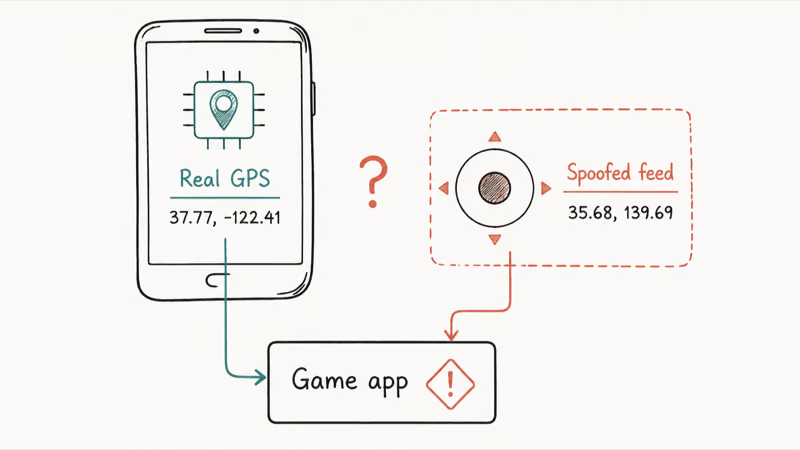
The software categories differ, but the account-rule issue doesn’t:
- Mock-location apps replace the position Android reports to other apps.
- Desktop location tools send a simulated position to a connected phone.
- Modified game clients combine Pokemon GO with unauthorized movement controls.
- Root or jailbreak modules alter the operating system and may conceal mock-location indicators.
#Why “Harder to Detect” Is Not a Safety Standard
Older guides compare tools by whether they leave the official game client unchanged, hide mock-location flags, or produce movement that looks human. Those comparisons turn an account warning into a detection-evasion guide.
Don’t install a joystick, modified APK, root module, or paid location changer to get around Pokemon GO’s location checks. Don’t move the same setup to a secondary account either. Changing the tool or account doesn’t change the conduct described in the game rules.
The rule follows the behavior.
According to Niantic’s official Gameplay Fairness Policy, cheating includes “falsifying location (GPS location spoofing),” unauthorized access to game clients, and third-party software or add-ons. The policy applies to the behavior, not a vendor’s claim that its method is safer.
#Legitimate Location Testing Outside the Game
Location simulation can be appropriate for development and QA on an app and device you own. It lets a developer check map boundaries, regional formats, and location-based interfaces without physically visiting every test point.
Use a test build instead.
That doesn’t make Pokemon GO an authorized test target. Keep the game closed, use a dedicated test build, and use an account that belongs to the service you’re developing when validating location behavior.
#Pokemon GO Account Penalties
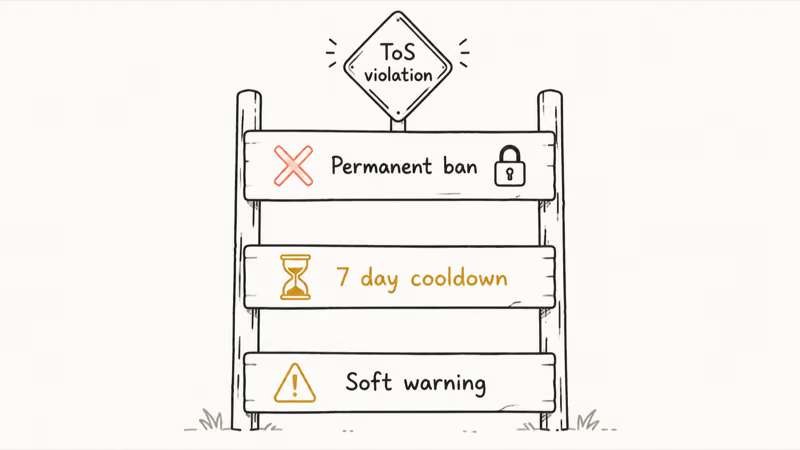
Niantic publishes an escalating enforcement system. The official policy describes these possible outcomes:
| Stage | Stated action | Stated duration |
|---|---|---|
| First strike | Warning and degraded gameplay | Approximately 7 days |
| Second strike | Account suspension | Approximately 30 days |
| Third strike | Permanent account termination | Permanent |
The sequence isn’t guaranteed. The same policy says some misconduct can lead to immediate termination without a prior warning. An appeal route exists for a termination you believe was an error, but filing an appeal doesn’t guarantee account restoration.
This is an account-rule issue rather than proof that every location-simulation use is illegal. Laws depend on the place and conduct. Within Pokemon GO, the operator’s policy is clear.
#Official Features That Replace Joystick Use Cases
The right alternative depends on what you’re trying to accomplish.
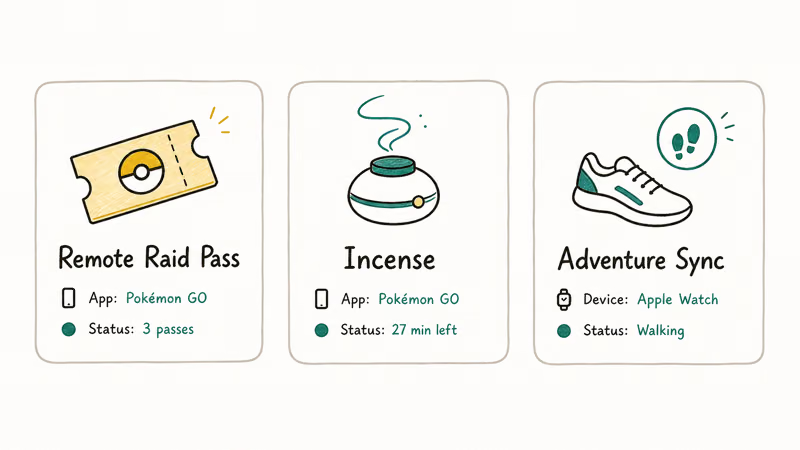
For walking credit: Adventure Sync counts real movement while the app is closed. According to Niantic’s Adventure Sync guide, the feature connects to the phone’s health data and requires the relevant activity and location permissions. If the credit stops, fix Pokemon GO Adventure Sync not working rather than replacing real activity with joystick input.
For distant raids: Remote Raid Passes let you join an eligible raid after receiving an invitation. Availability and limits can change, so check the current in-game shop and official event details rather than relying on an old workaround guide.
For hands-free play: Pokemon GO Plus + is an official accessory that can spin PokeStops and throw Poke Balls under supported conditions. Niantic’s official Bluetooth devices page states that these accessories connect to Pokemon GO and have their own supported actions. Check the Pokemon GO Plus + guide before buying hardware for this use case.
For limited local access: Niantic Wayfarer lets eligible players nominate real-world Wayspots. It isn’t immediate, but it addresses missing local map locations without falsifying where the phone is.
Submit real places.
#What Should You Do if Your Avatar Will Not Move Correctly?
Treat a stuck avatar as a GPS or app-health problem on a supported phone. Don’t add a joystick to work around it.
Google Play’s official Pokemon GO listing states that the Android app is optimized for smartphones. Start on a supported phone with the official build.
Start there.
- Install the official app. Use Google Play or Apple’s App Store rather than a modified client.
- Restore real location access. Turn on Location Services and allow the location permission Pokemon GO requests.
- Move outdoors. Buildings, parking garages, and dense structures can weaken the phone’s satellite view.
- Restart the app and phone. This clears a stale location session without changing account data.
- Check supported-device requirements. Niantic’s supported-device list covers operating-system, GPS, and Location Services requirements.
If the game reports a real reception problem, use the Pokemon GO GPS signal troubleshooting steps or the guide to a failed-to-detect-location error.
For loading or sign-in failures, work through the Pokemon GO loading fixes before changing account settings.
Don’t change the Trainer account.
#Bottom Line
A Pokemon GO joystick is a location-spoofing control, not a supported movement feature. There isn’t a safe configuration, speed, device modification, or spare-account setup that makes it comply with Niantic’s rules.
Keep the official app on a supported phone and use real Location Services. Adventure Sync, remote raids, official accessories, and ordinary GPS troubleshooting cover the legitimate problems without putting the Trainer account behind a cheating strike.
Pokémon GO Guide
#Frequently Asked Questions
Can Niantic detect a GPS joystick in Pokemon GO?
Niantic doesn’t publish its complete detection system. Its policy does explicitly prohibit falsifying location and using unauthorized third-party software, so a vendor’s claim about detection doesn’t make the setup approved.
Will a Pokemon GO joystick get my account banned?
It can. The published enforcement system can progress from a warning to a suspension and permanent account termination, and the policy allows immediate termination for some misconduct.
Is a joystick allowed if I use my own phone?
No. Owning the phone and account defines the authorization boundary, but it doesn’t override the game’s fairness policy. Falsifying location on your own Trainer account is still prohibited.
Is rooting or jailbreaking required for a GPS joystick?
Different tool categories use different device changes. Pokemon GO doesn’t support rooted or jailbroken devices, and changing the operating system doesn’t make false coordinates compliant.
What is the safest Pokemon GO joystick?
There isn’t a compliant one. Use Adventure Sync for real walking credit, remote invitations for eligible distant raids, and official accessories for supported hands-free play.
Can a VPN replace a GPS joystick?
No. A VPN changes the network route and public IP address, not the GPS coordinates reported by the phone. It also doesn’t make location spoofing acceptable under the game rules.
Can I use location simulation for app testing?
Yes, when you’re developing or testing your own app on an authorized device. Use a dedicated test build and keep Pokemon GO out of that workflow.
Can I appeal an account termination?
You can submit an appeal if you believe Niantic made an error. The operator reviews the case, but an appeal isn’t a promise that a terminated account will be restored.
Pokemon GO GPS Signal Not Found: 7 Proven Fixes (2026)
Pokemon GO GPS signal not found? Seven ordered fixes for Android and iPhone covering precise location, permissions, mock-location, and more.
TweakBox Pokemon GO Review: Does It Still Work in 2026?
TweakBox Pokemon GO usually fails. Learn why, what Niantic's ban policy means for your account, and which official alternatives to use instead.
How to Auto Walk in Pokemon GO: Safe and Risky Methods
Learn how Pokemon GO Adventure Sync credits real activity, why fake-step and GPS tools risk account strikes, and which official options to use.
How to Find Magikarp Nests in Pokemon GO (2026 Guide)
Find Magikarp nests in Pokemon GO using community maps, water biomes, and rainy weather boosts. Plus candy farming tips to evolve Gyarados fast.