How to Auto Walk in Pokemon GO: Safe and Risky Methods
Learn how Pokemon GO Adventure Sync credits real activity, why fake-step and GPS tools risk account strikes, and which official options to use.
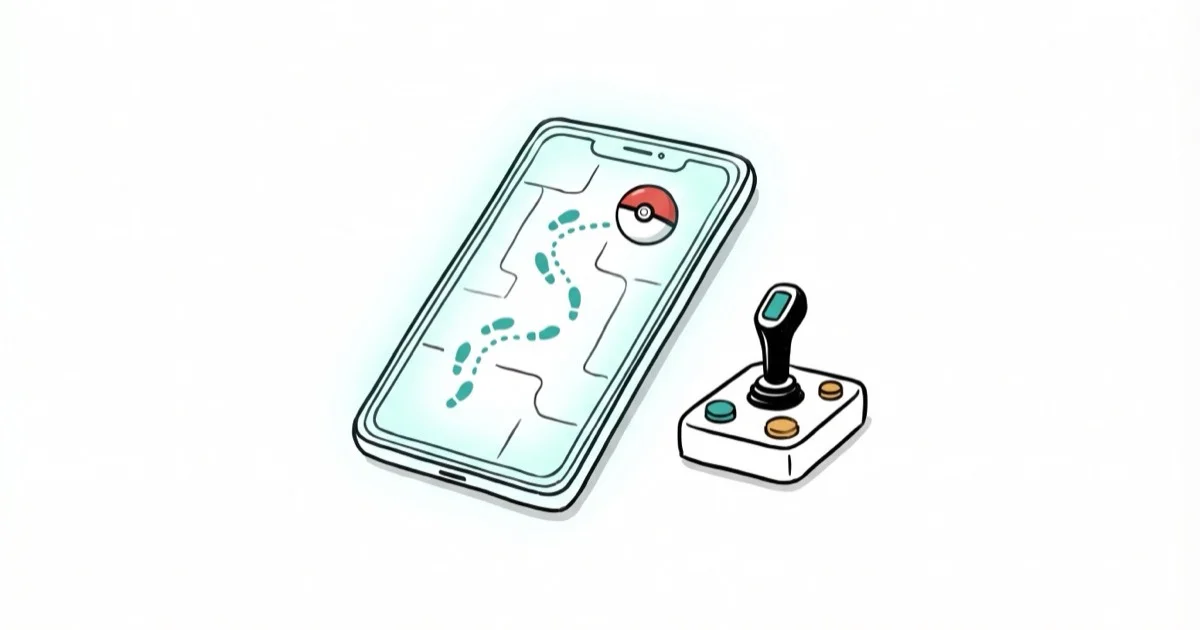
Quick AnswerAdventure Sync is the official way to earn Pokemon GO distance with the app closed because it records real activity. Tools that fabricate steps or GPS data violate Niantic policy and risk permanent account termination.
Adventure Sync is Pokemon GO’s official way to credit real activity while the app is closed. It reads activity data through Apple Health or Health Connect and works on both iPhone and Android.
- Adventure Sync tracks real steps via Apple Health or Google Fit with the app closed
- Niantic’s three-strike policy: 7-day warning, 30-day suspension, permanent ban
- Apps that fabricate fitness data are not a supported substitute for real activity
- GPS spoofing and simulated movement violate Niantic’s fairness policy
- A warning can escalate to suspension or permanent account termination
#Auto Walking in Pokemon GO Explained
Auto walking means accumulating in-game distance without physically moving.
The methods discussed online range from legitimate activity tracking to tools that fabricate steps or GPS coordinates. This guide applies only to your own phone and account, but ownership doesn’t make false movement data compliant with the game’s rules.
Using a method that fabricates movement carries real consequences. Niantic’s Terms of Service explicitly prohibit GPS spoofing and auto-walking tools. Their three-strike policy means a first warning with 7 days of degraded gameplay, a 30-day suspension on the second offense, and permanent account termination on the third. This guide separates the supported option from the methods that put an account at risk.
#How Does Adventure Sync Work?
Adventure Sync is Pokemon GO’s built-in step tracker. It reads Apple Health on iPhone or Health Connect on Android.
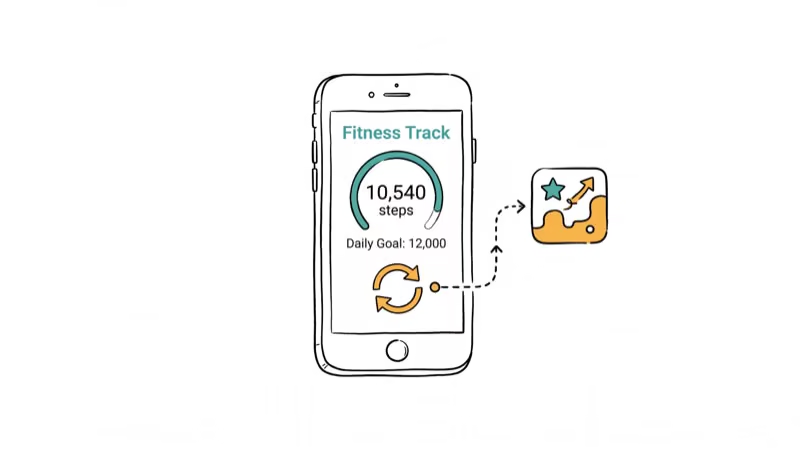
To enable it, open Pokemon GO, tap the Poke Ball, go to Settings, and toggle Adventure Sync on. Grant the app permission to access your health data when prompted. On Android, you’ll need Health Connect installed since Google deprecated the old Google Fit API in late 2024.
Walking with the app closed, the game typically credits slightly less distance than your pedometer recorded once you reopen it. That slight loss comes from step-to-distance conversion rounding. On iPhone, accuracy tends to be better because Apple Health records GPS-assisted distance data.
Two settings kill Adventure Sync silently: Low Power Mode on iPhone and Battery Saver on Android. Turn both off and set location permissions to “Always Allow.”
#Why Phone Shakers Are Not a Safe Substitute
Phone shakers (also called swingers or rockers) are mechanical cradles sold to create phone motion while the owner stays still. That is fabricated activity rather than walking, and it isn’t an official Pokemon GO accessory or supported Adventure Sync workflow.
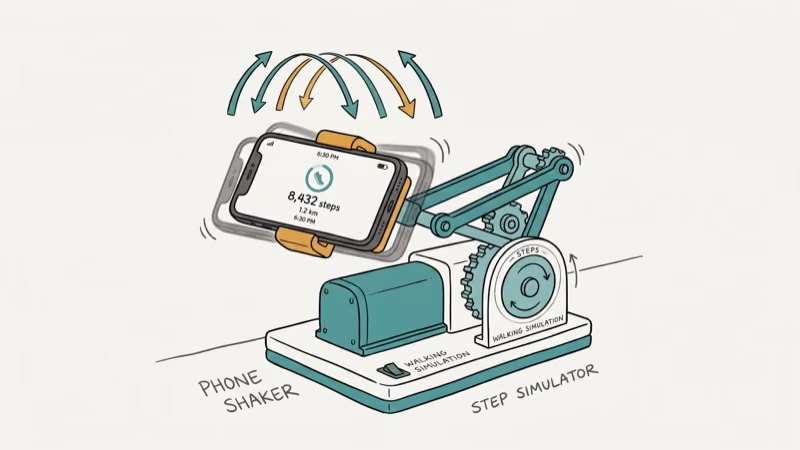
Don’t manufacture distance. Record real indoor activity, then check Adventure Sync permissions if legitimate movement isn’t credited.
#DeFit and Pokewalk Fitness Data Apps
DeFit and Pokewalk are examples of Android apps associated with fabricated fitness data. They aren’t Pokemon GO features, and configuring one to supply false steps turns a health-data tool into a way to misrepresent activity to the game.
According to Niantic’s Gameplay Fairness Policy, any technique that falsifies movement data counts as cheating. Niantic has been filtering fake fitness data aggressively since mid-2025, and several players on r/PokemonGoSpoofing reported that DeFit stopped crediting distance after a server-side update in January 2026.
False movement data still violates the rule. We don’t provide setup, speed, timing, or account-separation instructions.
#GPS Spoofing Tools for Auto Walking
GPS-spoofing tools override the phone’s reported position and may add route, joystick, or multi-stop controls. Those product features are useful when developers test an app they own on an authorized device, but Pokemon GO must not be the test target.
Don’t configure Android mock-location controls, an altered game client, a rooted-device workaround, or an iPhone desktop simulator for Pokemon GO. The method and operating system don’t create an exception to the fairness policy.
The risks are real. Niantic’s anti-cheat uses behavioral AI that flags impossible travel patterns and sudden location jumps. Based on Niantic’s Player Guidelines, falsifying device location is explicitly listed as cheating. A soft ban locks you out of catching Pokemon and spinning PokeStops for about 2 hours, and repeated detection escalates through the three-strike system.
#How Real Walking Speed Affects Egg Progress
Pokemon GO may stop crediting egg distance above its movement threshold. Treat that as a game mechanic for real activity, not a configuration target for a simulator.
If you’re walking normally, a brisk pace of 5-6 km/h is ideal for Adventure Sync. The game credits nearly 100% of distance at that speed. Jogging at 8-9 km/h still works, though accuracy drops because GPS sampling can miss some of your actual movement. Cycling above 10.5 km/h credits nothing toward eggs.
No simulated speed or pause pattern makes false movement safe or compliant. Use your ordinary walking or jogging pace and let Adventure Sync record the real activity.
#What Happens if Niantic Catches You?
Niantic’s three-strike discipline policy escalates penalties quickly:
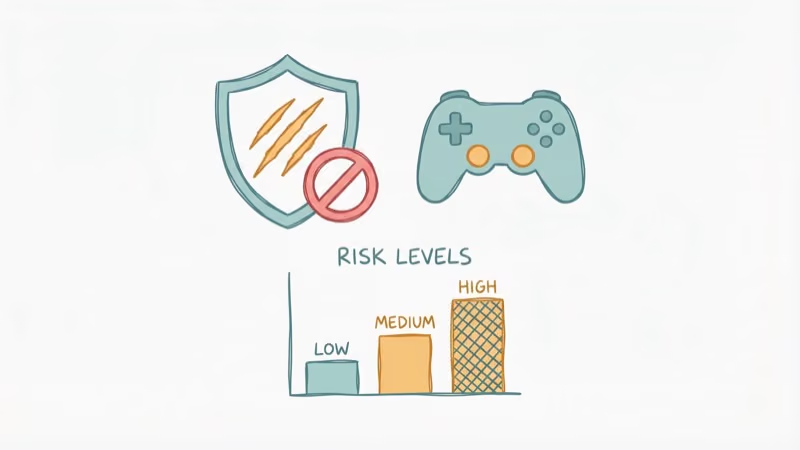
Strike 1 (7 days): Warning in the app. Rare Pokemon stop spawning. You lose access to EX Raid passes, trading, gifting, and PokeStop Showcases.
Strike 2 (30 days): Full account suspension. You can’t log in. The app displays a suspension notice you can’t bypass.
Strike 3 (permanent): Account terminated forever. All Pokemon, items, and progress gone. According to 9to5Mac’s coverage of the policy, Niantic reserves the right to skip straight to termination for severe violations without issuing the first two strikes at all. Once terminated, all Stardust, rare Pokemon, event exclusives, and years of progress disappear with no recovery option.
You can appeal through Niantic’s Help Center, but success rates are extremely low. In October 2024, a mass ban wave incorrectly flagged thousands of legitimate players traveling in cars and on subways. Niantic reversed those specific bans, but that’s the exception.
#Comparing All Auto Walk Methods
The important distinction is whether a method records real activity or fabricates it:
| Method | What it records | Status for Pokemon GO |
|---|---|---|
| Adventure Sync | Real activity | Official feature |
| Treadmill walking | Real steps | Supported through Adventure Sync |
| Go-tcha / GO Plus | Actions during real local travel | Accessory use, not fake movement |
| Phone shaker | Manufactured device motion | Not recommended |
| Fake-fitness apps | Fabricated health data | Violates the fairness policy |
| GPS spoofing | False coordinates | Violates the fairness policy |
For most players, Adventure Sync paired with a Pokemon GO Plus or Go-tcha covers everything. These Bluetooth accessories auto-spin PokeStops and catch Pokemon while you walk, maximizing every step you take.
If Adventure Sync isn’t tracking properly, troubleshoot permissions and battery settings first. That fixes it for most players.
#Bottom Line
Start with Adventure Sync. It’s built into the game, costs nothing, and carries zero ban risk. Pair it with a Go-tcha device for passive catching and spinning while you walk. If distance isn’t crediting, check that Low Power Mode is off and location permissions are set to “Always Allow.”
Third-party tools exist, but using them to fabricate movement or location violates Niantic’s Terms of Service. The three-strike policy is real, and permanent bans mean losing years of progress. Don’t replace one prohibited method with another.
Pokémon GO Guide
#Frequently Asked Questions
Can Adventure Sync track steps on a treadmill?
Yes. Treadmill walking registers as steps because Adventure Sync reads accelerometer data, not GPS movement. A 30-minute session at a 5 km/h pace credits roughly 2 km.
What happens if you teleport to a different city instantly?
Instant teleportation triggers a soft ban. Pokemon flee after the first ball, and PokeStops stop dropping items for about 2 hours. Repeated teleportation escalates to the three-strike process.
Does Pokemon GO detect rooted or jailbroken phones?
Pokemon GO uses Google’s Play Integrity API on Android and checks for jailbreak indicators on iPhone. A rooted phone may trigger a “device not compatible” error or block the app from launching entirely. Don’t hide root or jailbreak indicators to get around that check; return to a supported device and the official app instead.
Is auto walking legal?
GPS spoofing isn’t illegal in most countries. It violates Niantic’s Terms of Service, but the consequence is account action (warnings through permanent ban), not criminal penalties.
Are phone shakers a safe Adventure Sync method?
No. A shaker manufactures device motion while you remain stationary, so it isn’t a supported substitute for real activity. If real steps aren’t appearing, troubleshoot Adventure Sync instead.
How much distance does Adventure Sync credit per day?
The weekly milestone cap is 50 km, but there’s no daily limit for egg hatching or Buddy Candy accumulation. Most players credit 5-15 km through normal daily activity without issues.
Do VPNs help avoid detection while spoofing?
A VPN won’t prevent detection. Pokemon GO checks device location rather than treating an IP address as proof of physical position, and a VPN doesn’t make falsified coordinates compliant.
Is there a safe cooldown timer for changing locations?
No. A cooldown chart is an evasion guide for timing impossible location jumps, not an official safety feature. Location spoofing can trigger a soft ban and repeated violations can escalate through the three-strike process regardless of how long a player waits.
Pokemon GO GPS Signal Not Found: 7 Proven Fixes (2026)
Pokemon GO GPS signal not found? Seven ordered fixes for Android and iPhone covering precise location, permissions, mock-location, and more.
TweakBox Pokemon GO Review: Does It Still Work in 2026?
TweakBox Pokemon GO usually fails. Learn why, what Niantic's ban policy means for your account, and which official alternatives to use instead.
How to Find Magikarp Nests in Pokemon GO (2026 Guide)
Find Magikarp nests in Pokemon GO using community maps, water biomes, and rainy weather boosts. Plus candy farming tips to evolve Gyarados fast.
How to Get Arceus in Pokemon GO: Stats, Forms, Tips
Arceus is not yet in Pokemon GO. Learn its projected stats, 18 type forms, best counters, and how to prepare for its eventual Special Research debut.