How to Unfollow Everyone on TikTok Without Unsafe Limits
TikTok has no built-in mass unfollow option. Learn the documented manual method, the lack of a safe daily limit, and the risks of bulk automation.
Quick AnswerTikTok has no mass-unfollow button. Its help page documents unfollowing one profile at a time; TikTok doesn't publish a safe daily limit or restriction time for bulk automation.
TikTok gives you no single button to drop everyone you follow. The supported option is manual unfollowing; desktop extensions and paid tools automate account actions and can trigger restrictions.
- TikTok has no native mass-unfollow feature; its help page documents unfollowing one profile at a time.
- TikTok doesn’t publish a safe daily unfollow count or a guaranteed duration for an action restriction.
- Chrome extensions and paid tools automate account actions and can put the account at risk.
- Manual unfollowing is slower, but it avoids third-party automation.
- If TikTok displays a restriction, check Account status and follow the in-app guidance.
#Why TikTok Has No Mass Unfollow Option
According to TikTok’s Integrity and Authenticity guidelines, automation used to operate accounts in bulk or artificially increase engagement signals is prohibited. TikTok’s following and unfollowing help page documents the supported flow: open a person’s profile and tap Following.
#Why a Bulk-Unfollow Chrome Extension Is Risky
Bulk-unfollow extensions automate repeated actions inside a signed-in browser session.
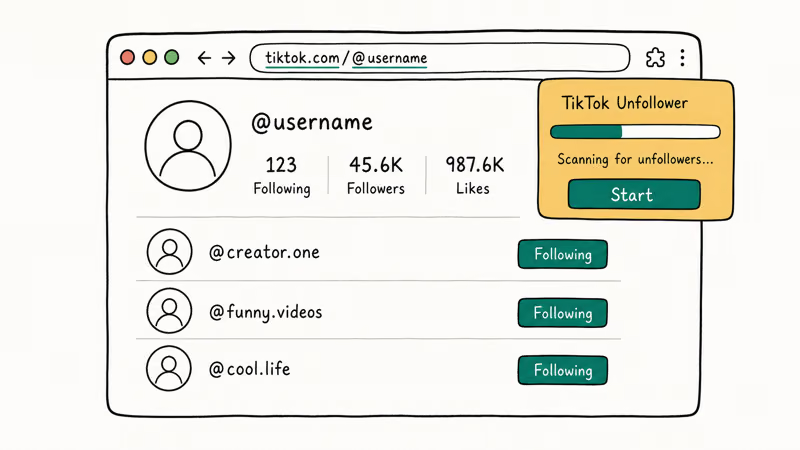
Random delays, session caps, and a secondary account don’t make automation approved. According to Google’s extension-permissions guide, site access can let an extension read or change site data; review those permissions before granting access to a signed-in TikTok session.
#Supported Method: Manual Unfollowing from Your Profile
No third-party tool is required.
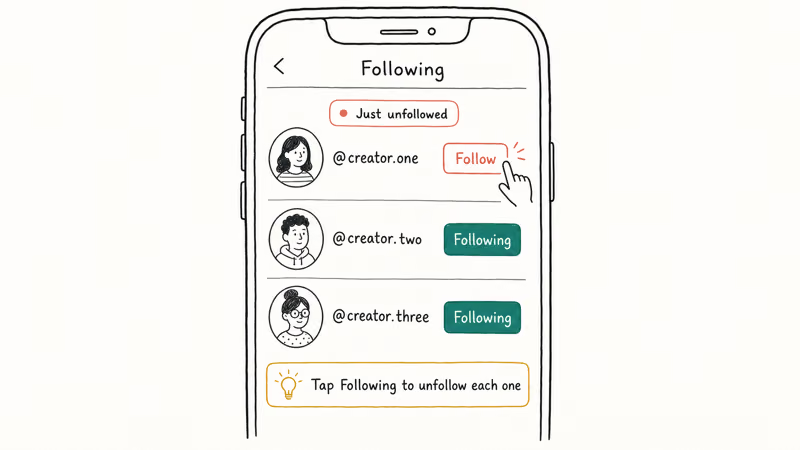
Open TikTok and tap Profile at the bottom right, then tap Following to see your full list. According to TikTok’s help page, the documented unfollow flow is to open a person’s profile and tap Following.
Repeat that documented action for each profile.
If TikTok stops accepting account actions, stop and check Account status rather than assuming access will reset after a fixed number of hours.
#Paid Automation Tools Carry the Same Policy Risk
Paid tools aren’t TikTok-approved safeguards or policy exceptions.
#TikTok Does Not Publish a Daily Unfollow Limit
TikTok doesn’t publish a 150- or 200-action safe threshold, and its help pages don’t guarantee that an action restriction resets after 24 hours. If a warning or restriction appears, follow the message in the app and check Account status.
#Can Repeated Unfollowing Trigger a Restriction?
According to TikTok’s Accounts and Features guidelines, suspicious activity can trigger verification steps, warnings, restrictions, or bans. The policy doesn’t define a mass-unfollow “shadowban” or publish a view-loss formula.
Views alone don’t prove a shadowban. Check Account status for an identified issue.
#What Happens to Your Feed After Unfollowing Everyone?
TikTok rebuilds your For You feed from your watch history and interaction patterns rather than your follow list. You’ll see a broad mix of content at first while the algorithm adjusts.
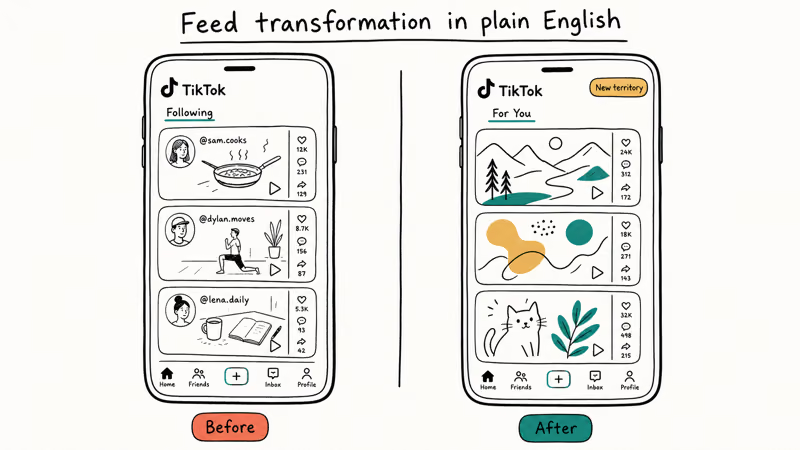
Your viewing habits carry more weight than who you follow. Even after clearing your entire following list, TikTok still delivers content based on what you’ve watched and liked before. The feed stabilizes within a few days of normal use.
For more TikTok tips, see these related guides:
- How to DM someone on TikTok
- How to download TikTok videos
- How to make playlists on TikTok
- How to unfollow one account on TikTok
- How to appeal a TikTok ban
#Bottom Line
Use TikTok’s documented one-profile-at-a-time unfollow control. TikTok doesn’t publish a safe automation limit, so this guide doesn’t recommend a Chrome extension or paid bulk-action tool as account-safe.
TikTok Tips & Tricks
#Frequently Asked Questions
Does TikTok have a built-in unfollow all button?
No. TikTok has no native feature to unfollow everyone at once. The documented method is to unfollow profiles individually.
Will mass unfollowing get my TikTok account banned?
TikTok can restrict suspicious account activity, but it doesn’t publish a safe mass-unfollow speed, a guaranteed 24-hour restriction, or an exemption for tools that add delays.
How many people can I unfollow on TikTok per day?
TikTok doesn’t publish a daily safe limit. Stop if the app displays a warning or stops accepting the action, and follow the guidance shown in Account status.
Does the TikTok Unfollower Chrome extension still work in 2026?
Yes, it can still work on desktop Chrome. Extensions that hook into TikTok’s web interface can break when TikTok updates its code. If you run into unexpected errors, check the Chrome Web Store for extension updates before assuming the tool is broken.
Can I unfollow everyone on TikTok from my phone without paying?
No free bulk method exists for mobile. The Chrome extension runs only on desktop. On a phone, your only free option is manually unfollowing one account at a time from your Following list.
What happens to my For You page if I unfollow everyone?
TikTok weights your watch history more heavily than who you follow. After clearing your following list you’ll see a wider range of content for a few days. The algorithm re-calibrates toward your actual preferences within about a week of normal use. Nothing is lost since TikTok still remembers your full viewing and interaction history.
Is a paid unfollow tool safe to use with my TikTok account?
TikTok doesn’t certify third-party unfollow automation or publish settings that make it safe. Using a secondary account doesn’t create a policy exemption.
Why does TikTok restrict bulk following and unfollowing?
TikTok restricts automation used to operate accounts in bulk or artificially increase engagement. Its Community Guidelines don’t define safe automation limits.
How to Block TikTok on iPhone and Android: Parent Guide
Block or limit TikTok on your child's iPhone or Android using Screen Time, Family Link, and router settings. Step-by-step parental control guide.
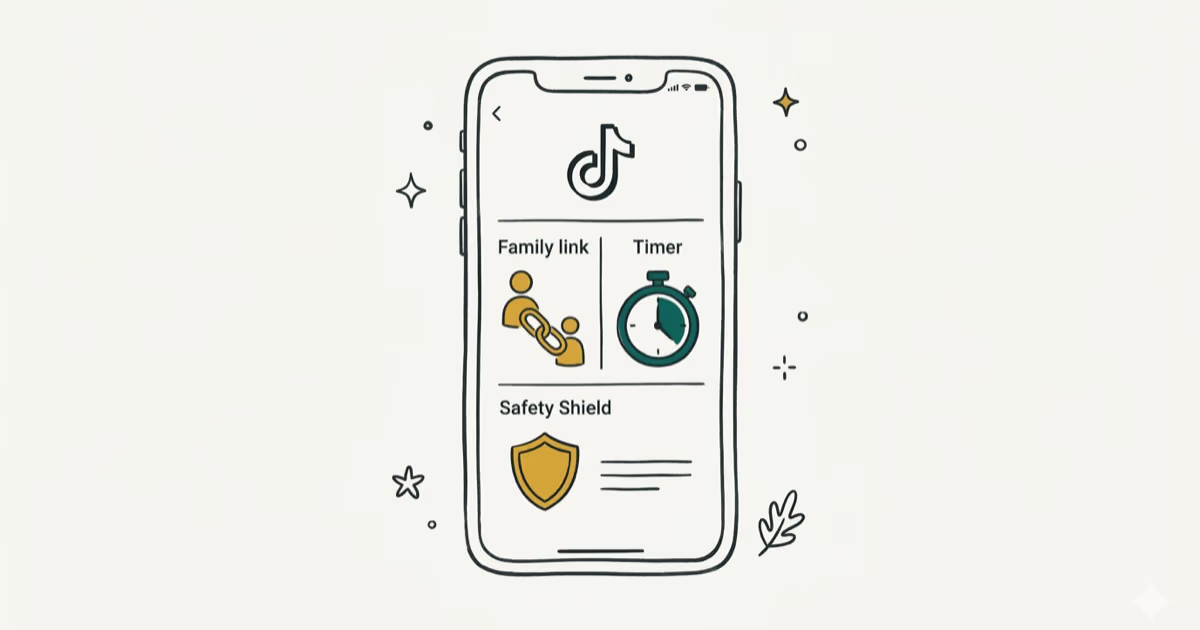
TikTok Parental Controls: Setup Guide for Families
Set up TikTok parental controls using Family Pairing, Restricted Mode, and privacy settings. Step-by-step guide to protect your child on TikTok.
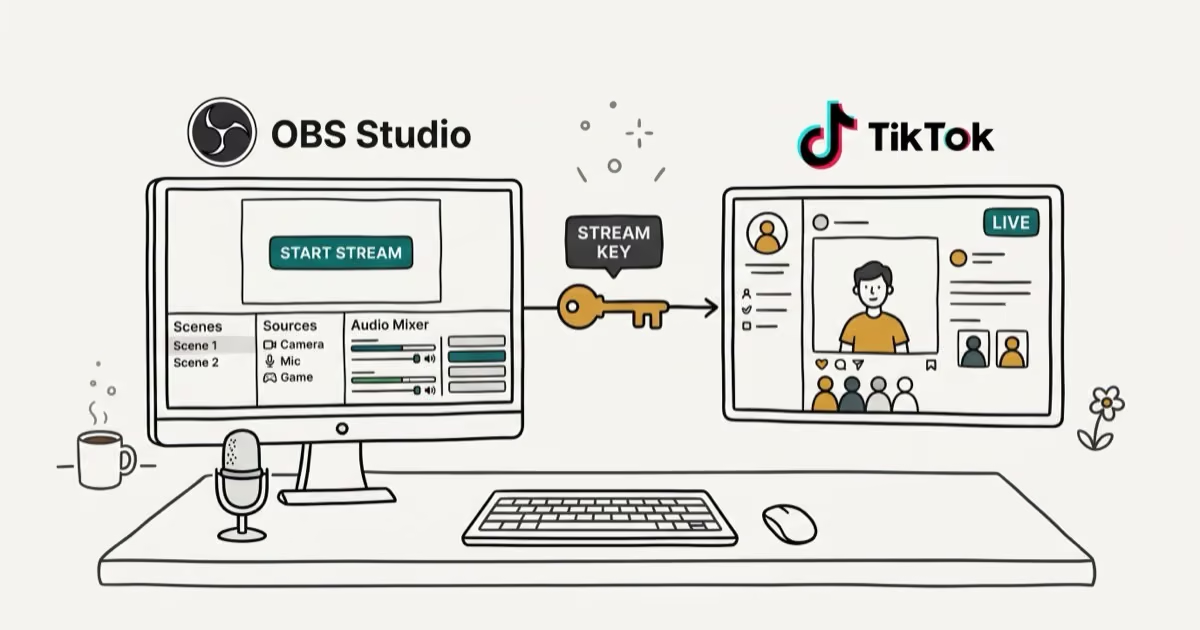
How to Get a TikTok Stream Key for OBS and Streamlabs
Get a TikTok stream key to broadcast from OBS or Streamlabs. Covers the 1,000-follower requirement, CarterPulse application, and OBS setup steps.

How to Make a Joint TikTok Account With Friends (2026)
Set up and manage a joint TikTok account with friends. Covers shared login setup, content planning, security tips, and the Collaboration Post alternative.