How to DM Someone on TikTok: Steps and Restrictions
Send DMs on TikTok through the Inbox tab to mutual followers. Covers messaging restrictions, age limits, desktop DMs, and fixing common DM issues.
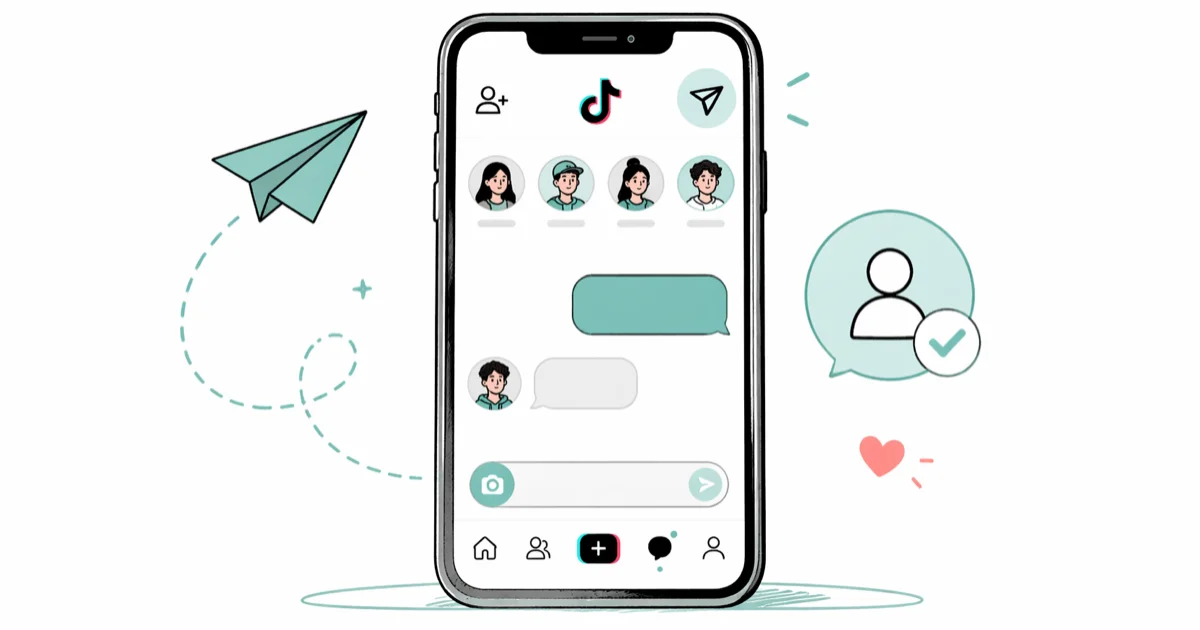
Quick AnswerOpen TikTok, tap the Inbox icon at the bottom, then tap the message icon in the top right. Select a friend and type your message. You can only DM people who follow you back. Users under 16 cannot send or receive DMs.
TikTok’s direct messaging works differently from Instagram or Snapchat. You can only DM people who follow you back (mutual followers), and users under 16 can’t use the feature at all. Here’s how to send messages and work around the restrictions.
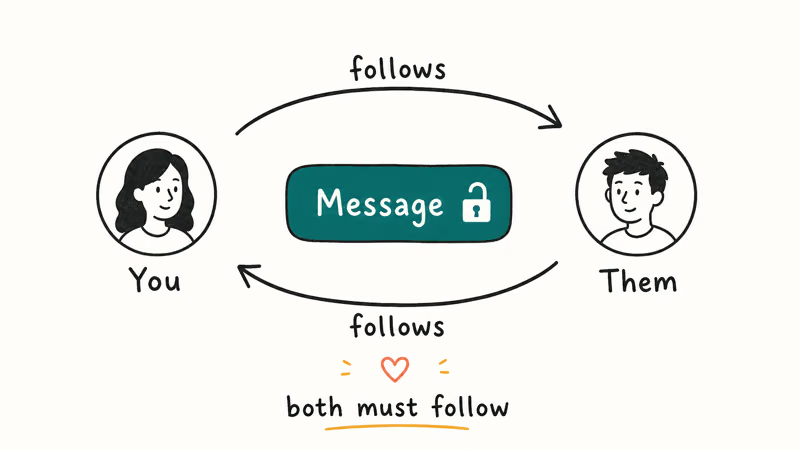
- TikTok DMs require mutual follows, meaning both you and the other person must follow each other before the Message button appears.
- Users under 16 can’t send or receive DMs at all, and TikTok determines age from the birthday entered during account registration.
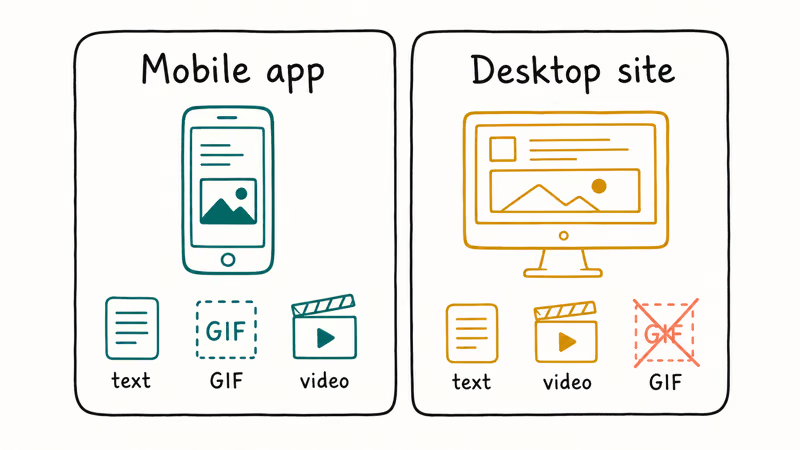
- You can access DMs on the TikTok desktop website, but GIF and some media types are only supported in the mobile app.
- Setting your DMs to “Everyone” lets any user send you a message request, but you must approve it before seeing the full message content.
- New accounts may have DM access temporarily limited, and accounts flagged for guideline violations can lose messaging privileges entirely.
#How to Send a DM on TikTok (Mobile App)
- Open the TikTok app and tap the Inbox icon at the bottom of the screen
- Tap the message icon (paper airplane) in the top right corner
- Select the person you want to message from your friends list
- Type your message and tap Send
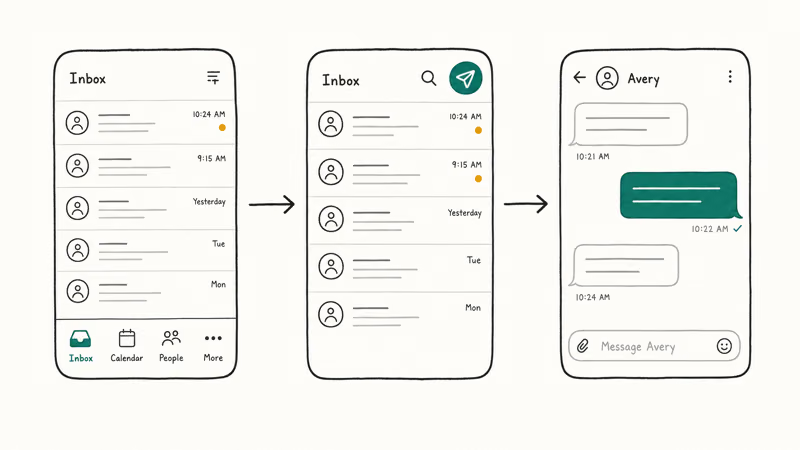
According to TikTok’s Direct Message guide, you can send text, emojis, GIFs, and TikTok videos through DMs when the account and privacy settings allow it.
You can also DM someone directly from their profile:
- Go to the person’s profile page
- Tap the “Message” button (only visible if you follow each other)
- Type your message and send
If you don’t see a “Message” button on someone’s profile, you’re not mutual followers yet. Follow them and wait for them to follow you back before you can DM.
#Can You DM on TikTok Desktop?
Yes, but with limitations. On the TikTok website:
- Go to tiktok.com and sign in
- Click the message icon (paper airplane) in the top right
- Select a contact and type your message
According to TikTok’s desktop messaging FAQ, the desktop version doesn’t support GIFs or some media types that work in the mobile app. For the full messaging experience, use the mobile app.
#TikTok DM Restrictions and Age Limits
TikTok has stricter DM rules than most social platforms:
- Users under 16 can’t send or receive DMs at all
- You can only message mutual followers (people you follow who also follow you back)
- New accounts may have DM access temporarily restricted
- Accounts flagged for spam or violations may lose DM privileges
TikTok announced the under-16 messaging restriction in April 2020 as part of broader child-safety changes, and the rule still applies in 2026. According to Wikipedia’s TikTok entry, the app launched internationally in 2017 and merged with Musical.ly the next year under ByteDance.
TikTok’s own community guidelines still pull your age from the birthday you typed in at signup, and the platform won’t let you edit that date later without contacting support. Parents who set up an account for a child often hit this wall after the kid turns 16, since the original birthday locks DMs off even when the real age now qualifies. The fastest workaround is opening a fresh account with the correct birthday instead of fighting the appeal.
New accounts may be able to open the DM screen but still have no one to message until mutual follows exist. The Message button depends on TikTok’s follow and privacy rules.
#How to Control Who Can Message You
You can limit who sends you DMs:
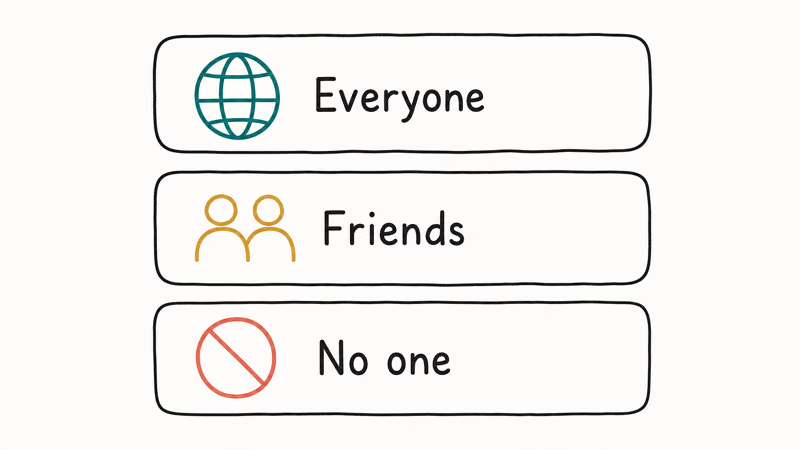
- Open TikTok and go to your profile
- Tap the three-line menu in the top right
- Go to
Settings and Privacy>Privacy - Tap “Direct messages”
- Choose “Everyone,” “Friends,” or “No one”
Setting DMs to “Friends” keeps your inbox limited to mutual follows. “Everyone” allows message requests, and “No one” disables DMs entirely.
#Tips for Getting Responses to Your DMs
Sending a DM is one thing, but getting a reply takes a bit more effort. Start by engaging with the person’s content first. Like and comment on their videos before sending a message. This makes your username familiar so your DM doesn’t feel random.
Keep your first message short and specific. Mention something from their content to show you’re a genuine follower, not a spam account. Avoid generic openers like “Hey” or “What’s up” since those get ignored most often.
If you’re reaching out to a creator for a collaboration or business inquiry, lead with what you’re offering, what platforms it covers, and any timing or budget you can share up front. Creators receive dozens of DMs every day and skip vague pitches, so a focused one-liner that answers “what’s in it for me” beats three paragraphs of preamble. The Verge has tracked TikTok’s evolving messaging features in depth.
#Why Can’t I DM Someone on TikTok?
Common reasons DMs don’t work:
- You’re not mutual followers (follow each other)
- The other person set their DMs to “No one” or “Friends” and you’re not friends
- Your account is under 16 based on the birthday you entered
- Your account has been restricted for community guideline violations
- There’s a temporary server issue on TikTok’s end
If you’re sure you meet all requirements but still can’t DM, try updating TikTok to the latest version or reinstalling the app. According to TikTok’s troubleshooting page, clearing the app cache can also fix messaging issues.
For other TikTok features, check our guides on how to blow up on TikTok and how to combine videos on TikTok.
If you stream often, our walkthroughs on how to hide chat on TikTok live and how to block a sound on TikTok cover the most common moderation tweaks.
#Bottom Line
DM someone on TikTok by tapping Inbox, then the message icon, and selecting a friend from your contacts. Both users must follow each other before the Message button shows up, so check the profile first. Users under 16 still can’t use DMs at all, even after switching to mutual follows.
For more, see how to change your phone number on TikTok or who views your TikTok.
TikTok Tips & Tricks
#Frequently Asked Questions
Can I DM someone on TikTok who doesn’t follow me?
No. TikTok requires mutual follows for DMs. Both you and the other person must follow each other before you can exchange direct messages. This is different from Instagram, where you can send message requests to anyone.
Why can’t I send DMs on TikTok if I’m over 16?
Your account may have the wrong birthday. TikTok uses the birthday you entered during signup to determine DM access. If you entered a date that makes you under 16, you can’t change it. Contact TikTok support to correct your age if it was entered incorrectly.
Can I send photos and videos in TikTok DMs?
Yes. You can share TikTok videos, photos, GIFs, and emojis through DMs on the mobile app. The desktop version has more limited media support and skips GIFs entirely, so most people switch back to the phone for richer replies. To share a TikTok video with a mutual, tap the share arrow on any video, pick “Send to friends,” choose the chat, and add an optional caption before hitting send.
How do I delete a TikTok DM?
Press and hold the message, then tap “Delete.” This only clears your side; the recipient still sees it unless they delete too.
Can someone see if I read their TikTok DM?
TikTok doesn’t show read receipts by default. The sender won’t know if you’ve read their message unless you reply. This is different from Instagram and Facebook Messenger, which show “Seen” indicators.
How many DMs can I send on TikTok per day?
TikTok doesn’t publish an official daily DM limit, but sending too many messages in a short period can trigger spam detection. If you’re temporarily blocked from sending DMs, wait 24 hours before trying again. Avoid sending identical messages to multiple people.
How to Block TikTok on iPhone and Android: Parent Guide
Block or limit TikTok on your child's iPhone or Android using Screen Time, Family Link, and router settings. Step-by-step parental control guide.
TikTok Parental Controls: Setup Guide for Families
Set up TikTok parental controls using Family Pairing, Restricted Mode, and privacy settings. Step-by-step guide to protect your child on TikTok.
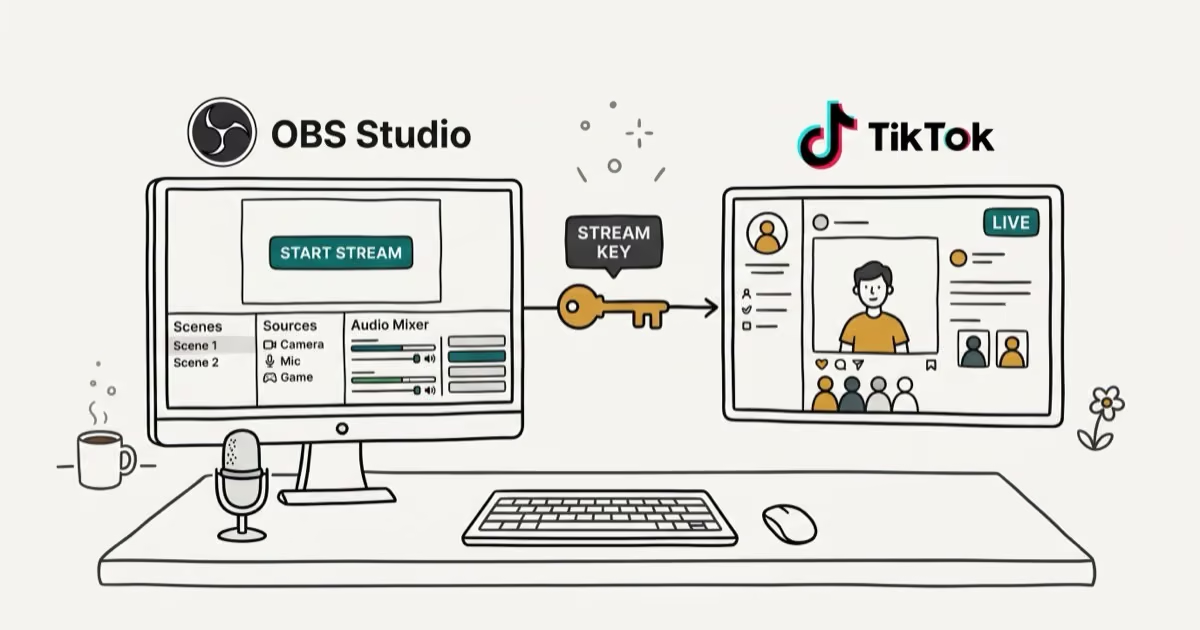
How to Get a TikTok Stream Key for OBS and Streamlabs
Get a TikTok stream key to broadcast from OBS or Streamlabs. Covers the 1,000-follower requirement, CarterPulse application, and OBS setup steps.
How to Make a Joint TikTok Account With Friends (2026)
Set up and manage a joint TikTok account with friends. Covers shared login setup, content planning, security tips, and the Collaboration Post alternative.