How to Delete All TikTok Videos at Once: 4 Methods
Learn how to delete all TikTok videos at once using manual deletion, the Select Multiple feature, or full account deletion with step-by-step instructions.
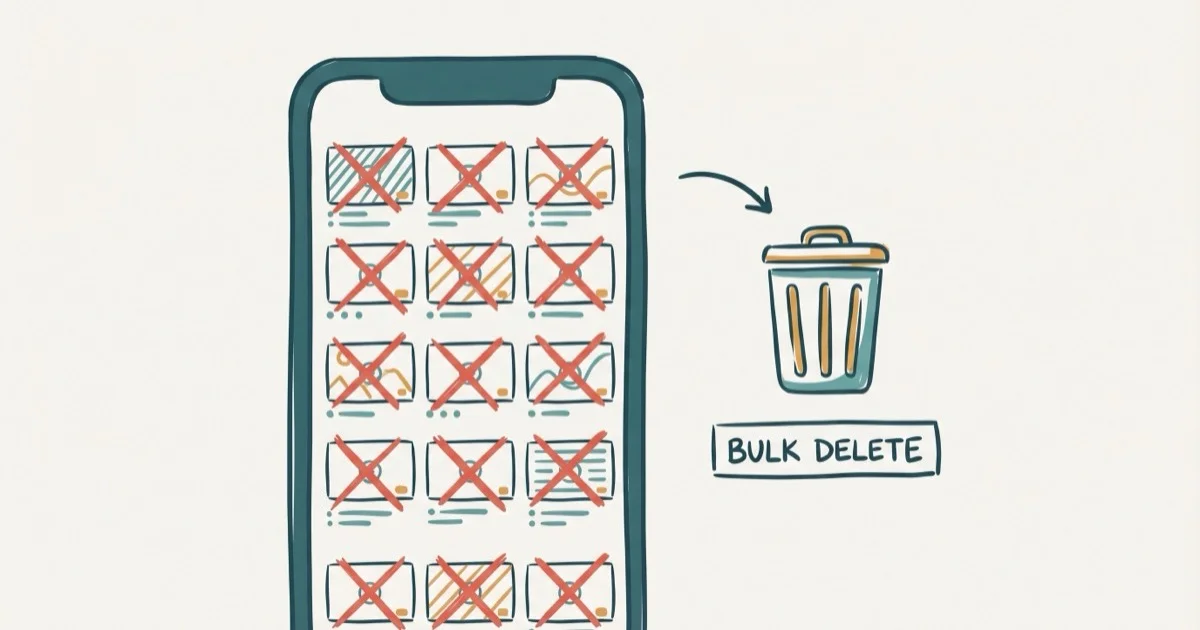
Quick AnswerTikTok doesn't offer a bulk delete feature, so you must delete each video individually from your profile. Open TikTok, go to your profile, tap a video, hit the three-dot menu, and select Delete.
If you’ve built up a TikTok library that no longer matches your brand, you’re probably hunting for a quick way to wipe everything clean. The short answer is that TikTok still doesn’t let you remove all videos with a single tap.
- TikTok has no “delete all” button, so each video must be removed individually or in batches of 20
- Select Multiple lets you pick up to 20 videos at a time, cutting manual effort by over 90%
- Deleting your entire account removes all videos but erases followers, likes, and comments after 30 days
- Downloaded copies stay on your device after deletion, so back up anything valuable first
- Clearing TikTok’s cache removes drafts without affecting published videos
#Deleting TikTok Videos One by One
The most reliable method is manual deletion. It’s tedious for large libraries, but you control exactly which videos stay and which go.
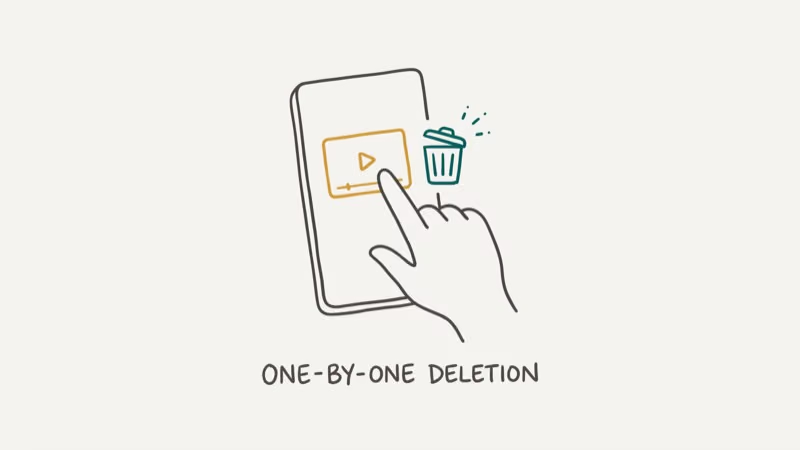
Open TikTok, tap Profile at the bottom right, then select the video you want to remove. Hit the three-dot menu (or arrow icon on iOS), swipe left through the options, and tap Delete. Confirm by tapping Delete again on the prompt.
Each manual deletion takes several taps. That adds up to noticeable cleanup time for a mid-size library.
If you’re managing your TikTok presence across devices, learn how to change your phone number on TikTok to keep your account secure during the cleanup.
#Can You Delete Multiple TikTok Videos at Once?
TikTok’s Select Multiple feature speeds things up considerably. You can’t select your entire library in one shot, but batches of up to 20 videos make the process far more manageable.
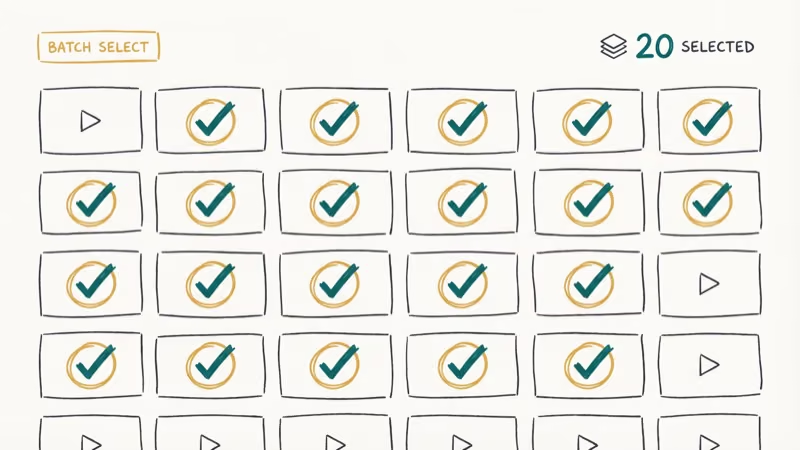
Go to your Profile and tap the three-dot menu in the top right. Select Settings and Privacy, then scroll to Manage Account. You can also long-press any video on your profile grid to trigger the multi-select interface. Check the videos you want to remove (up to 20 per batch), tap Delete, and confirm.
Each batch still takes a short while because TikTok asks you to review and confirm the selected videos.
Note that TikTok doesn’t always surface this feature in every region. If you don’t see the option, update your app first. According to the TikTok overview, TikTok is a short-form video platform; regional availability of management tools can still vary by server-side rollout.
For creators who’d rather reorganize than delete, how to make playlists on TikTok explains grouping older content instead.
#Clearing TikTok Drafts
Drafts are unpublished videos stored on your device. They don’t show on your public profile, but they consume storage space.
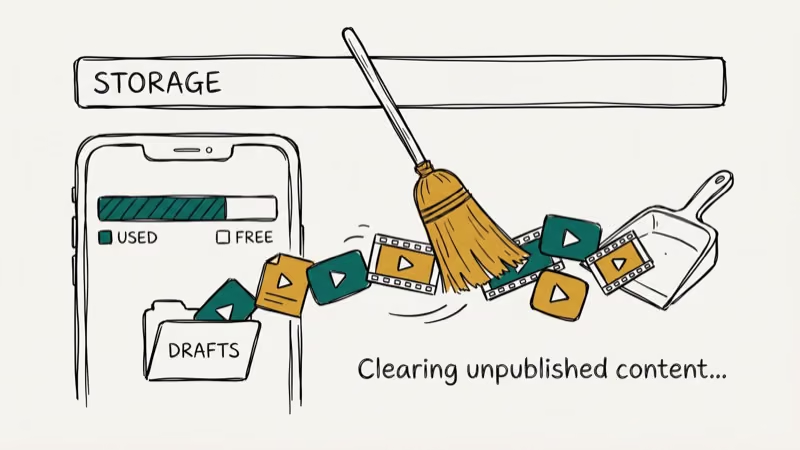
The fastest way to clear all drafts at once is to uninstall and reinstall TikTok. Any drafts that weren’t synced to the cloud disappear permanently after reinstalling, so this approach works well if you want a complete reset of your draft folder without picking through them individually.
To delete drafts selectively instead, tap Profile, open Drafts, select one, and choose Delete this draft.
Wondering why storage feels bloated even after removing videos? Our guide on why TikTok takes up so much storage breaks down cache and data management in detail.
#Should You Delete Your Account Instead?
For profiles with hundreds of videos, deleting the entire account removes everything at once: videos, followers, likes, comments. It’s the nuclear option, but it works when individual deletion isn’t practical. Keep in mind you’ll lose your username, so claim it again quickly after creating a new account if it matters to you.
Open TikTok, go to Profile, tap the three-line menu, and select Settings and Privacy. Choose Account, then Deactivate or Delete Account, and follow the prompts to select Delete Account Permanently.
TikTok provides a 30-day grace period. Log back in during those 30 days and tap Reactivate to recover everything. After that window closes, all data is permanently erased. According to PCMag’s guide to deleting social media accounts, the 30-day countdown starts from your deletion request, not from your last login.
Before going nuclear, download your TikTok videos to save your best content. You might also try unfollowing everyone on TikTok as a less drastic alternative.
#Risks of Mass Video Deletion
Removing videos isn’t just cleanup. There are real consequences worth weighing.
Algorithm impact. TikTok’s recommendation engine uses your posting history to distribute content. Removing high-performing videos can reset the algorithm’s understanding of your niche, so new uploads may get less initial context until TikTok relearns what your account is about.
Lost social proof. Videos with thousands of likes serve as credibility markers for your profile. Those engagement numbers vanish permanently once the video is gone, and there’s no way to restore them.
No undo. Unlike Instagram’s archive feature, TikTok deletion is final. There’s no hidden recycle bin or 30-day recovery window for individual videos.
One bad mass-delete decision can create more cleanup work than selective removal. According to a TikTok platform overview, short-form videos are the platform’s core content unit. If your concern is a single embarrassing video rather than the whole library, check how to delete videos on TikTok for selective removal.
#Backing Up Videos Before Deletion
Before removing anything, download copies of videos you might want later.
Open the video, tap the three-dot menu, and select Save Video. This saves a watermarked copy to your camera roll. For watermark-free copies, request your full data archive from Settings and Privacy > Account > Download Your Data, which TikTok delivers within 3 days as a ZIP file.
If someone else is misusing your content, how to block someone on TikTok covers your options for protecting your profile.
#Bottom Line
TikTok doesn’t offer a one-tap delete-all button. For profiles with fewer than 100 videos, use Select Multiple in batches of 20 to clear your profile in under 5 minutes. For massive libraries where keeping the account isn’t a priority, deleting the entire account and starting fresh after the 30-day grace period is the fastest approach. Back up anything valuable first, because TikTok deletion is irreversible once confirmed.
TikTok Tips & Tricks
#Frequently Asked Questions
Can you select all TikTok videos and delete them at once?
No. TikTok doesn’t have a “select all” option. Use Select Multiple to handle up to 20 per batch.
Does deleting a TikTok video remove it from other people’s phones?
Yes, the video disappears from the For You page, search results, and shared links. However, if someone screen-recorded or downloaded it through a third-party tool before you deleted, that copy still exists on their device.
How long does TikTok keep deleted videos on its servers?
Deleted content disappears from public view immediately but may stay on TikTok’s servers for up to 90 days.
Will deleting all my videos affect my follower count?
Not directly, but followers who found you through specific viral videos may unfollow after noticing the content is gone.
Can you recover a TikTok video after deleting it?
No. Deletion is permanent once confirmed. The only recovery option is a copy you downloaded to your device or saved to cloud storage before deleting.
Is there a third-party tool that can bulk-delete TikTok videos?
Some browser extensions claim to offer bulk deletion, but unauthorized tools violate TikTok’s terms of service and risk account suspension. The official Select Multiple feature is the safest batch deletion method available.
How to Block TikTok on iPhone and Android: Parent Guide
Block or limit TikTok on your child's iPhone or Android using Screen Time, Family Link, and router settings. Step-by-step parental control guide.
TikTok Parental Controls: Setup Guide for Families
Set up TikTok parental controls using Family Pairing, Restricted Mode, and privacy settings. Step-by-step guide to protect your child on TikTok.
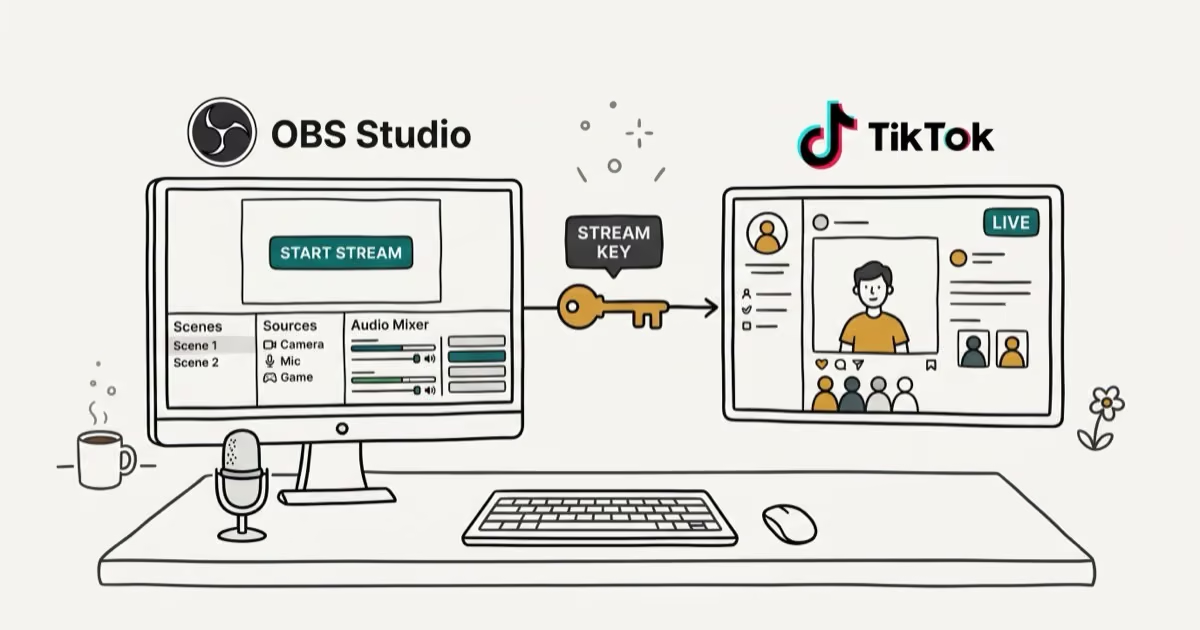
How to Get a TikTok Stream Key for OBS and Streamlabs
Get a TikTok stream key to broadcast from OBS or Streamlabs. Covers the 1,000-follower requirement, CarterPulse application, and OBS setup steps.

How to Make a Joint TikTok Account With Friends (2026)
Set up and manage a joint TikTok account with friends. Covers shared login setup, content planning, security tips, and the Collaboration Post alternative.