How to Backup WhatsApp Messages From iPhone to OnePlus
Learn how to backup WhatsApp messages from iPhone to OnePlus with email export and iCareFone Transfer, plus key limits before moving chats safely.
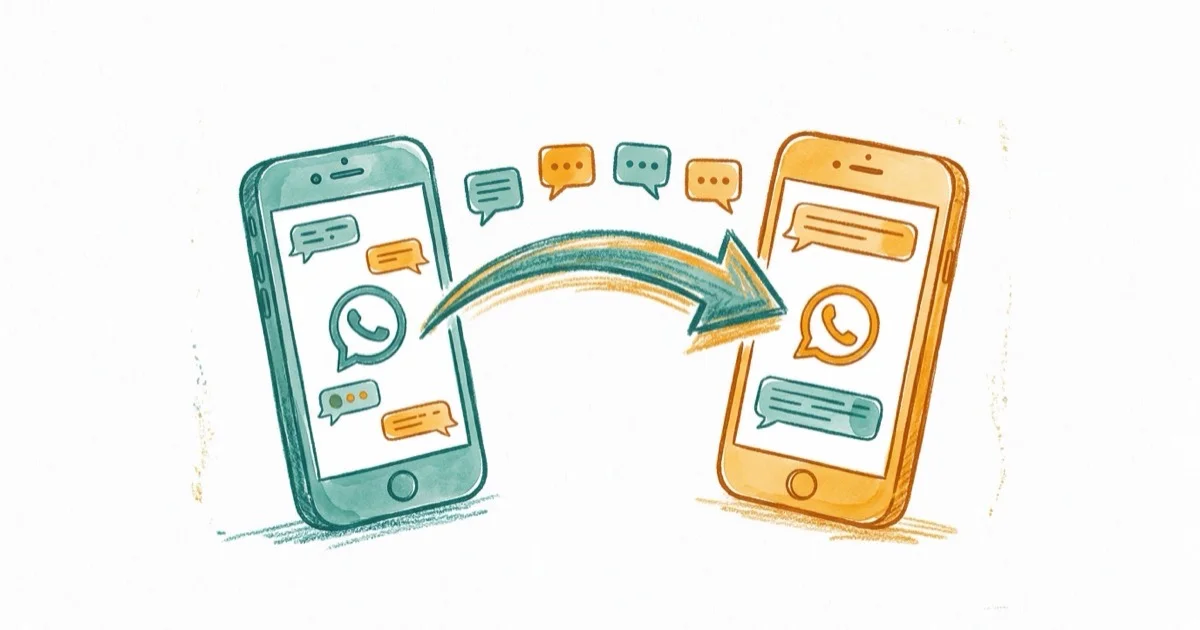
Quick AnswerYou can transfer WhatsApp messages from iPhone to OnePlus using the email export feature built into WhatsApp or a desktop tool like iCareFone Transfer that moves entire chat histories across platforms.
Switching from an iPhone to a OnePlus phone means you’ll probably want your WhatsApp chats to come along. The catch is that WhatsApp doesn’t offer a native cross-platform transfer option, so you can’t just restore an iCloud backup on an Android device.
- WhatsApp’s official backup only works within the same OS (iCloud for iPhone, Google Drive for Android)
- Email export lets you read old chats but won’t restore them into WhatsApp on OnePlus
- iCareFone Transfer handles full chat migration between iPhone and Android with media
- Apple’s iCloud backups aren’t compatible with Android, so third-party tools fill the gap
- Verify your OnePlus phone number matches your WhatsApp account before starting
#iCloud and iTunes Won’t Transfer WhatsApp to OnePlus
Short answer: no. WhatsApp’s support page confirms that backups are platform-locked, affecting over 2 billion users. iCloud backups only restore to another iPhone, and Google Drive backups only restore to another Android phone.
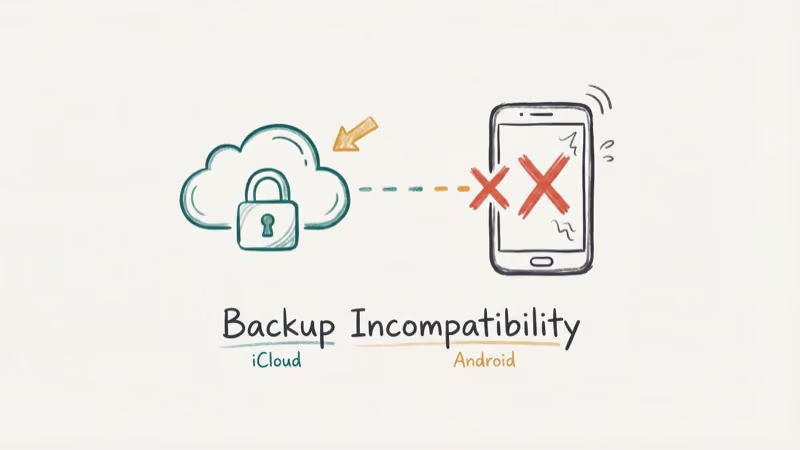
Apple’s built-in backup tools create full device backups, but Android devices can’t read those formats. An iCloud WhatsApp backup won’t appear as a restorable Android backup during WhatsApp setup.
If you’re moving from iPhone to OnePlus, you’ll need one of two workarounds.
#Email Export: The Free Method
WhatsApp’s built-in email export lets you send individual conversations to any email address. It’s useful if you only need a handful of important chats saved as readable archives.
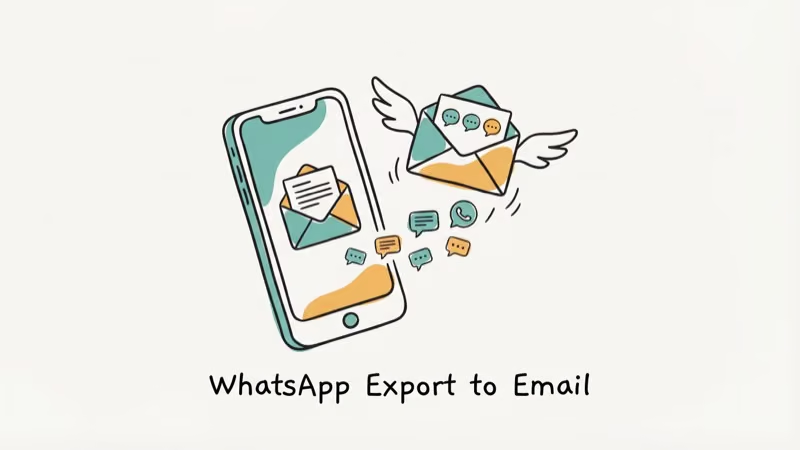
Here’s how:
- Open WhatsApp on your iPhone, tap the conversation, then tap the contact name.
- Tap Export Chat and choose to attach media or send text only.
- Pick your email app and send to an address accessible on your OnePlus.
- Open that email on your OnePlus to view the exported chat.
The exported file arrives as a .txt file (or .zip with media). You can read everything, but there’s no way to import these messages back into WhatsApp on your new phone.
#How Does iCareFone Transfer Handle Full Migration?
For a complete transfer that restores chats inside WhatsApp on your OnePlus, iCareFone Transfer is a desktop app built for cross-platform WhatsApp migration. According to Tenorshare’s documentation, it supports a wide range of Android device models.
Some links on this page are affiliate links, which means fone.tips may earn a commission at no extra cost to you.
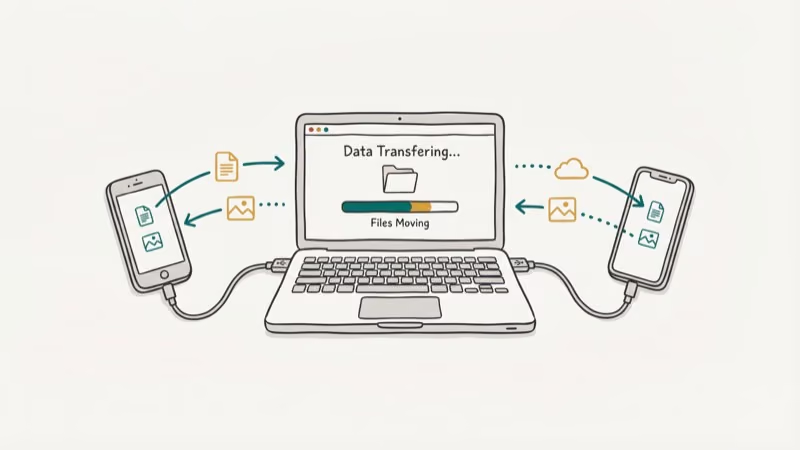
Here’s the process:
- Download and install iCareFone Transfer, then connect both devices via USB.
- Confirm iPhone shows as “Source” and OnePlus as “Destination.”
- Click Transfer and wait for the migration to finish.
Large WhatsApp backups with photos and videos can take longer to transfer. After the migration finishes, open WhatsApp on your OnePlus to find your full chat history and media.
#What Happens to Your Old iPhone WhatsApp After Transfer?
Once you verify your phone number on the OnePlus, WhatsApp deactivates the iPhone session automatically. You can’t run the same account on two phones at once. However, you can still link up to 4 companion devices (like WhatsApp Web or a tablet) to the OnePlus account.
If you want to keep a backup on the iPhone side, do an iCloud backup before starting the transfer. That way you’ll have a safety net in case anything goes wrong.
#Choosing Between Email Export and iCareFone Transfer
It comes down to your needs. Email works for archiving a few conversations. The desktop tool is the only option if you want full chat history restored inside WhatsApp on the new phone.
| Feature | Email Export | iCareFone Transfer |
|---|---|---|
| Cost | Free | Paid |
| Transfers media | Optional (limited) | Yes (full) |
| Restores into WhatsApp | No | Yes |
| Handles bulk chats | One at a time | All at once |
| Requires computer | No | Yes |
#Tips Before You Start the Transfer
As Apple’s support documentation confirms, there’s no official method to move app-specific data like WhatsApp chats between iPhone and Android. WhatsApp’s FAQ states that chat history transfer between iOS and Android requires a third-party tool, and Apple’s Move to iOS feature only handles the reverse direction (Android to iPhone) with a 2 GB transfer limit per session.
Make sure your OnePlus is charged to at least 50% and both devices stay connected throughout the transfer. Disconnecting mid-transfer can corrupt the backup file.
Need to export WhatsApp chat logs? The email method doubles as a quick archival tool. For WhatsApp backup extractor options, dedicated tools can pull data from iCloud or Google Drive backups.
Our guide on Samsung Smart Switch taking long time covers broader migration issues, and you can learn how to recover contacts after factory reset on Android if anything goes wrong.
#Bottom Line
Moving WhatsApp messages from iPhone to OnePlus isn’t hard once you know your options. The email export method is free and works for saving individual conversations as text archives.
For a full migration where chats appear inside WhatsApp on your OnePlus, iCareFone Transfer bridges the cross-platform gap. Try the email method first for a few important chats, then use iCareFone Transfer if you need everything restored and searchable in the app. Also consider backing up WhatsApp messages on Samsung devices if you use multiple Android phones.
#Frequently Asked Questions
Can I transfer WhatsApp messages from iPhone to OnePlus without a computer?
Only with the email method. Email export sends chats to your inbox without needing a computer, but those messages won’t import back into WhatsApp. A full transfer requires a desktop tool.
Will my WhatsApp media files transfer to the OnePlus?
It depends on which method you pick. Email export can include media, but file size limits often cut off larger videos and WhatsApp caps each export at 40,000 messages per conversation. iCareFone Transfer moves everything without restrictions, including photos, videos, voice messages, documents, and stickers, preserving the original timestamps and file quality across the entire transfer from your iPhone to OnePlus.
Do I need to install WhatsApp on my OnePlus before transferring?
Yes. Install WhatsApp on the OnePlus and finish phone verification before starting any transfer.
Can I keep WhatsApp active on both my iPhone and OnePlus after the transfer?
No. WhatsApp allows only one phone per account. Verifying your number on the OnePlus deactivates the iPhone session automatically, though you can still link up to 4 companion devices like WhatsApp Web or a tablet to the active account on your OnePlus.
How long does the WhatsApp transfer process take?
It depends on backup size. Text-heavy backups usually finish faster, while media-heavy backups with photos, videos, and voice messages can take longer.
Is it safe to use third-party tools for WhatsApp transfer?
Reputable tools like iCareFone Transfer process data locally on your computer rather than uploading it to external servers. According to Tenorshare’s privacy policy, they don’t collect, store, or access any of your WhatsApp messages during the transfer.

Mac mini M6 vs M5 Pro: Which Model Should You Buy?
Mac mini M6 vs M5 Pro compared on price, memory, ports, displays, and real workloads. Find the better 2026 Mac mini for your desk and budget.

Apple Siri Settlement: Who Qualifies and How to Claim
Apple's $250 million Siri settlement covers iPhone 15 Pro and iPhone 16 models bought June 2024 to March 2025. See who qualifies and how claims work.

iOS 26.6.1 Security Update: What Apple Fixed and Who Gets It
Apple released iOS 26.6.1 on August 17 with 29 security fixes, including an IPSec interception bug. See what it patches, who gets it, and how to update.

iPhone Adaptive Power: How It Works and When to Use It
Learn how iPhone Adaptive Power works, which models support it, what it changes, and when Low Power Mode is still the better battery-saving choice.