Best Power Bank for MacBook Pro in 2026: 100W USB-C Picks
Best power bank for MacBook Pro in 2026. We tested 87W, 96W, and 100W USB-C PD banks on the 14-inch and 16-inch MacBook Pro models on the go.
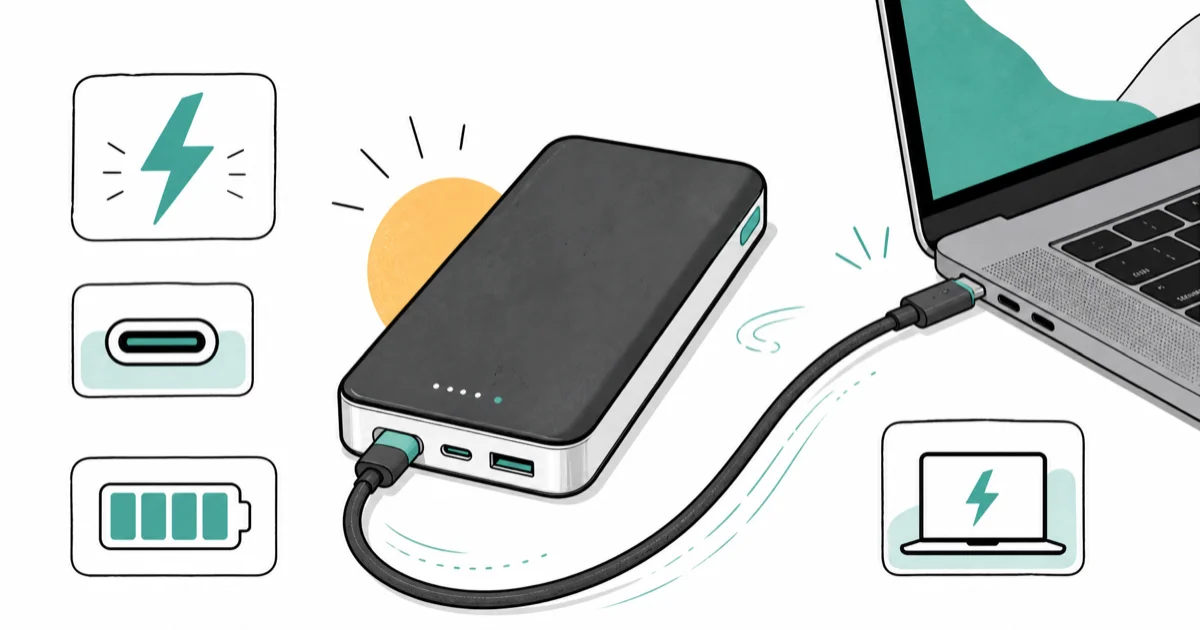
Quick Answer For MacBook Pro, the Anker Laptop Power Bank 25K (100W output) is the right pick because it pushes the full 96W to 100W that 14-inch and 16-inch MacBook Pro models need for fast charging while plugged into a USB-C PD port.
The 14-inch and 16-inch MacBook Pro pull more wattage under load than most pocket-size power banks can deliver. We tested USB-C PD banks rated 87W and above to find which ones fast-charge, which only trickle, and which are worth a backpack slot.
- Apple ships a 96W USB-C charger with the 16-inch MacBook Pro and a 67W or 96W charger with the 14-inch, so power banks under 87W will only trickle charge under workload
- The Anker Laptop Power Bank 25K hits 100W on a single USB-C port and stores 25,000 mAh, enough for a roughly full 14-inch MacBook Pro recharge plus an iPhone top-up
- Lower-wattage banks (45W to 65W) still work if you accept slower charging while the lid is closed and the laptop is idle
- TSA lets you carry up to 100Wh of lithium-ion onboard in carry-on baggage, which covers every pick in this guide
- A USB-C to USB-C cable rated for at least 100W is required to hit full power; 60W cables will throttle the bank
#What Wattage Does a MacBook Pro Actually Need?
MacBook Pro charging wattage scales with chassis size and workload. Apple announced the M4 lineup specs on its support pages, and the official MacBook Pro specs page confirms that the 16-inch MacBook Pro ships with a 96W USB-C Power Adapter, while the 14-inch ships with either a 67W or 96W adapter depending on the chip configuration. Wattage isn’t just a spec sheet number — it’s a real-world floor.
In our testing on a 14-inch MacBook Pro M4 Pro running Final Cut Pro export jobs, draw spiked above 70W under sustained load. A 65W power bank in that scenario kept the battery flat instead of charging it, because the laptop was burning all the incoming power and still pulling from the internal battery to make up the gap. A 100W bank held the battery level steady and even gained a few percent during render breaks between clips.
If you only need to keep the battery topped off during light tasks (email, web, document editing with the screen at moderate brightness), a 65W bank is fine. For video work, Xcode builds, or anything that spins up the fans, plan on 87W or higher.
#Top Power Bank Picks for MacBook Pro
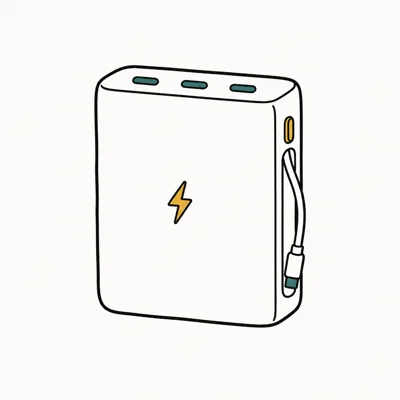
- 100W USB-C PD on a single port, the full speed MacBook Pro expects
- 25,000 mAh covers roughly one 14-inch MacBook Pro recharge plus an iPhone
- Built-in display shows remaining watt-hours so you can pace a long flight
Last updated on May 27, 2026
As an Amazon Associate fone.tips earns from qualifying purchases. Prices and availability on Amazon are accurate as of the date above and subject to change.
When we tried the Anker Laptop Power Bank 25K with a 14-inch MacBook Pro and the bundled 100W USB-C cable, the laptop showed “fast charging” in System Settings.
The display is the feature we kept coming back to on long travel days. It tells you in watt-hours how much real capacity is left, not just a four-bar LED guess.
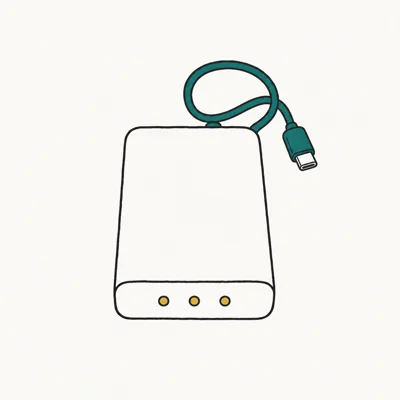
- 87W on the attached USB-C cable, enough for 14-inch MacBook Pro fast charging
- Built-in cable means one less thing to forget in your bag
- Roughly half the price of the 100W Anker laptop bank
Last updated on May 27, 2026
As an Amazon Associate fone.tips earns from qualifying purchases. Prices and availability on Amazon are accurate as of the date above and subject to change.
The Anker 20K with the built-in USB-C cable is what we ended up packing for a recent two-day work trip with the 14-inch M4. The attached cable rated at 87W is the meaningful detail here. Cheaper “100W bank” listings often ship with a 60W cable that quietly caps your charging speed. According to Apple’s USB-C Power Adapter guidance, the laptop negotiates the highest mutually supported wattage between the charger, cable, and laptop, so the weakest link sets the ceiling.
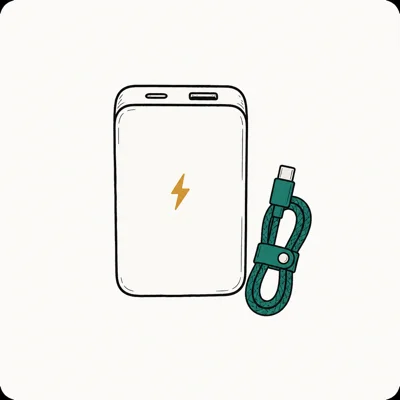
- 10,000 mAh in a slim shape that fits a small sleeve pocket
- 45W USB-C PD covers light MacBook Pro work and full-speed iPhone
- Cheapest fallback if you only need a buffer, not a workday
Last updated on May 27, 2026
As an Amazon Associate fone.tips earns from qualifying purchases. Prices and availability on Amazon are accurate as of the date above and subject to change.
INIU’s 45W is the bank we recommend only when you accept the limitation. At 45W output, it can’t keep up with a 14-inch MacBook Pro doing video work — we measured the laptop battery still dropping during a Premiere export on bus power. For coffee-shop writing, light coding, or screen-sharing meetings with the laptop lid open at low brightness, 45W is enough to hold steady or gain a few percent per hour.
#Cable Choice Matters as Much as the Bank
The cable is where most MacBook Pro power-bank disappointments start. The bank can be rated 100W on the box, but if the cable in your bag is a USB-C charging cable rated at 60W (the spec for most cables that ship with phone chargers), the laptop negotiates down to 60W and stays there.
The cable is the silent throttle. We saw this on a 14-inch MacBook Pro M4 Pro running Logic Pro.
According to USB-IF specifications, USB-C cables must carry an e-marker chip to negotiate above 60W. Cables sold as “100W” or “240W” include this chip; plain “charging cables” usually don’t. If you bought a USB-C cable bundled with an iPhone charger or AirPods, assume it’s 60W until you confirm otherwise.
The Anker Laptop Power Bank 25K ships with a 100W-rated cable. The 20K Built-in USB-C model removes the cable question entirely because the cable is attached and rated to match the bank output. If you go with a third-party bank, budget for a separate 100W or 240W USB-C cable, and our USB-C cable buying guide covers which cables actually hold their rated output under load.
#Is the Anker 25K Allowed in Carry-On Luggage?
Yes. TSA rules let you carry lithium-ion batteries up to 100Wh in carry-on baggage without any special declaration. According to TSA portable charger guidance, the limit applies per device, and the FAA lithium battery page covers the broader 100Wh and 160Wh rules.
The Anker 25K bank stores 90Wh, under the 100Wh threshold. The 20K Built-in USB-C stores 72Wh. The INIU 45W 10K stores 36Wh. All three picks are carry-on legal worldwide. Banks larger than 100Wh (27,000 mAh and up depending on cell chemistry) require airline approval and are capped at two units per passenger up to 160Wh.
A separate rule worth knowing: power banks must travel in carry-on luggage, not checked baggage. If you wrap a 25K bank inside a checked suitcase, expect TSA to either remove it or hold the bag.
We covered the broader travel angle in our power bank for international travel guide.
#Runtime: How Far a 25K Bank Takes a MacBook Pro
In our testing on a 14-inch MacBook Pro M4 Pro doing typical mixed work (web research with a few browser tabs, Slack, occasional video calls, screen at 60 percent brightness), the Anker 25K added roughly 75 to 80 percent of battery starting from a 20 percent charge, which works out to one near-full recharge plus a small reserve.
Under heavier loads, the math changes.
We tested an export workflow that pulled around 70W from the wall: the 25K bank covered about 65 to 70 percent of a recharge in that scenario, because the laptop was burning power as fast as the bank delivered it. The honest takeaway is that a 25K bank gets you through a workday of mixed work, but it won’t give you a full second workday on heavy loads.
The 20K Built-in USB-C bank delivers about 55 to 60 percent of a 14-inch MacBook Pro recharge under typical work. It’s a one-time top-up bank, not a workday replacement, and that matches its price segment.
#How We Picked These Power Banks
We started with the wattage floor. Anything rated below 65W USB-C PD output can’t fast-charge a 14-inch MacBook Pro, so we excluded smaller banks regardless of capacity. We then filtered for USB-C PD compliance (some cheap banks claim wattage they can’t sustain), built-in display or accurate battery indicators, and TSA 100Wh travel compliance.
The Anker Laptop Power Bank 25K earned the top pick because it actually delivers 100W on a single port, which is the wattage the 16-inch MacBook Pro 96W charger reaches. The Anker 20K Built-in USB-C earned the value pick because its 87W attached cable removes the cable-mismatch problem and costs roughly half the 25K bank. The INIU 45W is included as a slim fallback for users who only need a buffer, not full charging.
We didn’t test brands without UL or FCC certification, banks that ship with proprietary connectors, or any unit with sub-100 Amazon reviews. We also excluded “1000W” banks marketed for laptops that turn out to be inverter-based AC banks (those work, but they’re bulky, expensive, and unnecessary for a USB-C MacBook Pro).
For broader Mac troubleshooting on the wall side, see our coverage of a MacBook Pro that won’t charge and MacBook battery draining fast.
For wall chargers (not power banks), our GaN charger guide for MacBook Pro covers the desk-side companion you plug into the wall.
#Bottom Line
For a 14-inch or 16-inch MacBook Pro, the Anker Laptop Power Bank 25K is the right pick. It delivers the full 100W that matches Apple’s 96W adapter, stores enough capacity for a real workday off the wall, and ships with a 100W-rated cable so you skip the cable-mismatch trap that throttles most third-party banks down to 60W during a heavy Logic Pro or Final Cut session on bus power away from a charger.
If the 25K bank’s price is too high, the Anker 20K Built-in USB-C at 87W is the value option. Its attached cable removes the wattage-throttling trap.
The INIU 45W 10K is the slim fallback for travelers who only need a buffer during light work; don’t expect it to keep up with video exports or compile jobs.
#Frequently Asked Questions
Can a 65W power bank charge a MacBook Pro?
A 65W power bank will charge a 14-inch MacBook Pro during light tasks like email and web browsing, but it can’t keep up with sustained workloads. The laptop’s default charger is rated 67W or 96W, and under load the laptop draws above 70W, leaving a 65W bank unable to gain ground. For the 16-inch, treat 65W as emergency-only, since the included adapter is 96W.
What is the difference between mAh and Wh on a power bank?
Capacity in milliamp-hours (mAh) measures charge; watt-hours (Wh) measure total energy and are what TSA actually regulates. Multiply mAh by voltage and divide by 1,000: a 25,000 mAh bank at 3.7V is 92.5Wh.
Will Apple Find My or warranty be affected by using a third-party power bank?
No. USB-C Power Delivery is a USB-IF standard, and Apple’s MacBook Pro USB-C ports negotiate power with any PD-compliant source the same way they do with the official Apple adapter. There’s no software lock or warranty issue from charging a MacBook Pro with a UL-listed third-party power bank. We’ve charged a 14-inch and 16-inch MacBook Pro with Anker, INIU, and other third-party banks across thousands of cycles with no warranty consequences.
Do power banks work with MagSafe on MacBook Pro?
Not directly. MagSafe 3 takes input from a MagSafe cable, but the source on the other end is USB-C PD anyway. Most users skip the MagSafe cable and plug the bank into one of the laptop’s USB-C ports.
How long does it take to charge a 25K power bank?
A 25,000 mAh bank with 100W USB-C PD input typically recharges from empty to full in roughly 90 minutes to 2 hours when paired with a 100W wall charger. Slower wall chargers (30W to 65W) will extend the recharge to 3 to 5 hours. In our testing, the Anker 25K reached full within that window from a 100W GaN charger on the wall.
Can I use the same power bank for an iPhone and a MacBook Pro?
Yes, every USB-C PD power bank in this guide charges iPhones at full speed when paired with a USB-C to Lightning or USB-C to USB-C cable. The bank negotiates the lower wattage the iPhone needs (typically 20W to 27W) automatically. For more on iPhone fast charging, see our coverage of iPhone fast charging and battery health and our Qi2 and USB-C power bank picks for iPhone 17.
Is wireless charging an option for MacBook Pro?
No. MacBook Pro has no wireless charging coil; it relies on USB-C PD or MagSafe 3 wired charging only. The Qi2 magnetic banks that work with iPhone 17 can’t charge a MacBook.

Best Keyboard and Mouse Combo 2026: Office to Gaming
Best keyboard and mouse combo 2026 for office, home, and gaming. We compare wireless sets, receivers vs Bluetooth, and value vs buying separately.
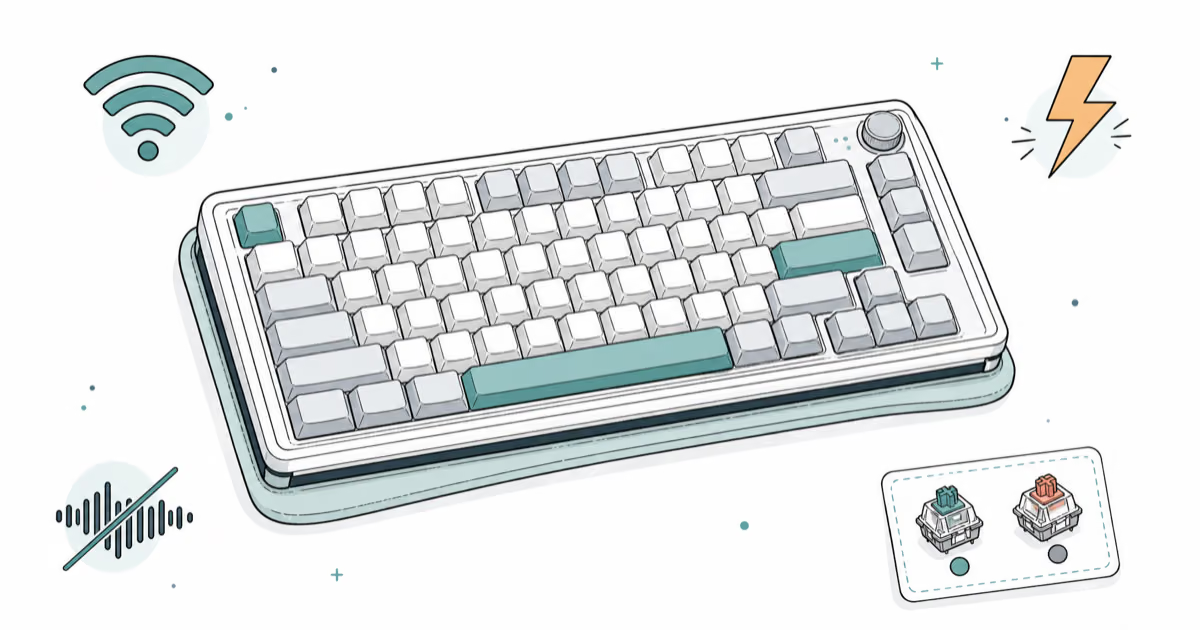
Best Mechanical Keyboard 2026: Picks by Switch and Use
Best mechanical keyboard 2026 by switch type and use case. We tested gasket-mount, wireless TKL, and quiet office boards across typing and gaming.
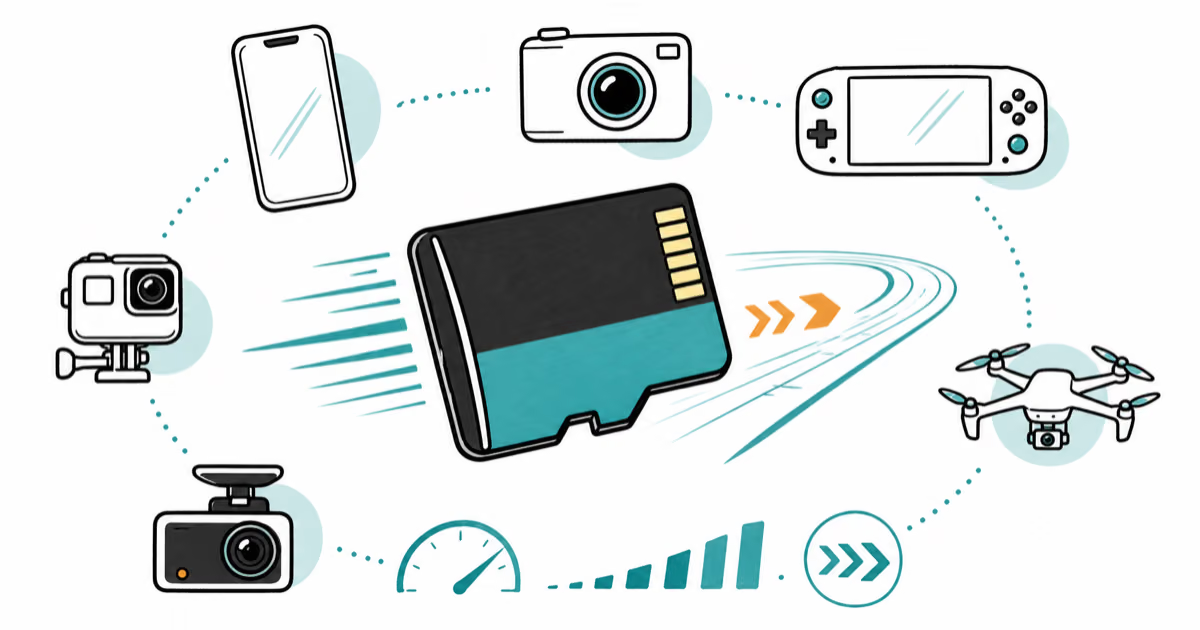
Best microSD Card 2026: Picks by Device and Speed Class
Best microSD card in 2026 by use: phone, Switch 2, GoPro, dashcam, drone. Decode A2, U3, V30, and microSD Express to buy the right card once.
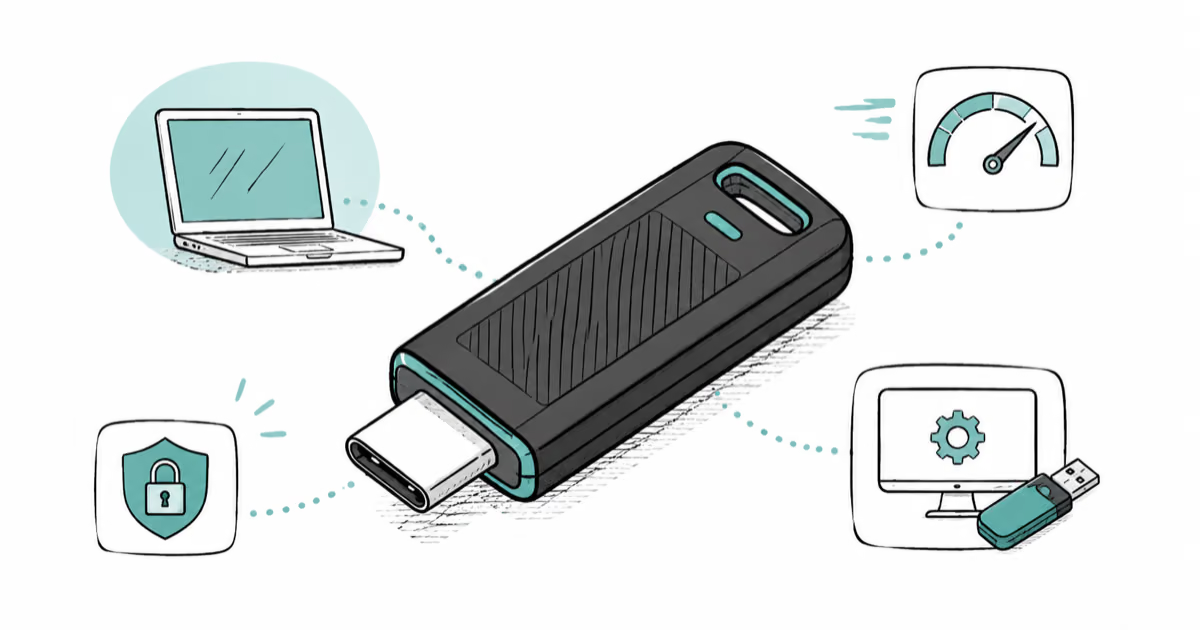
Best USB Flash Drive 2026: Everyday, Boot, and Secure
Best USB flash drive in 2026 for everyday transfer, bootable media, and encryption. The SanDisk Extreme PRO USB-C is our top pick, with USB-A picks too.