Best Portable Monitor for Nintendo Switch in 2026: 4 Picks
Compare 4 USB-C portable monitors for the Nintendo Switch against the dock, judged on HDMI input, weight, screen size, and travel-kit fit for play.
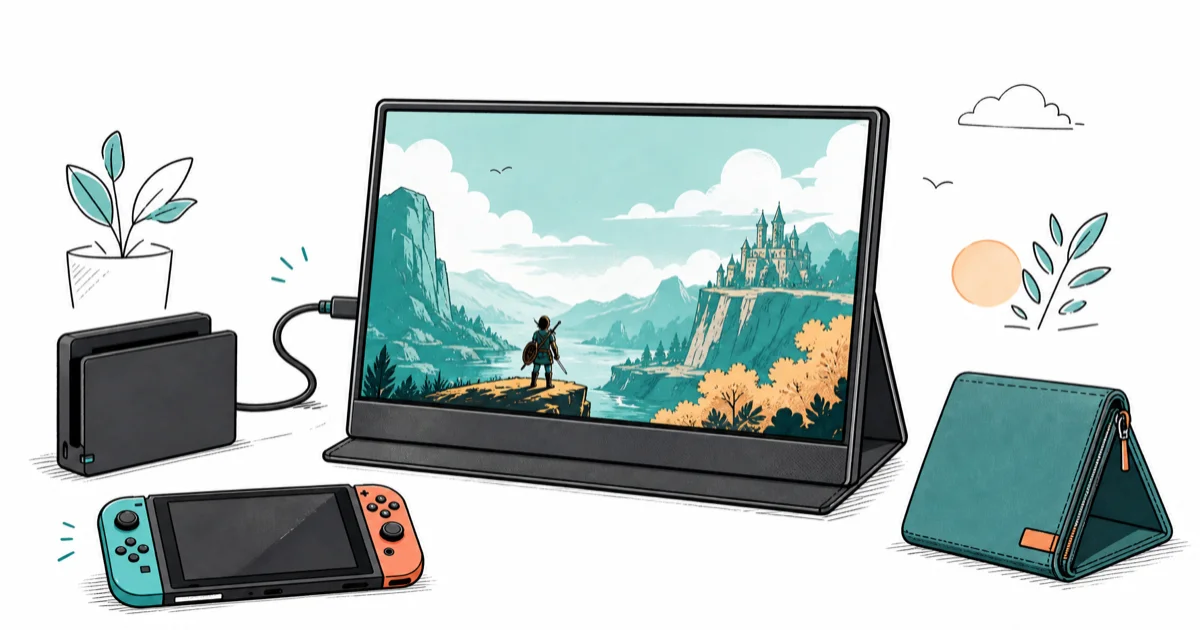
Quick AnswerThe ASUS ZenScreen MB16ACE is the best portable monitor for the Switch because Mini-HDMI input takes the dock signal directly at 1080p with no USB-C dongle.
Most portable monitor roundups skip the one detail that matters for a Switch: whether the panel has an HDMI input that the dock can feed directly. This guide compares four 15-inch class displays by HDMI input, USB-C power options, speaker setup, and travel weight.
- A Switch dock outputs over HDMI, so the panel needs Mini-HDMI input or an HDMI-to-USB-C bridge to display the picture
- A 15.6-inch 1080p IPS matches the Switch’s native docked output, so you see every pixel the console renders
- Built-in stereo speakers cut a separate Bluetooth speaker from the hotel-room gaming kit
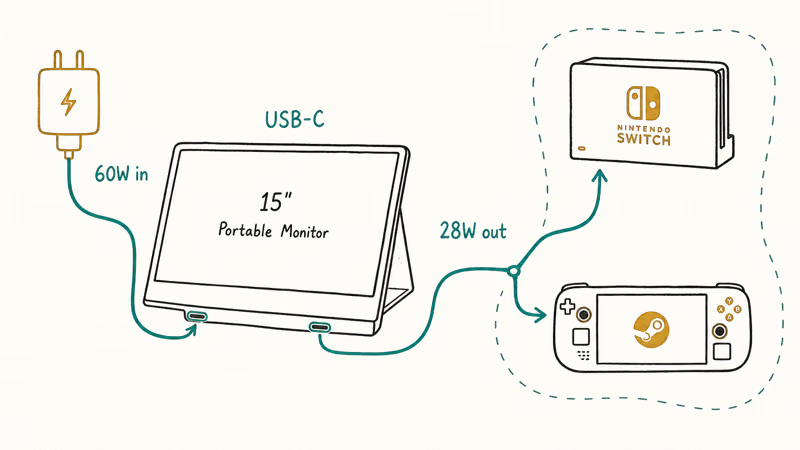
- A monitor that delivers 60W two-way USB-C can power the Switch dock from its own port, dropping one wall plug
- Touch panels add weight and cost without helping with Switch gameplay, since the console reads its own touchscreen only in handheld mode
#Why Pick a Portable Monitor for the Nintendo Switch?
A Switch ships with a dock that outputs HDMI to a TV at 1080p 60Hz. On the road, hotel TVs lack HDMI cables, sit on stuck CEC settings, or face away from the bed. According to Nintendo’s official Switch setup guide, the standard dock requires an HDMI cable to drive an external display at 1920x1080. That sentence dictates the entire shopping list: HDMI input or a verified USB-C alt-mode bridge is non-negotiable.
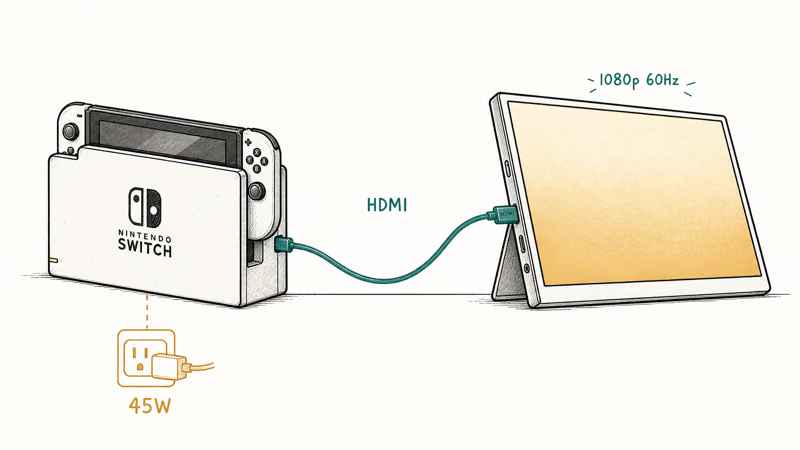
Cable rating also matters. A passive Mini-HDMI to HDMI cable carries 1080p 60Hz with no handshake issue. For more on which travel cables carry both power and video, our best USB4 cable for external SSD ranks the broader 40Gbps category.
#Best Portable Monitor for Nintendo Switch: ASUS ZenScreen MB16ACE
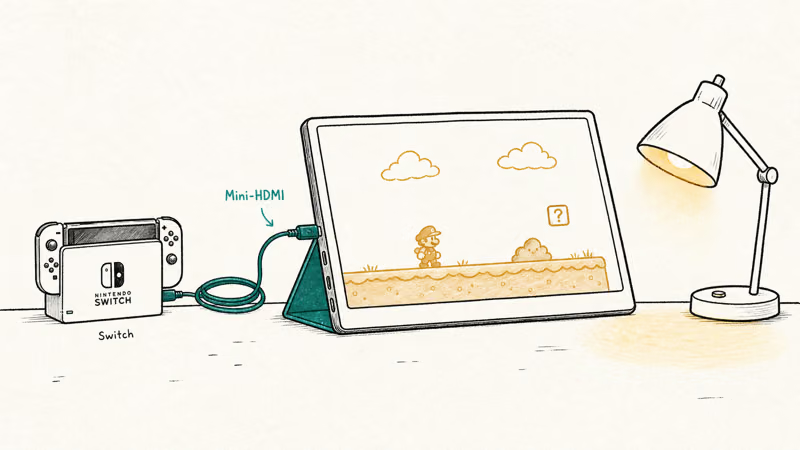
ASUS ZenScreen MB16ACE wins because it pairs a Mini-HDMI input with a 1.7-pound chassis and a fold-out smart cover. Plug the Switch dock’s HDMI into the Mini-HDMI port, and the panel can take the dock’s 1080p signal without a USB-C video bridge.
- Supports DisplayPort Alt Mode for modern laptops
- 1.7 lb chassis with a smart cover that doubles as a kickstand
- Mini-HDMI fallback covers older laptops without USB-C video out
Last updated on May 26, 2026
As an Amazon Associate fone.tips earns from qualifying purchases. Prices and availability on Amazon are accurate as of the date above and subject to change.
The ZenScreen can run a Switch dock over Mini-HDMI while a 45W wall plug powers the dock. The MB16ACE has no built-in speakers, so plan to use the Switch’s 3.5mm headphone jack or a small Bluetooth speaker for game audio. If you want the broader laptop-display picture, our best portable monitor for MacBook Pro covers the same panel for office work.
One caveat for audio. Dock-fed HDMI carries Switch game audio to the monitor’s HDMI signal, but the MB16ACE has no speakers.
#Best Value Switch Monitor: ViewSonic VG1655
ViewSonic VG1655 is the budget pick that doesn’t drop a feature Switch travelers use. Its Mini-HDMI plus dual USB-C inputs cover both the official dock and most third-party USB-C docks, and the built-in speakers spare you from carrying a separate audio device.
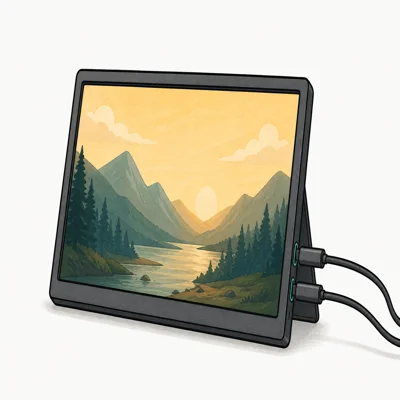
- Two USB-C ports support separate video and power paths
- 60W two-way USB-C means the monitor can also charge a low-power laptop
- Includes Mini-HDMI plus a 3-year limited warranty on parts and labor
Last updated on May 26, 2026
As an Amazon Associate fone.tips earns from qualifying purchases. Prices and availability on Amazon are accurate as of the date above and subject to change.
The hidden win is the 60W two-way USB-C: it can pass power to low-power USB-C devices and simplify a travel dock setup. Panel brightness is rated around 250 nits, which can fade next to a sunlit hotel window — close the curtains if you set up by day.
Built-in stereo speakers handle Switch game audio without a separate Bluetooth speaker. Quality is thin but adequate for Mario Kart effects and game alerts.
#Lightest Travel Pick: Lenovo ThinkVision M14
The ThinkVision M14 drops to 1.3 pounds and the integrated kickstand stands at two angles without a sleeve cover. It’s USB-C only, which limits its Switch story: the standard Nintendo dock doesn’t drive it directly because the dock outputs HDMI, not USB-C DisplayPort.
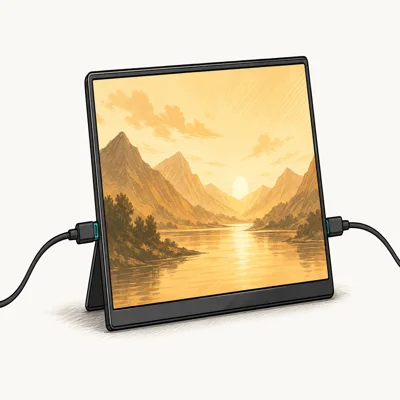
- Drops to 1.3 lb so it disappears in a daypack on long travel days
- Daisy-chain over USB-C frees a Thunderbolt port on single-port laptops
- Two-angle integrated kickstand sets up faster than a sleeve-style cover
Last updated on May 26, 2026
As an Amazon Associate fone.tips earns from qualifying purchases. Prices and availability on Amazon are accurate as of the date above and subject to change.
Pick the ThinkVision M14 only if you also need a USB-C monitor for a ThinkPad or MacBook on the same trip. To run it with a Switch you would add a small HDMI-to-USB-C signal converter, and that link is the bottleneck. For Switch-only travel, the MB16ACE costs about the same and brings the Mini-HDMI port you actually need.
Bottom line on the M14: laptop-first, Switch-second.
#Touch and Premium Pick: espresso Display 15 Touch
espresso Display 15 Touch is the polished outlier. Its near-100% sRGB panel runs accurate color on macOS, the aluminum chassis matches a MacBook Pro, and the USB-C connection is solid. For the Switch it offers no advantage: the console outputs HDMI from the dock and ignores touch input from any external panel.
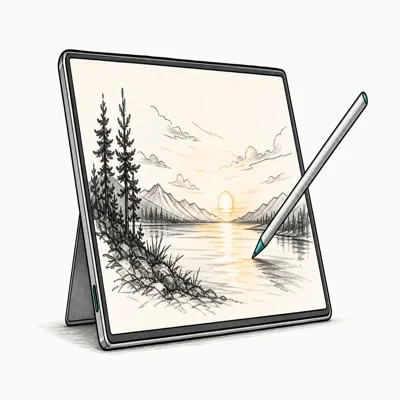
- Supports macOS color profiles for Mac-side color work
- Touch input handled spot edits in Lightroom and Procreate Dreams cleanly
- Aluminium chassis pairs visually with MacBook Pro for client-facing review
Last updated on May 26, 2026
As an Amazon Associate fone.tips earns from qualifying purchases. Prices and availability on Amazon are accurate as of the date above and subject to change.
Buy the espresso Display only if Switch gaming is a secondary use and you also push photo or sketch work through the same panel on the same trip. For Switch-first travel, the ZenScreen or ViewSonic costs less and brings the HDMI input the Switch dock requires.
Premium-first, gaming-second.
#How Do You Connect a Switch to a Portable Monitor?
The simplest route is the official dock. Slot the Switch in, run HDMI to the monitor’s Mini-HDMI, and power the dock from a 45W wall plug.
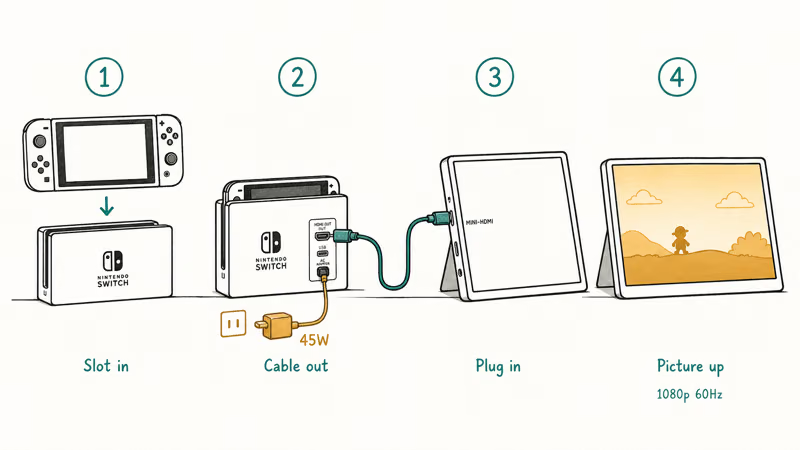
Dockless travel works through third-party USB-C docks like the Genki Covert Dock or Hori Compact Playstand. Nintendo’s licensing policy page states that only Nintendo-licensed third-party docks carry the official compatibility seal, and unlicensed docks have bricked Switch consoles on older 8.0 firmware. Stay with Nintendo or licensed Genki-class hardware.
If the monitor stays dark, the most common cause is the Mini-HDMI cable. Cheap 4-in-1 hubs and unrated cables drop the HDCP handshake the Switch needs for video output. Unrated Mini-HDMI cables under $10 are more likely to fail that handshake, especially on the first plug-in. Swap to a known-good cable before troubleshooting the dock or monitor.
Cable choice matters as much as panel choice.
For Switch users who also game on Steam Deck or a Chromebook, the broader best portable monitor for laptop roundup ranks the laptop-display category.
Our best USB-C cable for fast charging on Samsung ranks cables that survive daily travel, and the input not supported on monitor guide walks the resolution-mismatch fix when a Switch dock locks to 1080p.
#Bottom Line
For most Switch travelers, ASUS ZenScreen MB16ACE is the right buy. It pairs a Mini-HDMI input with a 1.7-pound chassis and a smart-cover stand, so the dock plugs straight in and the panel folds flat into a backpack. At about $200, it matches the dock’s 1080p output without paying for features the console can’t use.
If audio matters or you also carry a Chromebook, jump to ViewSonic VG1655. It bundles built-in speakers, a Mini-HDMI port, and a 60W two-way USB-C port that can power a third-party dock on the same cable. ThinkVision M14 and espresso Display 15 Touch are right only when Switch use is secondary to laptop work on the same trip, since neither has the Mini-HDMI port the official dock needs.
#Frequently Asked Questions
Does the Nintendo Switch work with any portable monitor?
A Switch dock outputs over HDMI, so the panel needs Mini-HDMI or full-size HDMI input, or a verified HDMI-to-USB-C bridge. USB-C-only panels don’t accept the dock signal directly.
Can a portable monitor power the Switch dock?
Yes, with a caveat. A monitor with 60W two-way USB-C, like ViewSonic VG1655, can feed power back to a paired USB-C device, but the Switch dock still prefers its own charger. The dock prefers a 45W wall plug for reliable boot, and pulling power from the monitor can cause occasional handshake failures on cold start. Bring the official 45W charger as a safety margin.
What size portable monitor is best for the Switch?
A 15.6-inch 1080p panel matches the Switch’s native docked resolution. Pick 15.6 inches for living-room replacement and 14 inches for ultra-light travel.
Do I need a special HDMI cable for the Switch dock?
Any standard Mini-HDMI to HDMI cable rated for 1080p 60Hz works.
Will a portable monitor work with the Switch in handheld mode?
A bare handheld Switch doesn’t output video from the console’s USB-C port without the dock. A few licensed third-party docks fit in a smaller footprint and still output HDMI; pair them with a Mini-HDMI portable monitor. There’s no clean way to drive a portable monitor from a stock handheld Switch.
Are touch portable monitors useful for Switch games?
Touch panels add weight and cost, and the Switch ignores external touch input. The console reads its own touchscreen only in handheld mode. Buy a touch panel only if the Switch is a secondary use behind sketching or color work on the same monitor.
How do I clean a portable monitor screen after gaming?
Use a microfiber cloth dampened with water or a 70% isopropyl alcohol mix, the same approach Apple recommends for MacBook displays. Skip window cleaners and ammonia, which strip anti-glare coatings on portable IPS panels. Spray onto the cloth, never directly onto the panel, and let the surface fully air-dry before powering on. Avoid paper towels and tissue, which can leave fine scratches that ruin contrast over time on matte IPS coatings.

Pixel 11 vs Pixel 10: What Changed and Who Should Upgrade
Pixel 11 vs Pixel 10: same screen and camera resolution, new Tensor G6, 25W wireless, and Gemini Intelligence. Here is who should actually upgrade.

Best Power Bank for iPad in 2026: Pro, Air, and Mini
Best power bank for iPad in 2026. Compare mAh tiers and USB-C PD wattage for iPad Pro, Air, and mini, plus airline Wh math, cables, and travel tips.

Best Power Bank With Built-In Cable: Top 2026 Picks
Best power bank with built-in cable picks for 2026. Compare single USB-C, multi-connector, and retractable laptop banks, plus airline Wh math.

Best Apple Watch Band for Working Out: Proven Picks
The best Apple Watch band for working out handles sweat and stays put on your wrist. Compare silicone, nylon, and titanium picks for runs and lifts.