Best CPU for RTX 5070: Top Picks That Pair Well in 2026
The best CPUs for an RTX 5070 in 2026, from the Ryzen 7 7800X3D to the budget Ryzen 5 9600X. Pairing advice for clean 1440p with no bottleneck.
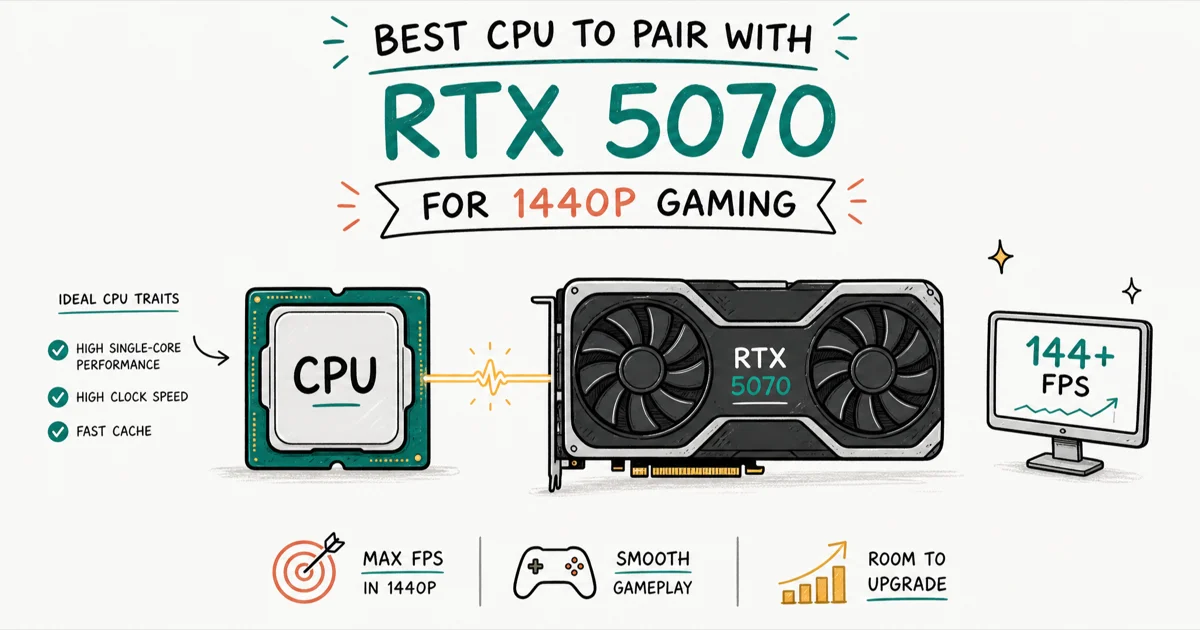
Quick AnswerThe Ryzen 7 7800X3D is the best all-round CPU for an RTX 5070, since its 3D V-Cache keeps the GPU fed at 1440p without overspending. The Ryzen 5 9600X is the smart budget pairing for most gamers.
The best CPU for an RTX 5070 keeps the GPU busy at 1440p without draining your budget. The right match is reassuring: a current mid-range CPU is enough for the card’s 1440p target.
- The RTX 5070 targets 1440p, where the GPU does most of the work and CPU choice matters less
- The Ryzen 7 7800X3D pairs cleanly with the 5070 and stays cool at a fixed ~120W draw
- The Ryzen 5 9600X is the value pick and keeps pace with the 5070 at 1440p
- A 650 to 750W power supply covers a 9600X or 7800X3D plus the 5070’s 250W TDP
- Spending more than the GPU itself on a CPU brings little extra at this resolution
#Five CPUs That Make Sense With the RTX 5070
A sensible RTX 5070 build starts with 32 GB of DDR5-6000 CL30 memory and a fast NVMe SSD, then chooses among AM5 and Intel desktop CPUs by budget and workload. The RTX 5070 has 12 GB of GDDR7 on a 192-bit bus and a 250W board power rating. On paper it targets 1440p high settings, and that target shapes every pairing choice.
CNET’s current graphics card guide states that GPU shopping should start with resolution target, power draw, and total platform cost, which is the right lens for this CPU shortlist.
| CPU | Cores / Threads | Platform | Where it fits |
|---|---|---|---|
| Ryzen 7 7800X3D | 8 / 16 | AM5 | Best all-round gaming |
| Ryzen 7 9800X3D | 8 / 16 | AM5 | Fastest, if you splurge |
| Ryzen 5 9600X | 6 / 12 | AM5 | Best value |
| Core i7-14700K | 20 / 28 | LGA1700 | Gaming plus creation |
| Core i5-14600K | 14 / 20 | LGA1700 | Balanced Intel pick |
That tells you the CPU’s job here is to stay out of the way, not to chase the triple-digit numbers a 1080p esports build wants.
If you’re still deciding on resolution and refresh rate, our guide to the best GPU for 1080p 144Hz explains why that target flips the CPU math, demanding far more from the processor than a 1440p build ever will.
#Does the CPU Bottleneck an RTX 5070 at 1440p?
Not in any way you’d feel.
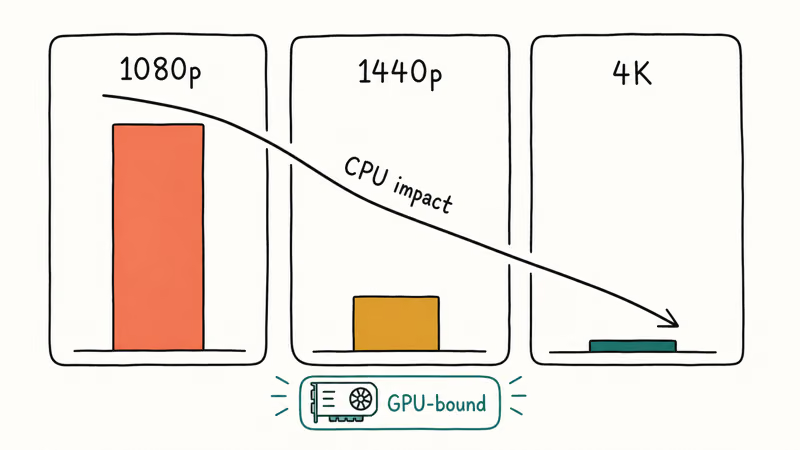
CPU impact shrinks as resolution climbs, because the GPU does more work per frame. A slow CPU costs real frames at 1080p, less at 1440p, and almost nothing at 4K. The 5070 lives at 1440p, so even a mid-range six-core chip keeps it fed.
At 1440p, the 7800X3D matters less because the 5070 hits its own ceiling first.
The same ceiling effect shows up in adjacent pairing guides: the best CPU for the RTX 3070 and best CPU for the RTX 3080 Ti both explain why 1440p shifts pressure back to the GPU. The 5070 behaves the same way. Choose for value, not fear of a bottleneck.
#Best Overall: AMD Ryzen 7 7800X3D
The Ryzen 7 7800X3D goes in most 5070 builds. Eight cores, sixteen threads, stacked 3D V-Cache, a fixed clock, and a cool ~120W draw.
- Outstanding gaming performance per dollar
- Runs cool and efficient for an X3D chip
- Drops into any AM5 board for an easy build
Last updated on Jun 30, 2026
As an Amazon Associate fone.tips earns from qualifying purchases. Prices and availability on Amazon are accurate as of the date above and subject to change.
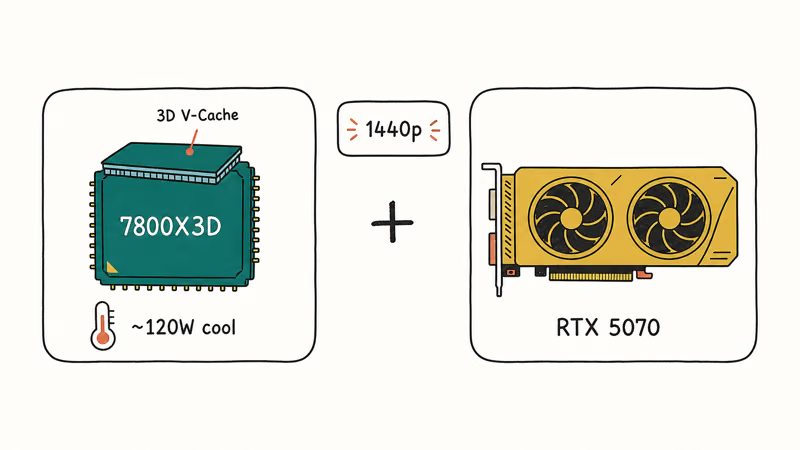
TechSpot’s 7800X3D versus 9800X3D review states that the 7800X3D remains the best value high-end AM5 gaming CPU on the market, with the pricier 9800X3D typically under 10% faster in everyday games.
Against a 5070 at 1440p, you get near-flagship gaming without the flagship price.
#Best Value: AMD Ryzen 5 9600X
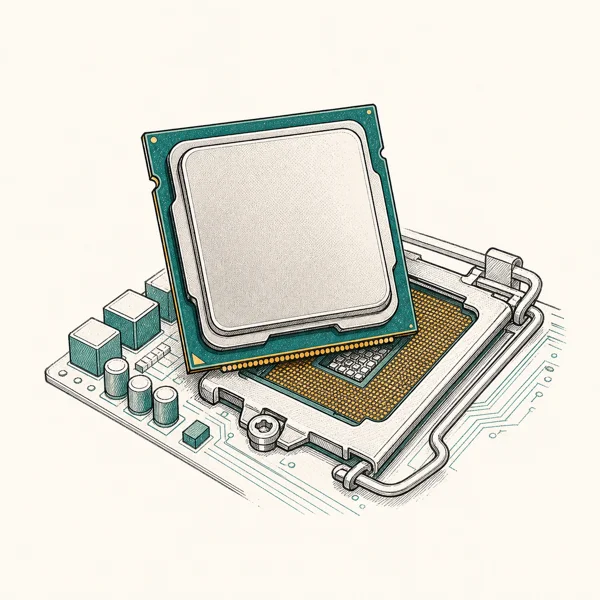
If your money is better spent on storage or a nicer monitor, the Ryzen 5 9600X is the pairing to beat. It’s a current Zen 5 six-core part, and at 1440p it has enough headroom to keep the 5070 fed in GPU-bound games.
As an Amazon Associate fone.tips earns from qualifying purchases. Prices and availability on Amazon are accurate as of the date above and subject to change.
Six cores is plenty for gaming in 2026. Start here, move to a 3D V-Cache part later, keep the board.
NVIDIA’s own RTX 5070 family page frames the card as a mainstream 1440p option. For this tier, NVIDIA recommends a current Ryzen 5 or 7 or an Intel Core i5 or i7, and the 9600X fits.
#The Ryzen 7 9800X3D Upgrade Option
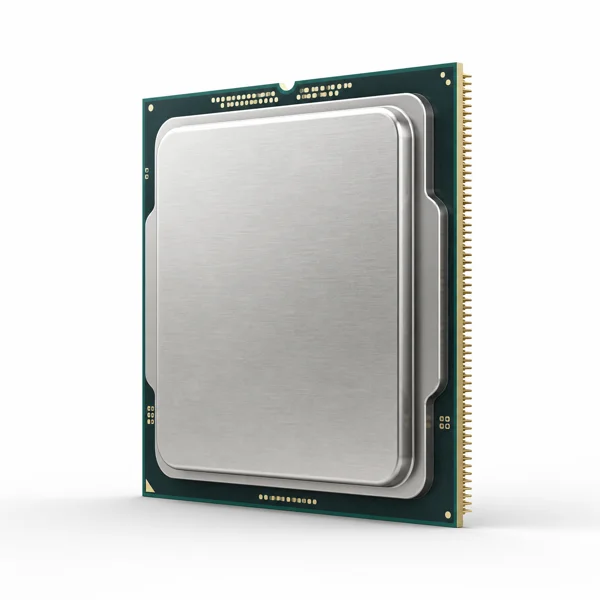
For a 5070, the Ryzen 7 9800X3D is more CPU than the card needs at 1440p.
- Fastest gaming CPU in its class (Zen 5 + 3D V-Cache)
- Fully unlocked and overclockable, unlike the 7800X3D
- Cooler-running 2nd-gen V-Cache layout
Last updated on Jun 30, 2026
As an Amazon Associate fone.tips earns from qualifying purchases. Prices and availability on Amazon are accurate as of the date above and subject to change.
It’s the faster gaming chip on paper, built on newer Zen 5 cores, and it wins clearly at 1080p where the processor does the most work. Against a 5070 at 1440p, though, the GPU caps your frames first, so the gap over the 7800X3D shrinks to something you won’t feel in most games.
The 9800X3D also runs warmer, which can mean a beefier cooler. Pick it here only to future-proof for a much faster GPU down the line. For a 5070 today, the 7800X3D or 9600X is the smarter spend.
If you’re choosing between those two X3D chips alone, our 7800X3D versus 9800X3D buyer’s comparison for 2026 lays out gaming, price, and cooling.
#What About Intel and Streaming Builds?
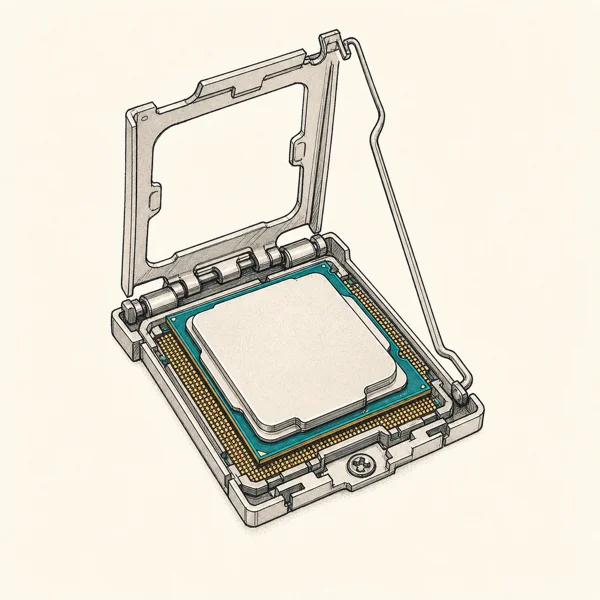
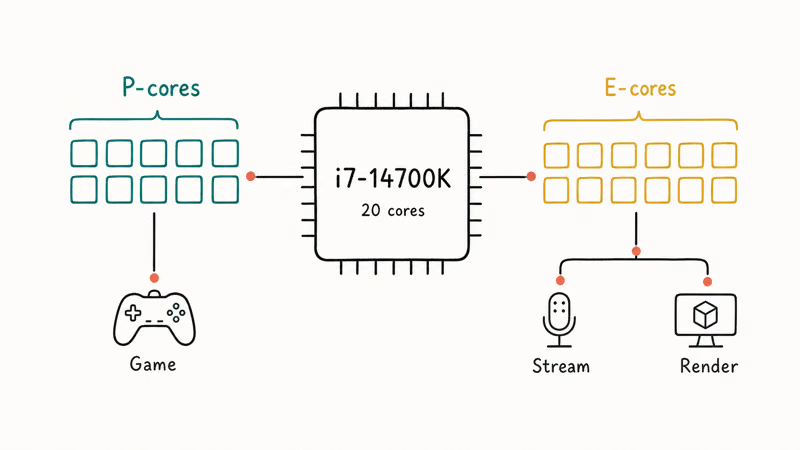
Intel still makes sense if you do more than game. The Core i7-14700K brings 20 cores split between performance and efficiency, which helps with video encoding, rendering, and streaming while you play. For pure gaming at 1440p with a 5070, its frame rates land close to the 7800X3D, so you’re paying for threads, not gaming speed.
As an Amazon Associate fone.tips earns from qualifying purchases. Prices and availability on Amazon are accurate as of the date above and subject to change.
The Core i5-14600K is the leaner Intel choice and a fair rival to the 9600X for a gaming-first build.
#Platform, Memory, and Power Notes
Mind the platform cost. AM5 boards and DDR5 have matured, and our breakdown of RAM versus memory terminology clears up the naming if you’re new to DDR5 kits.
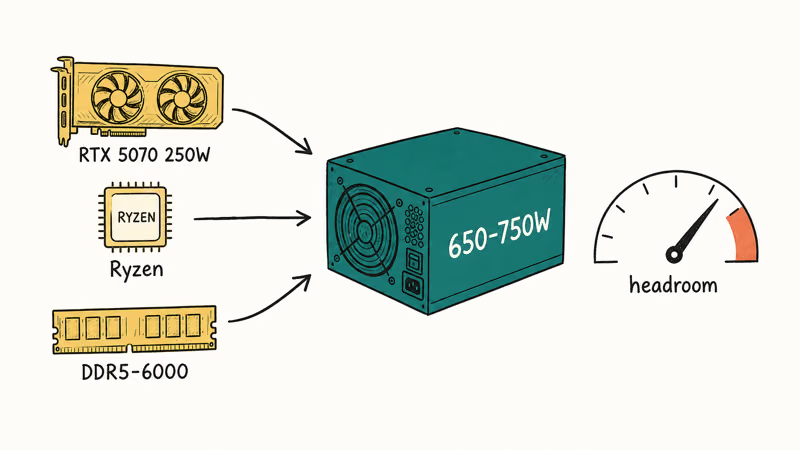
Picking a board is its own decision. The principles in our guide to the best motherboards for the Ryzen 7 5800X carry over to AM5: match the VRM to your chip and don’t overpay for features you’ll never touch. The 5070 needs a quality 650 to 750W power supply to cover its 250W draw plus the CPU.
#Bottom Line
For an RTX 5070, buy the Ryzen 7 7800X3D and stop second-guessing the bottleneck question. It pairs cleanly at 1440p, runs cool, and leaves the AM5 socket open for a future jump. If the 7800X3D stretches your budget, the Ryzen 5 9600X keeps the card fed for less and upgrades later on the same board. Only reach for the Core i7-14700K if you stream or render, because at 1440p its gaming frames sit right next to the cheaper X3D chip.
#Frequently Asked Questions
Will a Ryzen 5 9600X bottleneck an RTX 5070?
No. At 1440p the GPU becomes the limiting factor long before a current six-core CPU does, and the 9600X has enough headroom for GPU-bound games on this card.
Is the 7800X3D overkill for an RTX 5070?
A little, for pure 1440p gaming, but it’s the kind of overkill that ages well. You get top-tier gaming behavior, low power draw, and a full AM5 upgrade path on top. The real payoff comes later: the extra headroom means the chip won’t be the weak link when you eventually drop in a faster GPU, so you buy it once and forget about it.
Do I need an X3D CPU for the RTX 5070?
You don’t need one. 3D V-Cache helps most in CPU-heavy games and at lower resolutions, and at 1440p that benefit shrinks, which is exactly why the non-X3D Ryzen 5 9600X stays a strong value pairing for this card.
How much power supply does an RTX 5070 build need?
A quality 650 to 750W unit. That covers the RTX 5070’s 250W board power plus a Ryzen 5 or Ryzen 7 CPU. The 5070 draws more than the older 3070 and 4070 did, so don’t reuse a 550W supply from an older build without checking the headroom first, and leave a little margin for spikes.
Should I pick Intel or AMD for an RTX 5070?
For gaming-only builds at 1440p, AMD’s X3D chips give the cleanest pairing and lowest power draw. Intel’s Core i7-14700K earns its place only if you also stream or render.
Does DDR5 speed matter for this pairing?
It helps, but you don’t need exotic memory. A 32 GB DDR5-6000 CL30 kit with EXPO enabled is the sweet spot for Ryzen 7000 and 9000 builds. It keeps the Infinity Fabric in a 1
ratio for low latency, and faster kits bring diminishing returns at 1440p.Can the RTX 5070 handle 4K with these CPUs?
The CPU isn’t the issue at 4K, the 12 GB of GDDR7 memory is. The card can play many games at 4K, but its memory buffer becomes a ceiling in the most demanding ray-traced titles, where you’ll lean on DLSS. Every CPU here has plenty of headroom for 4K, so the card sets the limit, not the processor.

Pixel 11 vs Pixel 10: What Changed and Who Should Upgrade
Pixel 11 vs Pixel 10: same screen and camera resolution, new Tensor G6, 25W wireless, and Gemini Intelligence. Here is who should actually upgrade.

Best Power Bank for iPad in 2026: Pro, Air, and Mini
Best power bank for iPad in 2026. Compare mAh tiers and USB-C PD wattage for iPad Pro, Air, and mini, plus airline Wh math, cables, and travel tips.

Best Power Bank With Built-In Cable: Top 2026 Picks
Best power bank with built-in cable picks for 2026. Compare single USB-C, multi-connector, and retractable laptop banks, plus airline Wh math.

Best Apple Watch Band for Working Out: Proven Picks
The best Apple Watch band for working out handles sweat and stays put on your wrist. Compare silicone, nylon, and titanium picks for runs and lifts.