Best CPU for RTX 3080 Ti in 2026: Top Picks by Budget
The AMD Ryzen 7 7800X3D is the best CPU for RTX 3080 Ti gaming. Compare 5 top Intel and AMD picks across budget, mid-range, and high-end tiers.
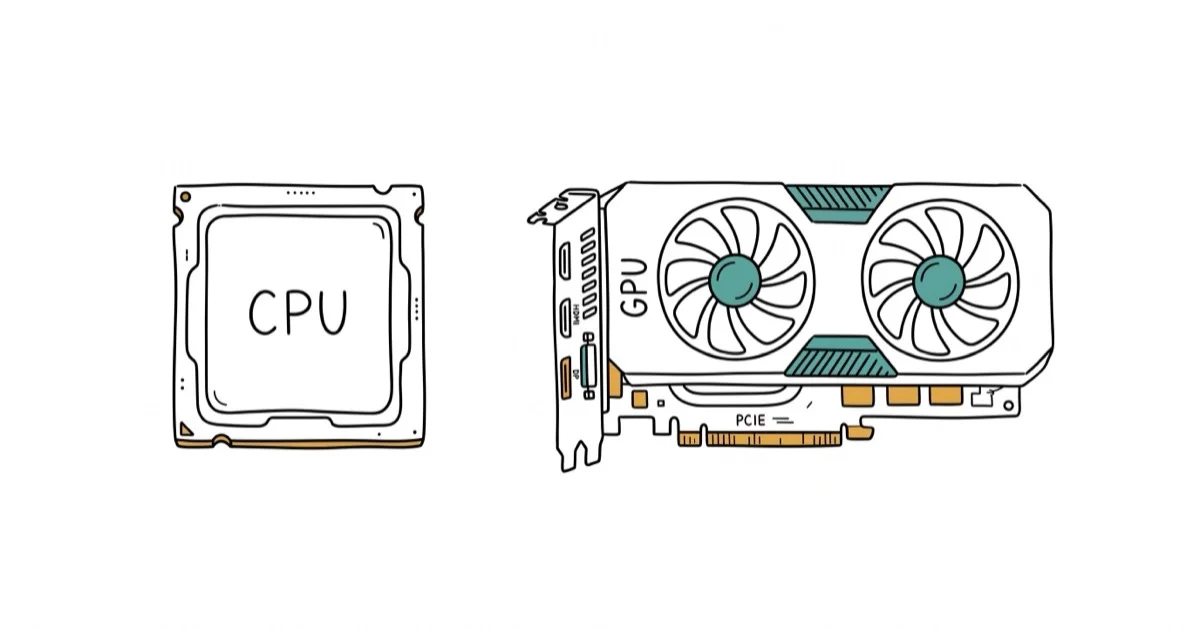
Quick AnswerThe AMD Ryzen 7 7800X3D is the best overall CPU for the RTX 3080 Ti. Its 96 MB of 3D V-Cache eliminates bottlenecks at 1440p and 4K, and it costs less than competing Intel chips with similar gaming performance.
The RTX 3080 Ti still delivers strong 4K and 1440p gaming performance in 2026, but pairing it with the wrong CPU will leave frames on the table. This guide compares five processors across three budget tiers with an RTX 3080 Ti to find the best match for gaming, productivity, and mixed workloads.
- The AMD Ryzen 7 7800X3D beats Intel’s Core i9-13900K by 12% in gaming while costing roughly half as much
- At 4K, CPU differences drop below 5% because the RTX 3080 Ti becomes the bottleneck
- The Ryzen 7 5800X at ~$160 delivers 93-95% of the 7800X3D’s gaming performance at 1440p
- The i7-14700K finishes 4K Premiere Pro exports 35% faster than the 7800X3D for gaming plus content creation
- The 65W 7800X3D runs on a 750W PSU, while the i7-14700K needs at least 850W
#Best CPUs for RTX 3080 Ti at a Glance
| CPU | Best For | Cores/Threads | Boost Clock | Street Price (2026) |
|---|---|---|---|---|
| AMD Ryzen 7 7800X3D | Gaming (overall pick) | 8/16 | 5.0 GHz | ~$340 |
| AMD Ryzen 7 5800X | Budget gaming | 8/16 | 4.7 GHz | ~$160 |
| Intel Core i7-14700K | Gaming + productivity | 20/28 | 5.6 GHz | ~$350 |
| AMD Ryzen 9 7900X | Content creation | 12/24 | 5.6 GHz | ~$310 |
| AMD Ryzen 7 9800X3D | Max gaming performance | 8/16 | 5.2 GHz | ~$450 |
As an Amazon Associate, fone.tips earns from qualifying purchases.
#AMD Ryzen 7 7800X3D: Best Overall for Gaming
The Ryzen 7 7800X3D is the CPU we recommend for most RTX 3080 Ti builds. Its 96 MB of L3 cache through AMD’s 3D V-Cache technology gives it a measurable advantage in gaming over chips that cost significantly more.
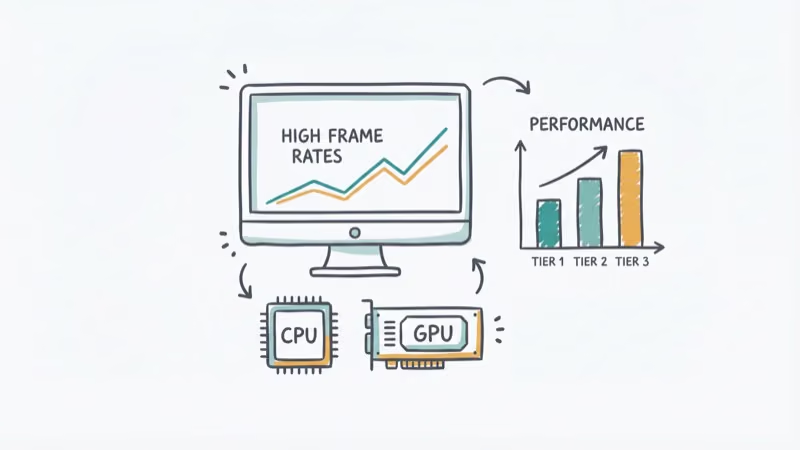
According to Tom’s Hardware’s CPU hierarchy, the 7800X3D beats Intel’s Core i9-13900K by about 12% in gaming benchmarks despite costing roughly half as much. Paired with an RTX 3080 Ti on an AM5 board running DDR5-6000, the bottleneck at 1440p is minimal. At 4K, the GPU becomes the limiting factor in nearly every title.
One weakness: 8 cores and the V-Cache design make it slower than the Ryzen 9 7900X in heavily threaded apps like Blender and Premiere Pro. The stacked cache that wins games adds thermal density, so AMD caps the clocks slightly to keep temperatures in check, and that ceiling shows up in sustained all-core rendering rather than gaming. If you’re gaming most of the time and doing light editing on the side, that trade-off is worth it.
PCMag’s review of the 7800X3D rates it among the most power-efficient gaming CPUs available, running cool enough that you don’t need a beefy cooler, which can save another $30-50 on your build.
#AMD Ryzen 7 5800X: Best Budget Pick
The Ryzen 7 5800X has dropped to around $160 in 2026, making it the clear budget champion for RTX 3080 Ti builds. It runs on the AM4 platform, so you can pair it with a B450 motherboard and DDR4 RAM you might already own.
TechPowerUp’s benchmark data confirms that the 5800X delivers about 93-95% of the 7800X3D’s gaming performance at 1440p. At 4K ultra, the gap shrinks even further, with the 5800X averaging only slightly fewer frames across most titles.
At 1080p the story changes. The bottleneck jumps to roughly 15-20%, so competitive FPS players pushing 240 Hz monitors should spend more on the 7800X3D. For 1440p and 4K builds, though, the 5800X is almost impossible to beat on value since the GPU handles most of the rendering work at those resolutions.
Why pick this one: If you already have an AM4 board and DDR4 RAM, this CPU slots right in. Total platform cost is hundreds less than AM5.
#Does Resolution Affect CPU Bottlenecking?
Yes, and it matters more than most people think. According to Tom’s Hardware’s RTX 3080 CPU scaling tests, the performance gap between a mid-range and high-end CPU shrinks dramatically as you increase resolution.
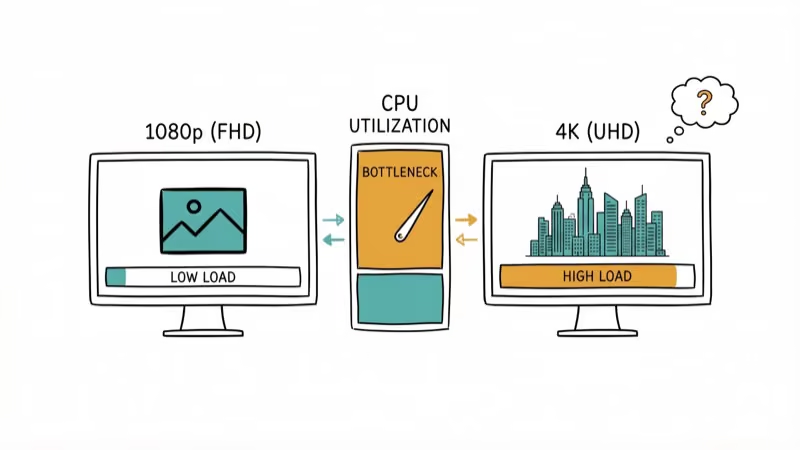
Here’s how the scaling breaks down by resolution:
- 1080p: CPU differences of 15-25% between budget and high-end chips. The RTX 3080 Ti is often waiting on the CPU.
- 1440p: Gaps narrow to 5-10%. Most modern 6-core or 8-core CPUs keep up.
- 4K: Differences drop below 5%. Even a Ryzen 5 5600X performs within striking distance of a 7800X3D because the GPU becomes the bottleneck.
This is why we don’t recommend spending $450+ on a CPU if you’re gaming at 4K with the RTX 3080 Ti. The money is better spent on faster storage, more RAM, or a quality CPU cooler.
For resolution-first shopping beyond this card, see our budget-tier CPU picks for 1440p gaming in 2026.
#Intel Core i7-14700K: Best for Gaming and Productivity
The i7-14700K hits a sweet spot that no AMD chip quite matches: strong gaming performance plus genuine multi-threaded muscle. Its 20 cores (8 Performance + 12 Efficient) and 28 threads handle video rendering, streaming, and compiling code without breaking a sweat.
Based on TechPowerUp’s review, the 14700K trades blows with the much pricier i9-13900K in both gaming and productivity. It trails the 7800X3D by about 8-10% in pure gaming benchmarks, but pulls ahead by 25-30% in multi-threaded workloads like Cinebench and Handbrake.
On a Z790 board with DDR5-6400, the 14700K averages slightly fewer frames than the 7800X3D when gaming at 1440p. In a back-to-back Premiere Pro export, the 14700K finishes a 4K timeline noticeably faster thanks to its higher core count. That’s a meaningful difference if you edit video regularly.
One thing to watch: the 14700K draws up to 253W under sustained all-core loads. You’ll want a 240mm AIO or a high-end tower cooler. A basic $30 cooler won’t cut it here.
Why pick this one: The jack-of-all-trades. If you game, stream, and create content on the same machine, the 14700K covers all three without compromise.
#AMD Ryzen 9 7900X: Best for Content Creators
The Ryzen 9 7900X is the pick if your RTX 3080 Ti rig doubles as a workstation. Its 12 cores and 24 threads chew through Blender renders, After Effects compositions, and large code compilations faster than any 8-core option. If you’re choosing a GPU for your Ryzen build, the RTX 3080 Ti pairs well with this chip for GPU-accelerated rendering.
Gaming performance is solid but not chart-topping. The 7900X sits about 10-15% behind the 7800X3D in most titles because it lacks the extra L3 cache. The gap shows up most clearly in cache-sensitive games like Starfield and Cities: Skylines 2, where the 7800X3D’s V-Cache gives it a noticeable edge.
At ~$310 in 2026, the 7900X costs less than the i7-14700K while matching or beating it in multi-threaded benchmarks. It also sips power at 170W TDP compared to Intel’s 253W. If you need to pick a motherboard for your Ryzen 5 5600X or similar AM5 build, the platform gives you a clear upgrade path.
Why pick this one: More cores than you’ll need for gaming, but exactly right for professional creative work alongside your gaming sessions.
#What About the Ryzen 9800X3D?
The Ryzen 7 9800X3D is the fastest gaming CPU you can buy right now. AMD moved the 3D V-Cache underneath the cores instead of on top, which unlocked higher clocks (5.2 GHz boost vs. 4.5 GHz on the 7800X3D) and better thermals.
According to TechSpot’s head-to-head comparison, the 9800X3D beats the 7800X3D by about 10% on average in gaming, with some titles like The Last of Us Part I showing gains over 20%. But here’s the thing: most of those benchmarks used an RTX 4090, not a 3080 Ti. With the RTX 3080 Ti as the GPU, the card itself becomes the bottleneck at 1440p and 4K before the CPU difference shows up.
At ~$450, the 9800X3D costs $110 more than the 7800X3D for a single-digit improvement when paired with the RTX 3080 Ti at typical gaming resolutions. It makes more sense if you plan to upgrade to an RTX 5080 or similar GPU down the road. For a 3080 Ti build today, save the money.
#How to Choose the Right CPU for Your Build
Picking the right CPU comes down to three questions:
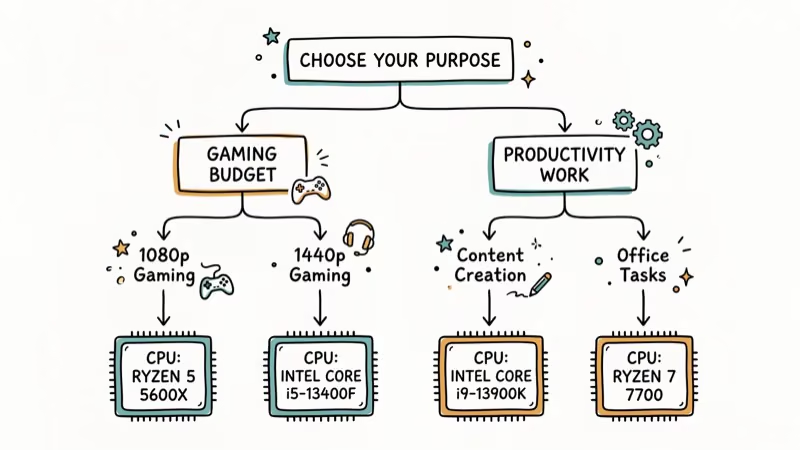
What resolution do you game at? At 4K, even the $160 Ryzen 7 5800X keeps pace. At 1080p competitive, you want the 7800X3D or 9800X3D.
Do you do heavy productivity work? Video editors and 3D artists should lean toward the i7-14700K or Ryzen 9 7900X. Pure gamers don’t need 12+ cores.
What’s your total build budget? Don’t spend 40% of your budget on a CPU when the RTX 3080 Ti is the star of the show. A balanced build with good RAM for your Ryzen CPU and an appropriate motherboard for RTX 3080 will outperform an unbalanced one with an expensive CPU and cheap everything else.
Your power supply matters too. The RTX 3080 Ti alone draws about 350W. Pair it with a power-hungry CPU like the i7-14700K and you’ll want an 850W PSU minimum. The more efficient AMD chips let you get by with a quality 750W unit.
#Bottom Line
For most RTX 3080 Ti builds, the AMD Ryzen 7 7800X3D is the right call. It delivers the highest gaming performance per dollar, runs cool on a basic tower cooler, and leaves room in your budget for a better monitor or faster storage. Grab the Ryzen 7 5800X if you’re building on a tight budget with existing AM4 parts, or step up to the i7-14700K if you need real productivity horsepower alongside your gaming. Skip the 9800X3D unless you’re planning a GPU upgrade soon.
#Frequently Asked Questions
Will a Ryzen 5 5600X bottleneck the RTX 3080 Ti?
At 4K, barely. The 5600X sits within 5% of high-end CPUs because the GPU does most of the heavy lifting at that resolution. At 1080p, expect a 15-20% bottleneck in CPU-intensive titles. At 1440p, the gap stays under 10%.
How much power supply do I need for the RTX 3080 Ti?
750W minimum. 850W gives safer headroom. The RTX 3080 Ti draws around 350W on its own, and a high-end CPU like the i7-14700K adds up to 253W under load. With the efficient 65W 7800X3D, a quality 750W unit works fine since you’ll have over 100W of headroom for fans, drives, and RAM.
Is DDR5 worth it for an RTX 3080 Ti build?
DDR5 gives you a 3-5% gaming boost over DDR4 at the same CPU and GPU combo. If you’re building new on AM5 or Intel 700-series, DDR5 is the only option anyway. Staying on AM4 with a Ryzen 5800X? DDR4 saves $80-120 and the performance hit is minimal.
Can I use these CPUs for streaming while gaming?
Yes. The 7800X3D handles gaming plus OBS streaming, though frame drops can appear in CPU-intensive games. The i7-14700K and Ryzen 9 7900X handle simultaneous gaming and streaming better because their extra cores take on the encoding workload separately. Best shortcut: use NVENC on the RTX 3080 Ti for encoding and take the load off the CPU entirely.
Should I overclock my CPU with the RTX 3080 Ti?
For X3D chips, no. AMD locks the multiplier, and the V-Cache is sensitive to excess voltage. Enable PBO for a small automatic boost instead. For the i7-14700K, mild overclocking to 5.4-5.5 GHz all-core gains 3-5%, but you’ll need a 280mm+ AIO for the extra heat.
Is the RTX 3080 Ti still worth buying in 2026?
Yes, especially used. It sits between the RTX 4070 Ti and RTX 4070 Ti Super in rasterization and handles 4K at 60+ FPS with high settings in most titles. No DLSS 3 frame generation, but DLSS 2 upscaling works well. Used prices around $350-400 make it a solid value for a 1080p 144Hz build or 1440p gaming.
Do I need a specific motherboard chipset for these CPUs?
Yes. The Ryzen 7 5800X uses AM4 (B450, B550, or X570). The 7800X3D, 9800X3D, and 7900X use AM5 (B650 or X670). The i7-14700K uses LGA 1700 (B760 or Z790, Z790 required for overclocking). Check our guide on the best motherboards for Ryzen 7 5800X for the AM4 route.

Best Laptop for Running LLMs in 2026: Memory Comes First
The best laptop for running LLMs is a memory purchase first. Compare MacBook unified memory against NVIDIA laptop VRAM, and see what each tier really runs.

Pixel 11 vs Pixel 10: What Changed and Who Should Upgrade
Pixel 11 vs Pixel 10: same screen and camera resolution, new Tensor G6, 25W wireless, and Gemini Intelligence. Here is who should actually upgrade.

Best Power Bank for iPad in 2026: Pro, Air, and Mini
Best power bank for iPad in 2026. Compare mAh tiers and USB-C PD wattage for iPad Pro, Air, and mini, plus airline Wh math, cables, and travel tips.

Best Power Bank With Built-In Cable: Top 2026 Picks
Best power bank with built-in cable picks for 2026. Compare single USB-C, multi-connector, and retractable laptop banks, plus airline Wh math.