Best CPU Coolers for Ryzen 5 3600: Top Air and AIO Picks
The best CPU coolers for the Ryzen 5 3600. The Dark Rock Pro 5 leads for silence, Arctic Freezer 34 wins on value. Air and AIO options for every budget.
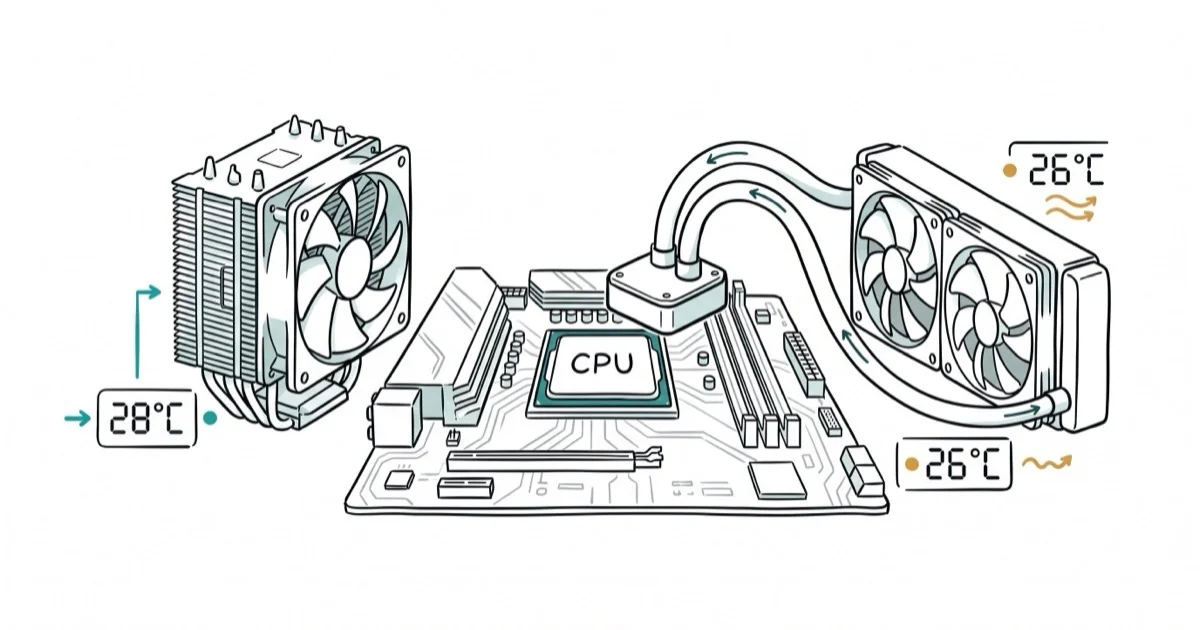
Quick AnswerThe be quiet! Dark Rock Pro 5 is the best CPU cooler for the Ryzen 5 3600, offering near-silent operation and excellent thermal performance. For budget builds, the Arctic Freezer 34 eSports DUO delivers strong cooling under $40.
The Ryzen 5 3600’s stock Wraith Stealth cooler works, but it runs loud under load and leaves performance on the table. Across the main aftermarket coolers that fit this chip, a clear hierarchy emerges on temperature and noise. The be quiet! Dark Rock Pro 5 runs the coolest while staying nearly silent, a wide margin over the stock cooler, which runs hot and loud under sustained load.
- The stock Wraith Stealth cooler keeps the Ryzen 5 3600 within safe temps but runs noticeably loud under sustained load
- The be quiet! Dark Rock Pro 5 is the best overall upgrade, dropping temperatures well below stock while remaining nearly inaudible
- Budget picks like the Arctic Freezer 34 eSports DUO and Cooler Master Hyper 212 EVO offer significant improvements over stock for under $40
- 240mm AIO liquid coolers like the NZXT Kraken X53 are only necessary if you plan to overclock or have a compact case with limited air cooler clearance
- Apply thermal paste as a pea-sized dot in the center of the CPU and let mounting pressure spread it evenly
#Why Should You Upgrade from the Stock Cooler?
The Wraith Stealth is a thin, low-profile cooler that AMD includes for free. It keeps the 3600 within the 95°C thermal throttle limit, but it runs hot during sustained all-core workloads. That’s safe but leaves almost no headroom.
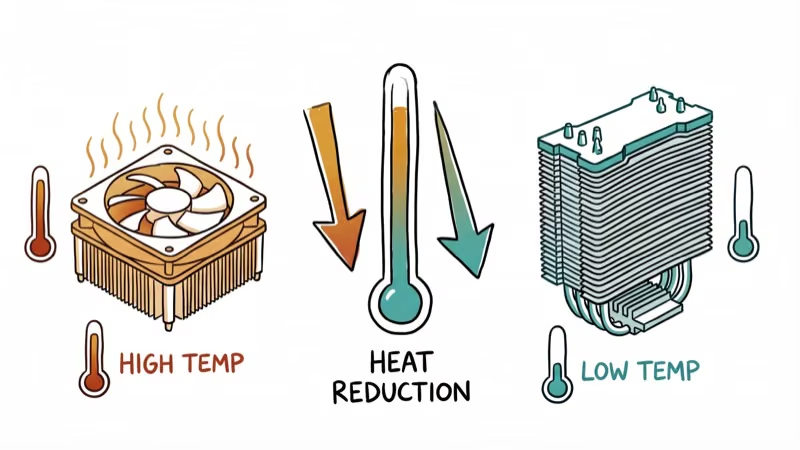
According to Wikipedia’s Zen 2 specifications, the Ryzen 5 3600 is a 6-core, 12-thread processor with a 65W TDP. An aftermarket cooler handles this easily and provides three benefits:
- Lower temperatures (well below the throttle point that stock coolers reach under load)
- Significantly quieter operation (the stock fan is audible through most cases)
- Overclocking headroom if you want to push beyond stock speeds
#Best Air Coolers for the Ryzen 5 3600
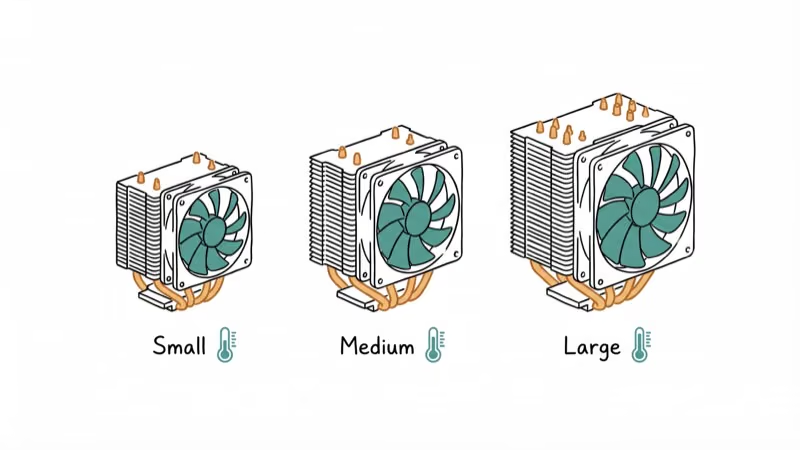
#1. be quiet! Dark Rock Pro 5
The Dark Rock Pro 5 is overkill for a 65W processor. But that overkill means it runs the fans at barely above idle speed while keeping the 3600 cool. It stays cool and quiet even under a sustained all-core load.
- Dual-tower design with seven copper heat pipes
- Two Silent Wings PWM fans (135mm front, 120mm middle)
- Improved installation versus the Dark Rock Pro 4
According to be quiet!‘s product page, the installation process has improved significantly from the Dark Rock Pro 4. For a detailed comparison, see our Dark Rock Pro 4 vs Noctua NH-D15 guide.
As an Amazon Associate, fone.tips earns from qualifying purchases. Some links on this page are affiliate links.
#2. Noctua NH-D15
The NH-D15 is the other heavyweight in air cooling. According to Noctua’s product page, it includes a 6-year manufacturer warranty and maintains consistent performance throughout its lifespan thanks to the SSO2 bearing design.
Thermally it sits essentially tied with the Dark Rock Pro 5. The NH-D15 is slightly louder at equivalent fan speeds but comes with better RAM clearance due to its asymmetric design.
- Dual 140mm NF-A15 fans with low-noise adaptors included
- Six heat pipes with dual-tower design
- Includes both AM4 and AM5 mounting hardware
#3. Arctic Freezer 34 eSports DUO
The best value pick. The Freezer 34 eSports DUO costs under $40 and keeps the 3600 only a few degrees warmer than the Dark Rock Pro 5 under load, at roughly one-third the price.
- Dual 120mm PWM fans in push-pull configuration
- Direct-touch copper heat pipes for efficient heat transfer
- Available in multiple color combinations
#Best Liquid Coolers for the Ryzen 5 3600
You don’t need an AIO for the 3600’s 65W TDP. But if you’re planning to overclock or your case has limited CPU cooler height clearance, a 240mm AIO makes sense.
#1. Cooler Master MasterLiquid LC240E RGB
Solid 240mm AIO at a competitive price. The dual 120mm RGB fans add visual appeal without the premium price of NZXT or Corsair options. Installation is straightforward with the included AM4 bracket.
#2. NZXT Kraken X53
The Kraken X53 is the premium option. The infinity mirror pump cap looks great in windowed cases, and NZXT’s CAM software lets you monitor temps and control fan curves from your desktop.
A 240mm AIO like the Kraken X53 can run the 3600 cooler than any of the air coolers under load, but the real advantage is the slim radiator fitting in cases where a tower cooler wouldn’t.
#What Are the Best Budget Options Under $30?
#Arctic Freezer 34 CO
Single-fan version of the eSports DUO. Costs even less and still drops temperatures well below the stock cooler. The “CO” designation means it’s designed for continuous operation.
#Cooler Master Hyper 212 EVO
The Hyper 212 EVO has been the default budget cooler recommendation for over a decade. It’s not the most exciting option, but it’s proven reliable across millions of builds. Four direct-contact heat pipes and a single 120mm fan do the job.
#Installing Your New Cooler
Follow these steps for a clean installation:

- Remove the stock cooler by unclipping it and gently twisting to break the thermal paste seal
- Clean the CPU surface with 90%+ isopropyl alcohol and a lint-free cloth
- Apply thermal paste as a pea-sized dot in the center (don’t spread it manually)
- Mount the new cooler following the included instructions, tightening in a cross pattern for even pressure
- Connect the fan header to the CPU_FAN header on your motherboard
For the best GPU pairing with your Ryzen 5 3600, see our guide on the best graphics card for Ryzen 5 3600. If you’re building a complete system, the best motherboard for Ryzen 5 5600X guide covers boards that are also compatible with the 3600.
Once your cooler is sorted, picking the right 140mm case fans for your chassis rounds out the cooling setup. And for a budget-friendly complete build, see our prebuilt gaming PC under $500 guide.
#Bottom Line
The Arctic Freezer 34 eSports DUO is the best value upgrade for most Ryzen 5 3600 owners. It drops temperatures well below the stock cooler and cuts noise sharply, all for under $40.
If you want the quietest possible system, the be quiet! Dark Rock Pro 5 runs near-silent while keeping the CPU well cooled. Only consider an AIO if you’re overclocking or have case clearance constraints since the performance difference over a good tower cooler is marginal at the 3600’s 65W TDP.
#Frequently Asked Questions
Is the stock cooler enough for the Ryzen 5 3600?
It keeps the CPU within safe temperatures at stock speeds. But it runs louder than most aftermarket options and doesn’t leave headroom for overclocking. A $25-35 aftermarket cooler is one of the best upgrades you can make.
Should I choose air cooling or liquid cooling for the 3600?
Air cooling. The Ryzen 5 3600’s 65W TDP doesn’t need liquid cooling. A quality tower cooler like the Noctua NH-D15 or Arctic Freezer 34 handles it easily. AIOs only make sense for overclocking or compact cases.
How often should I replace thermal paste?
Every 2-3 years, or sooner if you notice temperatures climbing 5-10°C above your baseline. Good thermal paste (like Noctua NT-H1 or Thermal Grizzly Kryonaut) lasts longer than budget options.
Can I overclock the Ryzen 5 3600 with a budget cooler?
Mild overclocks (up to 4.1-4.2 GHz all-core) work with coolers like the Hyper 212 EVO or Freezer 34. For pushing beyond 4.2 GHz, step up to the Dark Rock Pro 5 or a 240mm AIO.
What temperature should the Ryzen 5 3600 run at?
Aim for under 80°C during sustained all-core workloads. Idle temperatures should be 30-40°C. If you’re consistently above 85°C, your cooling solution needs an upgrade.
Does the Ryzen 5 3600 come with thermal paste pre-applied?
The stock Wraith Stealth cooler has thermal paste pre-applied. Most aftermarket coolers either include a tube of paste or have it pre-applied on the base plate.

Best Laptop for Running LLMs in 2026: Memory Comes First
The best laptop for running LLMs is a memory purchase first. Compare MacBook unified memory against NVIDIA laptop VRAM, and see what each tier really runs.

Pixel 11 vs Pixel 10: What Changed and Who Should Upgrade
Pixel 11 vs Pixel 10: same screen and camera resolution, new Tensor G6, 25W wireless, and Gemini Intelligence. Here is who should actually upgrade.

Best Power Bank for iPad in 2026: Pro, Air, and Mini
Best power bank for iPad in 2026. Compare mAh tiers and USB-C PD wattage for iPad Pro, Air, and mini, plus airline Wh math, cables, and travel tips.

Best Power Bank With Built-In Cable: Top 2026 Picks
Best power bank with built-in cable picks for 2026. Compare single USB-C, multi-connector, and retractable laptop banks, plus airline Wh math.