10 min read
How to Screenshot on a Logitech Keyboard (All Models)
Take screenshots on any Logitech keyboard using PrintScreen, Fn combos, or Logitech G Hub. Covers Windows, Mac, and keyboards without a PrtSc key.
#Mac#Screen Recording
Browse all Screen Recording articles on Fone.tips, including phone guides, troubleshooting fixes, app tips, reviews, and step-by-step how-tos.
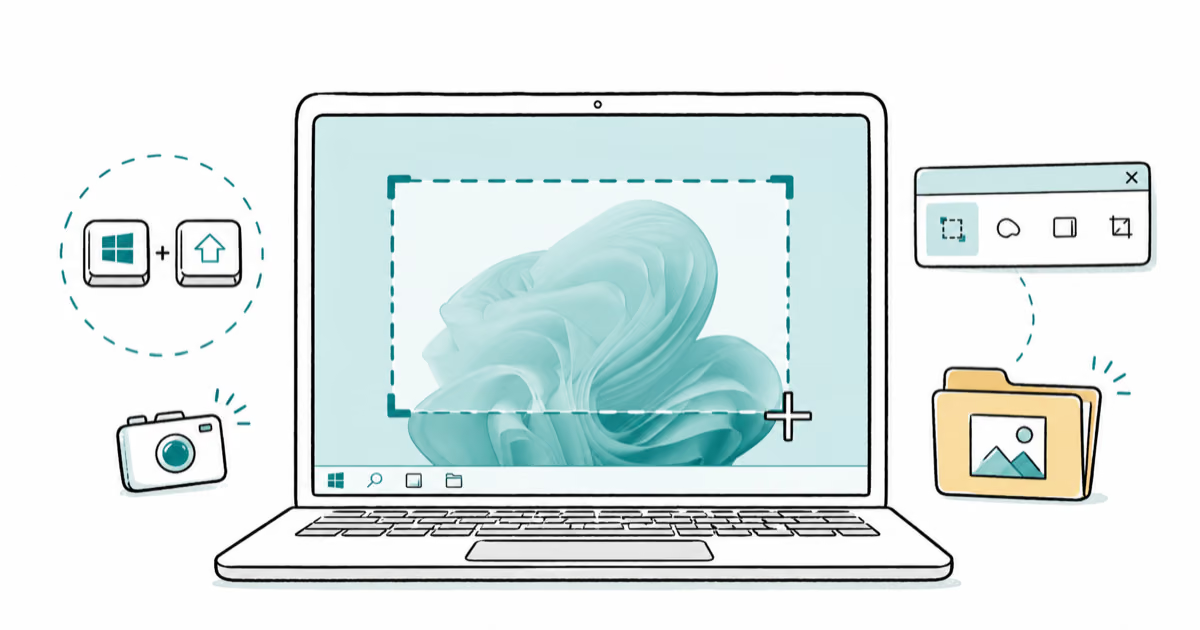
Take a screenshot on Windows 10 or 11 with PrtScn, Windows + Shift + S, the Snipping Tool, or Game Bar, and find exactly where each one saves.
Take screenshots on any Logitech keyboard using PrintScreen, Fn combos, or Logitech G Hub. Covers Windows, Mac, and keyboards without a PrtSc key.
VSCO does not notify screenshots of photos, profiles, or messages. Learn what VSCO tracks, how other apps compare, and how to protect your content.
Tinder doesn't send screenshot notifications on iOS or Android. Here's what the app actually tracks, what to be careful about, and how to stay private.
Learn how to take a screenshot on Alcatel phones using button combinations, quick settings, and third-party apps with a clear step-by-step guide.
Six reliable ways to screenshot on Huawei phones: hardware buttons, knuckle taps, three-finger swipe, scrollshot, Celia voice command, and air gestures.
Capture Motorola screenshots with buttons, three-finger gestures, Google Assistant, and long scrolling shots. Step-by-step methods for any Moto phone.
Screen record TikTok on iPhone using Control Center, on Android using Quick Settings, and on PC using built-in tools. Step-by-step with audio tips.
Getting 'Can't take screenshot due to security policy'? Learn why it happens and 3 fixes for banking apps, Netflix, and Chrome incognito on Android.
Screen record FaceTime with sound on iPhone or Mac. Honest limits, the microphone workaround, and the legal consent rules every recorder should know first.
Fix iPhone screen recording no sound with 6 methods. Covers microphone toggle, hard restart, iOS update, and reset. Works on iOS 15 and later.
Find where Steam screenshots are saved on Windows, Mac, and Linux, open the folder in two clicks, and change the default save path to free up your C drive.
Take screenshots on any HP laptop using PrtScn, Windows + Shift + S, Snipping Tool, or Xbox Game Bar. Six fast methods that work on Windows 10 and 11.