7 min read
How to Open EMZ Files on Windows or Mac: 4 Methods
Open EMZ files by renaming to .gz and extracting the EMF inside, inserting into Word, or using a free online converter. Works on Windows and Mac.
#How to Edit
Browse all How to Edit articles on Fone.tips, including phone guides, troubleshooting fixes, app tips, reviews, and step-by-step how-tos.
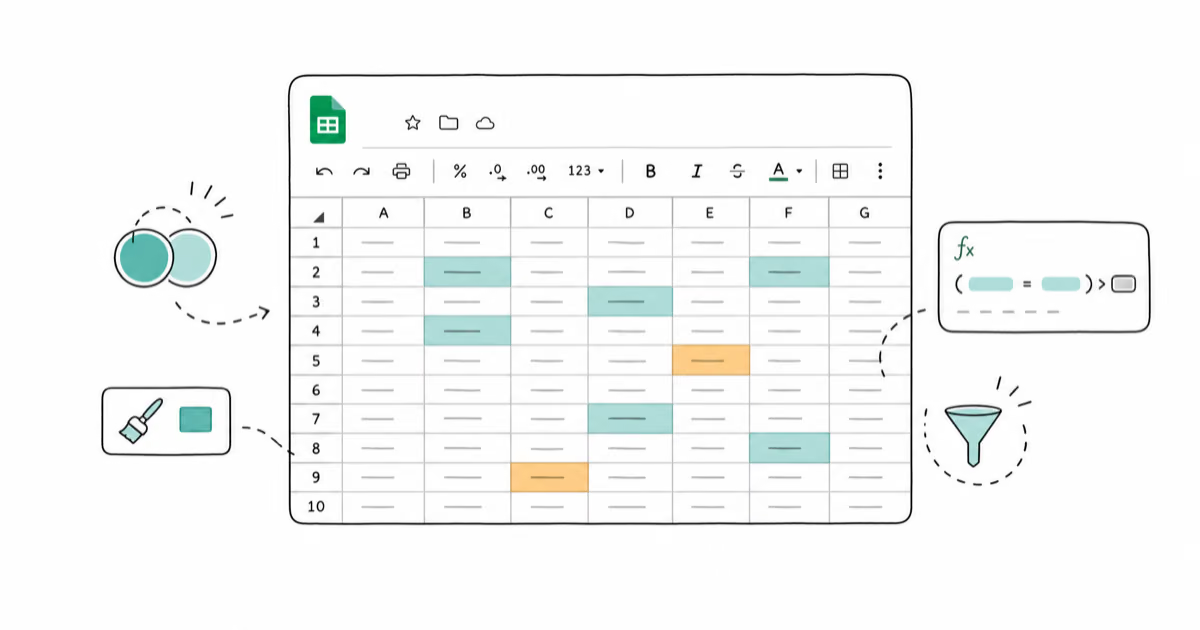
Highlight duplicates in Google Sheets with one COUNTIF conditional formatting rule. Step-by-step guide for single columns, multiple columns, and rows.
Open EMZ files by renaming to .gz and extracting the EMF inside, inserting into Word, or using a free online converter. Works on Windows and Mac.
Add and customize text in Sony Vegas Pro with Media Generators, Titles and Text, ProType Titler, lower thirds, subtitles, and keyframe animation.
Remove background noise in iMovie on Mac, iPhone, and iPad using the built-in noise reduction tool, equalizer presets, and third-party audio apps.
Fade audio in Premiere Pro with Exponential Fade, keyframes, the 2024 fade handles, or the default shortcut. Step-by-step guide with pro timing tips.
Make a time-lapse in iMovie on Mac, iPhone, or iPad. Speed presets, photo-to-video method, shooting tips, and audio fixes that actually work in 2026.
Learn how to merge multiple video files using VLC Media Player with step-by-step instructions, troubleshooting tips, and alternative methods.
iMovie locks every project to 16:9, but these 2026 Mac and iOS workarounds deliver real 9:16, 1:1, or 4:3 video for TikTok, Reels, and YouTube.
Learn how to make your video look like film using color grading, cinematic aspect ratios, film grain overlays, and editing software like Filmora.
Create split-screen videos in iMovie on Mac and iPhone. Drag a clip above another, then select Split Screen from the overlay settings menu. Step-by-step.
Learn what unblur software can actually fix in video footage, with an honest comparison of Topaz Video AI, Premiere Pro, DaVinci Resolve, and CapCut.
Crop videos in PowerDirector with the Crop & Zoom tool, keyframe animation, and aspect ratio presets like 9:16. Works on Windows, Mac, iOS, Android.
Learn how to edit a PDF in InDesign using import, place, and third-party plugins like PDF2ID. Includes workarounds for text and image editing.