How to Track a Cell Phone: Legal Methods and Safety
Track your own lost or stolen phone with Find My iPhone, Google Find My Device, and carrier tools. Plus how to detect unauthorized tracking.
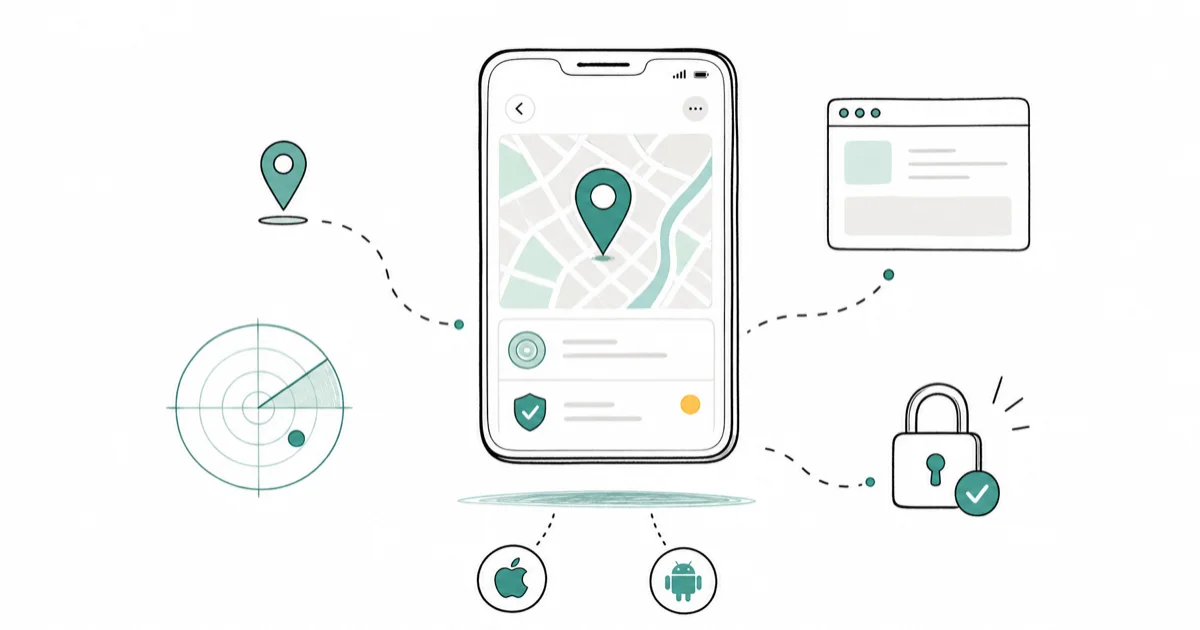
Quick AnswerUse Find My iPhone (iOS) or Google Find My Device (Android) to locate your own lost or stolen phone. Both work from any browser and are free. Tracking someone else without their consent is illegal under federal and state wiretapping laws.
Your phone is missing and you need to find it fast. Or maybe you’re worried someone else is tracking your location without permission. Either way, you need clear answers about what works, what’s legal, and what to avoid.
Apple, Google, and Samsung each build official tracking tools into their devices. This guide covers the legal methods for locating your own phone, setting up consensual family sharing, and protecting yourself from unauthorized tracking.
- Find My iPhone and Google Find My Device are free and built into every phone
- Tracking another person’s phone without consent is a federal crime under the Computer Fraud and Abuse Act
- Report stolen phones immediately
- Life360 and Apple Family Sharing require every member to opt in before location data is shared with anyone in the group
- Battery drain, unfamiliar apps, or data spikes can signal unauthorized tracking
#Is It Legal to Track Someone’s Phone?
This is the most important section in this entire guide. Phone tracking laws in the United States are strict, and violations carry real consequences.
Under the Computer Fraud and Abuse Act (CFAA), accessing another person’s device or account without authorization is a federal crime. State-level wiretapping and surveillance laws add additional penalties. In California, for example, Penal Code 637.7 makes it illegal to use an electronic tracking device to determine someone’s location without consent.
What’s legal:
- Tracking your own lost, stolen, or misplaced phone using built-in tools like Find My iPhone or Google Find My Device
- Location sharing where all parties consent
- Parents tracking minor children’s devices (varies by state)
- Employers tracking company-owned devices with written employee notification
What’s illegal and carries criminal penalties:
- Installing tracking software on another adult’s phone without their knowledge (this is prohibited under federal wiretapping laws regardless of your relationship to that person, and penalties include both fines and jail time)
- Accessing someone’s iCloud or Google account without their explicit written permission to view location or personal data
- Placing GPS trackers on vehicles
The FTC’s guidance on stalkerware confirms that companies selling apps designed for covert surveillance have faced enforcement actions. Don’t risk it.
#How to Find Your Own Lost iPhone
Apple’s Find My network is the fastest way to locate a missing iPhone. On a supported iPhone with Find My network enabled, it can remain locatable after the phone is turned off.
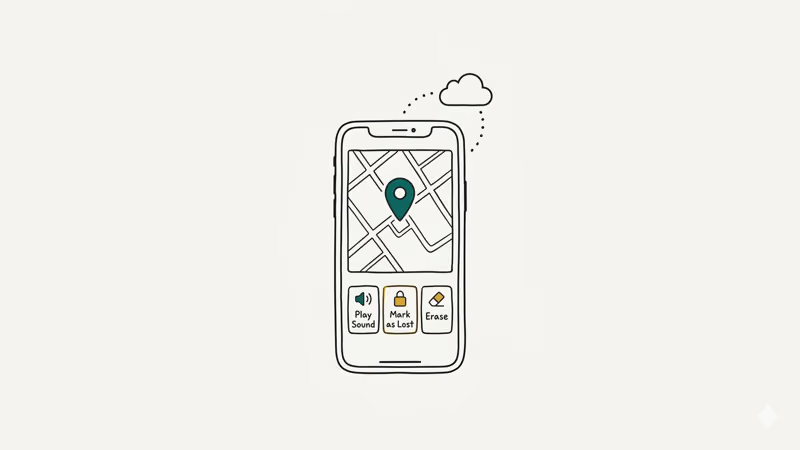
From any browser:
1. Go to iCloud.com/find and sign in with your Apple ID.
2. Select your missing device from the list. You’ll see its last known location on a map.
3. Choose an action: Play Sound (if it’s nearby), Mark as Lost (locks it and displays your contact info), or Erase iPhone (last resort).
From another Apple device:
1. Open Find My on any Apple device signed into your Apple ID.
2. Tap the Devices tab to see all your registered Apple devices on a map, including iPhones, iPads, Macs, AirPods, and Apple Watches.
3. Tap the missing device, then tap Directions.
According to Apple’s current Find My setup guide, a supported iPhone with Find My network enabled can remain locatable for up to 24 hours after it’s turned off, or up to 5 hours in power reserve mode.
Important setup step: Find My must be enabled before you lose your phone. Go to Settings > [Your Name] > Find My > Find My iPhone and turn on Find My network and Send Last Location. If your iPhone is completely dead, Find My may show the last location sent before the battery ran out.
#How to Find Your Own Lost Android Phone
Google’s Find My Device works similarly to Apple’s system. It locates your phone using GPS, Wi-Fi, and cell tower data.
From any browser:
1. Go to google.com/android/find and sign in with the Google account linked to your phone.
2. Select your device from the list.
3. Choose Play Sound (if it’s nearby and you think it might be under a couch cushion), Secure Device (locks it and shows a message with your contact info), or Erase Device (permanent, last resort only).
From another Android phone:
1. Open the Find My Device app (pre-installed on most Android phones).
2. Sign in with your Google account to see all registered devices.
Google’s Find Hub documentation states that an Android device must have power and a data connection before you can secure or erase it remotely. The map may show a current or last known location when available.
Samsung users get an extra option. Samsung runs SmartThings Find as its own network. It’s a separate service from Google’s Find Hub rather than one feature drawing on both, so a Galaxy owner has two places to look rather than one that covers everything.
#What to Do if Your Phone Is Stolen
Finding a stolen phone requires more than just a tracking app. Here’s what actually works.
Step 1: Lock the phone remotely. Open Find My iPhone or Google Find My Device and lock it right now.
Step 2: File a police report. You’ll need the report number for your carrier and insurance claims. Provide your phone’s IMEI number (dial *#06# on any phone to find it, or check your original box). Without a police report, most carriers won’t process the blacklist request.
Step 3: Contact your carrier. AT&T, Verizon, T-Mobile, and other carriers can blacklist your IMEI within 24 hours. This makes the phone unusable on their network.
Step 4: Change your passwords. Start with your Apple ID or Google account, then banking apps, email, and social media. Enable two-factor authentication on every account. Don’t skip this step because a thief with access to your email can reset passwords on all your other accounts, including banking and payment apps, within minutes of getting into your phone.
What doesn’t work: Going to the location shown on your tracking app and confronting whoever has your phone. Police departments advise against this. Share the tracking data with law enforcement instead.
#Consensual Family Location Sharing Options
Family location sharing is legitimate when every member agrees to participate. All major platforms require each person to accept the sharing invitation from their own device.
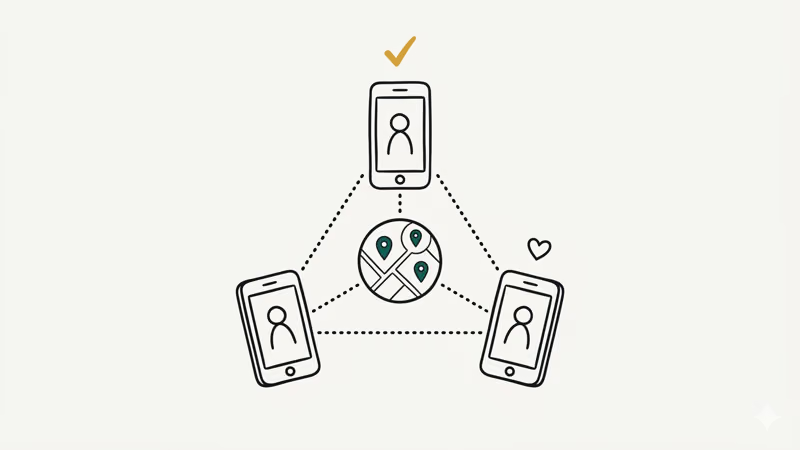
Apple Family Sharing:
Go to Settings > [Your Name] > Family Sharing > Location Sharing. Each family member enables sharing on their own device with their own Apple ID. You can also find lost AirPods and other Apple devices through the same Find My network, which works across all Apple products registered to any family member’s account.
Google Maps Location Sharing:
Open Google Maps, tap your profile picture, then select Location Sharing. Choose a contact. They must accept from their own phone.
Life360:
This third-party app shows family members on a shared map with real-time location updates, driving speed alerts, and crash detection notifications. Every user downloads the app, creates an account, and joins a Circle by invitation. All members can see who’s sharing and can leave the Circle at any time. Location accuracy tends to be reliable in urban areas and updates at regular intervals on both iOS and Android.
The key difference from unauthorized tracking: everyone can see the sharing is active and can leave whenever they want.
#How Can You Tell if Your Phone Is Being Tracked?
If you suspect someone installed tracking software on your device without your consent, look for these warning signs. The EFF’s live stalkerware issue page is the current source to start from before you trust any commercial monitoring app.
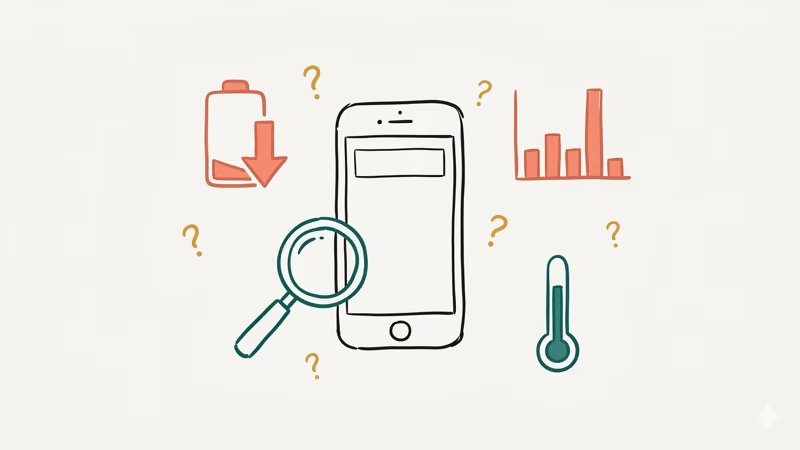
Battery drain. Location use consumes power. Investigate a phone that suddenly loses much more charge than usual while idle.
Data usage spikes. Tracking software uploads location data, screenshots, and sometimes audio recordings to a remote server. Check Settings > Cellular (iPhone) or Settings > Network & Internet > Data Usage (Android). Look for apps consuming data that you don’t recognize or didn’t install.
Unfamiliar apps. Go through your full app list. On Android: Settings > Apps > See All Apps. On iPhone: Settings > General > iPhone Storage.
Device admin access (Android). Go to Settings > Security > Device Admin Apps. If you see an app you didn’t authorize as a device administrator, that’s a serious red flag. Tracking software often requests this level of access specifically because it prevents the app from being easily uninstalled by the phone’s owner.
Warm phone while idle. A phone that gets hot when you’re not using it may have background processes running that you didn’t start.
#How to Stop Unauthorized Tracking on Your Phone
If you find evidence that someone installed tracking software on your phone, here’s what to do. Take these steps seriously because unauthorized tracking is a crime, and you have the right to protect yourself.
On Android:
1. Go to Settings > Security > Device Admin Apps. Revoke admin access for any suspicious app.
2. Go to Settings > Apps. Find and uninstall the suspicious app.
3. Run a scan with a reputable security app like Malwarebytes or Lookout.
4. If the app won’t uninstall, perform a factory reset. Back up your photos and contacts first, then go to Settings > General Management > Reset > Factory Data Reset.
On iPhone:
1. Go to Settings > General > VPN & Device Management. Check for any configuration profiles you didn’t install. Remove them.
2. Go to Settings > General > iPhone Storage. Review all apps and delete any you don’t recognize.
3. Change your Apple ID password and enable two-factor authentication.
4. As a last resort, go to Settings > General > Transfer or Reset iPhone > Erase All Content and Settings.
After removing the software:
Change all your passwords from a different, trusted device. Contact law enforcement if you believe someone was tracking you. The National Domestic Violence Hotline (1-800-799-7233) has resources for people experiencing technology-facilitated abuse.
#Bottom Line
Use Find My iPhone or Google Find My Device first. They’re free and built in.
If your phone is stolen, file a police report and contact your carrier to blacklist the IMEI. For family location sharing, use Apple Family Sharing, Google Maps, or Life360 with everyone’s consent. If you suspect someone is tracking your phone without permission, check for unfamiliar apps, revoke device admin access, and contact law enforcement.
#Frequently Asked Questions
Can I track my phone if it’s turned off?
On a supported iPhone, Find My network can keep the device locatable for a limited time after it’s turned off. Availability depends on the model, settings, and remaining power. Most Android phones can’t report a new location when fully shut down.
Does a factory reset remove tracking software?
Yes, completely. A factory reset wipes all installed apps, settings, and data from the device, which includes any tracking software. Set up your phone as a new device afterward instead of restoring from a backup, since the backup might contain the same unwanted app.
Back up your photos and contacts to a separate cloud service or computer before doing the reset so you don’t lose personal files.
Can someone track my phone using my phone number alone?
No. Carriers can locate phones on their network, but they only share this data with law enforcement. SS7 vulnerabilities exist but require specialized equipment.
What’s the difference between Find My iPhone and Find My Device?
Both do the same thing for different platforms: locate, lock, and erase your device remotely. Find My covers Apple devices, while Find Hub covers Android. Apple documents limited powered-off finding on supported iPhones; Google requires an Android device to have power and a data connection before you can secure or erase it remotely.
Do parental control apps count as tracking software?
Not legally, no. Screen Time (Apple) and Family Link (Google) are parental tools designed for monitoring minor children. Using them on another adult’s device without consent is illegal.
How accurate is phone GPS tracking?
Accuracy varies with satellite visibility, buildings, Wi-Fi, and cell coverage. Treat the map pin as an estimate, especially indoors, and use Play Sound or a nearby-finding feature when available.
Can I track a phone that isn’t connected to the internet?
Yes, if it’s an Apple or Samsung device. Apple’s Find My network and Samsung’s Galaxy Find Network both use Bluetooth to locate offline phones through nearby devices from the same brand. Non-Samsung Android phones need internet access for Google Find My Device. All systems show the last known location before the phone went offline.
Should I confront someone at the location shown on my tracking app?
No, never do this. An indoor location pin can be wrong, so you might approach the wrong person entirely. Confrontations over stolen property can also turn dangerous.
Give the location data to law enforcement instead. Your safety is worth more than any phone.
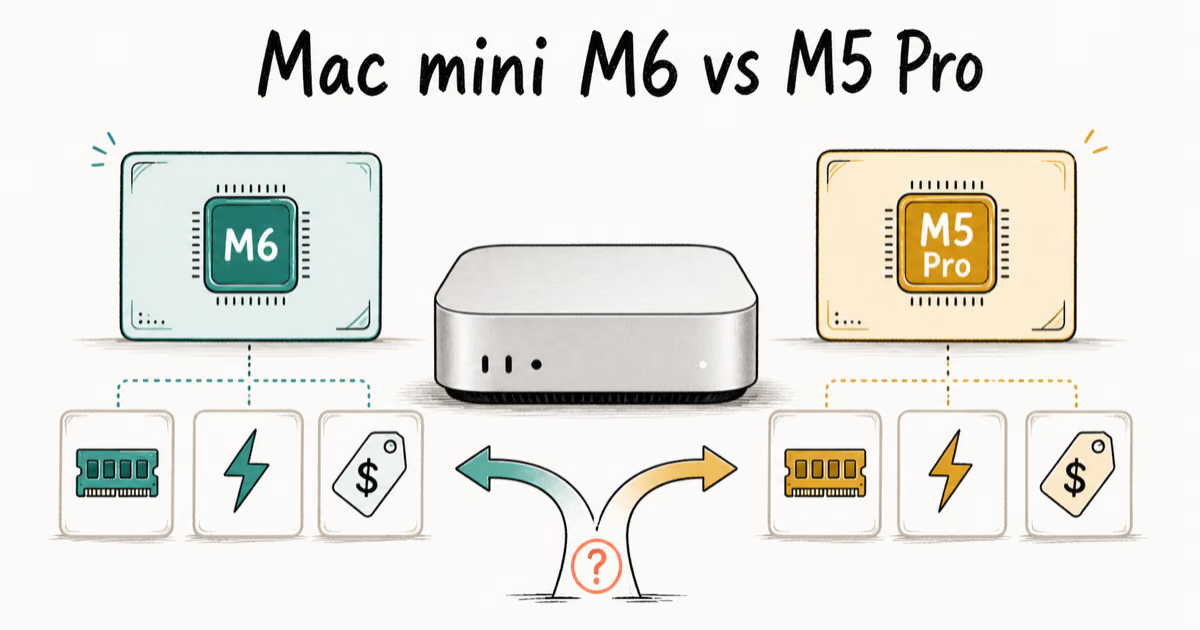
Mac mini M6 vs M5 Pro: Which Model Should You Buy?
Mac mini M6 vs M5 Pro compared on price, memory, ports, displays, and real workloads. Find the better 2026 Mac mini for your desk and budget.
Apple Siri Settlement: Who Qualifies and How to Claim
Apple's $250 million Siri settlement covers iPhone 15 Pro and iPhone 16 models bought June 2024 to March 2025. See who qualifies and how claims work.
iOS 26.6.1 Security Update: What Apple Fixed and Who Gets It
Apple released iOS 26.6.1 on August 17 with 29 security fixes, including an IPSec interception bug. See what it patches, who gets it, and how to update.
iPhone Adaptive Power: How It Works and When to Use It
Learn how iPhone Adaptive Power works, which models support it, what it changes, and when Low Power Mode is still the better battery-saving choice.