How to Join Someone's TikTok Live as a Co-Host in 2026
Join a TikTok Live as co-host by tapping the smiley face icon and requesting to join. Covers joining, inviting, and starting your own stream in 2026.
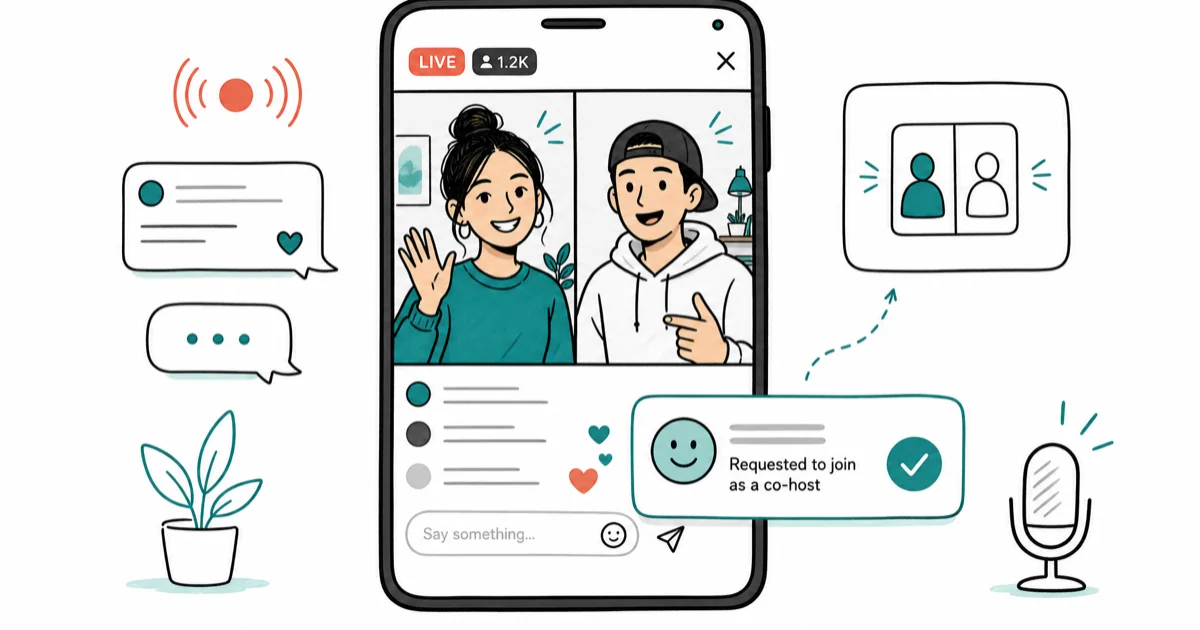
Quick AnswerTo join someone's TikTok Live as a co-host, open the live stream and tap the smiley face icon in the comments area. Tap 'Request to Join' and wait for the broadcaster to accept. Your screen splits in two when they accept.
Joining a TikTok Live as a co-host isn’t the same as just watching one. You send a request, and the broadcaster has to accept. Here’s exactly how that works in the current app.
- To join a TikTok Live as a co-host, tap the smiley face icon in the comments area and tap “Request to Join.” The broadcaster must accept before the split-screen activates.
- Broadcasters can also invite specific viewers directly from the Live management panel without waiting for requests.
- TikTok requires at least 1,000 followers and an age of 16 or older to start your own LIVE stream.
- Request notifications usually appear quickly for the broadcaster, but network conditions can slow them down.
- According to TikTok’s help center, co-hosting another creator’s LIVE doesn’t require a minimum follower count on the viewer side.
TikTok Live co-hosting lets two accounts appear side-by-side in one stream. The feature is separate from passive viewing. It needs an active request plus the broadcaster’s explicit acceptance.
#How to Join Someone’s Live on TikTok as a Co-Host
These steps work on both iPhone and Android in the current TikTok app:
- Open TikTok and find the live stream you want to join.
- Tap the two smiley face icons in the lower-right area of the comments section.
- Tap Request to Join in the panel that appears.
- Wait for the broadcaster to accept your request.
When the broadcaster accepts, your screen splits into two panels. You appear in the bottom half and the original broadcaster stays in the top half. The accept notification usually appears quickly for the broadcaster, though network conditions can stretch that out.
What happens if the broadcaster doesn’t accept? The request sits in their queue until they dismiss it or take another action. You can send another request at any time.
For popular creators with large followings, requests come in constantly and most go unanswered. Smaller creators are more likely to accept. You can also hide the chat during a TikTok Live to keep the screen cleaner while you wait.
#How Does Joining via an Invitation Work?
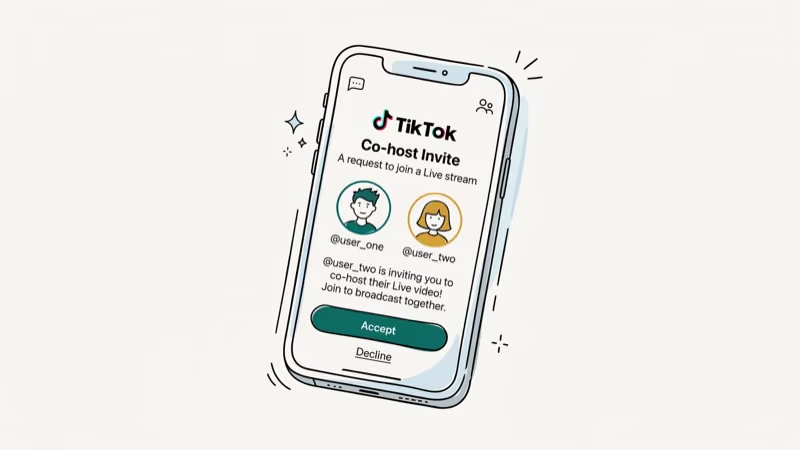
Broadcasters can send invitations directly to viewers they want to co-host with. You don’t have to request anything yourself.
If a broadcaster invites you:
- You’ll receive a notification inside the live stream that says you’ve been invited.
- Tap Accept in the invitation prompt before it disappears.
- The split-screen activates automatically once you accept.
According to TikTok’s LIVE help page, inviting guest creators is available to any account that meets the LIVE eligibility requirements. Broadcasters see a list of active viewers and can invite anyone from that list directly.
#Tips for Getting Your Co-Host Request Accepted
A request alone is rarely enough on a busy stream. Broadcasters scan their request queue while talking, so anything that helps them recognize a real viewer matters.
A few things move the needle in practice:
- Comment first, then send the request; a short, relevant comment makes you visible.
- Avoid sending multiple requests back-to-back, which most creators read as spam.
- Pick streams with active two-way chat rather than monologue broadcasts, since those hosts are already looking for guests.
Smaller streams with active hosts give you a much better chance than peak-hour streams from very large accounts.
#What Are the Requirements to Go Live on TikTok?
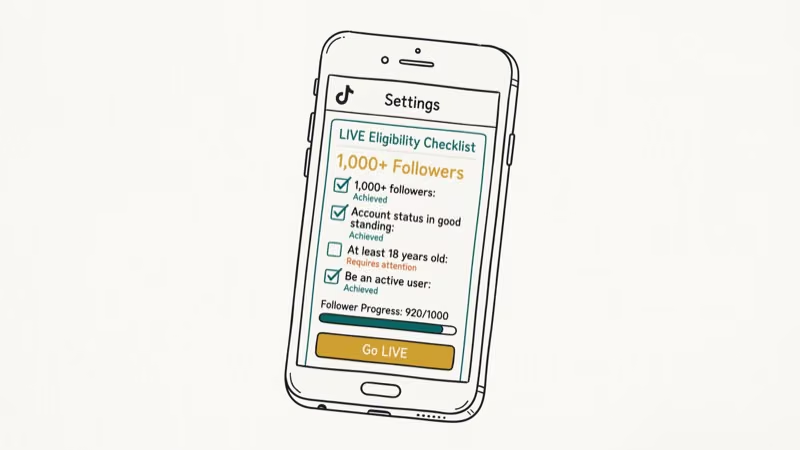
To start your own TikTok LIVE stream, your account must meet these requirements:
- Minimum 1,000 followers: Accounts below this threshold don’t see the Live option.
- Age 16 or older: Under-16 accounts can’t go live.
- Age 18 or older: Required to send and receive virtual gifts during a live.
According to TikTok, accounts need 1,000 followers and an age of 16 or older to access LIVE, per their official LIVE help.
Accounts below the 1,000-follower threshold typically don’t see the LIVE option. The option should reappear once the follower count climbs back above the bar. TikTok confirms that users must be 16 or older to host a LIVE, with community guidelines requiring 18 or older to send or receive virtual gifts.
Regional restrictions can also apply, and some countries have additional limitations on who can broadcast. Independent overviews like Wikipedia’s TikTok article also document the platform’s LIVE feature evolution.
#How to Start Your Own TikTok Live
- Open TikTok and tap the + Create button.
- Swipe to LIVE in the menu below the record button.
- Add a title for your stream (required).
- Optionally add a cover image and select a topic.
- Tap Go LIVE in pink to start broadcasting.
Your followers receive a notification that you’re live. Once you’re broadcasting, viewers can join your stream using the same request process described above.
#Common Reasons TikTok Live Isn’t Working
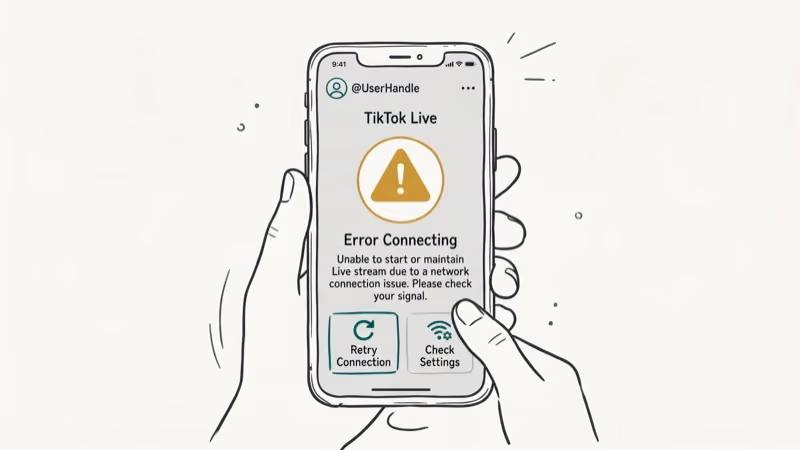
If you can’t find the Live option, these are the most common causes:
- Below 1,000 followers: This is the most common reason by far.
- App version outdated: Update TikTok to the latest version and restart the app.
- Regional restriction: TikTok LIVE is restricted in some countries. Check your region’s availability.
- Account under review: New accounts or recently warned accounts may have Live temporarily suspended.
If you’ve ruled all of these out, go to Settings > Privacy > Report a Problem > LIVE > I can’t start a LIVE and submit a report directly to TikTok.
For more TikTok Live tips, see how to send likes on TikTok Live and how to DM someone on TikTok.
For broader TikTok controls, check how to unfollow everyone on TikTok and TikTok auto-scroll settings.
#Bottom Line
Send a request by tapping the smiley face icon during a live stream and wait for the broadcaster to accept. To start your own LIVE, you need at least 1,000 followers and an account that’s 16 or older per TikTok’s official rules. Most requests to very large creators go unanswered, so smaller, active streams give you a much better shot.
TikTok Tips & Tricks
#Frequently Asked Questions
Can anyone join a TikTok Live as a co-host?
Any TikTok account can send a co-host request regardless of follower count. The broadcaster decides who gets accepted. There’s no minimum follower requirement to join someone else’s live.
Can I join a live anonymously on TikTok?
Watching is anonymous in the sense that your username isn’t announced. Co-hosting isn’t: your username and profile photo appear on-screen the moment the split-screen activates, so every viewer can see who joined.
How long can a TikTok live stream last?
TikTok doesn’t publish a single fixed maximum length, and limits can differ by region, by account, and by whether the stream goes through a Pro or LIVE Studio setup. If your stream ends earlier than expected, restart it from the create menu and check whether your account has any active LIVE restrictions in your account settings.
Can I replay a TikTok live stream after it ends?
Built-in replay isn’t offered to every account. Some creators save the live and re-post it as a regular video. If they didn’t save, the stream is gone.
How do I find popular live streams on TikTok?
Tap the Discover tab and look for the LIVE section at the top. TikTok surfaces live streams from accounts you follow first, then trending streams based on your interest categories and recent watch behavior.
What happens to my chat messages when I co-host?
Comments stay normal. Co-hosting splits the video, not the chat. Viewers can still type and you can still respond.
Can I join a TikTok Live on desktop?
TikTok’s web client at tiktok.com lets you watch live streams, but it does not expose the co-host request flow. To send a request you need the official TikTok mobile app on iOS or Android. There’s no desktop or browser path to joining as a co-host.
How to Block TikTok on iPhone and Android: Parent Guide
Block or limit TikTok on your child's iPhone or Android using Screen Time, Family Link, and router settings. Step-by-step parental control guide.
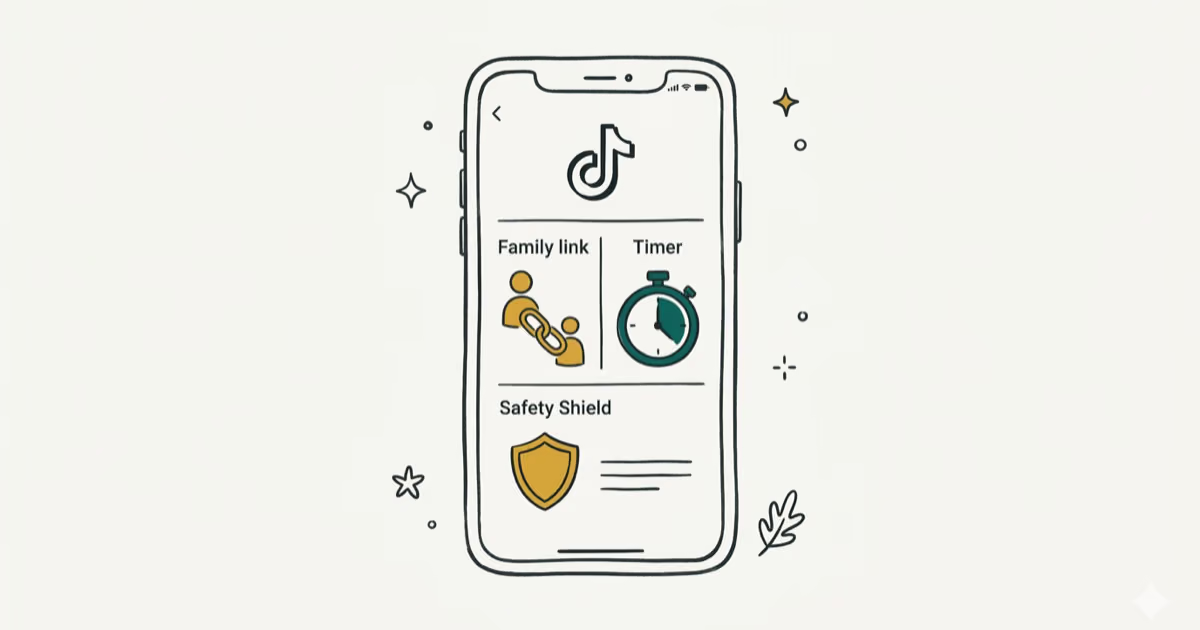
TikTok Parental Controls: Setup Guide for Families
Set up TikTok parental controls using Family Pairing, Restricted Mode, and privacy settings. Step-by-step guide to protect your child on TikTok.
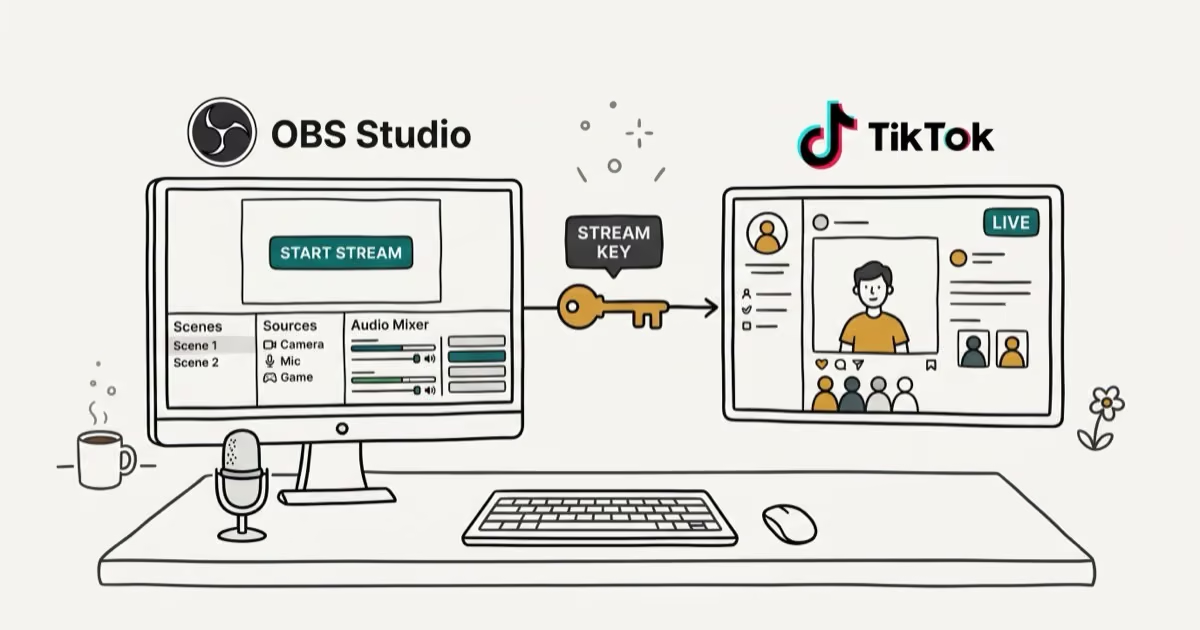
How to Get a TikTok Stream Key for OBS and Streamlabs
Get a TikTok stream key to broadcast from OBS or Streamlabs. Covers the 1,000-follower requirement, CarterPulse application, and OBS setup steps.
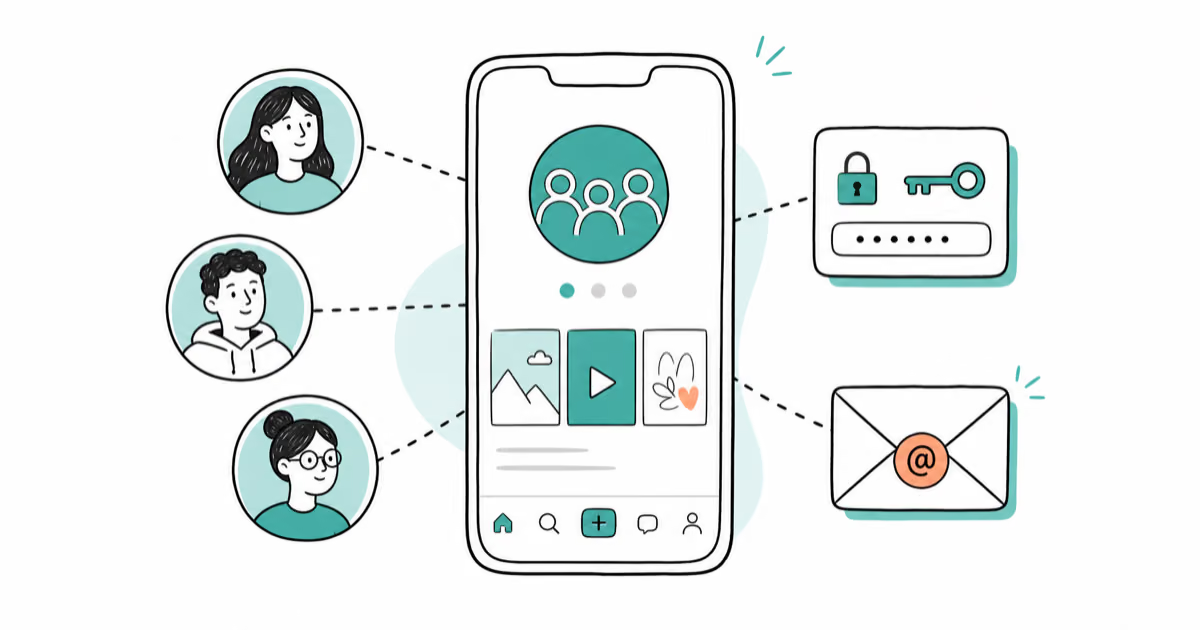
How to Make a Joint TikTok Account With Friends (2026)
Set up and manage a joint TikTok account with friends. Covers shared login setup, content planning, security tips, and the Collaboration Post alternative.