Can You See Who Views Your TikTok? What the App Shows
Can you see who views your TikTok? No — TikTok removed video viewer tracking in 2020. Here's what data you can actually see and how Analytics works.
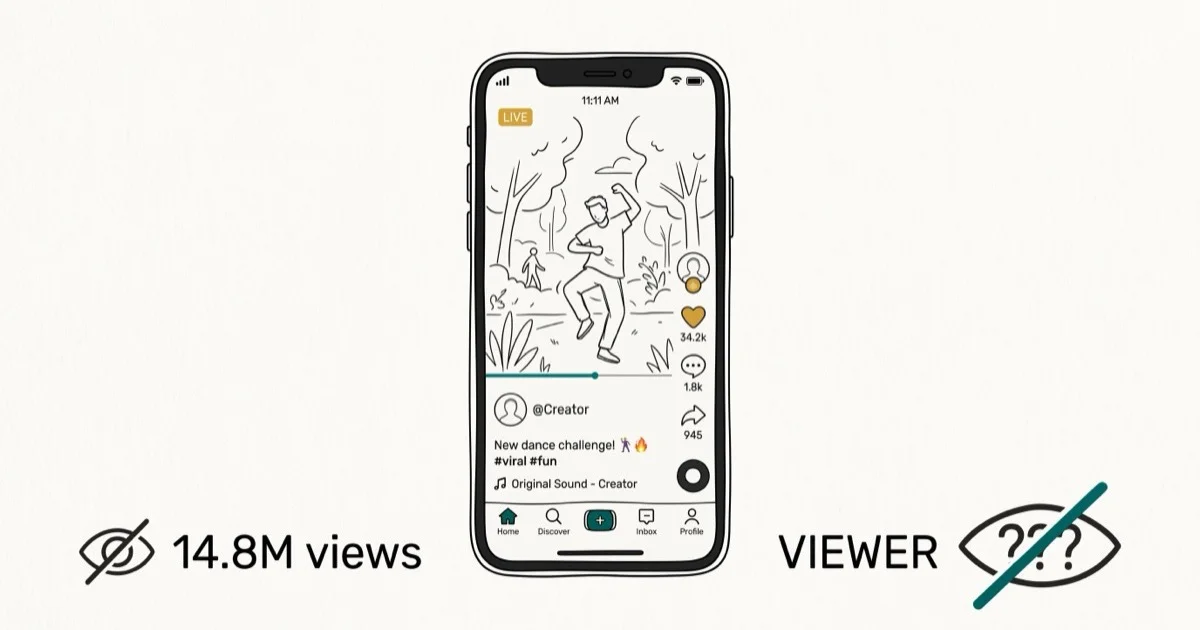
Quick AnswerNo, you can't see who viewed your individual TikTok videos. TikTok removed per-video viewer identification in 2020. You can see who visited your profile (if Profile View History is enabled), but you can't identify who watched any specific video.
TikTok used to show who viewed your videos, but that feature disappeared in 2020. The current app only gives creators aggregate video metrics, so the answer is more limited than most creators expect.
- TikTok removed per-video viewer identification in 2020 and has not brought it back
- You can see total video view counts, but not who those individual viewers were
- Profile View History lets you see who visited your profile in the last 30 days, not who watched videos
- TikTok Pro/Creator accounts get access to Analytics with audience demographics and engagement data
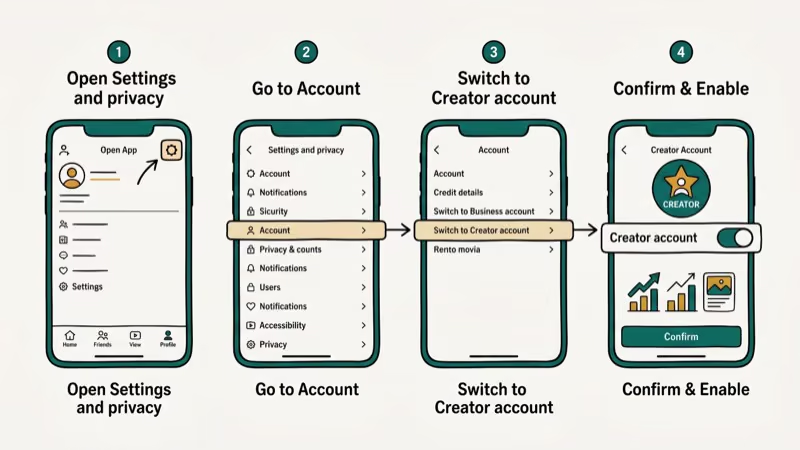
- Switching to a Creator account is free and takes under 2 minutes in the app settings
#What TikTok Removed in 2020
TikTok previously allowed creators to see which accounts had watched their videos. According to TikTok’s newsroom, the platform has removed this feature without a formal public explanation, and it has not been restored in any region since its removal in 2020.
The loss of this feature affects all account types. Whether you have a personal account, a Creator account, or a TikTok Business account, no account type can see who watched a specific video. The only viewer data available is a raw count.
The viewer list option no longer exists in the current app. The only video-level metric visible on a profile grid is the play count shown in the lower-left corner of each video thumbnail.
#Can You See Who Viewed Your TikTok Profile?
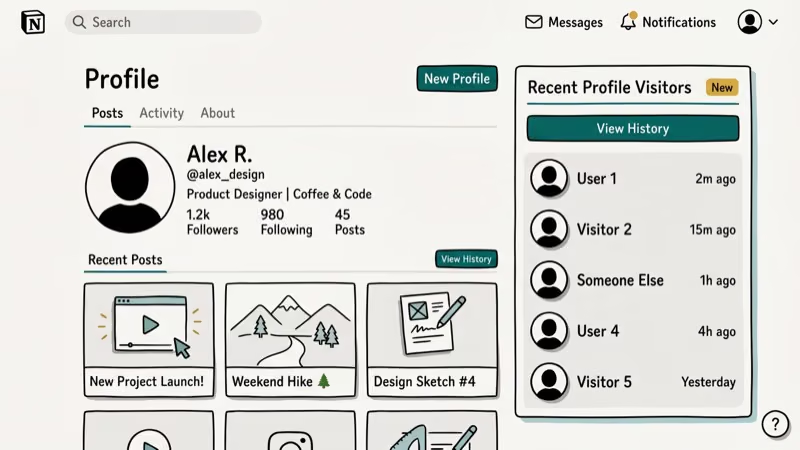
Yes, partially. Profile View History is a separate feature that shows who visited your profile page in the last 30 days. This is distinct from video views. Someone can watch your video without ever visiting your profile, and their profile view won’t be recorded in that case.
To enable Profile View History, go to Settings and Privacy > Privacy > Profile Views. According to TikTok’s help center, both you and the other person must have this setting enabled for either party to see the other’s visit. If either side has it off, no visit is recorded.
There’s a trade-off. When you turn on Profile View History, your own profile visits to other accounts become visible to them as well. Some creators turn it off specifically to browse competitor profiles anonymously.
#How to Check Your TikTok Video View Counts
Even without viewer identification, knowing your view counts helps track content performance. Here’s how to access your video metrics.
Open TikTok and tap the Profile icon at the bottom right. Tap the grid icon below the Edit Profile button to see your video feed.
Each video shows a view count in the lower-left corner of the thumbnail. Tap any video for the full play count in the player view.
The number shown is cumulative total plays, not unique viewers. TikTok doesn’t distinguish between one person watching a video 10 times and 10 different people watching once. This limitation applies to all account types without exception.
If you’re looking to make a playlist on TikTok to organize your content by topic, that can help you analyze which content categories get the most plays.
#How to Use TikTok Analytics for Creator Insights
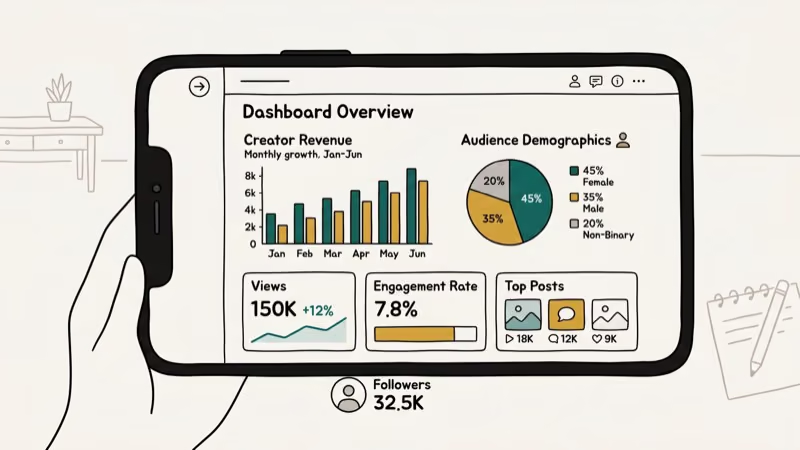
TikTok Analytics offers the best available substitute for viewer identification. It won’t show you names, but it tells you who your audience is in aggregate. This data is only available on Creator or Business accounts.
Tap the Profile icon, then tap the three-dot menu in the top-right corner. Select Creator Tools, then tap Analytics. If it’s not yet activated, tap Turn On to start collecting data.
According to TikTok’s creator documentation, the Analytics dashboard shows 4 main sections.
Overview shows total video views, profile views, and follower count changes over 7, 28, or 60 days.
Content shows your top-performing videos ranked by views, along with metrics like watch time, shares, and comments.
Followers shows the demographics of your audience: top countries, gender breakdown, and what times your followers are most active.
LIVE shows data from any live streams you’ve hosted.
Creator accounts with enough recent activity can access the main Analytics tabs. Newer accounts may see limited data until enough activity accumulates.
#Is There Any Way to Tell Who Specifically Watched?
No direct method exists. But there are two indirect signals worth knowing about.
Comments and engagement. If someone comments on your video, you can see their account. Comments, likes, and shares create a record of specific users interacting with your content. Engagement is the only built-in way to connect a view to an actual account. To learn more, see how to see who likes your TikTok for a walkthrough of the engagement tracking available.
Duets and Stitches. If a user creates a Duet or Stitch using your video, you’ll get a notification. To see all Stitches on your content, check out how to see stitches on TikTok. This is another form of indirect identification — you won’t know who passively watched, but you’ll know who cared enough to respond with their own content.
Also check out how to add pictures to TikTok videos to create more engaging content that drives comments and interactions, which is the only audience identification signal available. How to blow up on TikTok covers growth strategies that work without needing to identify individual viewers.
#Why TikTok Doesn’t Show Individual Video Viewers
TikTok’s algorithm prioritizes content consumption at scale. The TikTok overview is the durable platform citation; for viewer identity, use the current in-app Profile View History settings rather than assuming creators get a general viewer list.
This design decision aligns with how TikTok’s core loop works. The app is built around discovery, meaning most views come from the For You Page rather than from followers. Identified viewers would create social friction that slows down the passive consumption TikTok’s business model depends on.
#Bottom Line
You can’t see who viewed your TikTok videos. TikTok removed that feature in 2020 and hasn’t brought it back. What you can track is profile visitors (via Profile View History), video play counts, and audience demographics through Analytics. If growing your account matters, focus on Analytics data rather than waiting for viewer identification to return.
TikTok Tips & Tricks
#Frequently Asked Questions
Can you see who viewed your TikTok in 2026?
No. TikTok removed per-video viewer identification in 2020, and the feature hasn’t returned as of 2026. You can only see total view counts, not individual viewer identities.
Does TikTok show who visited your profile?
Yes, if you enable Profile View History under Settings and Privacy > Privacy > Profile Views. It shows visitors from the last 30 days. Both you and the viewer must have the feature enabled for the visit to register.
How do you see who watched your TikTok video?
You can’t. TikTok only shows a total play count per video. To see who interacted with your content, check the comments, likes, and shares sections of each post.
What is TikTok Analytics and how do I access it?
TikTok Analytics is a dashboard available on Creator and Business accounts. Access it through Profile > three-dot menu > Creator Tools > Analytics. It shows video views, follower demographics, and top content performance.
Can I see who viewed my TikTok if I have a Pro account?
No. Even with a Creator or Business account, you can’t see individual video viewers. Analytics shows aggregate data like total views, reach, and audience demographics, but not specific viewer identities.
Can someone tell if I viewed their TikTok?
For videos, no. For profiles, only if both of you have Profile View History enabled. If either person has it disabled, the visit isn’t recorded in either direction.
How do I get more views on TikTok if I can’t see who’s watching?
Focus on TikTok Analytics instead. Check which videos in your Content tab have the highest watch time, then make more content in that style. Post during the peak activity hours shown in your Followers tab, and use trending audio from the Discover page to boost For You Page distribution.
How to Block TikTok on iPhone and Android: Parent Guide
Block or limit TikTok on your child's iPhone or Android using Screen Time, Family Link, and router settings. Step-by-step parental control guide.
TikTok Parental Controls: Setup Guide for Families
Set up TikTok parental controls using Family Pairing, Restricted Mode, and privacy settings. Step-by-step guide to protect your child on TikTok.
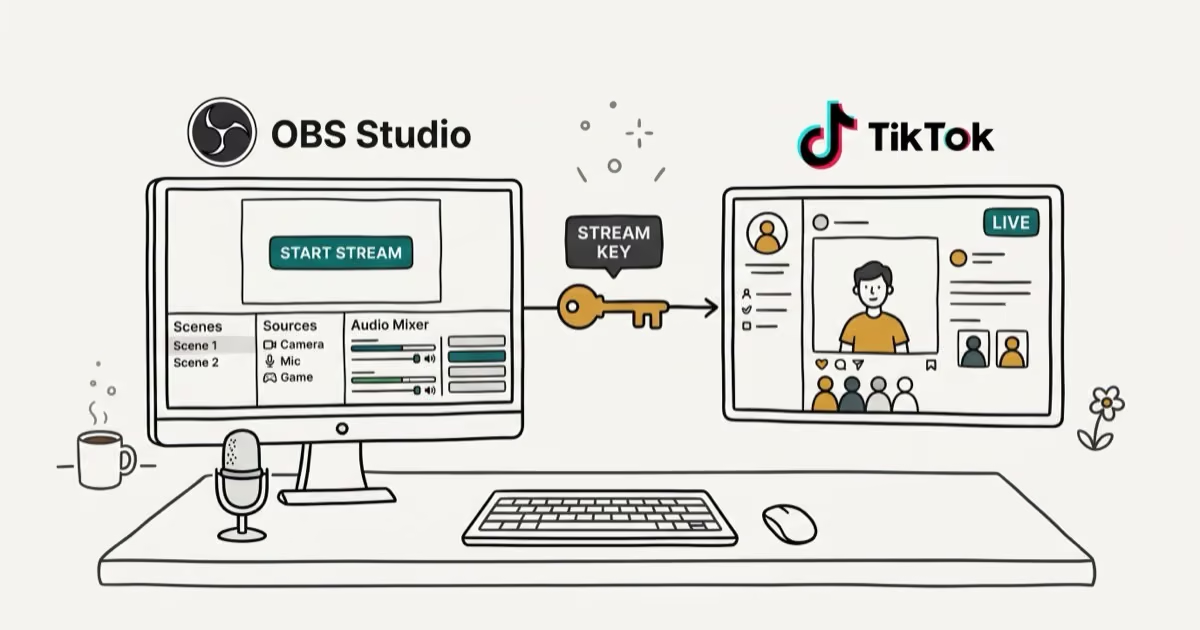
How to Get a TikTok Stream Key for OBS and Streamlabs
Get a TikTok stream key to broadcast from OBS or Streamlabs. Covers the 1,000-follower requirement, CarterPulse application, and OBS setup steps.
How to Make a Joint TikTok Account With Friends (2026)
Set up and manage a joint TikTok account with friends. Covers shared login setup, content planning, security tips, and the Collaboration Post alternative.