Driver Talent Review: Is It Still Worth Using in 2026?
Driver Talent review for 2026: features, pricing, driver backups, safety notes, and how it compares with Driver Easy for Windows driver updates.
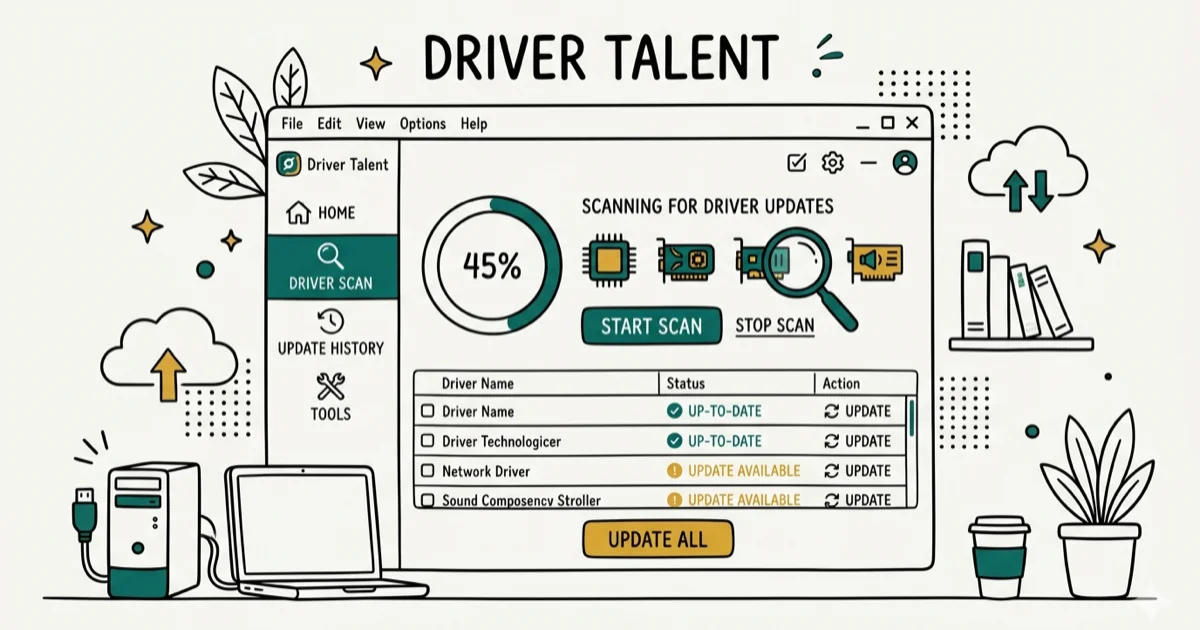
Quick AnswerDriver Talent is a legitimate and safe driver updater for Windows that scans your PC, finds outdated drivers, and installs them with one click. The free version identifies issues but requires a paid license starting at $13.56 to actually download and install updates.
Keeping Windows drivers updated prevents crashes, fixes hardware glitches, and improves performance. Driver Talent automates the process. This review covers its scan flow, update process, backup feature, pricing, and how it compares with Device Manager and Driver Easy.
- Driver Talent scans installed hardware and identifies outdated, missing, or corrupted drivers automatically.
- The free version shows scan results but requires a paid license to download and install drivers — a one-PC lifetime license costs $13.56 at the discounted rate.
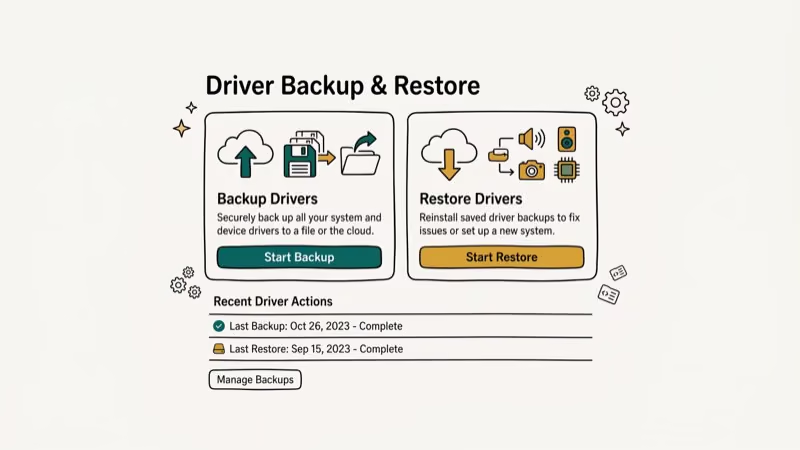
- Driver backup and restore is one of the most useful features: it saves all current drivers before updating, so you can roll back if a new driver causes problems.
- Antivirus or firewall software may flag Driver Talent during first run; add an exception only after you trust the installer.
- Driver Easy is a strong alternative with a larger database of over 8 million drivers and a money-back guarantee if it can’t fix your problem.
#Driver Talent Overview
Driver Talent (formerly DriveTheLife) is a Windows utility developed by OSToto Company Limited. It automatically scans your PC for outdated, missing, or corrupted drivers and installs the correct versions. You don’t need to know your hardware model numbers or visit manufacturer websites.
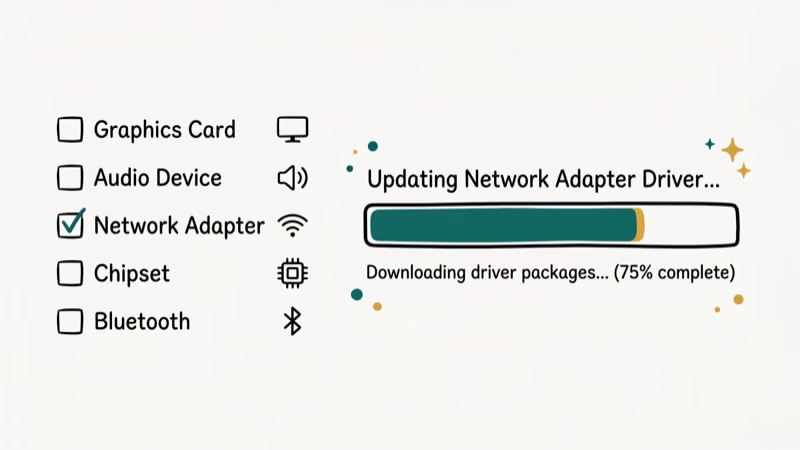
The tool supports driver updates for all common hardware categories: graphics cards, sound cards, Wi-Fi adapters, network cards, Bluetooth devices, and USB controllers. The scan page groups driver updates by device category before you choose what to install. According to Wikipedia’s overview of device drivers, outdated drivers are one of the primary causes of Windows stability issues and hardware malfunction.
#Safety and Security
Yes, Driver Talent is safe. It doesn’t bundle adware or malware. Some antivirus programs flag it because it modifies system files during driver installation. This is a false positive, not a real threat.
If your security software blocks it, whitelist Driver Talent in your antivirus settings. According to Microsoft’s driver signing documentation, Windows requires drivers to be WHQL-certified before loading them, which means Driver Talent can only install drivers that have passed Microsoft’s hardware qualification program. If you’re worried about the installer, verify it with your own security tools before allowing driver changes.
#Does Driver Talent Actually Work?
Driver Talent’s value is that it compares installed devices against its own driver database rather than relying only on Device Manager. Device Manager can still say “up to date” when a manufacturer website has a newer package available.
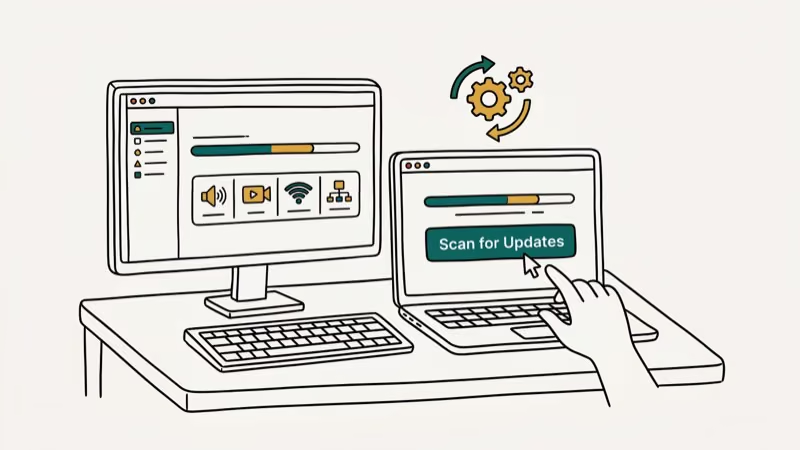
Microsoft’s documentation states that Windows Update may not always have the latest drivers, particularly for specialized hardware, which is exactly why third-party tools like Driver Talent add value.
Use one-click install only after creating a backup, and reboot whenever the tool asks; network and audio drivers often need a restart to finish.
#Driver Talent Features Worth Knowing
Auto-scan and one-click update: The core feature. Driver Talent scans in the background and notifies you when drivers need updating. One click starts the download and installation.
Driver backup and restore: Before installing any update, Driver Talent saves a copy of your current driver. If the new version causes issues, you can revert in seconds. This is the feature that makes it safer to update drivers aggressively.
Pre-download: Driver Talent can pre-download driver updates before you need them. This is useful if you’re about to reinstall Windows and want offline driver packages ready.
Uninstall leftover drivers: After removing hardware, old driver files often stay on your system. Driver Talent finds and removes them cleanly. You can also explore NVIDIA backend processes that sometimes persist after driver updates.
#Driver Talent Pricing
The pricing structure is more flexible than most competitors:
- 1 PC lifetime license: $13.56 (discounted from $26.95)
- 3 PC lifetime license: $26.95 (discounted from $59.95)
- 5 PC lifetime license: $34.95 (discounted from $89.95)
There’s no subscription required. The free version scans and identifies problems but won’t install updates. For most home users, the single-PC lifetime license is the best value. If drivers are causing thread stuck in device driver errors, a one-time purchase to sort out all drivers is worth it.
#Is Driver Easy Better Than Driver Talent?
Driver Easy is the main alternative worth considering. Here’s how they compare:
Some links on this page are affiliate links, which means fone.tips may earn a commission at no extra cost to you.
- Database size: Driver Easy has over 8 million drivers; Driver Talent’s database is smaller.
- Money-back guarantee: Driver Easy offers a refund if it can’t fix your problem; Driver Talent doesn’t.
- Pricing: Both offer similar pricing; Driver Easy also has a free tier that downloads one driver at a time.
- Interface: Both are clean and easy to use. Driver Easy has a more guided update flow.
For most users, Driver Easy is the stronger choice due to its larger database and guarantee. Driver Talent is a good alternative if you prefer a lifetime license model and don’t need the guarantee. If you’re dealing with specific issues like no AMD graphics driver installed or NVIDIA display settings not available, either tool should handle those specific driver categories.
#Pros and Cons of Driver Talent
Pros:
- Simple, clean interface any user can operate
- Lifetime license with no subscription
- Driver backup before every update
- Scans major hardware categories automatically
- Pre-download option for offline driver packages
Cons:
- Free version can’t install updates (scan only)
- Database smaller than Driver Easy
- Some antivirus programs flag it on first run
- Auto-scan can’t be manually scheduled
#Bottom Line
Driver Talent is a legitimate driver updater with one-click update, driver backup, and pre-download features. The main limitation is the smaller driver database compared to Driver Easy. If you update drivers regularly and prefer a one-time payment over a subscription, the $13.56 lifetime license for one PC is a fair deal. If database size matters more, Driver Easy is the stronger choice.
#Frequently Asked Questions
Is Driver Talent safe to use?
Yes. Driver Talent is free from malware and uses WHQL-certified drivers from manufacturer sources. Antivirus flags during installation are false positives caused by the software modifying system files. Whitelist it in your security settings.
Can Driver Talent update all my drivers?
Driver Talent updates all major driver categories: graphics, audio, network, Bluetooth, USB, and chipset drivers. It can’t update firmware for storage drives, but it handles everything in Device Manager.
Does Driver Talent support Windows 11?
Yes, Driver Talent fully supports Windows 11, Windows 10, Windows 8.1, and Windows 7. The tool works the same across all supported versions.
Is the Pro version of Driver Talent worth it?
If you update drivers frequently or manage multiple PCs, the Pro version is worth it. The lifetime license structure means you pay once and get updates indefinitely, which is better value than annual subscriptions.
Can Driver Talent restore drivers after a system crash?
Yes, through the Rescue Center feature. As long as you created a backup before the crash, Driver Talent can restore all backed-up drivers from the backup files.
How is Driver Talent different from using Device Manager?
Device Manager only finds drivers through Windows Update, which often lags behind manufacturer releases. Driver Talent uses its own database to find the latest versions directly from hardware vendors, so it typically finds newer drivers than Device Manager shows.

Best Laptop for Running LLMs in 2026: Memory Comes First
The best laptop for running LLMs is a memory purchase first. Compare MacBook unified memory against NVIDIA laptop VRAM, and see what each tier really runs.

Pixel 11 vs Pixel 10: What Changed and Who Should Upgrade
Pixel 11 vs Pixel 10: same screen and camera resolution, new Tensor G6, 25W wireless, and Gemini Intelligence. Here is who should actually upgrade.

Best Power Bank for iPad in 2026: Pro, Air, and Mini
Best power bank for iPad in 2026. Compare mAh tiers and USB-C PD wattage for iPad Pro, Air, and mini, plus airline Wh math, cables, and travel tips.

Best Power Bank With Built-In Cable: Top 2026 Picks
Best power bank with built-in cable picks for 2026. Compare single USB-C, multi-connector, and retractable laptop banks, plus airline Wh math.