Best WhatsApp Mods for Android in 2026: Top Safe Picks
GBWhatsApp, WhatsApp Plus, and FMWhatsApp are the top WhatsApp mods for Android in 2026. Compare features, risks, and safe download tips in this guide.
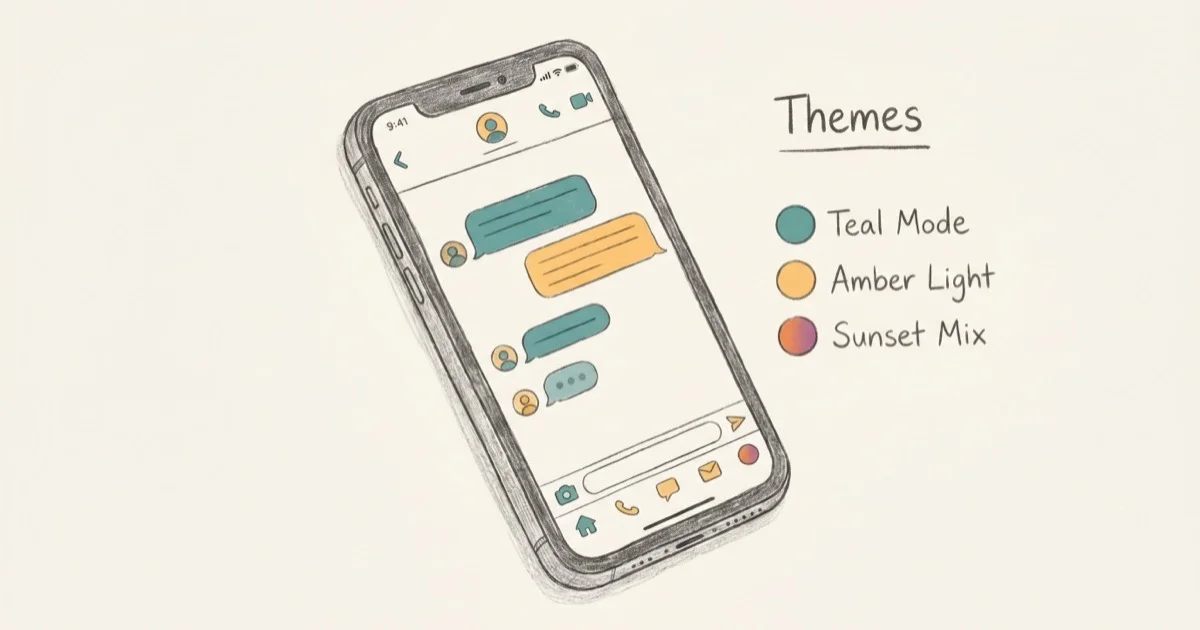
Quick AnswerGBWhatsApp and WhatsApp Plus are the most popular WhatsApp mods in 2026. Both run dual accounts, unlock hidden themes, and remove file size limits — but they carry real security risks since they are unofficial and not end-to-end encrypted in the same way as the official app.
WhatsApp mods are unofficial Android APKs that swap out the original app for something with more control. This guide breaks down what the main ones actually deliver and where they fall short. It’s only for your own device or account.
- GBWhatsApp and WhatsApp Plus are the most downloaded mods in 2026, each with 100+ custom themes
- Most mods raise the file-sharing limit from 16 MB to 700 MB or more, which matters for video
- WhatsApp can permanently ban accounts that use third-party mods, per its Terms of Service
- Mods don’t use Google Drive backup, so you need a manual backup plan before switching
- iOS users can’t run any of these mods; they’re Android-only APKs
#What Are WhatsApp Mods and How Do They Work?
A WhatsApp mod is a reverse-engineered version of the official app. Third-party developers pull the original APK apart, add features, and repackage it under names like GBWhatsApp or WhatsApp Plus.
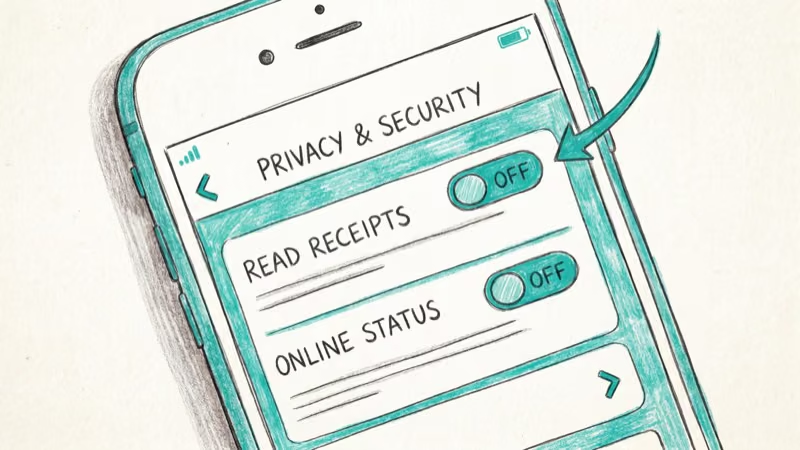
They connect to WhatsApp’s servers using your registered number. Contacts don’t notice a thing.
According to WhatsApp’s official Terms of Service, using third-party clients violates their rules and can result in a temporary or permanent ban. WhatsApp ran several anti-mod ban waves between 2022 and 2024. This isn’t a hypothetical — accounts do get banned.
#The 6 Best WhatsApp Mods for Android
#1. GBWhatsApp
GBWhatsApp is the most searched WhatsApp mod. It lets you run two WhatsApp accounts on one phone, which is useful if you keep separate work and personal numbers.
Setup is a quick three-step process: install the APK, verify your number, restore a backup from the official app.
For the full chat-preserving migration path, follow our step-by-step WhatsApp-to-GBWhatsApp switch.
Top GBWhatsApp features:
- Dual-account support (“fork” mode)
- Over 100 custom themes in the built-in store
- File sharing up to 700 MB over Wi-Fi
- Privacy controls: hide blue ticks, online status, typing indicator
- View deleted messages even after the sender recalls them
- DND mode to silence all incoming notifications
The main downside is stability. GBWhatsApp updates lag behind official WhatsApp releases by weeks. During that window, features like Status and calls can break.
#2. WhatsApp Plus
WhatsApp Plus shares most of GBWhatsApp’s codebase but goes deeper on visual customization. Wider theme library, more granular UI controls, same core risks.
What WhatsApp Plus adds:
- Over 1,000 downloadable themes, more than GBWhatsApp
- Send up to 90 images in a single message (official app caps at 30)
- Video share limit raised to 50 MB
- Built-in app lock using fingerprint or PIN
- Scheduled messages with time-based delivery
- Anti-revoke to block contacts from deleting messages on your screen
#3. FMWhatsApp
FMWhatsApp focuses on privacy more than the others. It adds per-contact privacy settings, letting you show your online status to some contacts while hiding it from others. The official app still can’t do that.
FMWhatsApp standout features:
- Per-contact settings for blue ticks, last seen, and online status
- Send files up to 1 GB over Wi-Fi
- Over 30 chat bubble styles to choose from
- Password-protect individual chats
- Facebook Messenger emoji pack
- Video status up to 5 minutes (official limit: 90 seconds)
#4. Fouad WhatsApp
Fouad WhatsApp updates faster than most other mods. The developer pushes new builds within a few days of official WhatsApp releases, cutting the compatibility lag that hits GBWhatsApp.
Key features:
- Updates typically within 1 week of official releases
- Emoji style from 6 different sources, including iOS-style
- Multi-language support with full RTL compatibility
- Custom fonts and chat bubble designs
- Dedicated Status and Broadcast dashboard for power users
#5. YoWhatsApp
YoWhatsApp (also called YOWA) takes a minimalist approach. Fewer features than GBWhatsApp, but the interface is cleaner and it crashes less often. Good choice for mid-range phones.
According to a Reddit thread with 300+ upvotes on r/androidapps, YOWA is the preferred mod for users who want dual-account support without the overhead of full-featured mods.
YoWhatsApp features:
- Dual-account support
- Built-in DND mode
- Clean theme options without clutter
- Blue-tick and last-seen privacy toggles
- Support for over 100 languages
#6. GBWhatsApp Mini
GBWhatsApp Mini is a stripped-down version for older phones with limited RAM. It uses the original WhatsApp skin by default, which feels much closer to the official app than other mods.
GBWhatsApp Mini features:
- Runs on devices with less than 2 GB of RAM
- Read deleted messages before the sender can recall them
- File sharing up to 1 GB
- Fingerprint and pattern lock for conversations
- Download WhatsApp Status files directly to your gallery
#WhatsApp Mods Compared Side by Side
Quick summary of each mod’s strengths:
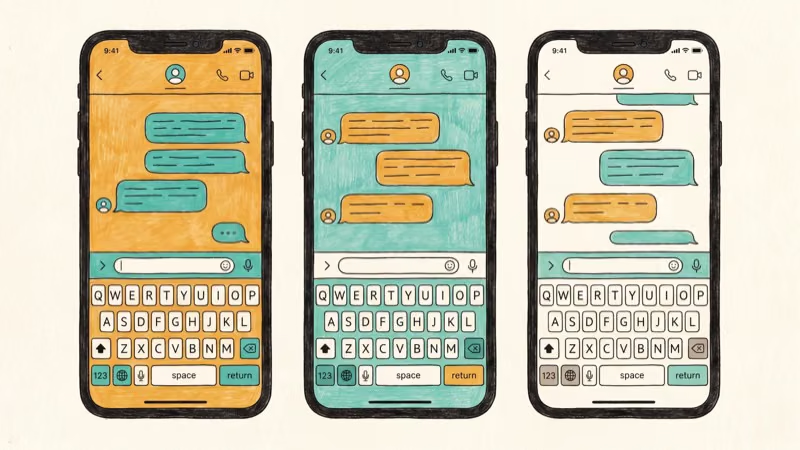
- GBWhatsApp: best all-rounder for dual-account users, 700 MB file limit, slowest updates
- WhatsApp Plus: best theme library (1,000+), scheduled messages, anti-revoke
- FMWhatsApp: best for per-contact privacy controls, 1 GB file limit
- Fouad WhatsApp: fastest update cycle, best for users who need current compatibility
- YoWhatsApp: cleanest interface, minimal crashes, good for mid-range hardware
- GBWhatsApp Mini: best for phones with less than 2 GB RAM
Not sure which to pick? Start with GBWhatsApp for the widest feature set, or Fouad WhatsApp if staying updated matters most.
#WhatsApp Mod Risks You Should Understand
Serious risks. Read before installing.
Account bans. According to WhatsApp’s Terms of Service, using third-party apps can get your number banned, temporarily (72 hours) or permanently. Detection improved significantly after 2022, and anti-ban features built into mods reduce detection odds but don’t eliminate them. Permanent bans with no warning are widely reported on accounts running mods.
Encryption gaps. You can’t verify what a third-party developer changed in WhatsApp’s security layer. According to a 2023 Kaspersky report on modified messaging apps, some mod APKs contained data-harvesting modules hidden inside the package.
No automatic backup. As Google’s support page for WhatsApp backups confirms, Google Drive backup requires the official WhatsApp client. That sync is gone entirely when you use a mod.
Malware risk. A legitimate mod APK and a malware-infected version look identical before installation. According to Google’s Android security report, Google Play Protect scans over 125 billion apps per day on-device, but sideloaded APKs from unofficial sources bypass much of that coverage, so you lose a critical safety layer when you install a mod from an unknown site.
#How to Back Up WhatsApp Mod Chats
Back up from official WhatsApp before installing the mod. The mod imports that backup during first-time setup. That’s the safest way to preserve your existing chat history when you switch.
Going forward, mods store chats locally in a folder like /sdcard/GBWhatsApp/. Copy that folder to a PC manually, or upload it to Google Drive yourself. Neither option is automatic, so set a reminder: weekly for heavy WhatsApp users, monthly if you’re lighter on it.
Use the built-in export WhatsApp chat feature to save individual conversations as text files. Works from the official app and most mods.
The folder-copy method works even for a multi-gigabyte archive. For restoring to a new device, our guide on restoring WhatsApp from Google Drive to iPhone covers the core steps, though Android mod restoration differs slightly.
#Is a WhatsApp Mod Actually Worth It?
Depends entirely on what you need.
If dual accounts are your only reason, skip the mod. According to WhatsApp’s official blog, the app added native dual-account support on Android in late 2023, reaching over 2 billion monthly active users worldwide. Go to Settings > Account > Add account to enable it in about 2 minutes.
Custom themes and per-contact privacy settings are simply not available in the official app. A mod delivers both, but at the cost of real ban risk, unverifiable encryption, and no automatic Google Drive backup. If you’re OK with those trade-offs and you’re using a secondary number, a mod makes sense. If your number handles business or 2FA, don’t risk it.
Our recommendation: keep the official app on your primary number.
#Bottom Line
GBWhatsApp is the most feature-complete option for most users. WhatsApp Plus wins on theme variety. FMWhatsApp is the right pick if per-contact privacy controls matter most to you. All three carry the same core risks: account bans and security gaps that official WhatsApp doesn’t have.
Back up first. Keep work numbers on the official app.
#Frequently Asked Questions
Are WhatsApp mods legal to use?
Using WhatsApp mods isn’t illegal in most countries, but it violates WhatsApp’s Terms of Service. The mods themselves don’t violate copyright laws in most jurisdictions, since you’re modifying software you have access to. However, using them against WhatsApp’s rules means your account can be suspended. WhatsApp has banned accounts for mod use since 2022, and the detection rate improved significantly after 2023.
Can WhatsApp mods run on iPhone?
No. All major WhatsApp mods are Android-only APKs. iOS doesn’t allow sideloading unsigned apps, so there’s no practical way to install a mod on an iPhone without jailbreaking. Jailbreaking voids your warranty and introduces separate security risks.
Do WhatsApp mods support end-to-end encryption?
Most mods are built on WhatsApp’s original codebase and should retain base-level encryption. But the code has been modified by an unknown third party, and you have no way to verify what changed. The official WhatsApp app publishes security audits and undergoes independent review — mod developers don’t. You’re essentially trusting a stranger not to have added a backdoor into your private messages.
What happens to my chats if I get banned while using a mod?
Chats stay on your device locally. The ban only stops new messages from going through. With a backup, you can restore everything after switching back to official WhatsApp.
Can I switch back to official WhatsApp after using a mod?
Yes. Uninstall the mod, install official WhatsApp from the Play Store, and restore from a backup. Without a backup made before or during mod use, your chat history won’t carry over.
Which WhatsApp mod gets updated most frequently?
Fouad WhatsApp has the most consistent update record among all the active mods. The developer typically releases updates within a week of official WhatsApp releases, which is significantly faster than GBWhatsApp (which can lag by weeks). This matters more than it sounds: when WhatsApp updates its servers or security protocols, outdated mods can stop connecting entirely, leaving you locked out with no messages getting through.
Do WhatsApp mods work on all Android versions?
Most mods support Android 5.0 and above, but Android 10 or newer gives you the best stability. Popular builds like GBWhatsApp and WhatsApp Plus generally run cleanly on Android 14. Older Android versions may show limited functionality or random crashes during use.

Pixel Battery Drain: What Google's July Fix Really Covers
Google marked the Pixel idle battery drain bug fixed in July, but only some phones got the patch. Here is who is covered, who is not, and what to try.

iPhone Stuck on EDGE? How to Get 5G or LTE Back (2026)
iPhone stuck on EDGE with crawling data? Here's why the E icon appears, which settings force 5G or LTE back, and when the problem is your carrier.
Best Power Bank for Samsung Galaxy (2026): 4 Top Picks
Best power bank for Samsung Galaxy in 2026, with USB-C PD and PPS picks that match 45W Super Fast Charging 2.0 for reliable daily wired top-ups.

Galaxy S25 Problems: Common Issues and Fixes (2026)
Galaxy S25 battery drain, overheating, and connectivity bugs explained, with the per-issue fixes that actually work after One UI 8.5 in 2026.