How to Unlock an AT&T iPhone: Official Steps (2026)
Unlock an AT&T iPhone through the official portal. Check the current 60-day purchase rule, 12-month prepaid rule, and 48-hour request window.
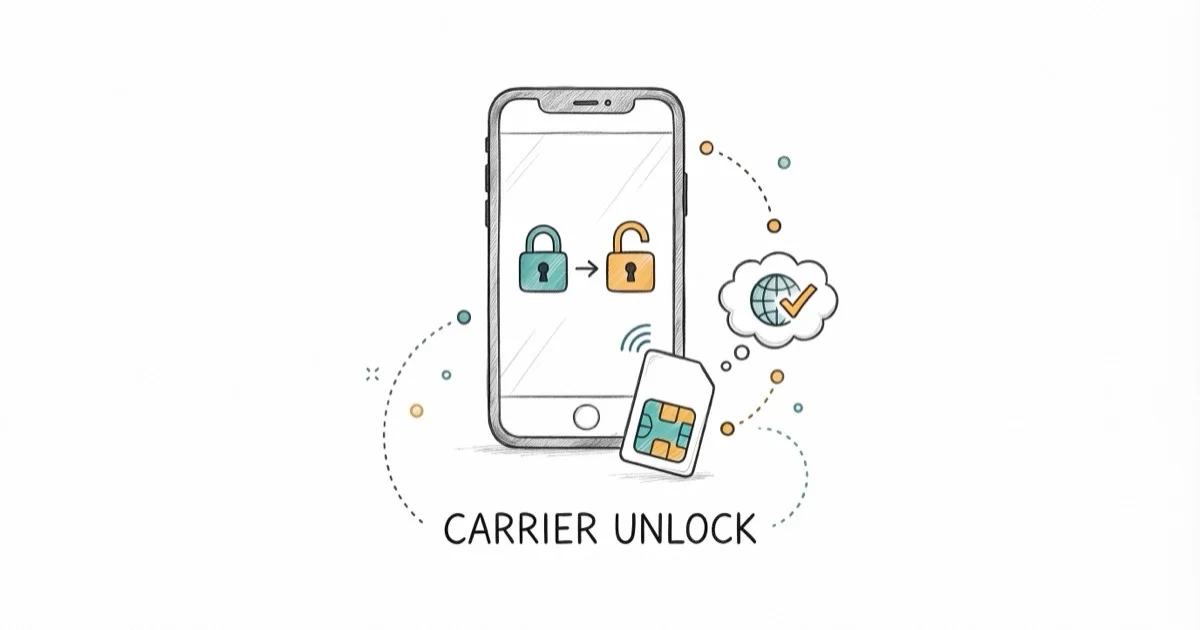
Quick AnswerUse the AT&T unlock portal after checking eligibility: Wireless devices must be bought more than 60 days ago and paid off, while prepaid devices need 12 months of paid service. A request can take up to 48 hours.
AT&T publishes separate unlock rules for Wireless and Prepaid devices. Use the official portal for a phone you own or are authorized to manage, and check the device’s category before relying on a waiting period.
- AT&T Wireless requires the device to have been purchased more than 60 days ago, not 60 days of active service
- The device must be paid in full, current on its bill, and not reported lost, stolen, or involved in fraud
- AT&T Prepaid requires 12 months of paid AT&T service
- AT&T says approval usually takes minutes but can take up to 48 hours
- After approval, Apple provides different steps for a new SIM, an eSIM, or no replacement SIM
#What Does an AT&T Carrier Unlock Change?
A carrier unlock lets a compatible iPhone use another carrier’s SIM or eSIM.
It doesn’t remove the passcode, Apple Account, Screen Time restrictions, or Activation Lock.
According to Apple’s current carrier-unlock guide, only the current carrier can unlock an iPhone. A legitimate unlock still needs AT&T’s approval; a repair shop or broker can’t remove a carrier flag on its own.
Before switching, check that the destination carrier supports your exact iPhone model. An unlocked phone can still lack a required band or carrier feature. If messages fail after the move, use our carrier-switch messaging checks.
#Is Your AT&T iPhone Eligible?
According to AT&T’s current device-unlock policy, a standard Wireless device must have been bought more than 60 days ago and meet these requirements:
- Bought more than 60 days ago: This is based on when the AT&T device was purchased. It isn’t a requirement that service has been active for 60 days.
- Paid in full: The installment balance must be zero.
- Not active on another AT&T account: A secondhand phone still attached to another account is not eligible.
- Not lost, stolen, or associated with fraud: Resolve any incorrect account flag with AT&T.
- Account current: A current customer’s bill can’t be past due.
AT&T may unlock an eligible Apple device automatically.
Check Settings > General > About > Carrier Lock. Apple’s wording for an unlocked iPhone is No SIM restrictions.
If you need to verify which device AT&T has on the account, compare the IMEI under Settings with the account record. Our iPhone IMEI guide explains where to find it without sharing it with an untrusted service.
#The AT&T Prepaid Requirement
The same AT&T policy has a separate rule for Prepaid. A device can be unlocked after 12 months of paid AT&T service, provided it isn’t active on another AT&T account and hasn’t been reported lost, stolen, or involved in fraud.
The old six-month threshold is no longer current.
Don’t submit early; check the live policy before each request because carrier rules can change.
For a Prepaid iPhone, AT&T directs customers to the same unlock-request route. Android Prepaid devices may use AT&T’s Device Unlock app, but that app is not the iPhone workflow.
#Submit the Official Request
Use AT&T’s Device Unlock portal:
- Confirm the phone meets the Wireless or Prepaid requirements above.
- Enter the requested account and device information.
- Submit the request and save the request number.
- If AT&T emails a confirmation link, open it before the deadline shown in the message.
- Track the result through the link in AT&T’s message or its unlock-status portal.
AT&T says noncustomers must confirm the email request within 24 hours or submit again. That is a confirmation deadline, not the unlock-processing time.
According to that AT&T policy, a request is usually approved within minutes but may take up to 48 hours. Replace older “one to two business days” or “up to five days” estimates with the current maximum.
If the portal rejects an IMEI, double-check the number rather than repeatedly submitting variants. A SIM not provisioned message is a separate carrier-account problem.
#Steps After AT&T Approves It
According to Apple’s unlock instructions, the next step depends on your replacement SIM:
- New physical SIM: Remove the AT&T SIM, insert the new carrier’s SIM, and let the iPhone activate.
- New eSIM: Follow the new carrier’s eSIM setup process.
- No replacement SIM: Back up the iPhone, erase it, and restore the backup as Apple directs.
Don’t promise that the unlock can never involve an erase. Apple’s current instructions explicitly use backup, erase, and restore when another SIM is unavailable. Review what an iPhone restore changes before choosing that path.
After activation, return to Settings > General > About > Carrier Lock. If it still says SIM locked, contact AT&T with the request number; Apple can’t apply the carrier unlock.
#Handle an AT&T Denial
Read the denial reason and compare it with the live eligibility list:
- Pay any remaining installment balance and allow the account record to update.
- Clear a past-due AT&T Wireless bill.
- Ask the account holder to remove the device from another AT&T account.
- Correct an inaccurate lost, stolen, or fraud report through AT&T.
- Wait until the purchase or Prepaid-service requirement is actually met.
AT&T also publishes an active-duty military exception to the payoff requirement. Use the military option in the official request and provide the documentation AT&T requests.
Don’t send an Apple Account password, screen passcode, or remote-access session to a third-party “unlock” seller. Submitting another person’s account data without permission can violate privacy law. If the issue is a forgotten passcode instead, use Apple’s reset route or our iPhone passcode guide.
#Confirm the Unlock Worked
Check Settings > General > About > Carrier Lock:
- No SIM restrictions: Apple says the iPhone is unlocked.
- SIM locked: The carrier lock remains; contact AT&T.
Then activate a compatible SIM or eSIM from the destination carrier. Carrier unlocking does not guarantee every feature will work on every network, so verify calling, messaging, cellular data, voicemail, and Wi-Fi Calling after the switch. If cellular service is missing, use our iPhone No Service checks while the new carrier confirms provisioning.
#Bottom Line
Use AT&T’s portal and current policy, not an old service-age rule. A standard AT&T Wireless device must have been bought more than 60 days ago and paid off; an AT&T Prepaid device needs 12 months of paid service.
AT&T says an unlock request can take up to 48 hours. Once approved, follow Apple’s SIM, eSIM, or backup-and-restore path and verify that Carrier Lock says No SIM restrictions.
iPhone tips & tricks
#Frequently Asked Questions
Does AT&T require 60 days of active service?
AT&T’s current consumer Wireless policy says the device must have been purchased more than 60 days ago. It does not phrase the rule as 60 days of active service.
How long must an AT&T Prepaid iPhone be active?
The current rule is 12 months of paid AT&T service, along with the account and loss-or-fraud conditions in AT&T’s policy.
How long can an AT&T unlock request take?
AT&T says requests are often approved within minutes but may take up to 48 hours.
Will unlocking erase my iPhone?
Not when you can finish activation with a new physical SIM or eSIM. If you have no replacement SIM, Apple directs you to back up, erase, and restore the iPhone.
Can Apple unlock an AT&T iPhone?
No. Apple states that only the current carrier can apply a carrier unlock.
Can a third-party service override an AT&T denial?
No legitimate service can override AT&T’s eligibility decision or a lost-or-stolen flag. Resolve the reason through AT&T.
Is carrier unlocking the same as removing Activation Lock?
No. Carrier unlocking changes network eligibility. Activation Lock protects the device through Find My and the linked Apple Account.

How to Transfer Data to a New iPhone Without iCloud
Move everything to your new iPhone without iCloud: Quick Start device-to-device transfer, wired migration, and encrypted Finder or iTunes backups.
Best Wireless Earbuds for iPhone in 2026: USB-C Era Picks
Best wireless earbuds for iPhone in 2026, comparing AirPods Pro 3, Sony WF-1000XM6, Bose QC Ultra, and Anker Liberty 4 NC on the USB-C iPhone lineup.
iPhone Keyboard Lag? 7 Proven Fixes for iOS 26 (2026)
Fix iPhone keyboard lag with 7 proven fixes for iOS 26. Covers restart, storage, predictive text, third-party keyboards, and dictionary reset.
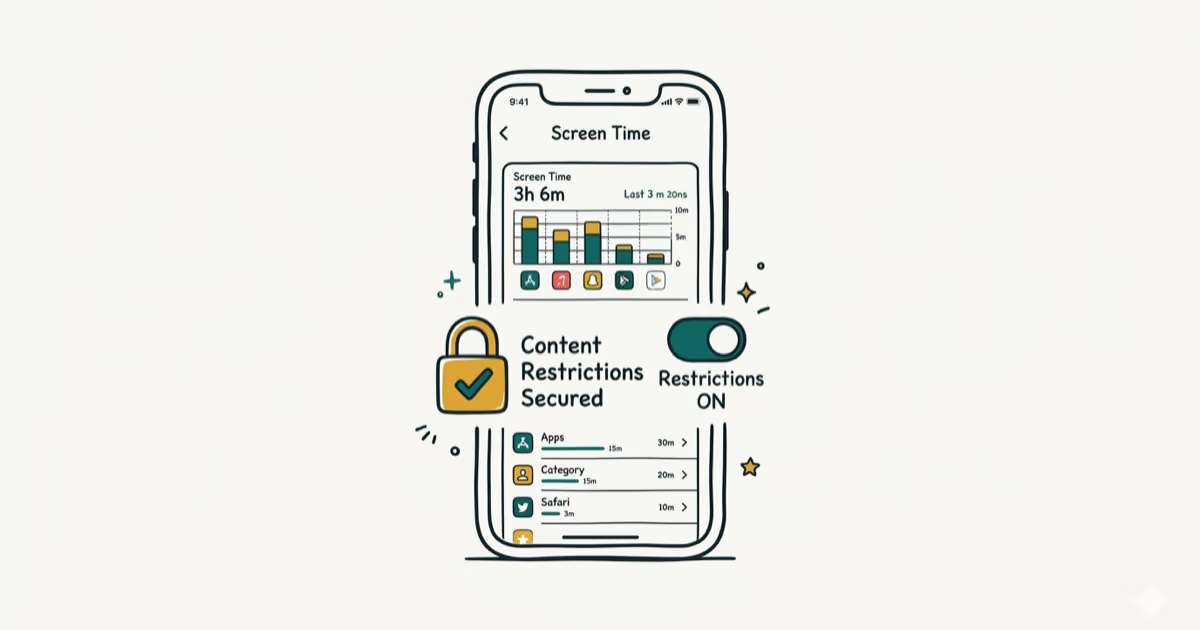
How to Block Porn on an iPhone: A Guide for Parents
Learn how to block porn on iPhone using Screen Time, DNS filtering, and safe browsers. Step-by-step guide for parents to protect kids' devices.