13 min read
iPhone Passcode Reset: 5 Methods That Work in 2026
Reset a forgotten iPhone passcode on your own device using Recovery Mode, iCloud Erase, or on-screen reset. Apple-approved methods plus backup tips.
#How to Unlock#iPhone
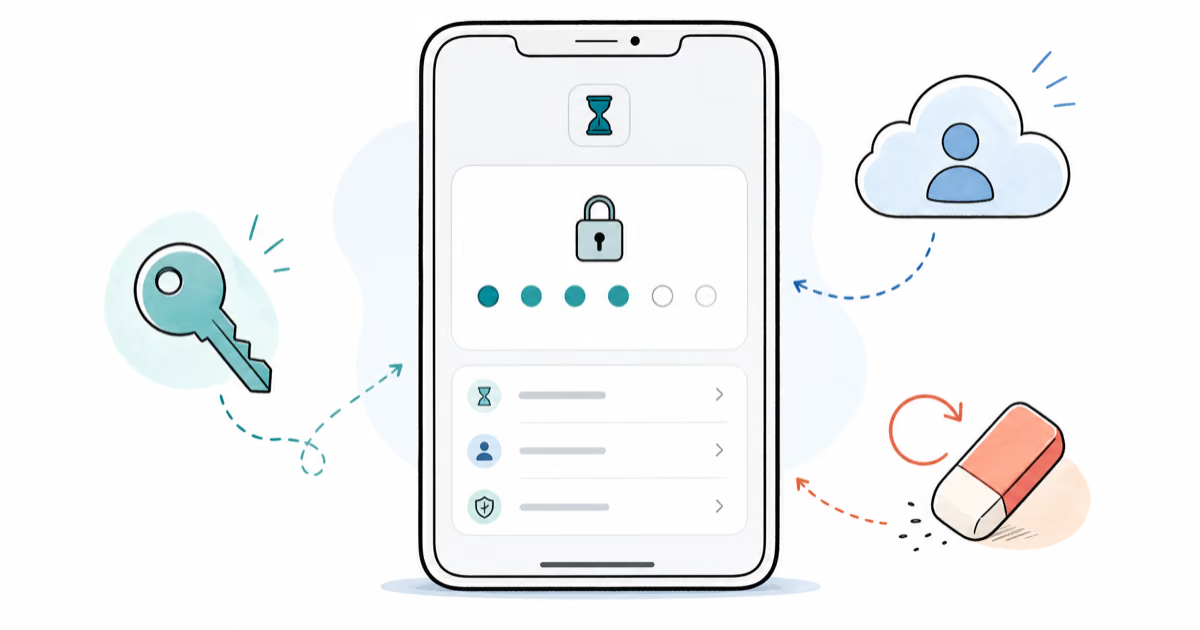
Forgot your Screen Time passcode? Remove it on iPhone or iPad with your Apple ID, a Family Sharing reset, or a full restore, with official steps first.
Reset a forgotten iPhone passcode on your own device using Recovery Mode, iCloud Erase, or on-screen reset. Apple-approved methods plus backup tips.
Complete guide to unlock an LG phone — bypass screen locks, remove carrier restrictions, and use your device on any network with step-by-step methods.
Learn how to unlock a SIM card locked by PIN, PUK, or carrier restrictions. Step-by-step guide for Android and iPhone with tips to prevent lock-outs.
Fix the Invalid SIM Card error on iPhone and Android with 8 proven steps. Reseat the SIM, update carrier settings, reset network in 10 minutes.
Activate your Metro by T-Mobile phone, SIM, or eSIM online in under 15 minutes. Step-by-step guide for new lines, BYOD, ports, and eSIM on Metro.
Forgot your own iTunes backup encryption password? Try Apple's official reset first; use Pinfinder only on your own backup for older iOS 10 devices.
Forgot the password to your own Excel workbook? Here are 5 proven methods to remove sheet protection from files you own, including the XML edit trick.
Learn how to unlock a password-protected Word document using built-in features, VBA macros, and third-party tools. Methods for both known and forgotten.
Unlock your own password-protected PowerPoint files using 6 proven methods. Works with PPT 2007 through 2024. Online and offline options included.
A blacklisted iPhone is blocked from all cellular carriers. Learn how to check IMEI status, why phones get blacklisted, and the legitimate ways to fix it.
Remove Samsung Reactivation Lock with official account recovery, owner-only options, tool limits, Android version caveats, and legal cautions.
Compare safe iCloud removal services to unlock Activation Lock on iPhone and iPad you own. Official Apple paths first, trusted third-party options after.