8 min read
FaceTime Photos Not Saving? 9 Fixes That Work in 2026
FaceTime photos not saving? Fix Live Photos toggle, storage limits, Screen Time blocks, and iOS bugs with 9 proven steps for iPhone and Mac.
#How to Repair#iMessage
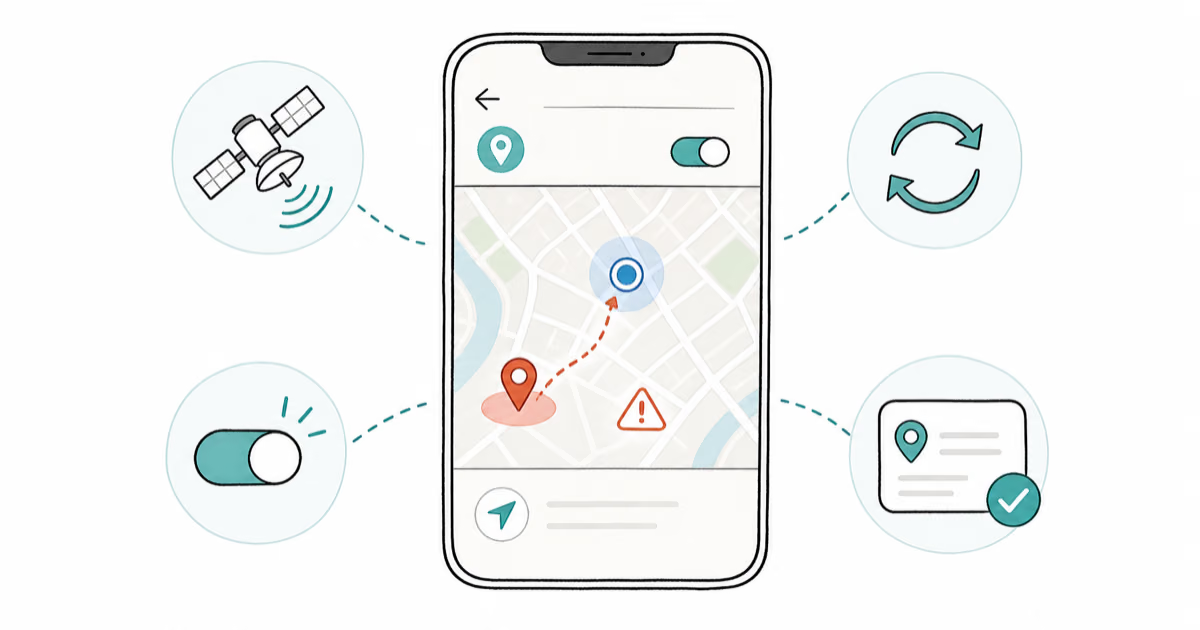
Fix Tinder location wrong issues with proven solutions. Learn how to troubleshoot GPS errors, network problems, and app settings to get accurate matches.
FaceTime photos not saving? Fix Live Photos toggle, storage limits, Screen Time blocks, and iOS bugs with 9 proven steps for iPhone and Mac.
Phone showing no signal bars? Try iPhone and Android fixes from airplane mode toggles to SIM reseats, network resets, and carrier escalation.
iPhone Camera missing the video option? Try 9 proven fixes covering Screen Time restrictions, Preserve Settings, storage limits, and iOS bugs.
Fix the iPhone Weather app not working with 10 proven solutions, including enabling location services, resetting settings, and updating iOS.
Fix the "Security policy prevents use of camera" error on Android by disabling device admin apps, clearing cache, or contacting IT for work devices.
Fix the Amazon app when it crashes, freezes, or won't load on Android and iOS. Covers cache clearing, reinstalling, VPN conflicts, and Fire device fixes.
Truist app not working? Fix login failures, crashes, and connection errors by clearing cache, updating the app, and checking Truist server status.
Fix the "Phone Not Allowed for Voice" error with 12 proven steps. Covers SIM seating, carrier locks, VoLTE, network reset, and account holds.
Reddit Chat won't load, send, or notify? Here are the 10 fixes that work across iOS, Android, and desktop, ranked from quickest to last resort.
Stop the Trust This Computer popup from looping. Reset Location and Privacy, swap your USB cable, then rebuild the lockdownd trust store on Mac or PC.
Learn how to unblock yourself on WhatsApp when someone has blocked you. Explore methods like deleting your account and using group chats to reconnect.
Fix the Trusted Devices List is Not Available error on Apple devices by checking network settings, updating iOS, and re-signing into your Apple ID.