13 min read
Microsoft Virtual WiFi Miniport Adapter: Setup and Fixes
Set up, troubleshoot, and decide if you need the Microsoft Virtual WiFi Miniport Adapter. Step-by-step Hosted Network and Mobile Hotspot fixes.
#Connectivity
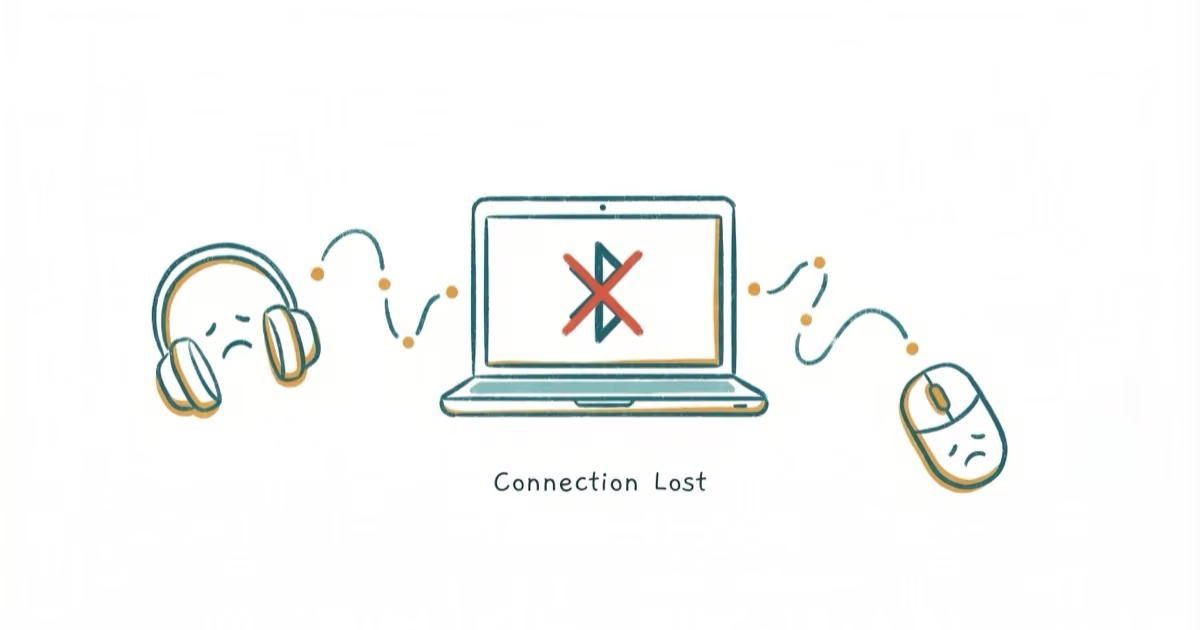
Fix the Bluetooth Not Available error on Mac by deleting Bluetooth preferences, resetting SMC, or resetting the Bluetooth module. Works on all Macs.
Set up, troubleshoot, and decide if you need the Microsoft Virtual WiFi Miniport Adapter. Step-by-step Hosted Network and Mobile Hotspot fixes.
Microsoft Wi-Fi Direct Virtual Adapter is a Windows driver that powers hotspots and Wi-Fi Direct. Learn how to disable, reset, and remove it in 5 minutes.
Connect Alexa to Wi-Fi through the Alexa app in 8 steps, then fix common errors like wrong band, weak signal, or stuck setup. Works for every Echo model.
Fix an Android phone that won't connect to Wi-Fi with 10 proven methods. Covers network resets, router reboots, DNS swaps, and a final factory reset.
Samsung hotspot not working? Try 8 fixes: check your data plan, disable Battery Saver, reset network settings, update Android, and more in 2026.
Learn how to unlock a SIM card locked by PIN, PUK, or carrier restrictions. Step-by-step guide for Android and iPhone with tips to prevent lock-outs.
Fix the Invalid SIM Card error on iPhone and Android with 8 proven steps. Reseat the SIM, update carrier settings, reset network in 10 minutes.
Fix the Failed to Obtain IP Address Wi-Fi error on Android with 8 proven solutions. Covers router resets, static IP, DNS, and MAC filtering fixes.
Bluetooth not working on Android? Fix pairing failures, dropped connections, and audio issues with 10 proven solutions. Works on Samsung, Pixel, and more.
Fix Wi-Fi authentication errors on Android with 8 proven methods. Covers network reset, static IP, router config, and device-specific Samsung fixes.
View your saved Wi-Fi password on Android by going to Settings, tapping your network, then Share to reveal the password as text and a QR code.
Top Bluetooth headphones under $100 ranked for 2026. Covers over-ear, on-ear, and earbuds with battery life, ANC, and sound quality compared.