12 min read
Why There's No Safe Latest Version of FM WhatsApp on Android
No safe latest version of FM WhatsApp exists for Android. Here is why Meta bans the mod, why the APK is risky, and the legitimate 2026 options.
#WhatsApp#Android#Security
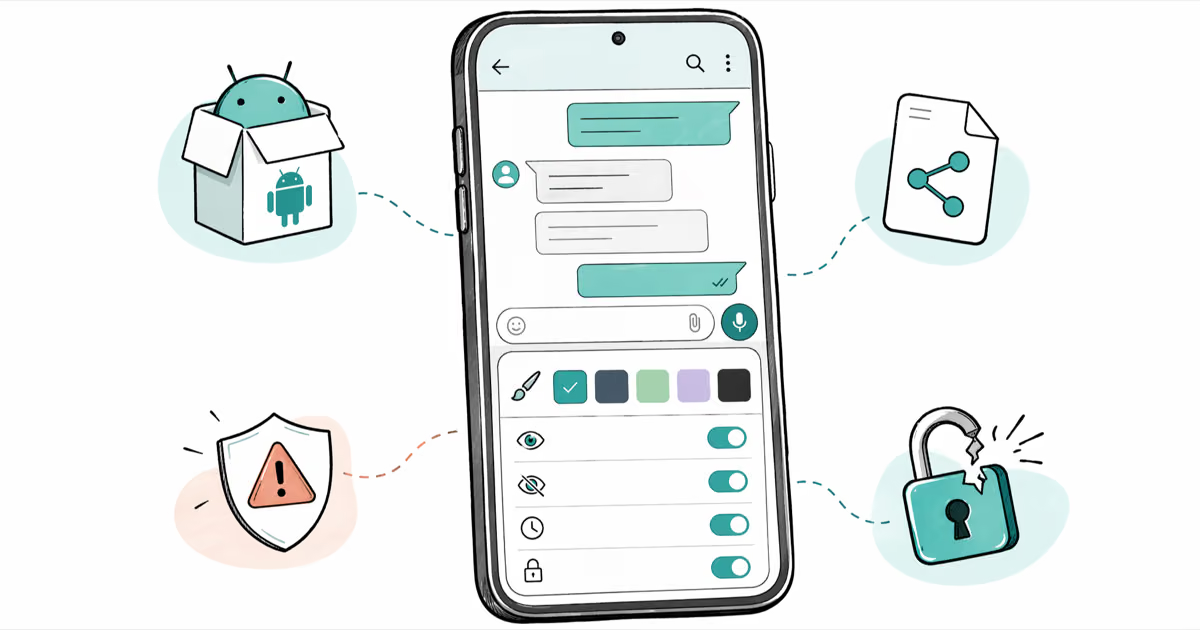
WhatsApp Plus adds themes and privacy controls but risks account bans and lost encryption. Learn what it does, how to install it, and safer alternatives.
No safe latest version of FM WhatsApp exists for Android. Here is why Meta bans the mod, why the APK is risky, and the legitimate 2026 options.
Is GB WhatsApp safe in 2026? Here is the ban risk, malware history, encryption gaps, and 4 official ways to get the same features without the modded APK.
GBWhatsApp, WhatsApp Plus, and FMWhatsApp are the top WhatsApp mods for Android in 2026. Compare features, risks, and safe download tips in this guide.
Learn how to switch from WhatsApp to GBWhatsApp without losing chats or media. Step-by-step transfer guide with backup and restore instructions.
Transfer WhatsApp from Android to iPhone using Move to iOS, MobileTrans, or email export. Step-by-step for chat history, photos, and voice notes.
Recover deleted WhatsApp messages, photos, and videos on Android and iPhone. 5 proven methods with and without backup. Works on iOS 18 and Android 15.
Move WhatsApp chats from Android to iPhone using Move to iOS, the official in-app transfer, or paid PC tools. Honest device requirements and limits.
Transfer WhatsApp from Google Drive to iPhone using Move to iOS or a third-party converter, with setup limits, safety caveats, and error fixes.
WhatsApp restore from iCloud stuck on iPhone? Fix frozen downloads with Wi-Fi checks, iCloud storage tips, iOS updates, and a proven reinstall sequence.
Learn how to extract and read WhatsApp backup files on Android and iPhone. Step-by-step instructions to access your chat history, photos, and videos.
Transfer your WhatsApp account to a new Android phone with Google Drive backup in 4 steps. Covers local backup, encrypted backup, and number changes.
Back up WhatsApp on Samsung 3 ways: Google Drive, local storage, or PC. Step-by-step for Galaxy S and A series running Android 10+. Takes under 5 min.