10 min read
How to Set Up Passkeys on iPhone: Complete 2026 Guide
Set up passkeys on iPhone in five steps: enable iCloud Keychain, turn on AutoFill, then create your first passkey from Safari or any supported app.
#Security#iPhone#Apple
Browse all Passwords articles on Fone.tips, including phone guides, troubleshooting fixes, app tips, reviews, and step-by-step how-tos.
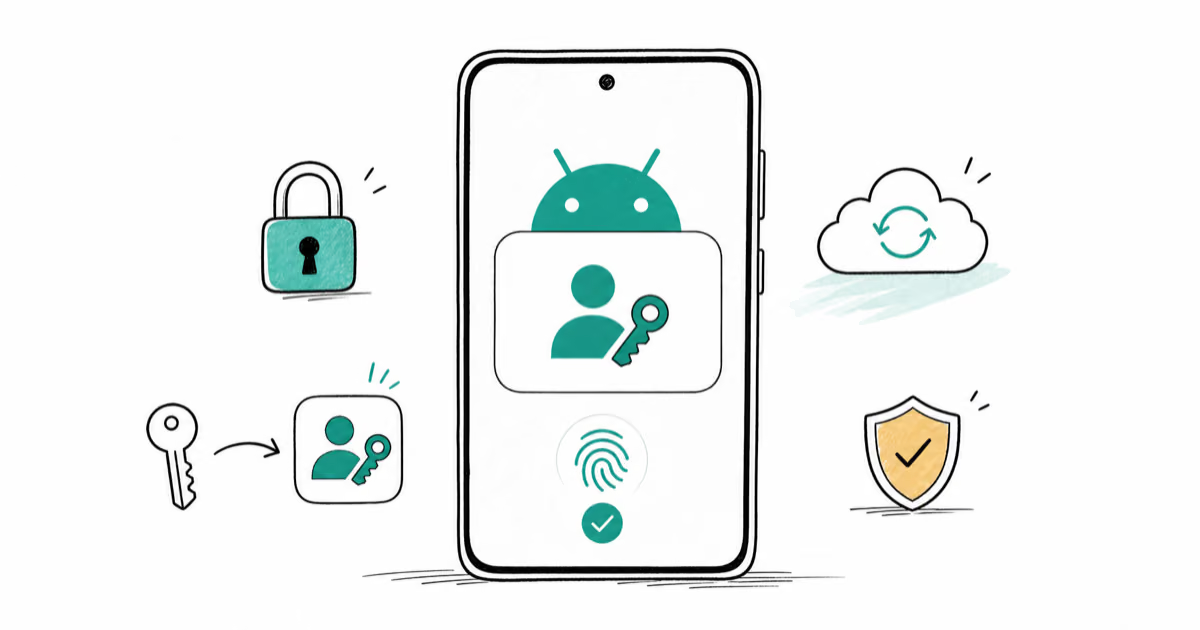
Set up passkeys on Android in five steps: turn on a screen lock, enable Google Password Manager, then create your first passkey for Google or GitHub.
Set up passkeys on iPhone in five steps: enable iCloud Keychain, turn on AutoFill, then create your first passkey from Safari or any supported app.