Elara App & How to Prevent It From Shutting Down Windows
Elara app explained: what it is, why it blocks Windows shutdown, and 5 proven fixes including driver update, registry tweak, and task manager workaround.
Quick AnswerElara (ApntEX.exe) is a legitimate Alps touchpad driver component built into Windows laptops. If it's blocking shutdown, update the touchpad driver, end the ApntEX.exe task in Task Manager, or set the AutoEndTasks registry key to 1.
Windows users frequently report the Elara app blocking shutdown, with a warning that the process is still running. This guide walks through all five documented fixes for Windows 10 and 11, explains why the error happens, and shows which steps actually clear it for good instead of just delaying the next stuck shutdown.
- Elara (ApntEX.exe) is an Alps touchpad driver component, not malware
- It blocks shutdown when the touchpad driver becomes unresponsive or outdated
- Ending ApntEX.exe in Task Manager stops the block immediately but temporarily
- Updating the Alps touchpad driver is the permanent fix for most users
- Setting AutoEndTasks to 1 in the registry forces Windows to terminate stuck tasks automatically
The Elara app error appears on laptops from Dell, HP, Samsung, and others using Alps touchpad hardware.
#What Is the Elara App?
Elara is a touchpad management application that ships as part of the Alps Pointing Device driver package. It runs as ApntEX.exe in the background and handles touchpad input on laptops from multiple manufacturers.
For neighbouring Windows shutdown trouble, see our guides on unmountable boot volume errors and Windows update database errors.
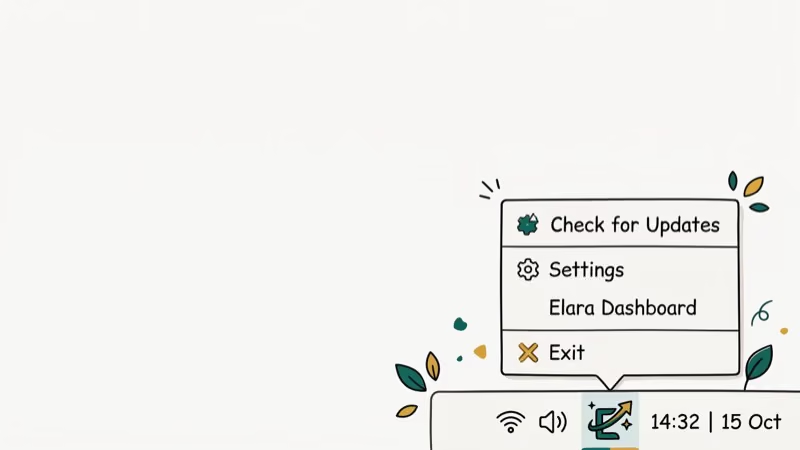
The application isn’t independent software you install. It arrives pre-loaded as part of the OEM touchpad driver and appears in Task Manager under the Details tab. Wikipedia’s device driver article confirms that drivers run at privilege level 0, and as of Windows Vista, a 5-second timeout applies before Windows labels a driver as hung and shows the shutdown warning dialog.
Elara is not malware. Its presence in Task Manager under ApntEX.exe is normal on Alps-equipped laptops. The shutdown problem isn’t caused by the app itself but by the underlying touchpad driver becoming unresponsive, usually after a Windows update or driver conflict.
On many laptops, the Elara shutdown error appears consistently after a system update and clears once the Alps driver is refreshed.
#Why Does Elara Block Windows Shutdown?
Windows shuts down by sending a termination signal to all running processes. Most processes exit cleanly when they receive this signal. When an Alps touchpad driver becomes slow or unresponsive, the Elara process ignores the signal and keeps running.
Windows then displays the “waiting for task” screen and gives the user the option to force-quit or wait. If the user doesn’t intervene, the shutdown stalls indefinitely. Wikipedia’s Windows article notes that Windows has used a 5-second timeout for stuck processes since Windows Vista, after which the user warning dialog appears automatically.
Common causes include outdated Alps drivers after a Windows update, driver conflicts from other input device software, and malware. For similar driver-related errors, see our guide to atibtmon.exe runtime errors and DPC watchdog violations.
#Fix 1: End the ApntEX.exe Task
This is the fastest way to unblock a stuck shutdown. It’s temporary (the task restarts at next boot), but it gets the system shut down immediately.
-
Press Ctrl+Shift+Esc to open Task Manager.
-
Click the Details tab.
-
Find ApntEX.exe in the list.
-
Right-click it and select End Task.
-
Confirm when prompted.
Shutdown will proceed normally after ending the task. If you need a permanent solution, continue to the driver update fix below.
#Fix 2: Update the Alps Touchpad Driver
Outdated or corrupted touchpad drivers cause most Elara shutdown errors. Updating fixes the root problem.
-
Open Control Panel and go to Hardware and Sound.
-
Select Device Manager under Devices and Printers.
-
Expand Mice and Other Pointing Devices.
-
Right-click Alps Pointing Device and select Update driver.
-
Choose Search automatically for drivers.
Windows will find and install the latest available driver. The driver update resolves the shutdown block permanently for most users. The rest need a manual driver download from the laptop manufacturer’s support page.
#Fix 3: Update Windows
Windows updates often include driver fixes and system stability improvements that resolve Elara conflicts. Wikipedia’s Windows Update article states that cumulative updates include driver compatibility patches pushed by OEM hardware manufacturers.
-
Open Settings and go to Update & Security.
-
Click Check for Updates.
-
Install any available updates.
-
Restart the PC and test shutdown behavior.
This fix works when a recent Windows update broke Alps driver compatibility, because cumulative updates frequently bundle the corrected OEM driver that resolves the conflict. Running updates also eliminates Windows itself as a variable before you move on to the registry changes below, so it’s worth doing even if you plan to try other fixes afterward.
#Fix 4: Use the Registry AutoEndTasks Setting
The AutoEndTasks registry value forces Windows to automatically close any task that doesn’t respond to the shutdown signal within the timeout period. This doesn’t fix the underlying driver problem but prevents Elara from blocking shutdown.
-
Press Windows+R, type regedit, and press Enter.
-
In the left pane, go to HKEY_CURRENT_USER\Control Panel\Desktop.
-
Right-click in the right pane and select
New>DWORD(32-bit) Value. -
Name it AutoEndTasks and set the value to 1.
-
Click OK and close the editor.
-
Restart the PC.
Windows will now force-close unresponsive tasks including Elara during shutdown without waiting for user input.
#Fix 5: Use System Restore
If the Elara shutdown error started after a specific Windows update or software installation, System Restore can roll the PC back to a point before the problem started.
-
Open the Start Menu and search for System Restore.
-
Enter your admin password when prompted.
-
Follow the wizard instructions.
-
Select the most recent restore point that predates the shutdown error.
-
Restart the PC.
System Restore is non-destructive for personal files but removes software and driver changes made after the selected restore point. Use it when other fixes haven’t worked and you can identify when the error started. If System Restore fails, see our guide to computer crashes during Zoom for related Windows stability troubleshooting steps.
#Disabling Elara and Touchpad Functionality
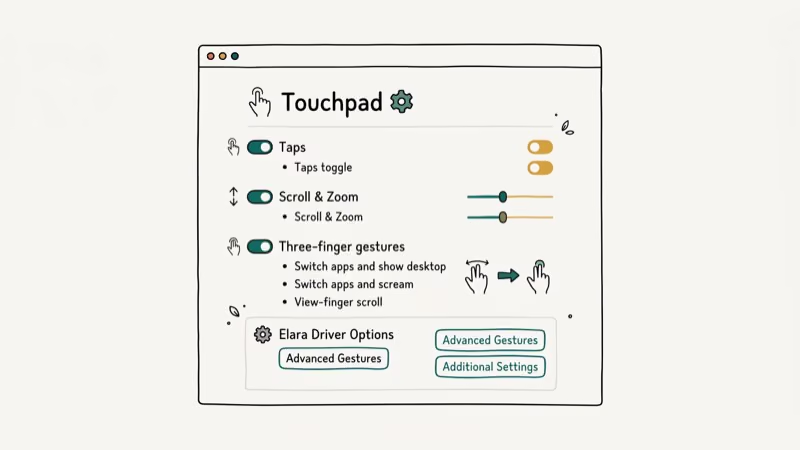
Ending ApntEX.exe disables Elara. Basic touchpad input keeps working through Windows HID drivers.
According to Wikipedia’s human interface device article, Windows includes generic HID-compliant drivers that provide basic input functionality for touchpads without manufacturer-specific software. The touchpad stays functional after ending ApntEX.exe, but two-finger scrolling and tap-to-click need the Alps driver to work.
To restore full touchpad functionality, reinstall the Alps driver from your laptop manufacturer’s support page. Look for the driver under the model number printed on the bottom of the chassis, download the latest pointing-device package, and run the installer before rebooting so the gesture and pressure features come back without another shutdown prompt.
#Bottom Line
The Elara app shutdown error is caused by an unresponsive Alps touchpad driver, not by Elara itself. The fastest fix is ending ApntEX.exe in Task Manager. The permanent fix is updating the Alps driver via Device Manager.
If driver updates don’t resolve the issue, the AutoEndTasks registry tweak prevents Elara from blocking shutdown regardless of the underlying driver state. Use System Restore as a last resort when you can identify the update that caused the problem.
#Frequently Asked Questions
Is Elara (ApntEX.exe) malware?
No. Elara is a legitimate Alps touchpad driver component that comes pre-installed on many Windows laptops. It appears in Task Manager as ApntEX.exe.
If you’re concerned, verify the file location: it should be in C:\Program Files\Apoint2K. Any ApntEX.exe running from a different folder could indicate a malware infection using the same filename.
Why does Elara keep blocking shutdown after I’ve fixed it?
If the shutdown block returns after a Windows update, the update likely reset or conflicted with the Alps driver. Run Device Manager, update the Alps Pointing Device driver again, and check Windows Update for any pending OEM driver updates. Some laptop manufacturers push driver updates through Windows Update rather than requiring manual downloads.
Can I permanently remove Elara from my laptop?
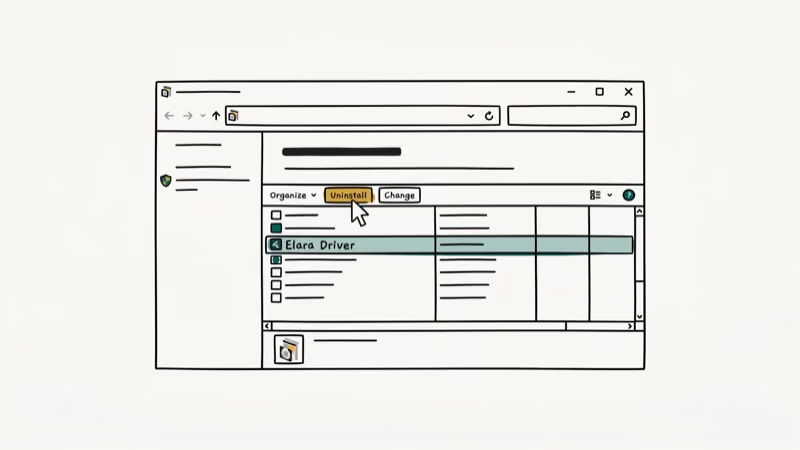
You can uninstall the Alps driver. Basic touchpad input continues, but gestures and pressure sensitivity stop. Most users prefer updating over removing the driver entirely.
Does the AutoEndTasks registry fix cause other problems?
Setting AutoEndTasks to 1 tells Windows to force-close any process that doesn’t respond to shutdown signals. This prevents hung processes from blocking shutdown across all software, not just Elara. The risk is that unsaved work in a crashed application gets lost. Most users find this acceptable since the default behavior of waiting indefinitely is worse.
Which laptops are affected by the Elara shutdown error?
The error appears on Alps-equipped laptops from Dell, HP, Samsung, Asus, Acer, and Lenovo. Check Task Manager for ApntEX.exe to confirm.
What if none of the fixes work?
If all five methods fail, the issue may involve conflicting touchpad software from another application. Uninstall any third-party touchpad utilities (Synaptics, ELAN), run a malware scan, and try a clean reinstall of the Alps driver downloaded directly from your laptop manufacturer’s support page. If the problem persists after a clean driver install, contact your laptop manufacturer’s support team.

Google Messages Error 3100: Why RCS Is Broken on Galaxy
Google Messages RCS error 3100 hits Galaxy owners after phone or carrier switches. Google told 9to5Google a fix is coming. Here's what actually helps.

Is This Bank App Real? Spot a Fake App on Your Home Screen
A bank app can land on your home screen from a web page with no install warning. Learn the checks that tell a real banking app from a phishing web app.

Apps Crashing After iOS 27 Update? Fix Order (2026)
Apps crashing after the iOS 27 update? Update the app in the App Store first, then offload and reinstall to clear stale cache, then restart. The fix order.

Do AI Translation Earbuds Work Offline? What to Know
Do AI translation earbuds work offline? A few do with downloaded language packs, but most need the cloud. Here's what works offline and what you give up.