How to Delete or Disable Your Twitch Account Permanently
Learn how to disable your Twitch account, remove personal data, disconnect linked services, understand retention, and request reactivation later.
Quick AnswerTwitch doesn't let you delete your account outright, but you can disable it through Settings > Disable Your Twitch Account, which removes your profile from searches and blocks future logins.
Twitch doesn’t offer a traditional delete button for your account, so disabling remains your closest option. Here’s exactly how the process works and what you should do before pulling the trigger.
- Twitch only offers disabling, not full deletion, and a disabled profile disappears from search results
- Disconnect linked services like Steam, Xbox, and social media accounts before disabling to avoid future linking issues
- Personal data such as your bio, profile picture, and donation links should be manually removed before you disable
- You can request reactivation through Twitch Support via email, though responses typically take up to 7 business days
- Amazon Prime and Twitch Prime subscriptions remain separate, so disabling Twitch won’t affect your Prime membership
#Steps to Disable a Twitch Account
The disable flow is handled from your Twitch account settings in a desktop browser. According to Twitch’s account settings help page, disabling a Twitch account makes the channel and content inaccessible until the account is reactivated.
- Open the Twitch website and log in.
- Click your profile icon in the top-right corner.
- Select Settings from the dropdown menu.
- Scroll to the bottom and click Disable Your Twitch Account.
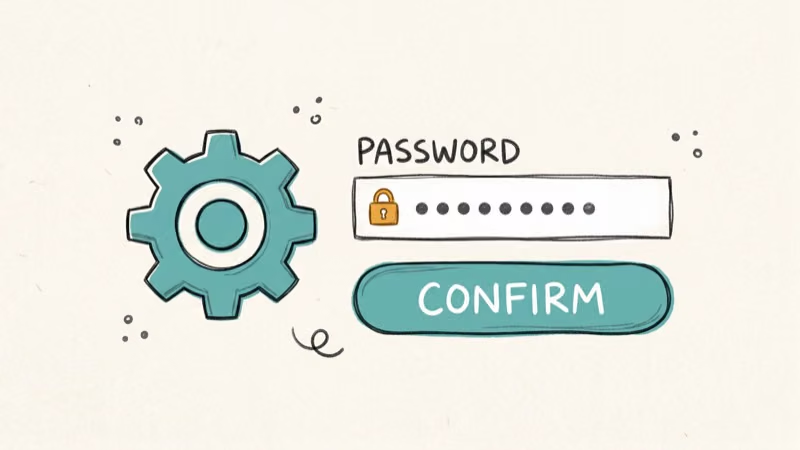
- On the disable page, enter your password.
- Optionally, type a reason for leaving.
- Click Disable Account to confirm.
Your account goes offline right away. No one can find your profile in searches anymore.
According to Twitch’s official account management page, disabling an account hides your profile from the Twitch service entirely, though some data may be retained per their privacy policy.
#What Should You Do Before Disabling?
Prepare before disabling, especially if you might stream under a new account later.
#Disconnect Linked Services
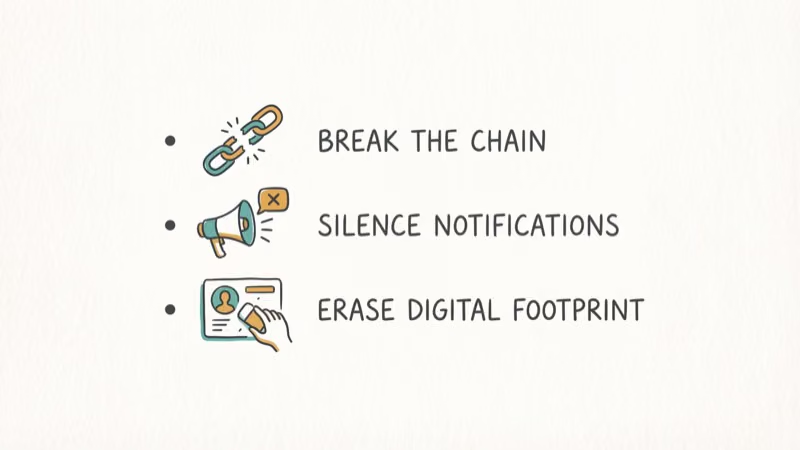
Twitch lets you link accounts from Facebook, Twitter, Steam, Battle.net, Xbox, and other platforms. If you don’t unlink these before disabling, you might run into conflicts when connecting them to a new Twitch account.
Go to Settings > Connections and click the green checkmark next to each service. Quick and painless.
#Notify Your Community
If you’ve been streaming on Twitch and built any kind of audience, give your followers a heads-up. A short final stream works well. Share your new platform links so loyal viewers can follow you there.
#Remove Personal Information
Twitch won’t fully erase your data when you disable. Manually clear your bio, profile picture, display name, and donation links yourself.
According to Twitch’s privacy notice, they may retain certain account information for legal and business purposes, so removing personal details yourself is the safest approach.
#Common Reasons to Disable Your Twitch Account
People disable their accounts for various reasons.
Too many platforms. Between YouTube, TikTok, Instagram, and Twitch, managing multiple social media presences gets exhausting. Cutting one out simplifies your digital life. If you’re also cleaning up other accounts, here’s how to delete your OnlyFans account.
Consolidating multiple Twitch accounts. Some creators maintain separate accounts for gaming, art, and IRL content, but managing multiple profiles splits your audience and makes growth harder. Disabling the extras lets you funnel all your viewers into a single channel where engagement actually compounds.
Switching platforms. YouTube Gaming and Kick keep pulling streamers away. You can also set up donations elsewhere.
Burnout. Streaming’s exhausting. Many active streamers broadcast long hours week after week, and the relentless production schedule wears creators down over time.
#Your Data After Disabling
Twitch doesn’t wipe your data clean when you hit disable. Account information such as email, payment history, and past broadcast metadata may remain in their systems under data retention policies.
Chat messages you’ve sent in other channels may also stick around. Twitch doesn’t retroactively scrub your chat history from every channel you’ve participated in. If that’s a concern, you’ll need to manually delete individual messages before disabling.
#Alternatives to Disabling Your Account
Before you disable, consider these alternatives that might solve your problem without the nuclear option of shutting everything down entirely.
Change your username. Want a fresh start? Go to Settings > Edit next to your username.
Use it as a viewer. Even if you stop streaming, your account still works for watching, following channels, and chatting. Plenty of Twitch users never stream at all. You can still cheer on your favorite streamers without going live yourself.
Keep your Twitch Prime perks. An Amazon Prime subscription gives your linked Twitch account free channel subscriptions, exclusive in-game loot, and ad-free viewing across the entire platform, which are substantial perks that many users don’t even realize they have until they’re gone. Learn more about managing your Twitch Prime.
Protect your identity. Keeping your account active stops impersonators from snagging your username and creating fake profiles using your brand to scam your audience through phishing links and fraudulent donation requests.
#Can You Reactivate a Disabled Twitch Account?
Yes, but you can’t do it yourself. The only way back is through Twitch Support.
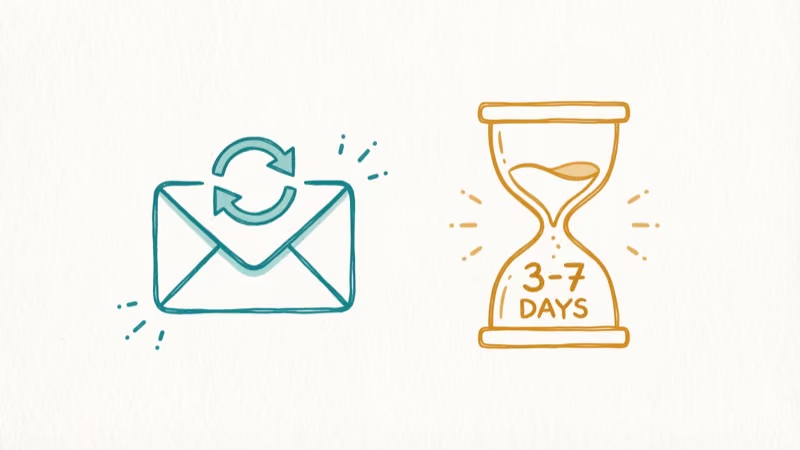
Twitch Support response times vary depending on ticket volume. They’ll verify your identity before restoring access.
Fair warning: past broadcasts and clips may not survive a long disable period. Save your clips first using our guide on how to download Twitch clips.
#Bottom Line
Disabling your Twitch account is straightforward, but it’s worth preparing first. Unlink your connected services, remove personal data, and let your followers know you’re leaving. If you’re unsure, try changing your username or stepping back as a viewer-only account before making it permanent.
Should you change your mind later, Twitch Support can bring your account back, though the process isn’t instant. Make the call that fits your situation, and don’t forget to save anything you want to keep before hitting that disable button.
#Frequently Asked Questions
Can you permanently delete a Twitch account?
No. Twitch only lets you disable, not delete. Your profile disappears from searches and you can’t log in, but Twitch keeps some backend data per their retention policy.
Will disabling Twitch cancel your Amazon Prime subscription?
Nope. Amazon Prime and Twitch are separate services. Your Prime membership, shipping perks, and Prime Video access all keep working.
How long does it take to reactivate a disabled Twitch account?
Expect Twitch Support response times to vary with ticket volume. After identity verification, account restoration depends on Twitch’s support process.
Can you create a new Twitch account after disabling the old one?
Yes, absolutely. Sign up with a different email and username whenever you’re ready, but nothing from your old account carries over, meaning you’ll start from scratch with zero followers, no saved clips, no channel history, and no subscriber list, so make sure you’ve backed up everything important before you pull the trigger on disabling.
Does disabling remove your Twitch chat history?
Your chat messages in other channels may still appear since Twitch doesn’t retroactively delete chat logs from every channel you’ve participated in across the platform. For more detail, check out our guide on Twitch chat logs which breaks down exactly what gets stored and where to find it.
What happens to your Twitch subscriptions when you disable?
They expire at the end of the current billing cycle. No refunds.

Google Messages Error 3100: Why RCS Is Broken on Galaxy
Google Messages RCS error 3100 hits Galaxy owners after phone or carrier switches. Google told 9to5Google a fix is coming. Here's what actually helps.

Is This Bank App Real? Spot a Fake App on Your Home Screen
A bank app can land on your home screen from a web page with no install warning. Learn the checks that tell a real banking app from a phishing web app.

Apps Crashing After iOS 27 Update? Fix Order (2026)
Apps crashing after the iOS 27 update? Update the app in the App Store first, then offload and reinstall to clear stale cache, then restart. The fix order.

Do AI Translation Earbuds Work Offline? What to Know
Do AI translation earbuds work offline? A few do with downloaded language packs, but most need the cloud. Here's what works offline and what you give up.