Best Chores App for Kids: 8 Top Picks for Families in 2026
Best chores apps for kids in 2026: Homey, Chore Pad HD, S'moresUp, and more. Compare features, platforms, reward systems, and recommended age ranges.
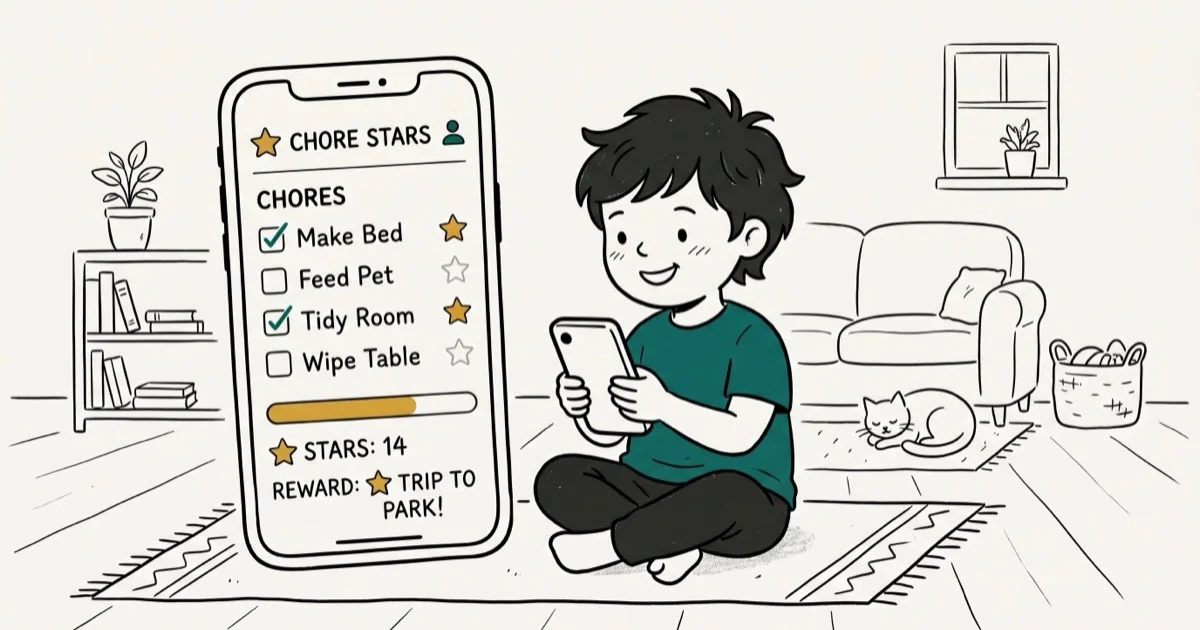
Quick AnswerHomey and S'moresUp are the top chores apps for kids in 2026. Homey works on both Android and iOS with financial rewards, while S'moresUp adds a full family calendar. Both are free to try with optional premium plans.
Getting kids to do chores consistently is one of the oldest parenting challenges, and chores apps have made it significantly easier. This guide compares eight apps on the features that decide whether kids keep using them after the novelty wears off. The apps that hold up best all use gamification (points, stars, or financial rewards) rather than simple reminders. Using these methods on devices or accounts you don’t own may violate applicable laws and platform terms.
- Homey and S’moresUp work on both Android and iOS with family-wide features and reward tracking
- Apps that offer real financial rewards, not just stars, keep older kids engaged longer
- Most chores apps are free to start with optional premium tiers for advanced features
- Parental controls let you hide admin settings from kids on all major apps in this list
- Setting age-appropriate tasks from the start increases completion rates more than reward size does
#Key Features to Look for in a Chores App
A chores app needs to do more than send reminders. The best ones create a feedback loop where completing tasks feels rewarding immediately, not just when a parent notices.
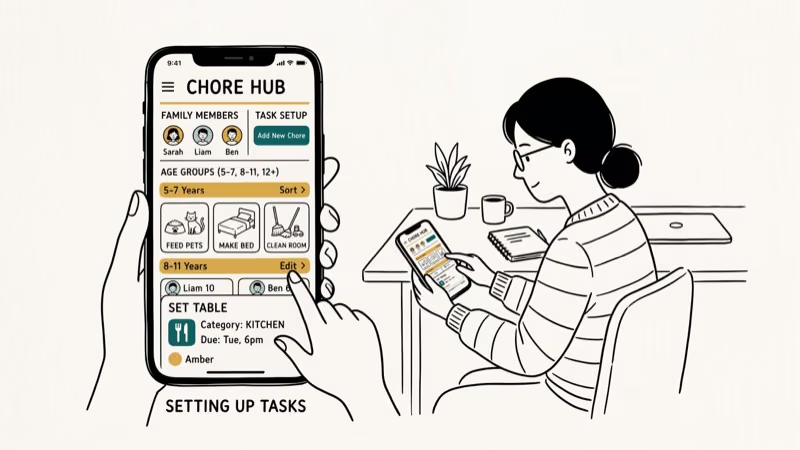
Key features to look for include:
- Task customization by age and ability, including custom tasks beyond pre-loaded templates
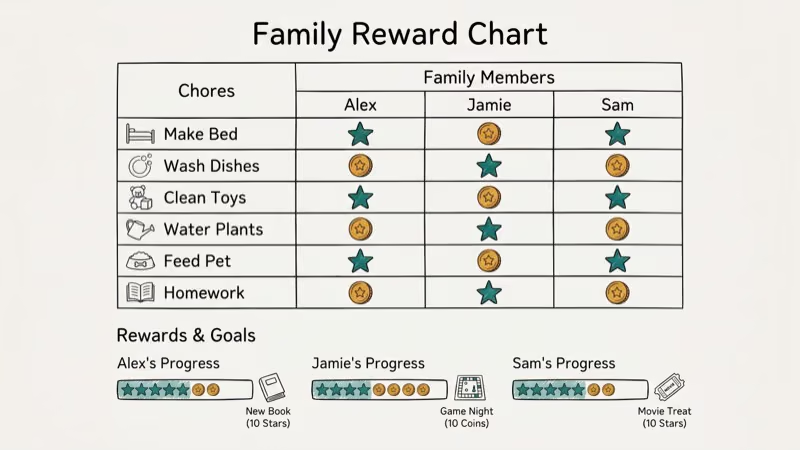
- Reward systems: virtual points, stars, or real money tied to an allowance
- Progress tracking visible to both parent and child
- Reminders and notifications sent to the child’s device
- Parent controls that let you manage settings without kids accessing them
- Multi-child support for families with more than one child
According to Common Sense Media’s 2024 app reviews, apps with visual progress indicators consistently outperform text-only task lists at keeping kids engaged and completing chores.
#Does a Chores App Actually Work for Kids?
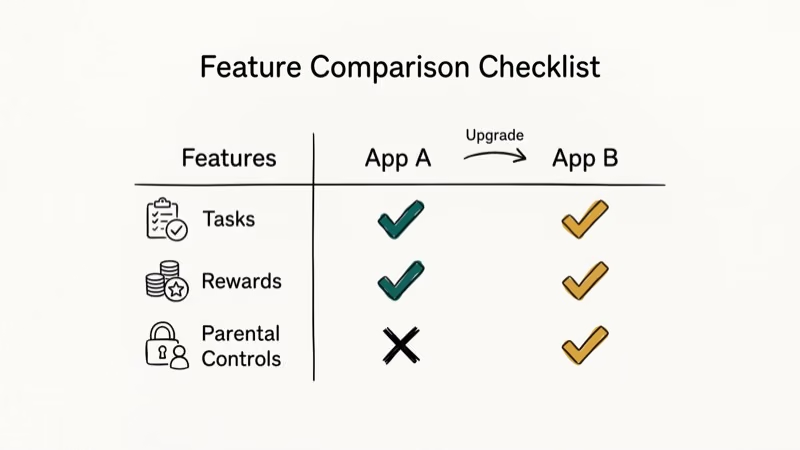
Yes, when the rewards match what motivates the child. Apps with real monetary allowances tend to work better for kids aged 8 and up, while younger children (under 7) usually respond more to visual star charts and trophy systems because the concept of money hasn’t clicked yet.
Ages 4 to 7: Star-based rewards and trophy animations. Apps like Chore Pad HD excel here.
Ages 8 to 12: Mix of virtual rewards and real money. Homey and iAllowance both handle this well.
Ages 13 and up: Real money with optional goals (save for X). Homey’s allowance tracking is the strongest option in this age group.
According to the American Psychological Association’s research on children’s motivation, immediate rewards are significantly more effective than delayed ones for children under 10. That’s why apps that award points instantly after task completion outperform those that only update at the end of the week.
#Top 8 Chores Apps for Kids in 2026
#1. Homey
Platforms: Android and iOS
Homey is the most complete chores app for families who want to tie chores to real financial rewards. Kids earn money for completing tasks, and parents can transfer allowances directly to a debit card.
Key features:
- Daily, weekly, or monthly task scheduling
- Financial reward system with real debit card integration
- Parental controls hidden from kids
- Photo verification of completed tasks
- Family member rewards (optional)
Why it works: For kids around 9 to 11, the financial reward element is the main driver, since watching earnings grow toward a specific goal is more motivating than abstract points. Virtual star rewards alone tend to produce little lasting behavior change in this age group, which is where Homey’s real-money model has an edge.
Download from Google Play | Download from App Store
#2. Chore Pad HD
Platforms: iOS only
Chore Pad HD takes a fun, visual approach aimed squarely at younger children. Stars, trophies, and themed charts make it feel more like a game than a task manager.
Key features:
- Star-based reward system with trophy milestones
- Multiple visual themes for the chore chart
- Star modifier for early task completion
- Parent mode for admin access
- Built-in timer to encourage finishing before deadlines
This app is most effective for children aged 5 to 9. The trophy animations give younger kids a reason to keep coming back to check their progress.
#3. Allowance and Chores Bot
Platforms: Android and iOS
Allowance and Chores Bot is a solid cross-platform option for families who want flexibility in reward types. You can offer real money, virtual currency, or experience rewards like a movie night.
Key features:
- Simoleons, smileys, and star virtual currencies
- Real money allowance tracking
- Data sync across devices automatically
- Weekly, monthly, or daily allowance schedules
- Regular reminder configuration
Download from Google Play | Download from App Store
#4. iAllowance
Platforms: iOS only
iAllowance focuses specifically on the allowance side of chore management, making it ideal for families who want to teach financial habits alongside household responsibilities.
Key features:
- Automatic task synchronization
- Cash-in feature once tasks are verified
- Built-in parental financial controls
- Local device backup support
- Weekly and daily task views
#5. S’moresUp
Platforms: Android and iOS
S’moresUp goes beyond a simple chores tracker to become a full family management platform. It’s the best option for larger families or households with complex schedules.
Key features:
- Chore assignment and allowance tracking
- Individual family member calendar
- Family event and playdate scheduling
- Parent community feature
- Configurable chore reminders
S’moresUp works best for families with 3 or more kids. The individual calendar prevents sibling conflicts over shared tasks, and the parent community feature is a genuine differentiator not found in other apps on this list. Because it bundles a full family calendar with chore tracking, it tends to keep both parents and kids engaged longer than a standalone chore tracker, which is what a family-platform approach is built to do.
Download from Google Play | Download from App Store
#6. HomeRoutines
Platforms: iOS only
HomeRoutines is built around habit formation rather than individual task rewards. It works best when you want kids to internalize a daily routine, not just complete a checklist.
Key features:
- Routine-based task organization (morning, after-school, evening)
- Built-in timer per task
- Automatic daily checklist reset
- Golden star completion rewards
- To-do list integration
#7. OurHome
Platforms: Android and iOS
OurHome takes a points-based approach where kids earn points redeemable for family-defined rewards. It’s free with no premium paywall, making it the most accessible option in this list.
Key features:
- Points system with customizable reward store
- Shared family grocery list alongside chores
- Shopping and meal planning integration
- No subscription fee
#8. Rooster Money
Platforms: Android and iOS
Rooster Money focuses entirely on the financial education angle. Kids earn for chores, set savings goals, and track spending, all within a child-safe interface. It’s the strongest option for families who want chores to explicitly teach money management.
Key features:
- Savings goal tracker with visual progress
- Spending, saving, and giving allocation
- Parent-controlled allowance transfers
- Bank-linked transfers available for premium accounts
#Which Age Group Benefits Most From Chores Apps?
Ages 4 to 7 respond best to visual star charts and animated rewards. The cause-and-effect link between completing a task and earning a star is concrete and immediate, making apps like Chore Pad HD especially effective.
Ages 8 to 12 engage better when real money is involved. Seeing an allowance balance grow toward a specific goal (a game, a book, a treat) keeps motivation strong past the first week. Homey and iAllowance both handle this tier well.
Ages 13 and up benefit most from financial literacy features. Apps that show spending, saving, and earning breakdowns help teenagers understand money management in a practical context.
#Setting Up Reward Rules That Actually Motivate Kids
The reward structure matters as much as the app itself. Three principles that increase completion rates based on behavioral research:
Match reward speed to age. Younger children need same-day rewards. Weekly payouts work for teens. Apps that let you customize payout frequency (daily, weekly, on completion) accommodate both.
Start small, then raise the bar. Launch with easy tasks to build early wins. Once the habit is established, introduce harder tasks. Starting too difficult causes kids to abandon the app within the first week, which Common Sense Media identifies as the leading cause of app abandonment in this category.
Let kids choose their goal. When a child picks the reward they’re working toward, completion rates increase significantly compared to parent-selected rewards.
#Monitoring Kids’ Smartphone Use Alongside Chores Apps
Kids who start with a chores app sometimes drift into using the phone for everything else. A parental control router lets you set screen time schedules at the network level, so kids can access the chores app at the right times without relying on in-app limits. For device-level monitoring, Android screen time settings let you see exactly how long kids spend in each app per day.
If you use Screen Time on iOS, our guide on how to disable Screen Time is helpful for when kids need temporary exceptions. For iOS parental controls specifically, turning off parental controls on iPhone without a password covers what to do when you’ve forgotten the passcode.
When chores are done, a list of family games apps can give kids a structured reward that parents have already vetted.
#Bottom Line
Homey is the best all-around pick. Chore Pad HD is strongest for children under 9. S’moresUp wins for families with 3 or more kids. Try the free version before committing.
#Frequently Asked Questions
Are chores apps worth it for young children?
Yes, for kids aged 4 and up. Apps with visual star charts and trophy animations are particularly effective for children who haven’t yet grasped the concept of money. Common Sense Media recommends apps with instant visual feedback for this age group, rather than weekly summary reports.
Can chores apps track multiple children at once?
Yes. S’moresUp, Homey, OurHome, and Allowance and Chores Bot all support multiple children with separate task lists and reward tracking. Chore Pad HD and iAllowance are better suited for single-child households or require separate device profiles for each child. In large families with 3 or more kids, S’moresUp’s individual calendar makes assigning tasks significantly smoother than apps that only use shared task lists.
Do chores apps work on both Android and iPhone?
Homey, S’moresUp, Allowance and Chores Bot, OurHome, and Rooster Money all work on both platforms. Chore Pad HD and HomeRoutines are iOS-only. iAllowance is also iOS-only. Check platform compatibility before downloading.
Should kids use the same device as parents for chores apps?
Most apps support separate parent and child views on different devices. Chore Pad HD and Homey hide admin features from kids automatically, making them the best options when younger children share a parent’s phone.
How do I stop kids from marking chores complete without doing them?
Use photo verification when the app supports it. Homey lets parents require a photo before any chore counts as done, and S’moresUp requires explicit parent approval before rewards are issued. Setting a spot-checking habit in the first two weeks builds honest reporting as a norm. Kids who know a photo will be checked tend to complete tasks properly far more often than kids with no verification requirement.
What is the best free chores app for kids?
OurHome is completely free with no premium tier. Homey, S’moresUp, and Allowance and Chores Bot offer free basic plans with optional paid upgrades. The free tiers are sufficient for most families unless you need bank-linked allowance transfers.

Mac mini M6 vs M5 Pro: Which Model Should You Buy?
Mac mini M6 vs M5 Pro compared on price, memory, ports, displays, and real workloads. Find the better 2026 Mac mini for your desk and budget.

Apple Siri Settlement: Who Qualifies and How to Claim
Apple's $250 million Siri settlement covers iPhone 15 Pro and iPhone 16 models bought June 2024 to March 2025. See who qualifies and how claims work.

iOS 26.6.1 Security Update: What Apple Fixed and Who Gets It
Apple released iOS 26.6.1 on August 17 with 29 security fixes, including an IPSec interception bug. See what it patches, who gets it, and how to update.

iPhone Adaptive Power: How It Works and When to Use It
Learn how iPhone Adaptive Power works, which models support it, what it changes, and when Low Power Mode is still the better battery-saving choice.