How to Find a Music Video by Describing It: 8 Methods
Can't remember a music video's name? Here are 8 proven methods to find it by describing visuals, humming the melody, or using song identifier apps.
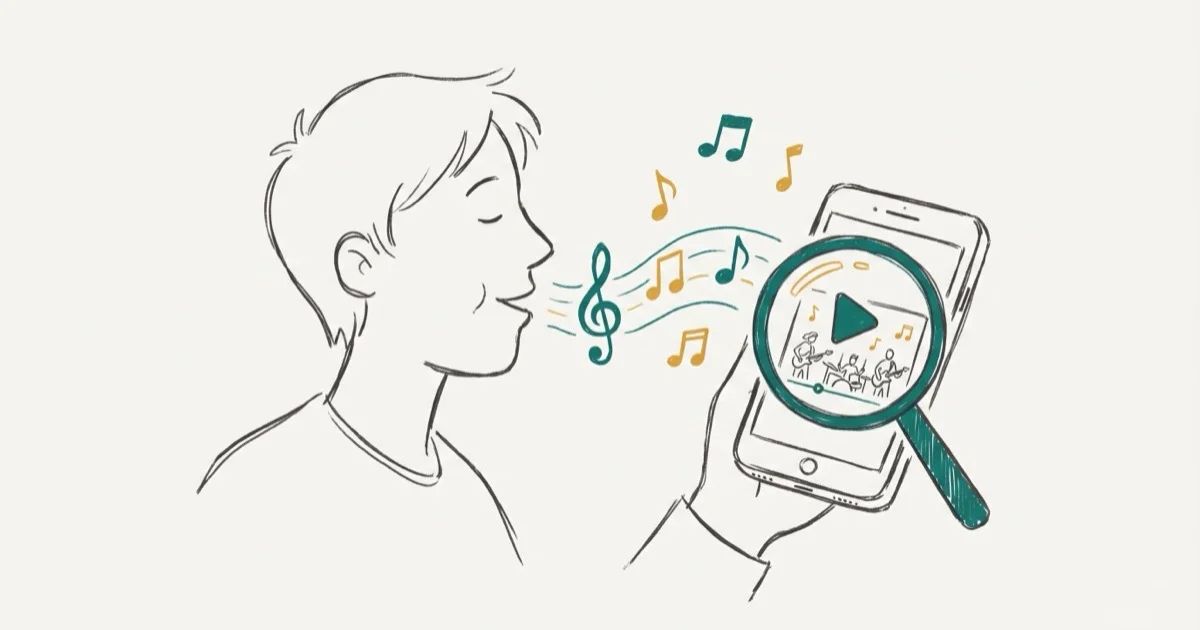
Quick AnswerUse Google with descriptive keywords about the video's scenes, try humming the melody into Google Assistant or SoundHound, or post your description to communities like r/tipofmytongue on Reddit for crowd-sourced help.
Finding a music video when you only remember fragments of it can feel impossible, but the right tools turn that fuzzy memory into an exact match. This guide compares eight practical approaches: descriptive search, humming tools, song identifiers, communities, and browser-based lookup tools.
Before changing these settings, use the steps only on your own device, computer, or account, or with explicit permission from the owner. Unauthorized access can violate law, privacy rights, and platform terms, so don’t use this guide to bypass someone else’s controls. When available, start with the official support option, built-in settings menu, or vendor documentation before trying manual fixes, especially if the device or account belongs to work, school, or another person.
- Google’s hum-to-search can identify songs from humming, whistling, or singing
- Reddit’s r/tipofmytongue community can help when automated tools don’t recognize the song
- Shazam and SoundHound work best with pre-recorded audio, not live humming or singing
- Describing visual details like costumes, settings, and choreography gets better results than vague genre descriptions
- Combining two methods like a keyword search plus a community post greatly improves your odds
#How Does Google’s Hum-to-Search Feature Work?
Google added a hum-to-search feature that’s surprisingly accurate. Open the Google app on your phone, tap the microphone icon, then select Search a song. Hum, whistle, or sing for about 10 to 15 seconds, and Google returns a list of potential matches.
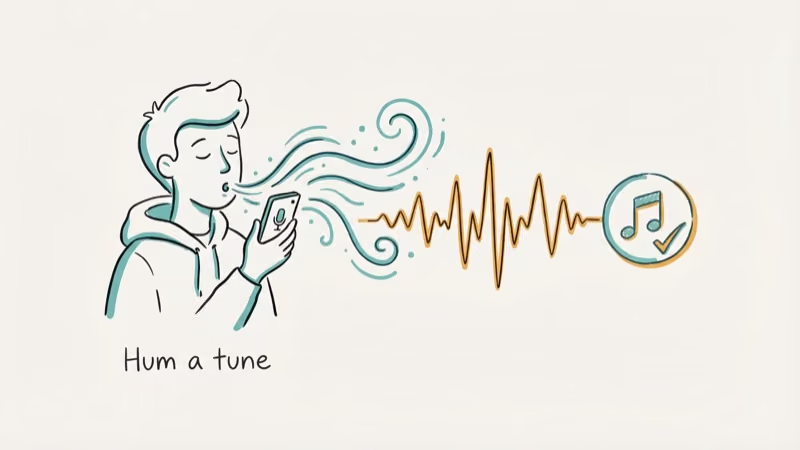
Google’s hum-to-search is often the best first stop when you remember the melody but not the title.
According to Google’s AI blog, the feature uses a machine learning model that converts a melody into a numerical sequence (its “fingerprint”) from sources like humming, whistling, or studio recordings, which is why it works even if you’re off-key.
This method works best when you remember the tune but can’t recall any lyrics. As Google’s support page confirms that the feature’s available on both Android and iOS through the Google app.
#Finding a Music Video With Keywords Alone
Yes. A descriptive Google search works fast if you remember visuals.
Write your search like this: “music video girl dancing in rain red dress rooftop” rather than “pop music video with dancing.” The more unique details you include, the better your results.
Here’s what to describe:
- Setting: beach, warehouse, city street, desert
- Costumes: specific colors, era-appropriate outfits, uniforms
- Choreography: group dance, solo performance, animated sequences
- Props or vehicles: a specific car, instrument, or object
- Time period: decade the video looks like it’s from
YouTube’s search also supports these descriptive queries. Use the Filter button to narrow results by upload date, duration, or view count. If you’re looking for a Shazam alternative that works with text instead of audio, this keyword approach is your best bet.
#Best Song Identifier Apps for Quick Matches
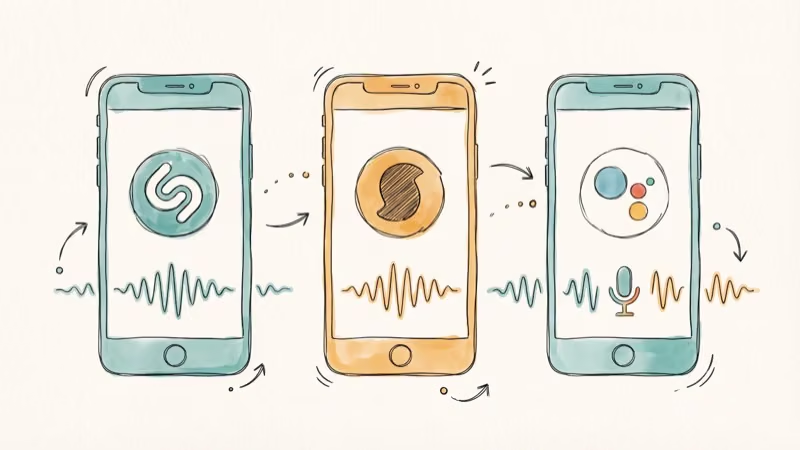
Song identifier apps listen to music playing near your device and name the track within seconds.
#Shazam
Shazam is the most popular identifier, available free on both Android and iPhone. Hold your phone near the audio source and tap the large button. Shazam is strongest with clear, pre-recorded tracks.
Shazam won’t recognize humming though. Pre-recorded audio only.
#SoundHound
SoundHound has a key advantage over Shazam. It can recognize songs when you sing or hum them, not just pre-recorded tracks. As SoundHound’s product page confirms that their “Hum & Sing” feature uses proprietary audio recognition technology trained on millions of vocal patterns.
The free version handles unlimited song identifications. It’s useful when you can hum or sing the melody but don’t have a recording to play.
#Google Assistant
On Android phones, saying “Hey Google, what’s this song?” activates the listening mode. On iPhones, you can do the same through the Google app. Google’s identifier rivals Shazam for pre-recorded audio and beats it for hummed searches. For more on using Google Assistant effectively, we’ve covered its settings in detail.
#How Can Online Communities Help Identify Music Videos?
When apps can’t help, people can.
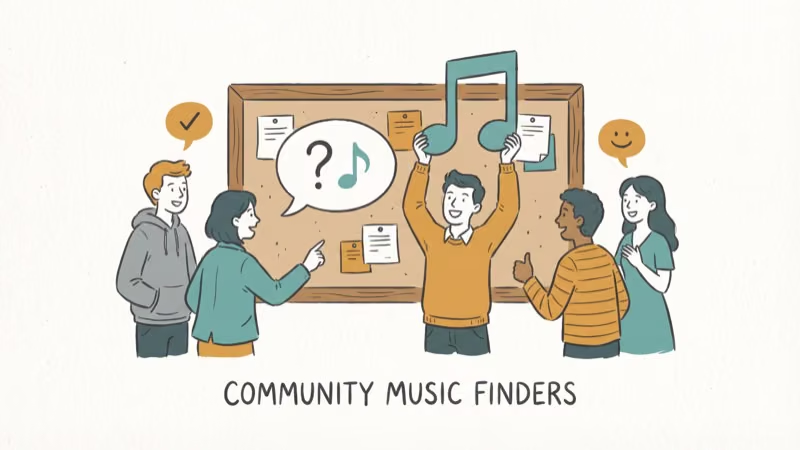
Reddit’s r/tipofmytongue is the gold standard. Post a detailed description of the music video including visual elements, estimated time period, genre, and any lyrics you recall. The community has over 1.5 million members and an active base of music enthusiasts who take these challenges seriously.
Tips for writing a good request:
- Include every visual detail you remember, no matter how small
- Mention the approximate year you first saw it
- Describe the genre or mood of the music
- Note any lyrics, even partial or possibly incorrect ones
- Specify where you originally saw it (TV, a friend’s phone, a store)
The subreddit receives thousands of submissions monthly, and most posts get a “solved” flair within a day or two.
WatZatSong and Facebook groups also help, but Reddit’s larger user base and gamified “solved” flair system consistently deliver faster responses than any other community-based identification platform available right now, which is why it’s the first place most music hunters turn to when automated tools have already failed them.
#Browser-Based Music Identification Tools
You don’t always need an app. Several browser-based tools let you search by melody or audio from any computer without installing anything, which is perfect for quick lookups at work or on a shared device where you can’t add software.
Midomi (midomi.com) works like SoundHound in a browser. Hum for 10 seconds and it returns matches.
AHA Music (aha-music.com) offers a Chrome extension that identifies any music playing in your browser tabs. If you’re watching a video and want to know the background track, this tool catches it without needing a separate app. It’s especially useful when you can’t hold your phone up to your speakers.
AudioTag (audiotag.info) takes a different approach. Upload a short audio clip of the song, and AudioTag searches its database for matches. This works well if you’ve got a recording but can’t identify the song.
If you’re trying to download specific video clips from other platforms once you find your video, there are tools for that too.
#Searching by Artist or Performer Name
If you remember the artist but not the specific song, searching through their discography is often the quickest path. Here’s where to look:
- Spotify: Browse the artist’s full catalog, sorted by album or popularity
- Apple Music: Similar catalog browsing with music video sections included
- Wikipedia: Most artist pages list complete discographies with release years
- YouTube: Search the artist name and filter by “Music” category
This method works especially well when you remember an actor or dancer from the video rather than the singer. Search the performer’s name alongside “music video appearance” and you’ll often find filmography entries that list their video credits. And if you’re trying to download Spotify tracks once you find the song, we’ve got a guide for that.
For those who also struggle with music not playing on other devices, troubleshooting guides can help with that separate issue.
#Bottom Line
Start with Google’s hum-to-search if you remember the melody, or a detailed keyword search if you remember visual scenes. When those don’t work, post your description on Reddit’s r/tipofmytongue with as much detail as possible. Combining two or three of these methods gives you the best shot at tracking down that video stuck in your head.
The key is specificity. Vague descriptions produce vague results. The more unique details you provide, whether it’s a red dress, a rooftop setting, or a specific dance move, the faster you’ll find what you’re looking for.
#Frequently Asked Questions
Can Google identify a song if you hum it?
Yes. Open the Google app, tap the microphone, select “Search a song,” and hum for 10 to 15 seconds. Google’s machine learning model matches your melody against millions of songs and typically returns accurate results even if your pitch isn’t perfect.
What’s the best app to identify a song playing near you?
Shazam is the most reliable for pre-recorded music, with near-instant recognition. SoundHound is better if you need to hum or sing the melody yourself. Both are free on Android and iPhone.
How do you describe a music video to find it online?
Focus on unique visual elements: the setting, costumes, choreography, props, and the approximate decade. Write these details as a search query on Google or YouTube, or post them to Reddit’s r/tipofmytongue for community help.
Does Shazam work with live music or humming?
No. Shazam only identifies pre-recorded audio tracks. For humming or singing recognition, use SoundHound or Google’s hum-to-search feature instead.
Are there free websites to identify songs without an app?
Yes. Midomi lets you hum into your browser microphone, AHA Music identifies songs playing in your Chrome tabs, and AudioTag matches uploaded audio clips. All three offer free tiers.
How long should you hum for a song identifier to work?
Most identifiers need at least 10 seconds of clear humming or singing. Google recommends 10 to 15 seconds for the best results. The more of the melody you can provide, the higher the accuracy.

Is This Bank App Real? Spot a Fake App on Your Home Screen
A bank app can land on your home screen from a web page with no install warning. Learn the checks that tell a real banking app from a phishing web app.

Apps Crashing After iOS 27 Update? Fix Order (2026)
Apps crashing after the iOS 27 update? Update the app in the App Store first, then offload and reinstall to clear stale cache, then restart. The fix order.

Do AI Translation Earbuds Work Offline? What to Know
Do AI translation earbuds work offline? A few do with downloaded language packs, but most need the cloud. Here's what works offline and what you give up.
How to Set Up Translation Earbuds (Pairing and Modes)
How to set up translation earbuds: charge, install the app, pair over Bluetooth, pick two languages, and choose a mode. A step-by-step first-use guide.