Best Wireless Chargers for iPhone 11: Top 5 Compared
Top 5 wireless chargers for iPhone 11 compared. Covers Qi speed limits, MagSafe compatibility, and charging pad picks for bedside, desk, and travel.
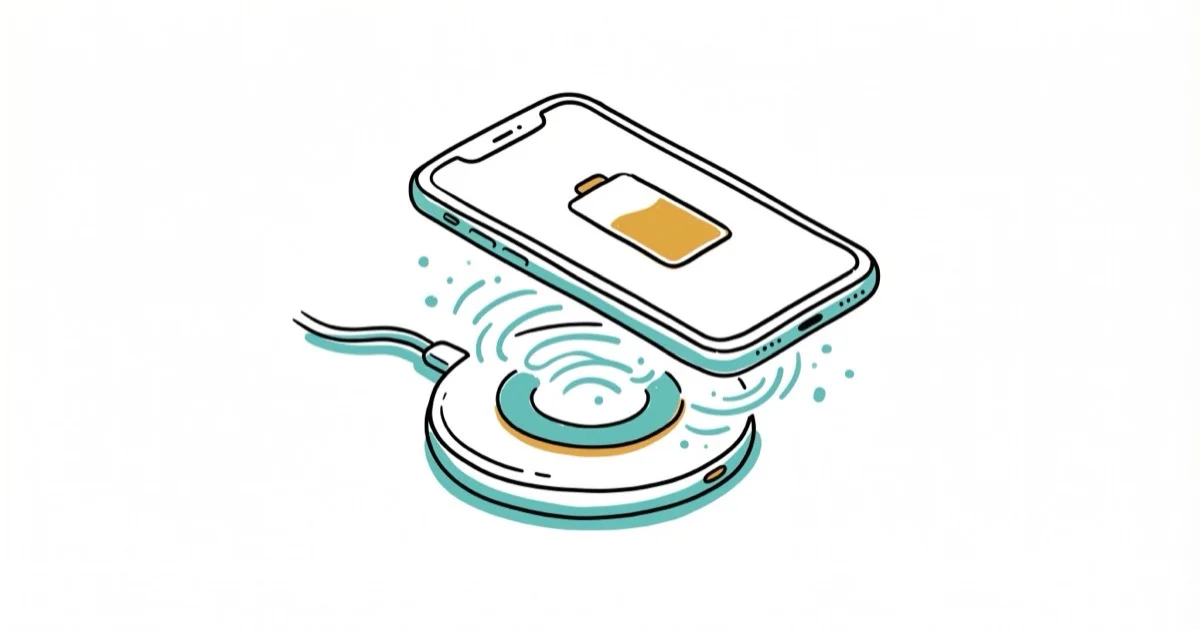
Quick AnswerChoose a charger whose manufacturer explicitly lists iPhone 11 support. Anker A2503 is a simple pad, Belkin WIB001 adds upright charging, and Belkin WIZ001 handles three Apple devices.
iPhone 11 supports Qi charging, but output depends on the charger, adapter, placement, temperature, and case. This guide compares five models with documented iPhone 11 or Qi compatibility.
Match the model number before you buy.
- Apple says iPhone 8 and later work with Qi-certified chargers, but performance varies by charger
- iPhone 11 doesn’t have the magnetic alignment built into MagSafe iPhones
- Case limits are model-specific; metal, cards, grips, and magnetic attachments can interfere
- Use the adapter specified by the charger manufacturer to reach its documented output
- Buy by exact model number because products in the same charger family can have different specifications
#iPhone 11 Wireless Charging Speed Explained
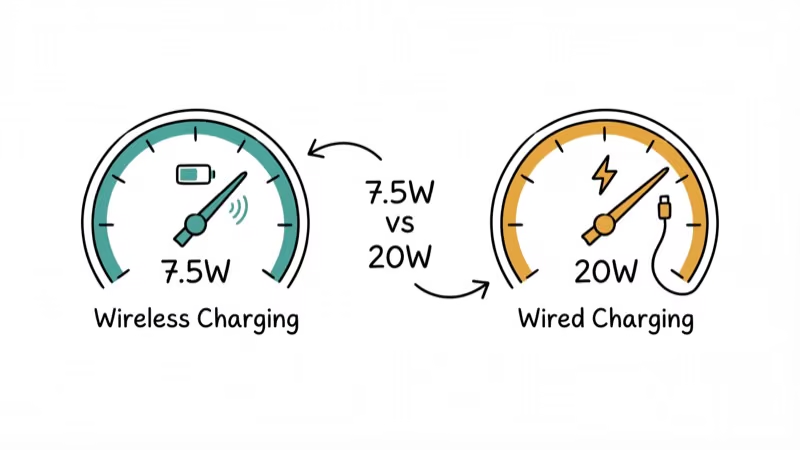
According to Apple’s current wireless-charging guide, iPhone 8 and later work with Qi-certified chargers and many chargers deliver up to 7.5W, while functionality and performance can vary.
That variability is the key constraint.
A charger can advertise a higher headline wattage yet deliver less to an iPhone 11 because its faster mode may require a different phone protocol or adapter. Check the manufacturer’s iPhone-specific output instead of assuming the pad’s largest number applies.
Some warmth is normal during charging. Apple’s battery-maintenance guidance says heat can reduce battery lifespan and that iPhone may slow charging when temperatures are high. If your iPhone battery is dying fast, remove an insulating case, improve ventilation, or use a cable when the phone repeatedly becomes hot.
For repeated heat warnings, use these iPhone overheating checks.
#Top 5 Wireless Chargers for iPhone 11
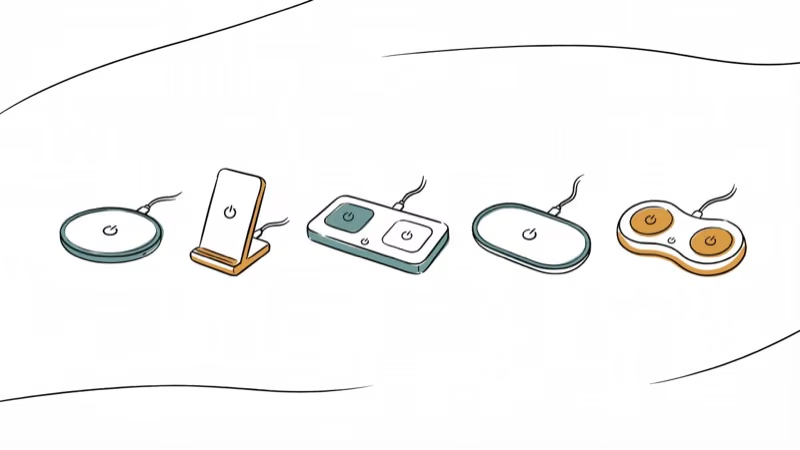
These picks span multi-device, portable, stand, and pad designs. Specifications below are tied to the exact model number; check current stock and the seller’s model code before buying.
#Belkin BoostCharge 3-in-1 WIZ001
Three-device pick.
According to Belkin’s WIZ001 support page, the unit has a 7.5W iPhone pad, an Apple Watch charging module, and a 5W AirPods pad, with all three usable at once. Its tested list includes the iPhone 11 series.
The phone surface isn’t magnetic, so you still need to place the iPhone correctly. This is an older exact model, so verify availability rather than substituting a newer magnetic Belkin 3-in-1 that may require an iPhone 12 or later.
#Apple MagSafe Charger
Cross-generation pick.
Apple confirms that its current MagSafe Charger guide lists iPhone 11 models as non-MagSafe, Qi-compatible devices. You must center the phone manually, and Apple says power and charge time differ from a MagSafe iPhone rather than promising a fixed output.
The compact puck is easy to pack, but the magnetic alignment benefit only applies to supported MagSafe models. Buy it for cross-generation use, not as a guaranteed speed upgrade for an iPhone 11.
#Belkin Portable Charger + Stand WIZ003
Portable pick.
For portable charging without relying on MagSafe magnets, Belkin’s WIZ003 support page documents a 10,000mAh battery, 7.5W wireless charging for Apple mobile devices, and tested iPhone 11 compatibility. It can work as a stand while docked or as a power bank away from the outlet.
Belkin doesn’t promise a particular number of iPhone 11 recharges because conversion losses and phone use affect the result. For travelers who need a way to charge their iPhone without a standard charger, the USB-A port also provides a wired fallback.
#Belkin Wireless Charging Stand WIB001
Upright pick.
Belkin’s WIB001 support page names the iPhone 11 in its tested list and documents 7.5W Apple charging. Its cradle works in portrait or landscape orientation, which is more convenient than a flat pad when you want to see notifications.
Belkin specifies case compatibility up to 3mm for this model. The package includes a cable but not every regional bundle is identical, so confirm the adapter in the listing.
#Anker 313 Wireless Charger Pad A2503
Simple-pad pick.
Anker states that its current A2503 product page lists iPhone 11, 11 Pro, and 11 Pro Max in the 7.5W mode when paired with a Quick Charge 2.0 or 3.0 adapter rated at 9V/2A.
The pad supports nonmetal cases up to 5mm according to Anker, but cards, grips, stands, and magnetic or metal attachments can interfere. Its flat design is compact, though it doesn’t hold the phone upright like the Belkin stand.
#How to Optimize iPhone 11 Wireless Charging?
Getting consistent results from a wireless pad takes a bit of setup.
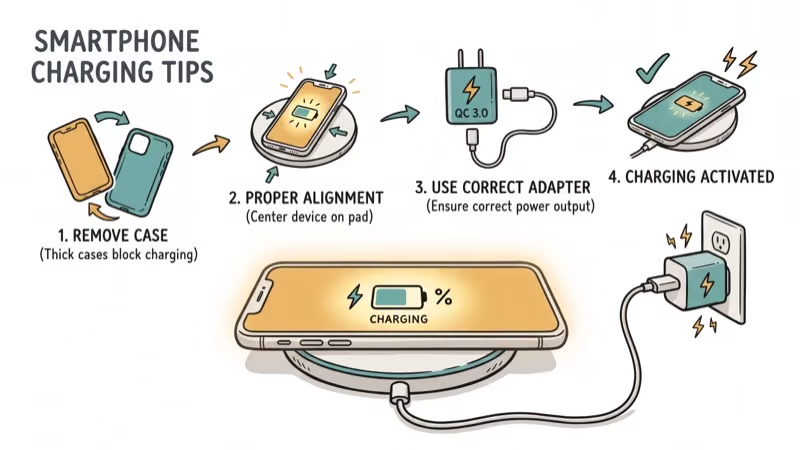
Remove metal cases, wallet cards, grips, and magnetic attachments before charging. For ordinary cases, follow the charger’s own limit: Belkin documents up to 3mm for WIB001 and WIZ001, while Anker documents up to 5mm for A2503. Charging can still slow through a case.
Then check the power source.
Use the adapter specified for the exact charger. Anker requires a Quick Charge 2.0 or 3.0 adapter for A2503’s 7.5W iPhone mode; Apple’s MagSafe Charger has different adapter requirements. A higher wattage number alone doesn’t guarantee that the adapter and pad negotiate the intended mode.
Keep iOS updated from Settings > General > Software Update.
Center the phone on the pad. No MagSafe magnets means you’ll need to nudge it into position manually, and if the charging chime doesn’t play within a couple of seconds, shift the phone slightly until it connects.
#Is iPhone 11 Compatible With Qi2 and MagSafe?
iPhone 11 lacks MagSafe alignment, so center it manually on Apple’s charger.
For a third-party Qi2 charger, verify that the manufacturer’s compatibility list includes legacy Qi devices or the iPhone 11. Don’t infer a fixed iPhone 11 wattage from the Qi2 headline speed.
If your AirPods case isn’t charging on a wireless pad, the same alignment rules apply. Center the case and watch for the LED flash.
#Our Recommended Picks by Use Case
Here’s a comparison:
| Exact model | Best use | Documented iPhone 11 behavior | Main caveat |
|---|---|---|---|
| Belkin WIZ001 | iPhone + Watch + AirPods | 7.5W phone pad; iPhone 11 tested | Older model; verify stock |
| Apple MagSafe | Cross-generation travel | Charges as a non-MagSafe Qi device | No magnetic alignment |
| Belkin WIZ003 | Portable battery and stand | 7.5W Apple mode; iPhone 11 tested | Availability varies |
| Belkin WIB001 | Upright desk or bedside | 7.5W Apple mode; iPhone 11 tested | Case limit up to 3mm |
| Anker A2503 | Simple flat pad | 7.5W with specified QC 2.0/3.0 adapter | Adapter sold separately |
For a simple pad, the Anker A2503 has the clearest current compatibility and adapter documentation. Choose Belkin WIB001 when an upright screen matters.
If you own an Apple Watch and AirPods too, Belkin WIZ001 consolidates three charging surfaces into one station. Match the model number exactly; newer magnetic 3-in-1 stands may target MagSafe iPhones instead.
If one AirPod dies faster than the other, keeping the case topped up on a charging station overnight helps.
#Wireless Charging vs. Wired Charging for iPhone 11
Apple says an iPhone 8 or later can fast-charge to about 50% in around 30 minutes with a compatible USB-C Power Delivery adapter and cable. Actual results vary with the adapter, settings, use, and temperature.
Use wireless charging for convenience and a cable when time matters. Optimized Battery Charging reduces the time an iPhone spends fully charged and finishes closer to when you need it; Apple describes this as a way to improve battery lifespan, not a guaranteed amount of extra life.
#Bottom Line
Choose by exact compatibility, adapter requirement, and form factor. Anker A2503 is the straightforward pad, Belkin WIB001 holds the screen upright, and WIZ001 covers three older Apple charging needs. MagSafe can charge an iPhone 11, but it doesn’t add magnetic alignment and Apple doesn’t promise the same performance as on a MagSafe iPhone.
#Frequently Asked Questions
Can iPhone 11 charge wirelessly with a case on?
Usually, but use the charger’s stated case limit. Belkin lists up to 3mm for WIB001 and WIZ001, while Anker lists up to 5mm for A2503. Remove metal, cards, grips, stands, and magnetic attachments.
How long does it take to wirelessly charge an iPhone 11?
Apple doesn’t publish one fixed 0% to 100% wireless time for iPhone 11; alignment, temperature, the pad, the adapter, and phone use all affect it. For comparison, Apple says a supported iPhone 8 or later can reach about 50% in around 30 minutes with compatible USB-C Power Delivery equipment, while actual results vary.
Is wireless charging bad for iPhone 11 battery health?
Wireless charging is supported, but heat still matters. Apple says a warming battery can age faster and that software may limit charging above 80% when temperatures are high. Stop and improve ventilation if the phone repeatedly becomes uncomfortably hot.
Does iPhone 11 support MagSafe?
It doesn’t support MagSafe magnetic alignment. Apple’s MagSafe Charger can still charge it as a Qi-compatible device, but Apple says power and charge time differ from MagSafe models.
What wattage adapter do I need for wireless charging?
Follow the charger manual rather than choosing by wattage alone. Anker A2503 needs a QC 2.0 or 3.0 adapter for its 7.5W iPhone mode, while Apple’s MagSafe Charger uses USB-C adapter profiles described in Apple’s guide.
Can I use a Samsung wireless charger with iPhone 11?
It may work if the exact Samsung model supports standard Qi charging, but don’t assume it will deliver 7.5W. Check the model’s compatibility and iPhone output; Apple warns that functionality and performance vary by charger.
Why does my iPhone 11 get warm during wireless charging?
Some warmth can be normal, but Apple says high temperatures can slow or pause charging. If the phone repeatedly becomes uncomfortably hot, remove the case and any objects between the phone and pad, move both to a cooler ventilated place, and use a cable while you isolate the charger or case involved.
Should I buy a Qi2 charger for iPhone 11?
Only if the exact charger also documents iPhone 11 or legacy Qi support, or you plan to upgrade. The iPhone 11 can’t use magnetic alignment, and a Qi2 headline wattage doesn’t establish the power it will receive.
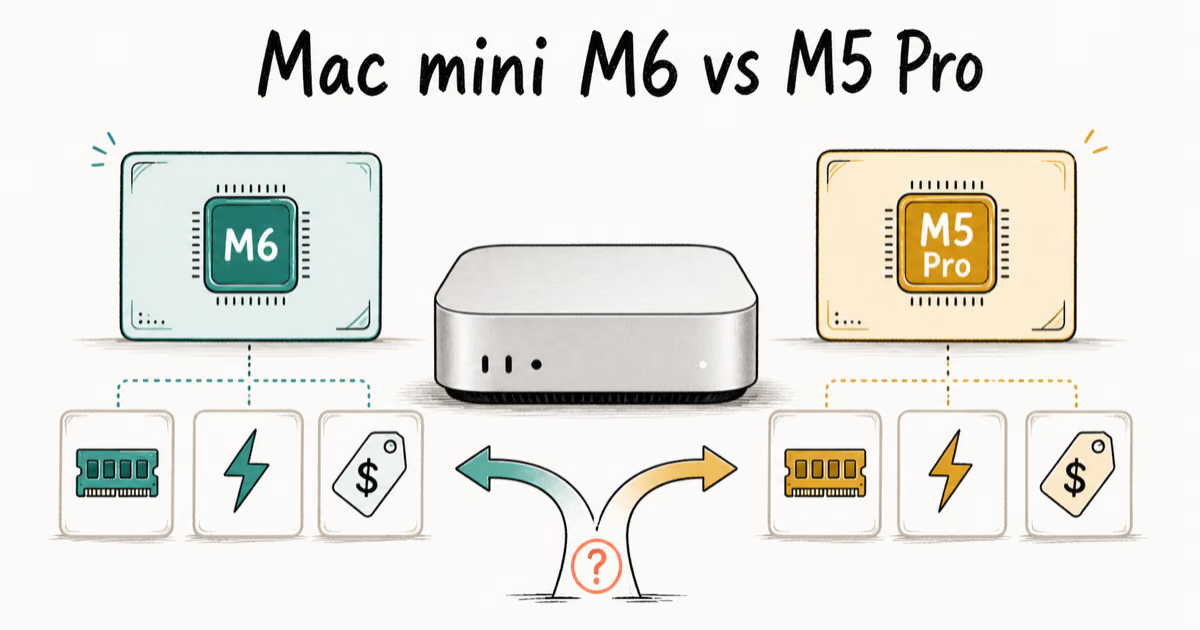
Mac mini M6 vs M5 Pro: Which Model Should You Buy?
Mac mini M6 vs M5 Pro compared on price, memory, ports, displays, and real workloads. Find the better 2026 Mac mini for your desk and budget.
Apple Siri Settlement: Who Qualifies and How to Claim
Apple's $250 million Siri settlement covers iPhone 15 Pro and iPhone 16 models bought June 2024 to March 2025. See who qualifies and how claims work.
iOS 26.6.1 Security Update: What Apple Fixed and Who Gets It
Apple released iOS 26.6.1 on August 17 with 29 security fixes, including an IPSec interception bug. See what it patches, who gets it, and how to update.
iPhone Adaptive Power: How It Works and When to Use It
Learn how iPhone Adaptive Power works, which models support it, what it changes, and when Low Power Mode is still the better battery-saving choice.