Best Anime Character Creator Tools for Any Skill Level
The best anime character creators include Picrew, PixAI, and Charat.me. Free and paid options for beginners to pros, with AI and manual tools compared.
Quick AnswerPicrew, Charat.me, and PixAI are the best anime character creators right now. Picrew has over 10,000 free community-made makers, Charat.me gives full customization without sign-up, and PixAI uses AI to generate characters from text prompts.
The best anime character creator for most people is Picrew, a free platform with over 10,000 community-built character makers. Across the popular tools available on desktop and mobile, Picrew offers the widest variety of art styles without requiring any sign-up or payment.
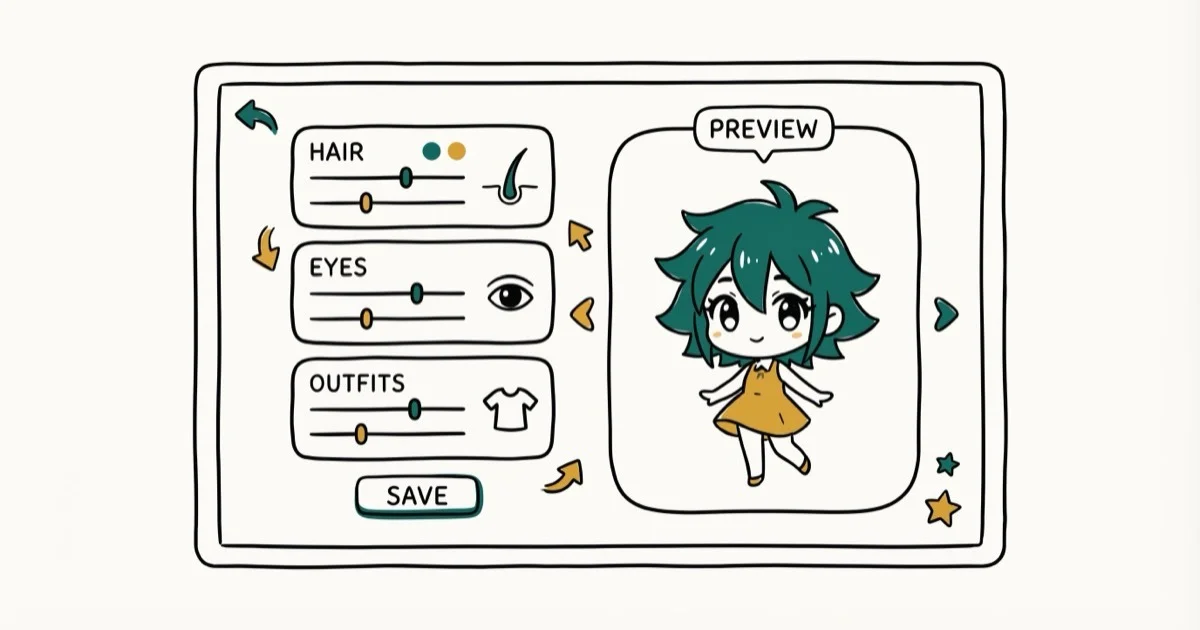
Not every tool works the same way. Some use AI to generate characters from text descriptions, while others give you drag-and-drop controls for hair, eyes, and outfits.
- Picrew has over 10,000 free character makers built by artists worldwide
- PixAI generates anime characters from text prompts with a free daily credit tier
- Charat.me lets you build characters with color, position, and accessory controls
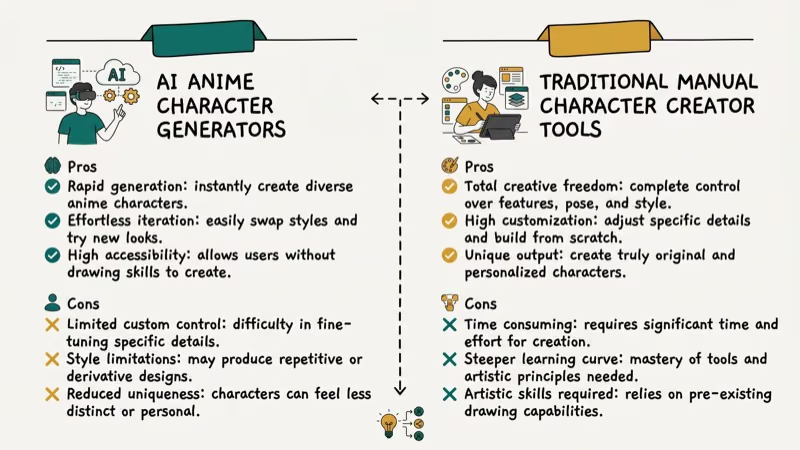
- AI creators work best for one-off art while manual tools give more control
- Most free creators limit commercial use, so check licensing first
#What Makes a Good Anime Character Creator?
The right character creator depends on what you’re making.
Three criteria matter most: customization depth, output quality, and licensing. Most tools on this list have a free tier, so price is a secondary factor.
AI-based generators produce impressive results fast, but manual editors give you more consistent, reproducible characters. If you need the same character across multiple scenes, a manual tool like Charat.me or Picrew works better than an AI generator. This holds true regardless of which AI model powers the generator, since text-to-image output varies from one prompt to the next.
#The 7 Best Anime Character Creators
Here’s a quick comparison:
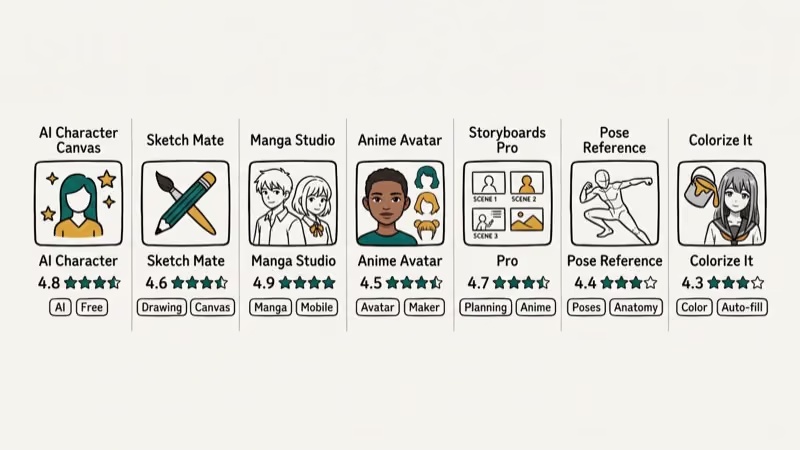
| Tool | Type | Cost |
|---|---|---|
| Picrew | Manual | Free |
| PixAI | AI | Free + $9.99/mo |
| Charat.me | Manual | Free |
| Canva | AI | Free + $12.99/mo |
| Artbreeder | AI blend | Free + paid |
| Reallusion CC | 3D | Paid |
| Bitmoji | Manual | Free |
#Picrew
Picrew is a Japanese platform where artists upload their own character makers for anyone to use. You’ll find everything from chibi to realistic anime, fantasy RPG characters to modern fashion avatars.
Each maker works differently. Some offer 50+ customization layers with hair, eyes, clothing, accessories, and backgrounds, while others keep things minimal with just a handful of options.
Picrew’s library covers makers for every anime style you can think of. The output is 600x600 pixels (or 540x960 in the newer “Tatanaga” format), which works for profile pictures but is too small for print. Most makers allow personal use with credit to the artist, though commercial use is usually restricted.
#PixAI
PixAI takes a completely different approach. You type a text description and the AI generates an anime character for you.
According to PixAI’s feature overview, the platform supports ControlNet for precise pose control, LoRA models for consistent character styles, and a one-click upscaler for sharper output. A single text prompt typically returns several character variations within seconds. The platform is built specifically for anime art, unlike general AI image tools that treat anime as just one style option among many.
Paid plans start at $9.99/month, but the free tier gives you enough credits for roughly 10-15 daily generations.
#Charat.me
Charat.me is a free, browser-based anime avatar maker from Japan. You can adjust eye color, hairstyle, face shape, clothing, and accessories with position, rotation, and color sliders.
The Genesis maker includes transparency and hue controls for fine-tuning colors. Male character options are noticeably fewer than female ones.
#Canva
Canva’s Magic Media and Dream Lab tools let you type a description and pick from sub-styles like chibi, mecha, gothic, or 3D character art. PCMag’s Canva review rates it among the most widely used creative suites, which makes its built-in anime generation easy to reach for designers already in the tool.
On a free account the results are solid for social media posts. The quality doesn’t match PixAI for detailed character work, but having anime generation inside a full design suite is a genuine advantage — you can drop a generated character directly into a banner or social card without switching apps. Canva Pro ($12.99/month) unlocks more generations, higher resolution output, and commercial use rights.
#Artbreeder
Artbreeder works by blending images together. You start with an existing character portrait and adjust sliders for age, hair color, expression, and style.
This tool is best for exploring character concepts rather than producing final art. The blending approach creates unexpected combinations that spark ideas you wouldn’t come up with on your own, and it works well for generating face concepts you can then refine in a manual editor like Picrew or Charat.me.
#Character Creator by Reallusion
Reallusion’s Character Creator is the most professional option on this list, designed for building 3D characters with full rigging, morph targets, and animation support.
According to Reallusion’s product page, the tool supports anime-style characters through its Headshot plugin and toon shader system. Characters can be exported in SVG, FBX, or OBJ format for games, comics, or animation projects. The learning curve is steep, but a free trial is available before you commit to the paid license.
#Bitmoji
Bitmoji isn’t a traditional anime creator, but millions of people use it daily for cartoon avatars. The app works on both Android and iOS and integrates with Snapchat, iMessage, Slack, and Gboard.
The art style is more western cartoon than anime, but the sticker library and cross-platform integration make it the most practical avatar tool for everyday messaging.
#Licensing and Commercial Use
Check licensing terms before using any character in a project. This step trips up many creators.
Picrew makers almost always restrict commercial use. Each maker has its own rules set by the artist who created it, so you need to read the terms on every individual maker. PixAI allows commercial use on paid plans, and Canva Pro includes commercial rights for AI-generated content.
For Reallusion’s Character Creator, exported characters are covered under the software license. Bitmoji avatars are owned by Snap Inc. with restricted commercial use, and Artbreeder’s licensing depends on your subscription tier.
#Picking the Right Type of Creator
Choosing between AI generators and manual editors comes down to your use case.
Pick an AI generator (PixAI, Canva) if you:
- Need a one-off character illustration fast
- Want highly detailed anime art without manual work
- Don’t need the exact same character across multiple images
- Are comfortable writing text prompts to describe what you want
Pick a manual editor (Picrew, Charat.me) if you:
- Want full control over every detail
- Need consistent characters for ongoing projects
- Prefer browsing visual options over writing text prompts
- Plan to reuse the same character across social media, comics, or merchandise
Bitmoji or Picrew will get you a casual avatar in under 5 minutes. For professional 3D work, go with Reallusion.
#Are AI Anime Generators Worth Using?
Yes, for the right use case. AI anime generators have gotten significantly better since 2024, and tools like PixAI now produce characters that rival hand-drawn illustrations in line quality and color accuracy. According to PCMag’s AI art tools overview, AI image generators have made significant quality gains since 2023.
For general-purpose tools beyond anime-only workflows, our 2026 AI image generator picks by use case ranks Midjourney, Firefly, Ideogram, and Stable Diffusion.
The main trade-off is control.
With PixAI’s text-to-image feature, a clear prompt often matches your intent on the first generation, while vaguer prompts need a few adjustments to dial in. Manual tools still win when precision matters, but that first-try accuracy is impressive for a free tool.
Cost matters too. PixAI’s free tier works for casual use at roughly 10-15 images per day, but Canva’s free AI generations are more limited. If you’re producing content regularly, expect to pay $10-50/month depending on the platform and how many generations you need each week.
#Tips for Getting Better Results
A few things help across almost any anime character tool.
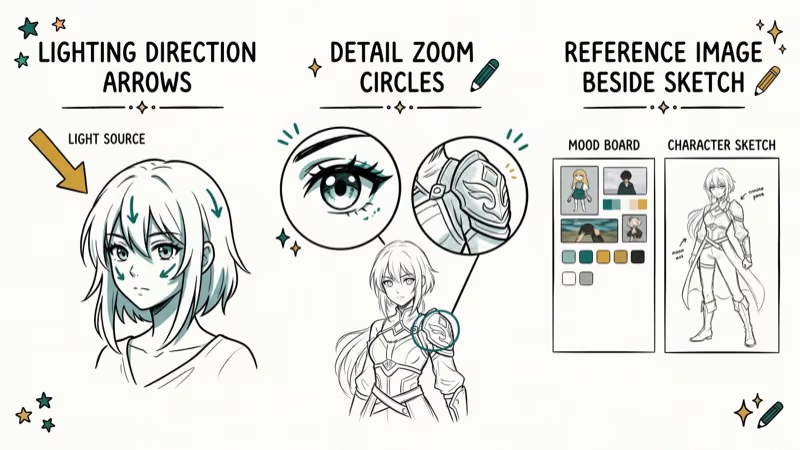
With AI generators, prompt specificity is everything. “Blue-haired girl” gives you random results, but “teenage girl with shoulder-length wavy blue hair, wearing a navy school blazer, looking to the left” produces something you can actually use. Include details about pose, expression, clothing, and background for the best output quality.
With manual editors, start from a maker or template close to what you want. On Picrew, sort by popularity to find the most polished character creators. On Charat.me, the Genesis maker offers the widest range.
Save often. Both Charat.me and Artbreeder support saving progress, but Picrew doesn’t always let you return to a previous session.
#Bottom Line
For most people, Picrew is the best starting point. It’s free, runs in your browser, and has thousands of character makers covering every anime style. If you want AI-powered generation, PixAI delivers the best anime-specific results. And if you need granular control, Charat.me gives you that without requiring an account.
Start with the free tools. Move to paid options once you know what you need.
#Frequently Asked Questions
What is the best free anime character creator?
Picrew is the best free option. It has over 10,000 character makers built by artists worldwide, everything runs in your browser without sign-up, and you can find styles from chibi to realistic anime portraits.
Can I use AI to create anime characters from text?
Yes. PixAI and Canva both generate anime characters from text descriptions. PixAI is purpose-built for anime and supports advanced controls like ControlNet for pose adjustments, while Canva is more beginner-friendly but produces less detailed results. Both offer free tiers, though daily generation limits apply on both platforms and you’ll need a paid plan if you’re creating more than about a dozen characters per day.
Are anime characters I create free to use commercially?
It depends on the tool. Picrew makers typically restrict commercial use and require credit to the artist. PixAI allows commercial use on paid plans, and Canva Pro includes commercial licensing. Check terms before using characters in products.
Do I need drawing skills to make anime characters?
No. Picrew and Charat.me use point-and-click interfaces, and PixAI creates characters from written text.
What is the best anime character creator app for phones?
Bitmoji is the most popular mobile avatar app, available on both Android and iOS with deep Snapchat integration. PixAI also has an Android app on Google Play that mirrors the web version’s AI generation capabilities. Picrew works well in mobile browsers without needing a dedicated app, though creating your own character maker (rather than using existing ones) is limited to desktop.
How do AI anime generators compare to manual character editors?
AI generators produce results in seconds but give you less precise control over individual features like eye shape or accessory placement. Manual editors take longer but let you adjust every element individually. For consistent characters across multiple images or an ongoing manga project, manual editors are more reliable. For reading reference material, browse our Mangapill alternatives and Manhwatop alternatives guides.
Can I make male anime characters with these tools?
Yes, though options vary. Charat.me has noticeably fewer male options than female ones, while Picrew includes thousands of makers supporting male characters. PixAI handles male characters just as well as female ones.
What file formats do anime character creators export?
Browser-based tools like Picrew and Charat.me export PNG at 600x600 pixels. PixAI supports higher resolutions up to 1536x1536 on paid plans. Reallusion’s Character Creator exports 3D models in FBX, OBJ, and SVG.

Google Messages Error 3100: Why RCS Is Broken on Galaxy
Google Messages RCS error 3100 hits Galaxy owners after phone or carrier switches. Google told 9to5Google a fix is coming. Here's what actually helps.

Is This Bank App Real? Spot a Fake App on Your Home Screen
A bank app can land on your home screen from a web page with no install warning. Learn the checks that tell a real banking app from a phishing web app.

Apps Crashing After iOS 27 Update? Fix Order (2026)
Apps crashing after the iOS 27 update? Update the app in the App Store first, then offload and reinstall to clear stale cache, then restart. The fix order.

Do AI Translation Earbuds Work Offline? What to Know
Do AI translation earbuds work offline? A few do with downloaded language packs, but most need the cloud. Here's what works offline and what you give up.