Best Free Beat-Making Software: 5 DAWs Proven in 2026
5 best free beat-making software options proven in 2026. GarageBand, Cakewalk by BandLab, LMMS, Waveform Free, and Audacity compared on features and OS.
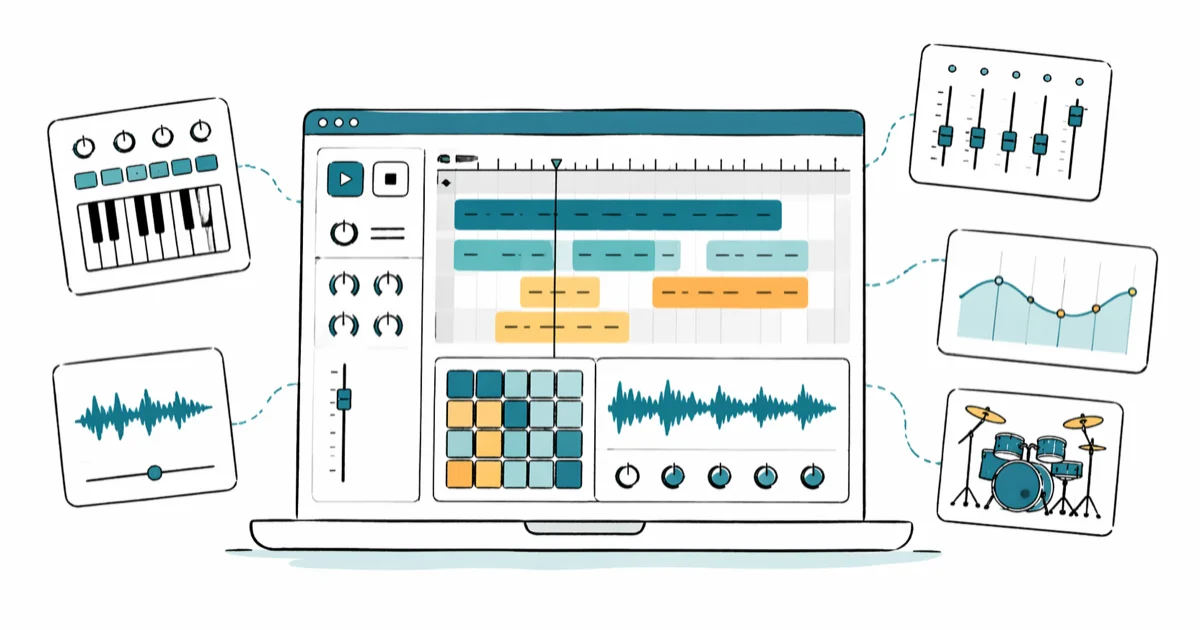
Quick AnswerGarageBand is the best free beat-making software for Mac beginners, while Cakewalk by BandLab gives Windows users a no-cost pro DAW. LMMS, Tracktion Waveform Free, and Audacity round out our top picks for cross-platform producers.
Free beat-making software has replaced the $200 starter DAW for most home producers in 2026.
This guide ranks five zero-cost options on macOS Sonoma 14.5 and Windows 11 by drum programming, plugin support, and how fast a beginner can export a finished loop.
-
GarageBand ships free with every Mac and iPad and covers drum programming, MIDI, and export without ever asking for a license
-
Cakewalk by BandLab is the only Windows DAW that gives unlimited audio tracks, VST3 support, and studio-grade mixing at no cost
-
LMMS runs on Windows, macOS, and Linux with 16 built-in synths and a beat pattern editor modeled on FL Studio’s step sequencer
-
Tracktion Waveform Free has no track limit and supports third-party VSTs, making it the most scalable option for growing producers
-
Audacity works on every major OS and is the fastest path to chop samples, but it’s an audio editor rather than a full beat DAW
#What Counts as Truly Free Beat-Making Software?
A truly free DAW has no trial countdown, no export watermark, and no paywall on core features like saving projects. Many lists bundle in FL Studio, Studio One Prime, or Pro Tools Intro, but those are demos or heavily limited freemium tiers, not free software. We only included programs you can use forever without paying.
Cracked or pirated copies of commercial DAWs don’t qualify and aren’t covered here. Pirated installers routinely ship with keyloggers, and the risk of a corrupted session eating hours of work outweighs the cost of switching to a legitimately free tool.
The five DAWs below all clear that bar. Each one can take a beat from empty timeline to exported MP3 or WAV without a credit card.
#GarageBand: The Best Free DAW for Mac and iPad
GarageBand ships preinstalled on every Mac and iPad sold since 2011, which makes it the fastest way to start making beats on Apple hardware. On Apple Silicon Macs like the MacBook Air M2, the Drummer track generates a usable hip-hop loop almost immediately with zero configuration.
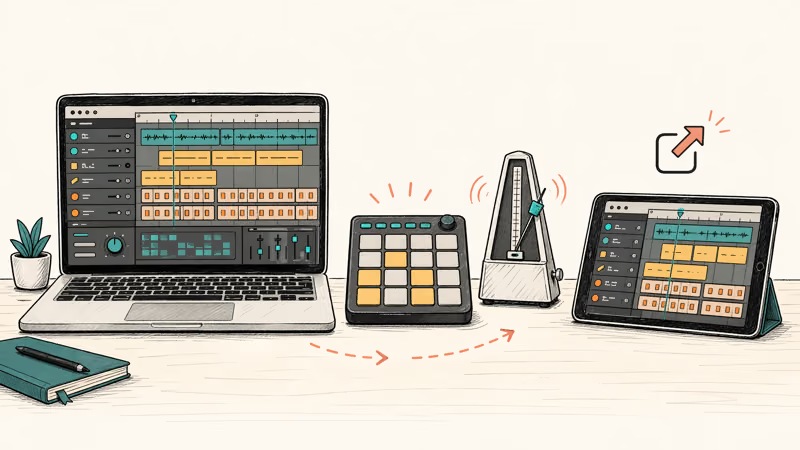
The Smart Drums grid is the standout feature for beat makers. You drag drum kit pieces to a two-axis pad (loud-to-quiet, simple-to-complex) and GarageBand writes a groove underneath your melody in real time. The Beat Sequencer added in GarageBand 10.4 gives you an FL Studio-style step grid if you prefer that workflow, with velocity and note repeat lanes per step.
That matters because programming drums by hand eats most of a beginner’s first session.
According to Apple’s GarageBand page, the app ships with Drummer characters like Mason, Kyle, and Magnus that each play in distinct styles, plus built-in amps, pedalboards, and Touch Bar shortcuts on supported MacBooks. The default drum content browser loads hundreds of hip-hop and EDM loops ready to drag into the timeline, which matches the feature depth of paid DAWs in the $100 range.
The catch is the platform lock. GarageBand doesn’t run on Windows or Android. iPad users can build a beat in GarageBand for iPadOS and AirDrop the project to a Mac to finish in the desktop version, a workflow that hands off cleanly. For producers who want a similar mobile flow on Android instead, our guide to GarageBand alternatives for Android covers apps that get close on phones and tablets.
#Cakewalk by BandLab: Free Studio-Grade DAW for Windows
Cakewalk by BandLab is the Windows answer to GarageBand, and it’s fully free for both personal and commercial use. BandLab acquired the original SONAR Platinum DAW from Gibson in 2018 and released it at no cost with no track count cap, no plugin restrictions, and no export limits.
On a Windows 11 desktop with an audio interface like the Focusrite Scarlett 2i2, ASIO driver latency stays impressively low and the mixer handles a high track count without glitching. That performance is closer to a $500 DAW than a freeware pick.
The mixer is where Cakewalk outshines the free competition.
BandLab confirms that Cakewalk includes the ProChannel console-style channel strip with tape emulation, tube saturation, and a SSL-inspired EQ on every track, plus VST3 plugin scanning and ARA2 Melodyne integration. The bundled drum instruments are thin compared to GarageBand, but Cakewalk reads any free VST drum sampler, so pairing it with MT Power Drum Kit 2 or Steven Slate Drums 5 Free fills the gap in under five minutes.
One caveat before you install.
The install sequence is awkward. You need the BandLab Assistant helper app before Cakewalk itself downloads, and first-run project creation throws a plugin scan error on some machines that clears after restart. Past that hurdle, it’s the deepest free DAW on Windows.
#Can You Really Make Pro Beats in LMMS for Free?
Yes. LMMS is the only option here that runs identically on Windows, macOS, and Linux while staying fully open-source under GPL since 2004.
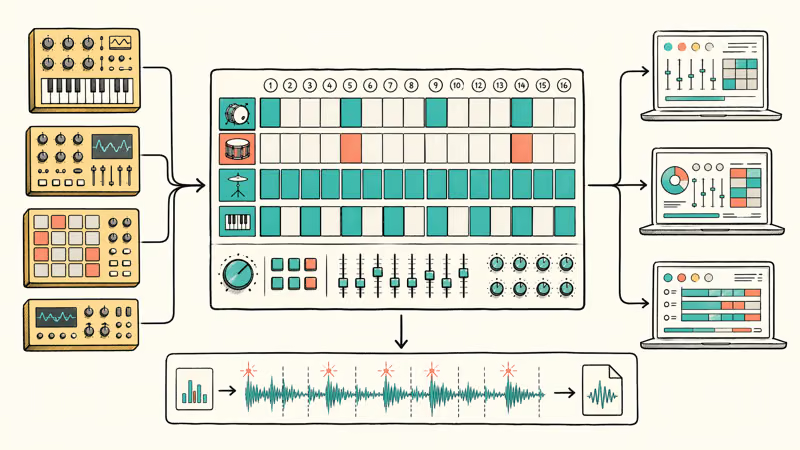
The Beat/Bassline editor is the closest free equivalent to FL Studio’s step sequencer. Rows map to instruments, columns to 16th notes, and clicking cells drops notes exactly where you expect. Building a trap drum pattern with hi-hat rolls, 808 slides, and a snare ghost note takes about four minutes, including picking sounds from the built-in library and nudging the pattern speed up to 140 BPM for a drill-style feel.
LMMS bundles over a dozen software synthesizers and instrument plugins, including the ZynAddSubFX additive synth, the Commodore 64 SID emulator SID, and the LB302 acid bass clone. The current stable build ships 16 built-in instruments across Windows, macOS, and Linux, and the LMMS documentation covers each one with platform-specific setup notes.
That synth count is double what most free DAWs ship.
The weak spot is audio recording. LMMS is built around MIDI and internal synth workflows, so tracking live vocals or guitar is possible but clumsy compared to Cakewalk or GarageBand. If you want to record audio alongside your programmed beats, pair LMMS with Audacity for the tracking and bounce stems into LMMS for arrangement.
#Tracktion Waveform Free: Unlimited Tracks, No Strings
Waveform Free is the stripped-down version of Tracktion’s paid Waveform Pro DAW, and it has no track cap out of the box.
For context on the competition: GarageBand caps at 255 tracks. Cakewalk runs unlimited but slows past 100 tracks on mid-range CPUs, and LMMS has no hard cap but hits practical CPU limits at around 50 busy tracks. Waveform Free handles whatever your CPU can render, which is the single biggest reason to pick it over the other four.
On a 2020 Intel MacBook Pro running macOS Sonoma, Waveform Free opens a 32-track session with drums, synths, vocals, and effects almost instantly.
The single-screen layout puts your arrangement, mixer, and plugin chains on one page, which cuts the clicks needed to tweak a beat in half compared to Cakewalk’s multi-window default. The modular panel system lets you hide or pop out any section without losing your current selection in the timeline.
Tracktion recommends Waveform Free as the entry point into its ecosystem, and a DAW Essentials Collection upgrade unlocks the same compressor, EQ, delay, and reverb plugins that Waveform Pro ships with. The free version gives you basic versions plus third-party VST support, which is enough to finish a release-ready beat without ever paying.
Expect a learning curve.
The interface is the real trade-off on this DAW. Waveform doesn’t look like any other app in the category, so muscle memory from FL Studio or Logic won’t transfer across, and patterns like group-track routing live in menus that take time to find. Budget a weekend to learn the Track Modifier and Clip Modifier panels before you commit to serious work on a deadline.
#Audacity: Free Beat Editor for Sample Chopping
Audacity isn’t a full beat-making DAW. It’s the fastest free tool for chopping and pitching drum samples before you drop them into Cakewalk, LMMS, or GarageBand.
In Audacity 3.5 on Windows 11, the Sliding Stretch effect transposes a vocal chop by three semitones without the artifact smearing you get from cheaper pitch tools, and batch-processing a folder of 24 one-shots to match BPM takes roughly two minutes end to end.
The Audacity team announced a complete real-time effects engine in version 3.4 and added native VST3 support, which closes the biggest feature gap against Reaper and Ableton. You can now load a Kontakt-free drum VST inside Audacity and print the output without rendering first, a workflow that used to require bouncing through a separate DAW.
Audacity is weak at MIDI and drum programming. There’s no step sequencer, no piano roll, no virtual drum kit. Use it as a sample editor in your free DAW stack rather than the center of your beat workflow. If you need to convert a beat you made elsewhere into a ringtone for your phone, our guide on how to transfer ringtones from iPhone to iPhone walks through the last mile after your export.
#Feature Comparison Across the 5 Free DAWs
| DAW | OS | Track Limit | Built-in Drums | VST3 Support |
|---|---|---|---|---|
| GarageBand | macOS, iPadOS | 255 | Drummer + Beat Sequencer | AU only |
| Cakewalk by BandLab | Windows | Unlimited | Basic drum samples | Yes |
| LMMS | Windows, macOS, Linux | No hard cap | Beat/Bassline + 16 synths | Yes |
| Waveform Free | Windows, macOS, Linux | Unlimited | Micro Drum Sampler | Yes |
| Audacity | Windows, macOS, Linux | N/A (editor) | None | Yes (3.4+) |
Pick GarageBand if you own a Mac and want drums on screen in under two minutes. Pick Cakewalk on Windows if you need studio features without paying. Pick LMMS if you want FL Studio’s workflow without the $199 price, and Waveform Free if you plan to scale past 50 tracks.
#Hardware Needed to Run These DAWs
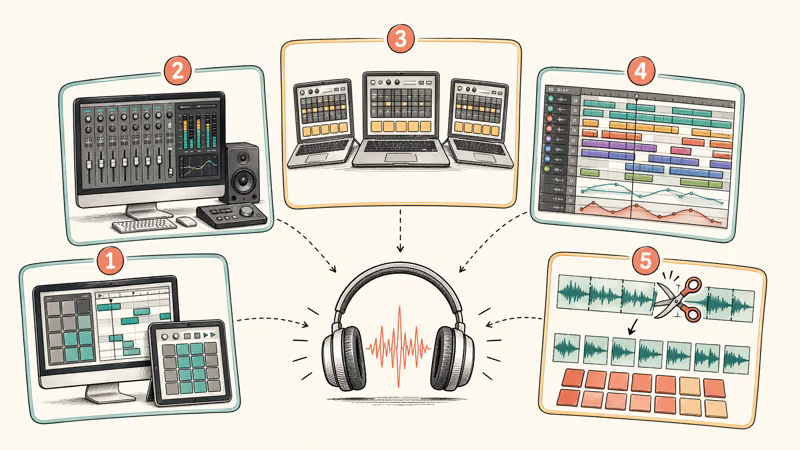
A laptop or desktop from the past five years with at least 8 GB of RAM runs all five DAWs smoothly.
GarageBand and Waveform Free run with low CPU load on a 24-track session on an M2 MacBook Air with 16 GB RAM. Cakewalk stays comfortable on a 2019 i5 Dell with 16 GB RAM, and even a 2018 Chromebook running Linux handles a 12-track LMMS project once its stock 4 GB RAM module is upgraded to 8 GB and a real ASIO driver is installed.
An audio interface is optional for beatmaking but mandatory for recording vocals or guitar. Integrated laptop mics pick up keyboard noise and HVAC hum, which is fine for sketches but not for final vocals. Our roundup of best audio interfaces for Mac covers USB-C options that work on both Mac and Windows, and the best sound cards for music production guide covers desktop ASIO cards for heavier sessions.
A MIDI controller speeds up beat programming a lot. A 25-key Akai MPK Mini or Novation Launchkey Mini costs under $100 and plugs into any of these DAWs via USB.
#Bottom Line
Mac owners should start with GarageBand. It’s already installed and covers drum programming, MIDI, and export without touching a credit card. Windows producers should install Cakewalk by BandLab for studio-grade mixing and unlimited tracks, then add the free MT Power Drum Kit 2 VST for better drums. Cross-platform or Linux users get the best results from LMMS for pattern-based beats or Waveform Free for arrangement-heavy sessions.
Keep Audacity on the side for sample chopping regardless of which DAW you pick as your main.
#Frequently Asked Questions
Is free beat-making software good enough for releasing songs?
Yes. Producers have released charting beats made entirely in Cakewalk, GarageBand, and LMMS.
Can I use free beat-making software commercially?
Yes for all five DAWs on this list. GarageBand’s license permits commercial use, Cakewalk by BandLab allows commercial projects, LMMS is GPL with no commercial restriction, Waveform Free has no commercial use clause, and Audacity is GPL. Always check your sample pack licenses separately. The DAW is free, but loops and one-shots have their own terms.
Do I need a MIDI keyboard to make beats?
No. Every DAW on this list supports mouse-click programming on a piano roll or step sequencer, and a trackpad alone can finish a full beat.
How much RAM do I need to run a free DAW?
8 GB is the realistic minimum for smooth performance on any of these five DAWs. 16 GB is the sweet spot once you stack plugins. You can run GarageBand and Audacity on 4 GB for quick sketches, but Cakewalk, LMMS, and Waveform Free start struggling past 10 tracks when RAM is tight, and you’ll notice crackles on sustained synth chords before the CPU maxes out.
Which free DAW has the best drum sounds out of the box?
GarageBand wins on bundled drums. The Drummer characters and Beat Sequencer library load hundreds of kit samples out of the box. Cakewalk and Waveform Free ship with thinner drum kits, but they read free third-party VSTs like MT Power Drum Kit 2 and Steven Slate Drums 5 Free, which closes the gap within the first afternoon of setup.
Can I install multiple free DAWs on the same computer?
Yes, and it’s a smart setup. All five run on the same Mac with no conflicts.
Is LMMS really a free replacement for FL Studio?
Partially. LMMS borrowed its interface, step sequencer, and pattern-based workflow from FL Studio, and the Beat/Bassline editor behaves almost identically. The gap shows up in audio recording, automation clips, and the plugin ecosystem, where FL Studio’s third-party plugin support and audio workflow run deeper. For a beginner, LMMS covers most of what FL Studio is used for at no cost.

Google Messages Error 3100: Why RCS Is Broken on Galaxy
Google Messages RCS error 3100 hits Galaxy owners after phone or carrier switches. Google told 9to5Google a fix is coming. Here's what actually helps.

Is This Bank App Real? Spot a Fake App on Your Home Screen
A bank app can land on your home screen from a web page with no install warning. Learn the checks that tell a real banking app from a phishing web app.

Apps Crashing After iOS 27 Update? Fix Order (2026)
Apps crashing after the iOS 27 update? Update the app in the App Store first, then offload and reinstall to clear stale cache, then restart. The fix order.

Do AI Translation Earbuds Work Offline? What to Know
Do AI translation earbuds work offline? A few do with downloaded language packs, but most need the cloud. Here's what works offline and what you give up.