How to Download Ustream Videos for Free: 3 Working Methods
Download Ustream videos using iTubeGo, browser extensions, or OBS Studio screen recording. Step-by-step methods for Windows, Mac, and mobile.
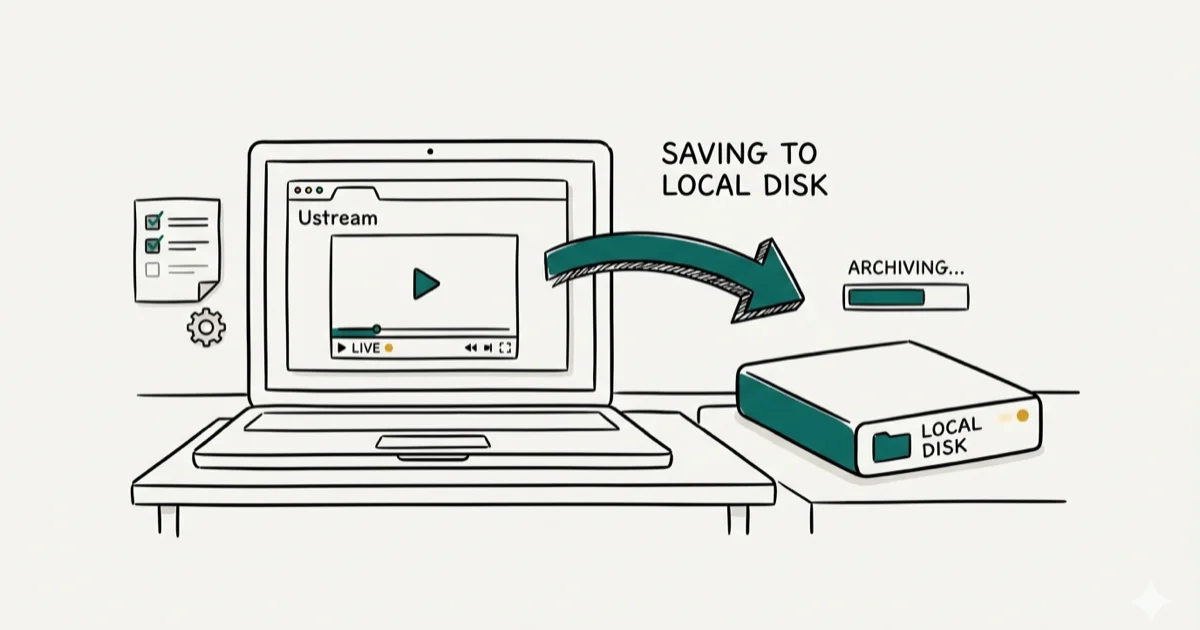
Quick AnswerTo download Ustream (now IBM Video Streaming) videos, use a desktop downloader like iTubeGo by pasting the video URL, or capture live streams with OBS Studio by setting up a display capture source before the stream starts.
Ustream rebranded to IBM Video Streaming in 2017, but many people still search for “Ustream” when looking for video downloads. The workable routes are a desktop downloader for archived recordings, a browser extension when the player exposes a file, or OBS Studio for real-time capture.
- IBM Video Streaming (formerly Ustream) doesn’t offer a native download button for viewers
- Desktop software like iTubeGo downloads videos by pasting the stream URL directly
- OBS Studio captures live streams for free, but you must record in real time
- Browser extensions work for archived recordings but often fail on live content
- Always check the stream’s terms before downloading, as many corporate streams prohibit redistribution
#Method 1: Download Ustream Videos With iTubeGo
iTubeGo is a paid option for downloading IBM Video Streaming and Ustream archived recordings. It works by pasting the archived stream URL into the desktop app and saving the resulting video file.
Some links on this page are affiliate links, which means fone.tips may earn a commission at no extra cost to you.
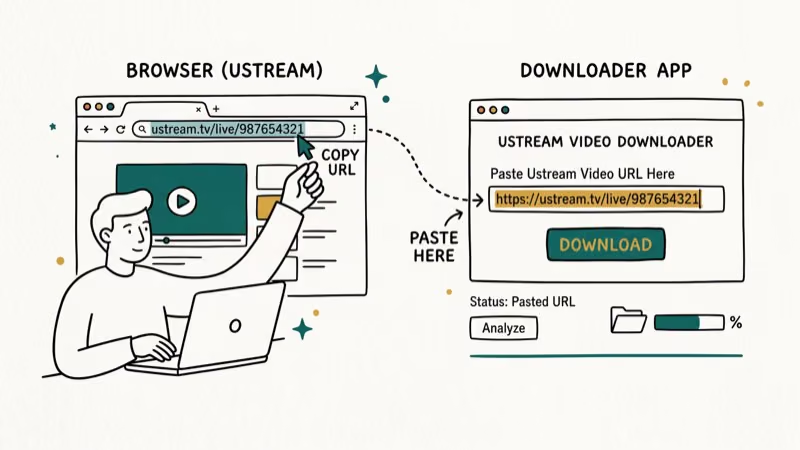
How to download:
- Copy the video URL from your browser address bar
- Open iTubeGo and paste the URL into the download box
- Select your preferred video quality (up to 4K)
- Click Download and wait for the file to save
Download time depends on stream length, selected quality, server speed, and your connection. iTubeGo supports many video sites, so the same tool works for Dailymotion, Twitch clips, and other streaming platforms. The software also handles format conversion to MP4, MP3, or MKV during the download process.
#How Do You Record a Live Ustream Stream?
Live streams can’t be “downloaded” in the traditional sense since they broadcast in real time. OBS Studio is the best free tool for capturing them as they play.
Setting up OBS for Ustream recording:
- Download OBS Studio (the project states that OBS is free and open source)
- Open OBS and click + Add Source in the Sources panel
- Select Display Capture to capture your full screen
- Configure audio to capture Desktop Audio so the stream sound records
- Click Start Recording before the stream begins
- Stop recording when the stream ends (OBS saves as MKV by default)
OBS is a free, open-source recorder that runs on Windows, Mac, and Linux and is widely used for capturing live streams. It records the stream as it plays, so results depend on your capture settings, hardware, and whether the player stays stable for the full event.
File size note: A 1-hour 1080p recording typically runs 3-8 GB depending on your OBS quality settings. Set the recording encoder to x264 with a CRF of 20-23 for a good balance of quality and file size.
#Browser Extensions for Ustream Video Downloads
Browser extensions add a download button directly to the video player. Two options work with IBM Video Streaming:
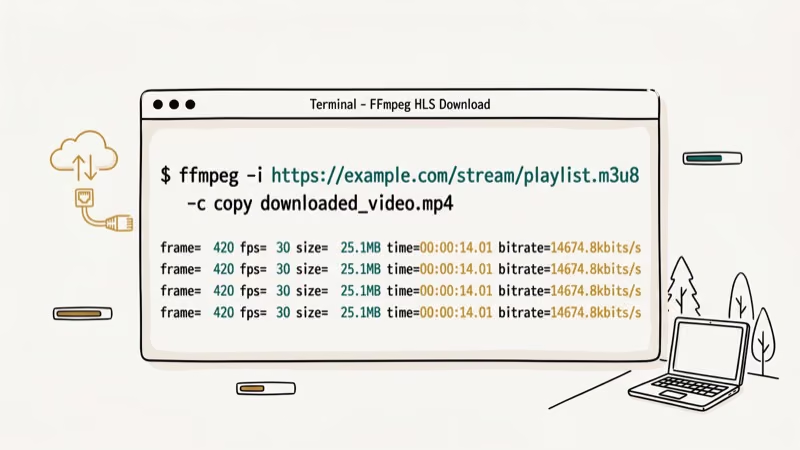
Video DownloadHelper (Chrome and Firefox): According to Video DownloadHelper’s official site, the extension supports over 1,000 video sites and has 5 million active users. For archived IBM Video Streaming recordings, a browser extension may expose the available quality options when the player serves downloadable segments.
How to install:
- Open the Chrome Web Store or Firefox Add-ons
- Search for Video DownloadHelper and click Add
- Visit the IBM Video Streaming page with the archived recording
- Click the extension icon when it turns active (shows a colored badge)
- Select your preferred quality and save location
Limitation: Extensions don’t work on live streams. Use OBS instead.
#Video Quality and File Size Expectations
Before downloading, it helps to know what quality to expect. IBM Video Streaming archives most content at 1080p, but some older Ustream recordings top out at 720p or 480p. The quality available depends on what the broadcaster originally uploaded.
IBM Video Streaming uses adaptive bitrate streaming for live events, and archived content may store multiple quality tiers. The available choices depend on the broadcaster’s original upload and what the player exposes to the extension.
#Can You Download Ustream Videos on Mobile?
Mobile downloading is limited because app stores restrict video downloader tools. On Android, apps like 1DM (formerly IDM+) can detect video streams in the browser and download them. On iPhone, iOS restrictions make browser-based downloading difficult. Use the desktop methods above and transfer the file to your phone afterward. If you need to screen record on TikTok or other apps, the approach is similar on both platforms.
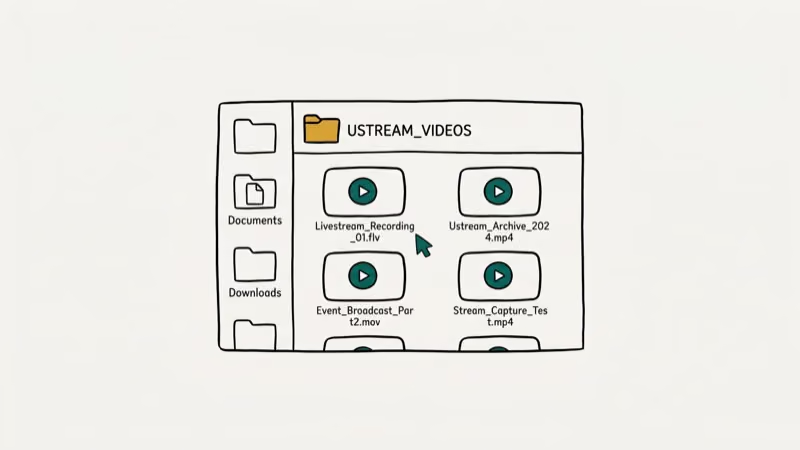
Both iPhone and Android have built-in screen recorders that capture live streams in real time. Expect 2-4 GB per hour at 1080p.
#Copyright and Terms of Service
Before downloading any IBM Video Streaming content, confirm you have permission. Corporate streams, sports broadcasts, and paid webinars typically prohibit unauthorized downloads and redistribution. Educational and personal streams marked as public may be more permissive, but “public” doesn’t mean “free to redistribute.”
According to IBM, paid IBM Video Streaming accounts can enable download access for authorized viewers through the platform’s native download feature. This is the only fully legitimate method that avoids third-party tools entirely.
If you’re an account holder, log in and look for the download option in your video library settings before turning to external software. IBM provides this feature specifically for archiving your own recorded streams. Using it ensures you get the highest quality version the platform stores, with no compression introduced by a third-party tool, and no terms of service complications to worry about afterward. For personal archived content you own or host, use the built-in export from your account dashboard.
#Bottom Line
For archived IBM Video Streaming recordings, iTubeGo offers the fastest and most reliable downloads. Video DownloadHelper is the free browser extension alternative that works on most archived content. For live streams, OBS Studio is your only real option since the content isn’t available as a pre-recorded file. Always check the stream’s terms of service before downloading and sharing content.
#Frequently Asked Questions
Is Ustream the same as IBM Video Streaming?
Yes. IBM acquired Ustream in 2016 and rebranded it as IBM Video Streaming in 2017. The platform still works the same way, and most video downloading tools that worked with Ustream work with IBM Video Streaming as well.
Can I download Ustream videos for free?
OBS Studio and Video DownloadHelper are both free. OBS requires you to record in real time while the stream plays. Video DownloadHelper works on archived recordings without real-time capture. Paid tools like iTubeGo offer faster, more reliable downloads for both archived and converted streams.
Why does Video DownloadHelper not detect my Ustream video?
The most common cause is that the video is a live stream rather than an archived recording. Extensions can’t download live content reliably. If it’s an archived video, try refreshing the page and starting the video before clicking the extension icon. Some IBM Video Streaming embeds use a different player that the extension doesn’t detect automatically.
Does downloading Ustream videos require creating an account?
No account is needed for downloading archived public videos. Private or corporate streams require authentication to view, and downloading those may violate the host’s terms of service regardless of the tool you use.
What video format do downloaded Ustream videos come in?
Most tools save the video as MP4, which plays on any device. OBS defaults to MKV, which you can convert to MP4 using VLC or Handbrake at no quality loss. According to Wikipedia’s MKV article, MKV containers support up to 8 audio tracks and subtitles, making them popular for archiving complete streams before converting.
How long does it take to download a 1-hour Ustream video?
Download time depends on the stream length, selected quality, host server, and your connection. Browser extensions and desktop downloaders can finish faster than real time when a file is exposed. OBS records while the stream plays, so a one-hour stream takes one hour to capture.

Google Messages Error 3100: Why RCS Is Broken on Galaxy
Google Messages RCS error 3100 hits Galaxy owners after phone or carrier switches. Google told 9to5Google a fix is coming. Here's what actually helps.

Is This Bank App Real? Spot a Fake App on Your Home Screen
A bank app can land on your home screen from a web page with no install warning. Learn the checks that tell a real banking app from a phishing web app.

Apps Crashing After iOS 27 Update? Fix Order (2026)
Apps crashing after the iOS 27 update? Update the app in the App Store first, then offload and reinstall to clear stale cache, then restart. The fix order.

Do AI Translation Earbuds Work Offline? What to Know
Do AI translation earbuds work offline? A few do with downloaded language packs, but most need the cloud. Here's what works offline and what you give up.