DOC vs DOCX: Key Differences and Which Format to Use
DOC and DOCX are both Word formats, but DOCX is smaller, safer, and better supported. Learn the key differences and when to choose each format.
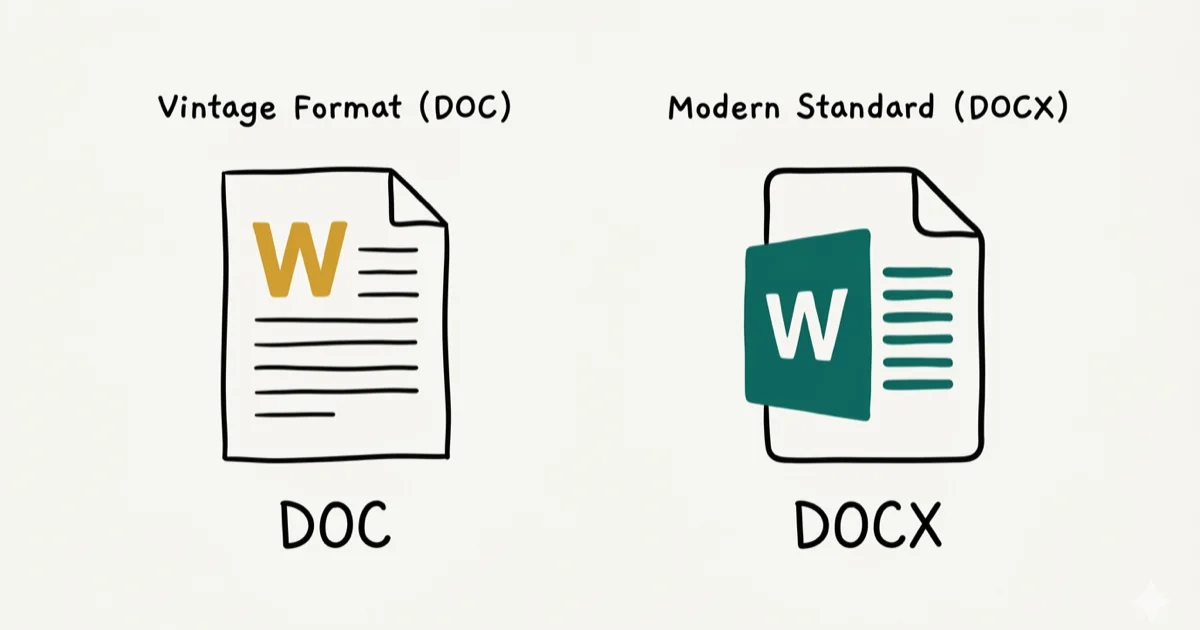
Quick AnswerDOCX is the modern standard. It uses XML compression so files are 60–75% smaller than DOC, and it works with every current word processor. Use DOC only when sharing with someone on Word 2003 or older.
DOC and DOCX are both Microsoft Word formats, but they work very differently under the hood. DOCX is the right choice for almost everyone today because it’s smaller, safer, and better supported by current word processors.
Convert or open documents only from your own computer, your own account, or files you are authorized to handle. Documents can contain contracts, student records, client data, or hidden metadata, so stay within legal privacy boundaries, respect document-retention rules, and avoid uploading sensitive files to unknown converters or websites online. If a file belongs to work, school, or a client, use the approved app, keep an original copy, and confirm whether macros, comments, or tracked changes must stay intact.
- DOCX replaced DOC as Word’s default format starting with Word 2007 in 2006
- DOCX files are 60–75% smaller than equivalent DOC files due to XML compression
- Both formats open in Word, LibreOffice, Google Docs, and most modern word processors
- DOC stores data as a single binary blob; DOCX stores it as zipped XML files you can inspect
- Use DOC only if the recipient runs Word 2003 or older without the compatibility pack
#The Core Difference Between DOC and DOCX
DOC is Microsoft’s binary file format, introduced with Microsoft Word for MS-DOS in the mid-1980s. The entire document — text, images, formatting, macros — is packed into a single binary blob. This worked for decades, but the closed format made it hard for non-Microsoft software to read DOC files accurately.
DOCX arrived with Word 2007 in late 2006 as part of the Office Open XML (OOXML) standard. According to Microsoft’s Office file formats reference, Word supports DOCX, DOC, RTF, and many other document formats.
DOCX stores content as a collection of XML files compressed into a ZIP archive. If you rename a .docx file to .zip and open it, you’ll find separate folders for text, images, styles, and metadata.
That architecture explains most of the advantages DOCX has over DOC.
#How Much Smaller Is DOCX Than DOC?
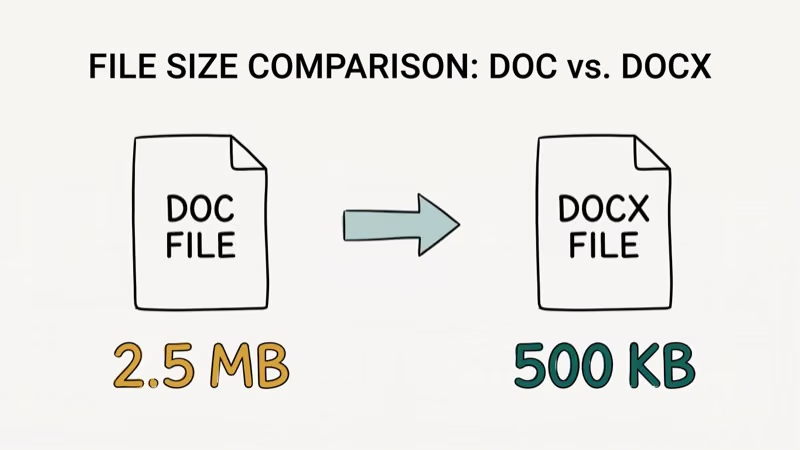
DOCX’s ZIP-based XML structure usually makes documents smaller than legacy DOC files. The DOC version of the same document can come out far larger than the DOCX version, especially when images and formatting are involved.
The size difference matters when you’re emailing documents or working on slow connections. Microsoft states that the XML compression in DOCX reduces storage requirements significantly compared to legacy binary formats.
For most users, DOCX’s smaller footprint means faster uploads and email attachments that actually fit within typical size limits. Gmail enforces a 25 MB cap on attachments, and a 100-page Word document with images can easily hit 40 to 50 MB in DOC format but stay well under 15 MB in DOCX.
That same size difference matters in corporate environments where IT policies restrict attachment sizes to 10 MB or less, a threshold DOC files frequently exceed on documents that DOCX versions handle easily.
#Compatibility With Modern Software
Both formats are widely supported, but DOCX has better compatibility with modern tools. LibreOffice, Google Docs, Apple Pages, and every version of Microsoft Word since 2007 all open DOCX natively. DOC support is generally good too, but edge cases exist, especially with complex formatting involving embedded objects or advanced text effects.
Complex formatting is where legacy DOC files can still cause trouble. Word Art, custom table styles, embedded objects, and advanced text effects are more likely to shift during import than a simple letter or resume. For everyday documents without complex styling, both formats usually open cleanly.
According to Google’s Docs support page, DOCX is the recommended format when importing Word documents into Google Docs. The import process handles tracked changes and complex tables more reliably in DOCX.
Word 2003 and earlier can’t open DOCX files without Microsoft’s free compatibility pack. In practice, virtually nobody runs Word 2003 in 2026, so this limitation rarely applies. The Office Open XML Wikipedia article states that OOXML is the specification that underlies the DOCX format.
#Security and Data Recovery Differences
DOCX has two clear advantages here.
First, its XML structure makes it more resistant to corruption. If a DOCX file gets damaged, you can often open the ZIP archive manually, find the damaged XML component, and recover the rest. A corrupted binary DOC file is much harder to partially recover because all data is intermixed in a single binary stream with no logical separation between document components.
Second, DOCX files separate macros into a different format entirely (.docm). A plain .docx file can’t contain executable macros. This is a meaningful security improvement, since many Word-based malware attacks historically targeted DOC files by hiding macros inside the binary data.
#How to Convert DOC to DOCX
Converting between formats takes under a minute in any modern word processor.
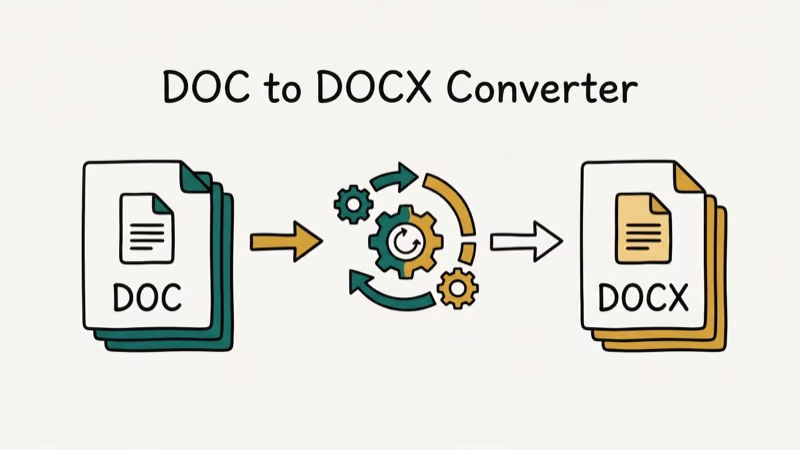
In Microsoft Word: Open the DOC file, go to File > Save As, and choose Word Document (.docx) from the format dropdown. Word creates a new DOCX copy without modifying the original.
In Google Docs: Upload the DOC file to Google Drive, open it, then go to File > Download > Microsoft Word (.docx). Google handles the conversion automatically.
In LibreOffice: Open the DOC file and go to File > Save As. Select Microsoft Word 2007-365 (.docx) for DOCX output.
Going the other direction is just as simple. Select DOC in the Save As dropdown.
The same Save As approach works for Excel’s .xls to .xlsx conversion as well. If you run into a password-protected spreadsheet during the process, see our guide on Excel password breakers.
#Old Word Versions and Backward Compatibility
Word 2007 and later open DOCX natively with no add-ons needed. Word 2003 needs Microsoft’s free compatibility pack, available on the Microsoft website, before it can open DOCX files. Once the pack is installed, older Word versions can open and edit DOCX, though some formatting introduced in Word 2007 or later won’t render correctly in the older interface.
For anyone on a computer manufactured after 2010, DOCX compatibility isn’t a concern. It’s the default in every copy of Office shipped since Word 2007. If you run into crashes while working with either format, see our guide on Microsoft Word not responding for troubleshooting steps.
#Which Format Should You Use?
Use DOCX for everything. It’s smaller, safer, and universally supported.
Use DOC only in two situations: you’re sending a document to someone running Word 2003 or earlier, or you’re working with a legacy corporate system that specifically requires binary DOC files for intake. For modern word processors, DOCX is the safer default for compatibility, file size, and feature support.
If you have old DOC files sitting on your computer, convert them to DOCX when you next open them. You’ll get smaller files and better compatibility going forward. You can also recover unsaved Word documents if you accidentally close without saving during a conversion.
Both DOC and DOCX support the same protection removal methods. See our guide to unlocking Word documents.
For embedding external content, inserting a PDF into Word works identically in both formats.
#Bottom Line
DOCX is the better format in every measurable way: smaller files, wider compatibility, better security, and easier partial recovery if something goes wrong. Microsoft switched Word’s default to DOCX back in 2007, and the industry followed. Stick with DOCX unless you have a specific reason to use DOC. If you need to share with someone on Word 2003, DOC is still an option, but it’s increasingly rare.
#Frequently Asked Questions
Can I open a DOCX file in Word 2003?
Word 2003 can’t open DOCX natively, but Microsoft’s free compatibility pack adds DOCX support. Download and install the pack, and Word 2003 will handle DOCX files. Some newer formatting features may not render correctly in the older version.
Is DOC or DOCX better for email attachments?
DOCX is better for attachments. The XML compression makes DOCX files 60–75% smaller than equivalent DOC files, so they’re far less likely to hit email size limits. Gmail caps attachments at 25 MB, and a complex DOC file can easily exceed that while the DOCX version stays under 10 MB. You can attach DOCX files to most corporate mail systems without workarounds.
Can Google Docs edit DOCX files?
Yes. Google Docs opens DOCX files directly and lets you edit them in the browser. Download as DOCX when done.
Does DOCX support all the same features as DOC?
Yes, and then some. DOCX supports everything DOC does, plus newer features like structured document tags, content controls, and improved chart embedding added in Word 2007 and later. Some extremely old Word features from the 1990s don’t have DOCX equivalents, but in practice you’d never encounter them in a modern document unless you’re working with files preserved from that era.
Why does my DOCX look different on another computer?
Font differences are the most common cause. If the document uses a font that isn’t installed on the other computer, Word substitutes a fallback font, which changes line breaks and pagination. Embed fonts in the file via File > Options > Save > Embed fonts to prevent this.
Is DOCX safe to share externally?
Yes. A plain .docx file can’t contain macros. That design choice eliminates the main malware vector that made DOC files risky to open from unknown senders.
What’s the difference between DOCX and ODT?
ODT is OpenDocument Text, the native format used by LibreOffice and Google Docs. It’s also XML-based and open-standard, similar to DOCX. The main practical difference is that ODT isn’t controlled by any single company, while DOCX is a Microsoft-led standard. For everyday use, both formats work fine, but DOCX has wider support in business environments where Microsoft Office is common.

Best Laptop for Running LLMs in 2026: Memory Comes First
The best laptop for running LLMs is a memory purchase first. Compare MacBook unified memory against NVIDIA laptop VRAM, and see what each tier really runs.

How to Run a Local LLM on Windows: A 2026 Setup Guide
Run a local LLM on Windows with LM Studio or Ollama. Pick a model that fits your GPU memory, keep every prompt offline, and skip the monthly bill.

Bluetooth Not Working on Snapdragon X? Fixes for 2026
Bluetooth not working on your Snapdragon X Copilot+ PC? Generic audio, mice, and keyboards work, but vendor apps often lack an ARM build. Fixes inside.

Docker Desktop and WSL2 Not Working on Snapdragon X? Fix It
WSL2 runs fine on Snapdragon X, but Docker Desktop ARM is Early Access and throws WSL errors. Use WSL2 plus native ARM64 Ubuntu and Docker Engine.