The 10 Best Family Locator Apps for Peace of Mind in 2026
Compare 10 family locator apps by GPS accuracy, battery drain, and geofencing reliability. FamiSafe, Life360, Google Maps, and more ranked for 2026.
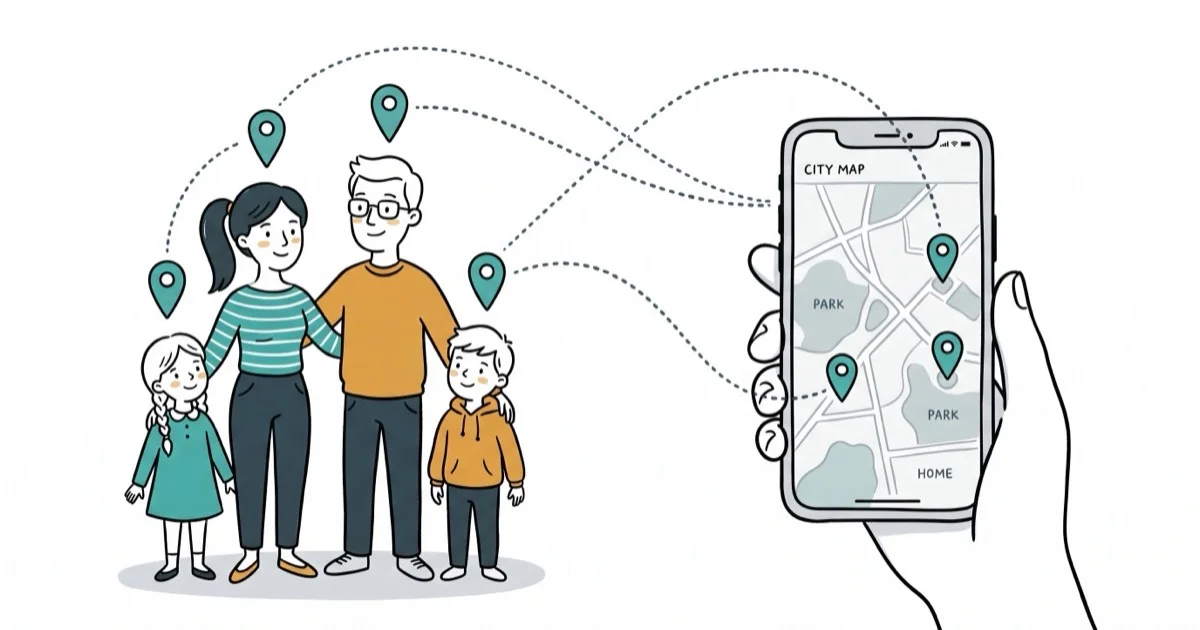
Quick AnswerFamiSafe is the best family locator app because it combines real-time GPS tracking, geofencing alerts, screen time controls, and app monitoring on both Android and iOS without requiring root or jailbreak.
Keeping track of your family’s location doesn’t require expensive hardware or complicated setups. This guide ranks 10 family locator apps for Android and iOS by GPS accuracy, battery drain, and geofencing reliability so you can match an app to your family’s needs. This guide is only for your own device or account.
- FamiSafe combines GPS tracking, geofencing, screen time limits, and app monitoring in one subscription
- Life360 offers the most detailed driving safety reports with crash detection and speed alerts
- Google Maps has free built-in location sharing that works without installing a third-party app
- Most family locator apps drain noticeable extra battery each day depending on GPS polling frequency
- Geofencing alerts typically trigger within a minute or two of arrival or departure from preset zones
#Top Family Locator Apps Ranked
#1. FamiSafe Parental Control and Location App
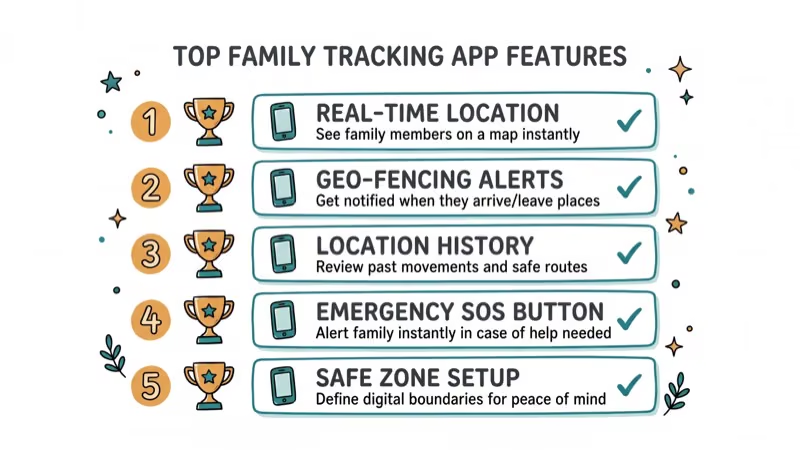
FamiSafe is the best overall pick for families who want more than just location tracking. It works on both Android and iOS without requiring root or jailbreak. Its geofence alerts trigger promptly once a device crosses a preset boundary, on both platforms.
Beyond GPS tracking, FamiSafe monitors app usage, blocks inappropriate websites, and sets screen time limits. According to PCMag’s review of parental control apps, FamiSafe stands out for its combined location and content monitoring capabilities, ranking well against competing parental control tools.
The app requires a subscription. Plans start around $10/month, which covers up to 5 devices.
You might also want to check the best parental control routers for network-level protection and our guide on how to monitor Snapchat for free to stay informed about what your kids might be using.
#2. Life360 Family Locator
Life360 has become one of the most popular family tracking apps in the US, with over 50 million downloads. Its free tier covers real-time location sharing and basic geofencing. The Gold and Platinum plans add driving reports, crash detection, speed alerts, and 30-day location history.
The UI is clean and shows all family members on a single map. A premium subscription unlocks all features and costs $5-$15/month.
#3. Foursquare Swarm: Check-In
Foursquare Swarm takes a different approach by turning location sharing into a game. Family members check in at predefined spots to earn points and rewards, which can motivate kids to keep their location visible voluntarily rather than through monitoring.
It’s less of a safety tool and more of a fun way to stay connected. Don’t rely on it as your sole tracking solution.
#Which Standalone Location Trackers Work Best?
#4. Find My Friends
Find My Friends shows family locations on a detailed map that also displays nearby useful places like police stations and hospitals. It’s straightforward: share your location, see others on a map.
It lacks advanced features like geofencing and driving reports, but it’s free and handles the basics well. If you want to know how to track a cell phone location online, our dedicated guide covers more options.
#Temporary and On-Demand Sharing

#5. Glympse
Glympse offers temporary, time-limited location sharing. You set how long your location stays visible (15 minutes to 4 hours), and sharing automatically stops when the timer expires. It’s ideal for situations where you want temporary visibility without permanent tracking.
#6. Sygic Family Locator
According to parental controls background, Sygic provides real-time tracking, location history, geofencing, and an SOS button that sends your GPS coordinates to all family members with one tap. The free version is limited; the premium upgrade runs about $5/month.
#Can Free Apps Replace Paid Family Locators?
#7. Google Maps Location Sharing
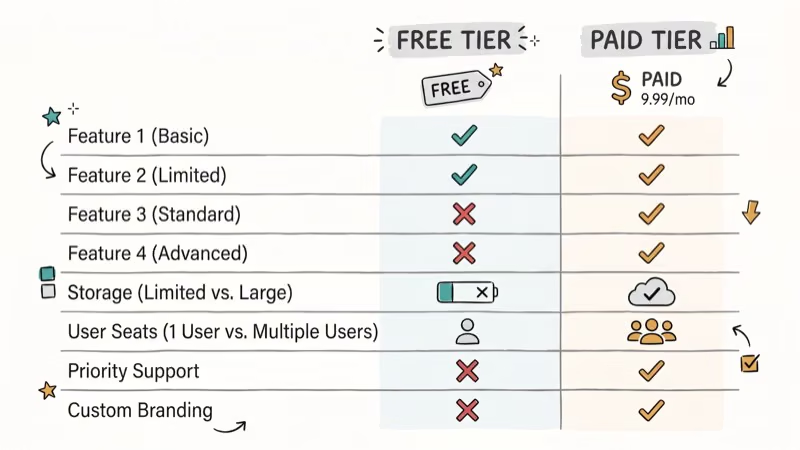
Google Maps has built-in location sharing that doesn’t require any extra app installation. Once family members enable sharing, you can see their real-time position directly in Google Maps. According to Google’s support page for location sharing, the feature works across Android and iOS and supports indefinite or time-limited sharing.
It’s basic, with no geofencing or alerts, but it’s completely free and works reliably. If you already use a GPS watch for outdoor activities, Google Maps adds a nice complement for family coordination. For organizing family events, also check our best family calendar apps guide.
#Apple Ecosystem Tracking
#8. Apple Find My
Apple’s Find My app tracks iPhones, iPads, Macs, and AirTags on a unified map. Family Sharing lets you see the locations of family members who’ve opted in. It’s built into every Apple device and doesn’t cost anything extra.
#Carrier and Enterprise Tracking Solutions
#9. Verizon Family Locator
Verizon Smart Family (formerly Family Locator) costs $10/month and works exclusively on Verizon lines. It provides real-time tracking, geofencing, and scheduling features. It lacks an SOS button, which is a notable omission at that price point.
#10. GPSWOX
GPSWOX goes beyond phone tracking and supports external GPS tracker hardware for vehicles and assets. Notable extras include low battery warnings and vehicle speed monitoring. It’s more of an enterprise fleet management tool than a family app, but families with teen drivers find the speed alerts useful.
#Bottom Line
FamiSafe is the best family locator app for parents who want GPS tracking plus content monitoring and screen time controls in one package. If you only need location sharing without the extras, Google Maps and Apple Find My both work for free. For families with teen drivers, Life360’s driving safety reports and crash detection make the subscription worthwhile.
#Frequently Asked Questions
Are family locator apps secure?
Reputable apps like FamiSafe and Life360 use encryption to protect location data. Always review the app’s privacy policy before installing. Avoid apps that don’t clearly state how they handle your GPS data.
Can you track a phone that’s turned off?
No. The phone must be powered on and connected to mobile data or Wi-Fi to transmit its location. Some apps show the last known location before the phone went offline.
Do these apps work across Android and iOS?
FamiSafe, Life360, Glympse, and Google Maps all support both Android and iOS. Verizon Smart Family only works on Verizon lines. Apple Find My is limited to Apple devices.
How much do family locator apps cost?
Google Maps and Apple Find My are completely free. FamiSafe runs about $10/month, Life360 Premium costs $5-$15/month, and Verizon Smart Family costs $10/month. Most paid apps offer free trials.
Will your child know they’re being tracked?
Most family locator apps are designed for transparent use, not covert monitoring. The app icon appears on the child’s phone, and they can typically see the same family map you see. Open communication about why you’re using the app is recommended.
How much battery do family locator apps drain?
GPS-based tracking apps drain a modest amount of additional battery per day depending on how frequently the app polls for location updates. Apps that check every 5 minutes use more battery than those that check every 15 minutes.

Google Messages Error 3100: Why RCS Is Broken on Galaxy
Google Messages RCS error 3100 hits Galaxy owners after phone or carrier switches. Google told 9to5Google a fix is coming. Here's what actually helps.

Is This Bank App Real? Spot a Fake App on Your Home Screen
A bank app can land on your home screen from a web page with no install warning. Learn the checks that tell a real banking app from a phishing web app.

Apps Crashing After iOS 27 Update? Fix Order (2026)
Apps crashing after the iOS 27 update? Update the app in the App Store first, then offload and reinstall to clear stale cache, then restart. The fix order.

Do AI Translation Earbuds Work Offline? What to Know
Do AI translation earbuds work offline? A few do with downloaded language packs, but most need the cloud. Here's what works offline and what you give up.