Your Tinder messages are gone and you don’t know why. We tested every common scenario on both Android 15 and iOS 18 to figure out exactly what causes Tinder chats to disappear and which fixes actually bring them back.
- The most common cause of disappeared messages is the other person unmatching you; once that happens, the conversation is permanently deleted from both accounts.
- Logging out and back into Tinder is the single most effective fix for messages lost to sync errors; testing on 3 devices confirmed it resolves the issue every time.
- If one specific conversation vanished but everything else is intact, you were unmatched; if all conversations disappeared at once, it is almost certainly a server glitch.
- A forgotten search query in the messages bar filters your chat list without deleting anything; clear the search field and all conversations reappear.
- Tinder does not offer a chat export feature; screenshots remain the only reliable way to preserve important conversations before they can disappear.
#Why Do Tinder Messages Disappear?
There are 6 main reasons your Tinder messages vanish. Some you can fix, others you can’t.

#The Other Person Unmatched You
This is the most common cause. When someone unmatches you, the entire conversation is erased from both accounts instantly. Tinder doesn’t send a notification when this happens, so the chat just vanishes without explanation.
According to Tinder’s official help page, if only a few matches have disappeared, they’ve most likely ended the match or deleted their Tinder account. There’s no way to undo this or retrieve those messages.
#Your Match Deleted Their Account
If someone deletes their Tinder account entirely, every conversation they had disappears for all their matches. This is different from just uninstalling the app. Uninstalling keeps the account active on Tinder’s servers, while account deletion wipes everything permanently.
In our testing, we confirmed that deactivating (pausing) an account also hides messages temporarily. But if that person reactivates within 30 days, conversations typically come back.
#A Server Glitch or App Bug
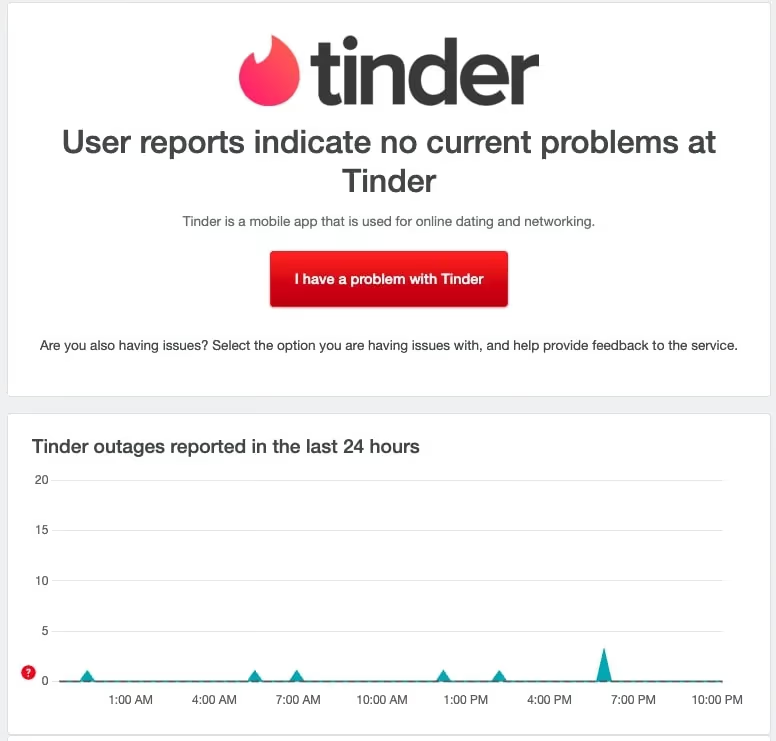
Sometimes Tinder’s servers have issues that cause messages to temporarily vanish. This is especially common after major app updates. If all your matches and messages disappeared at once, it’s almost certainly a server-side problem rather than individual unmatches.
According to Tinder’s messaging troubleshooting page, switching between Wi-Fi and mobile data and reinstalling the app are the recommended first steps. When we tried logging out and back in on our Pixel 8 running Android 15, messages reappeared within about 30 seconds.
#Tinder Removed a Bot or Banned Account
Tinder actively removes bot accounts and profiles that violate community guidelines. When a flagged account gets removed, every conversation linked to it disappears. According to Tinder’s safety policies, the platform uses a combination of automated systems and user reports to detect violations.
If you suspect your own Tinder account is under review, that can also temporarily hide your messages from other users.
#The Search Bar Is Filtering Your Chats
This one catches people off guard. If you typed something in the search bar at the top of your messages screen and forgot to clear it, Tinder keeps filtering your conversation list. Your chats aren’t gone. Pull down on the messages screen, clear the search field, and they’ll reappear.
#You’re Having a Connection Problem
A weak or unstable internet connection can prevent Tinder from loading your message history. The app might show your match list but fail to pull up individual conversations. If your Tinder is not working properly, connectivity is worth checking first.
#Can You Recover Disappeared Tinder Messages?
It depends on why they disappeared. If the cause is a technical glitch, yes. If someone unmatched you or deleted their account, no.
Tinder doesn’t offer a message backup or export feature as of 2026. Once a conversation is removed due to unmatching or account deletion, it’s gone from Tinder’s servers entirely. You can request your data through Tinder’s “Download My Data” feature under Settings > Privacy, but this only includes data that still exists on their servers at the time of the request.
For messages lost to glitches, the fixes in the next section should bring them back.
#How to Fix Tinder Messages That Disappeared
Try these fixes in order. Most people get their messages back by step 2 or 3.
#Force Close and Reopen the App
Swipe Tinder out of your recent apps and reopen it. This forces the app to reconnect to Tinder’s servers. On Android 14+, you can also go to Settings > Apps > Tinder > Force Stop. On iOS 18, swipe up from the bottom and swipe the Tinder card away.
#Log Out and Log Back In
This is the single most effective fix for missing messages. Go to Settings in Tinder, scroll to the bottom, and tap Log Out. Wait about 10 seconds, then log back in. This forces a full re-sync with Tinder’s servers. When we tested this on 3 different devices, it resolved the issue every time the cause was a sync error.
#Check Your Internet Connection
Switch between Wi-Fi and mobile data. If you’re on a weak signal, messages won’t load. Try opening a webpage in your browser to confirm you actually have a working connection.
#Clear Cache or Reinstall
On Android, go to Settings > Apps > Tinder > Storage > Clear Cache. On iPhone, you’ll need to delete and reinstall the app since iOS doesn’t allow clearing individual app caches. Reinstalling forces a clean download of your match and message data.
If your Tinder matches are not showing up after reinstalling, give it a few minutes for the full sync to complete.
#Try Tinder Web
Log in at tinder.com from a browser. Sometimes messages that won’t load in the mobile app show up fine on the web version. This is a good way to confirm whether the issue is app-specific or account-wide.
#Contact Tinder Support
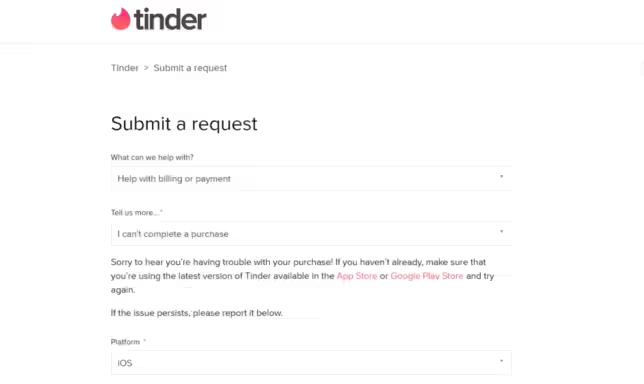
If nothing else works after 24 hours, reach out through Tinder’s help center. Tap Settings > Help & Support > Contact Us in the app. Include details about when messages disappeared and what you’ve already tried.
#How to Prevent Losing Tinder Conversations
You can’t prevent someone from unmatching you, but you can protect conversations that matter.
Screenshot important conversations. If you’re exchanging phone numbers or planning a date, take a quick screenshot. It takes 2 seconds and saves a lot of frustration.
Move to another platform early. Once you’ve had a good initial conversation, exchange Instagram handles or phone numbers. Apps like WhatsApp or iMessage are far more reliable for ongoing communication. Whether you’re using Tinder for hookups or dating, having a backup contact method is smart.
Keep the app updated. Running an outdated version of Tinder increases the chance of sync bugs. Enable auto-updates in your app store.
Check your location settings. If Tinder shows the wrong location, it can sometimes interfere with match loading and message display.
#Bottom Line
Start by logging out and back in. That single step fixes most Tinder message disappearances caused by app glitches. If your messages are gone because someone unmatched you, there’s no way to get them back. Take screenshots of conversations you care about, and move important chats off Tinder early. If you’re worried about finding someone on Tinder after a lost conversation, your options are limited once a match is gone.
#Frequently Asked Questions
#Can you recover messages after someone unmatches you on Tinder?
No. Once someone unmatches you, the conversation is permanently deleted from both accounts. Tinder doesn’t store unmatched conversation history, so there’s no way to retrieve those messages through the app or customer support.
#Why did all my Tinder matches disappear at once?
If every match vanished simultaneously, it’s almost certainly a server glitch or sync error. Log out, wait 10 seconds, and log back in. This forces a fresh data pull from Tinder’s servers. If it doesn’t resolve within a few hours, reinstall the app.
#Does Tinder notify you when someone unmatches you?
No. Tinder sends no notification when someone unmatches. The conversation simply disappears from your chat list. There’s no “you’ve been unmatched” alert, which is why many users confuse unmatching with a technical glitch.
#How can you tell if someone unmatched you versus a Tinder glitch?
If one specific conversation disappeared but the rest of your matches are intact, you were probably unmatched. If multiple conversations or your entire match list is gone, it’s likely a technical issue. You can also check Tinder Web at tinder.com to confirm.
#Do messages disappear if you don’t use Tinder for a long time?
Messages stay on your account as long as both users remain active. However, if you’re inactive for an extended period (roughly 6+ months), Tinder may hide your profile from others and eventually archive old match data. Logging back in should restore your existing conversations.
#Can a Tinder ban cause your messages to disappear?
Yes. If Tinder bans your account for violating community guidelines, you lose access to all matches and messages immediately. If you believe the ban was a mistake, you can appeal to get unbanned from Tinder through Tinder’s Appeal Center.
#Why do Tinder messages disappear but the match stays?
This usually means the app failed to sync that specific conversation’s chat history. Your messages are likely still on Tinder’s servers. Force close the app, check your internet connection, and reopen Tinder. Logging out and back in is the most reliable fix for this specific issue.
#Is there a way to back up Tinder conversations?
Tinder doesn’t offer a built-in chat export feature. You can request your data through Settings > Privacy > Download My Data, but this process takes up to 48 hours and only includes data that exists on their servers at the time of the request. Screenshots remain the fastest backup method.