EmailOnDeck Review: Is This Temp Email Worth Using in 2026?
This EmailOnDeck review explains how the temp inbox works, its privacy tradeoffs, pricing, mobile use, and alternatives for disposable email.
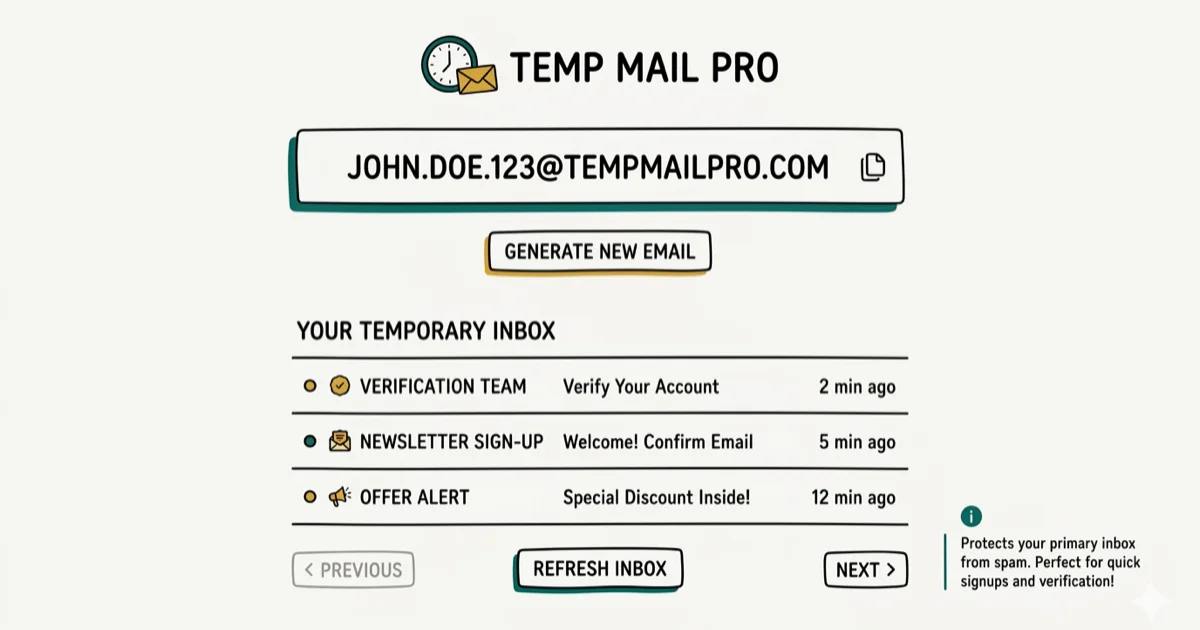
Quick AnswerEmailOnDeck is a free temporary email service that generates a disposable inbox in two clicks without registration. It's good for avoiding spam but doesn't support sending emails, and some websites now block its addresses.
Disposable email services exist because giving your real address to every website you sign up for is a recipe for inbox spam. This review compares EmailOnDeck with four alternatives for one-time signups.
- EmailOnDeck generates a temp inbox in 2 steps: solve CAPTCHA, click Get Email
- No registration or login required; works on any browser including mobile
- Receive-only service: sending emails is not supported by design
- Inbox lifetime is session-based; closing the tab loses the address permanently
- Some websites now detect and block EmailOnDeck’s domain at signup
EmailOnDeck fits into a broader privacy toolkit. For real-identity protection beyond email, see our guide to anonymous chat apps and reverse email lookup tools.
#How EmailOnDeck Works
EmailOnDeck is a browser-based temporary email service that generates a disposable address without any account creation. Visit the site, complete a Google CAPTCHA, click “Get Email,” and you have a working inbox in about 20 seconds.
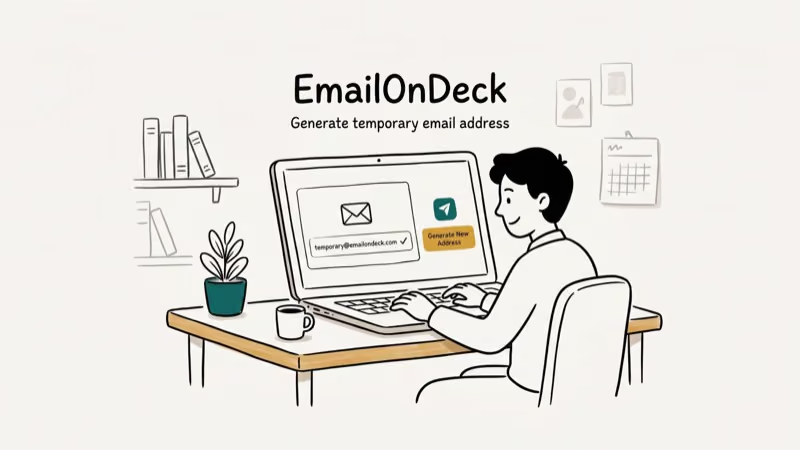
The inbox is session-based. Close the browser tab and the address is permanently gone. There’s no login, no recovery option, and no way to retrieve a previous session. EmailOnDeck states it wipes servers and logs continuously, so no email history persists after the session ends.
Wikipedia’s disposable email article states that dozens of services now offer temporary inboxes, with some providers having operated for over 20 years. EmailOnDeck’s CAPTCHA adds a short extra step, making it slightly slower than 10 Minute Mail, which skips the human verification step entirely.
#EmailOnDeck Privacy Claims Examined
EmailOnDeck markets itself on privacy. Here’s what the claims actually mean.
HTTPS and TLS: The site uses HTTPS and their email server uses TLS encryption. Wikipedia’s TLS article confirms that the vast majority of web connections now use TLS by default, making this standard practice rather than a differentiator.
Private inbox access: Unlike Mailinator and Yopmail, EmailOnDeck blocks others from reading your session’s inbox. That makes access private to the active browser session, but it also means losing the tab loses the inbox.
Receive-only design: EmailOnDeck doesn’t support sending email. Outgoing email embeds your IP address in the message headers, which breaks anonymity. The receive-only restriction is a real privacy trade-off, not a missing feature.
Server wipes: EmailOnDeck claims to continuously delete server logs. This can’t be independently verified. Review their privacy policy before using the service for anything beyond throwaway signups.
#Is EmailOnDeck Better Than Its Alternatives?
Use the comparison below to see where each EmailOnDeck alternative wins.
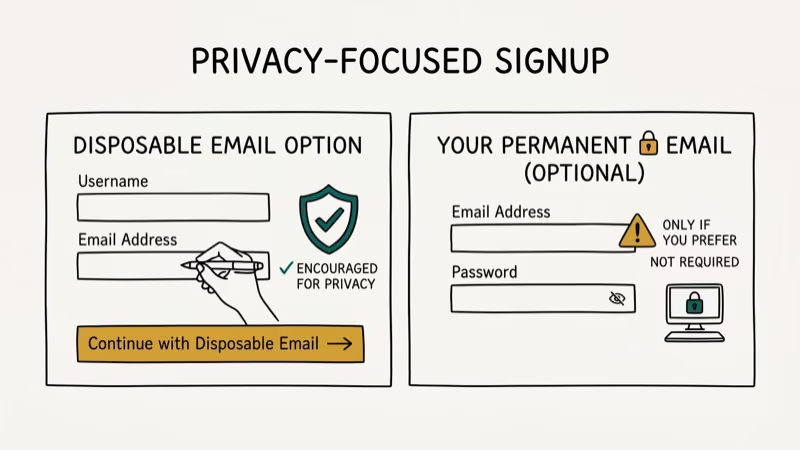
Guerrilla Mail supports two-way email. It lets you send and receive from the temp address, keeps inboxes active longer than EmailOnDeck, and offers a scramble address feature for deeper anonymity. For use cases requiring replies, Guerrilla Mail is the stronger choice.
10 Minute Mail skips the CAPTCHA and generates an address instantly. Inbox expires in 10 minutes.
Yopmail uses fully public inboxes. Anyone who navigates to a Yopmail username can read that inbox. It has no passwords or access restrictions. Use it only for completely throwaway signups where privacy isn’t a concern.
Mailinator works the same way as Yopmail: public inboxes, zero protection. Its advantage is domain acceptance; more websites accept Mailinator addresses than EmailOnDeck’s. Wikipedia’s article on spam states that a large share of all email traffic is spam, which explains why websites increasingly block disposable email domains to filter out throwaway registrations.
Some sites reject EmailOnDeck’s domain at signup. Mailinator and Guerrilla Mail often have better acceptance rates. Test on your specific target site before committing to any single service.
#When to Use Disposable Email
Three situations call for a temporary address.
One-time downloads or gated content: When a site demands your email for a PDF or coupon code and you don’t want the follow-up marketing. This is EmailOnDeck’s core strength.
Developer testing: Creating multiple accounts to test email verification flows. EmailOnDeck’s no-registration model lets you generate addresses quickly. Automated API access requires the Pro tier.
Anonymous forum signups: Joining communities without linking your identity. A reverse email lookup can trace a real address to you; a disposable one can’t. If you need a full anonymity setup, combine disposable email with other privacy tools.
Disposable email isn’t right for accounts you need long-term, financial or medical signups, or any situation requiring replies.
#EmailOnDeck Pricing and Mobile Use
EmailOnDeck is free. No costs, no registration required.
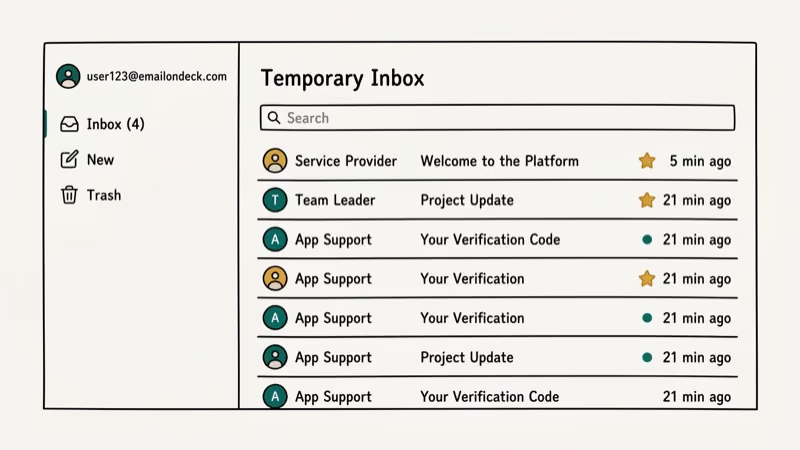
On mobile, EmailOnDeck works in any browser with no app required. The CAPTCHA is slightly harder to solve on a small screen but workable.
The session-based model creates one mobile risk: if you switch apps and your browser tabs reload, the EmailOnDeck session ends and the address is lost. Keep the tab active until you’ve received the confirmation email.
#Does EmailOnDeck Work on Every Site?
No. Some websites block known disposable email domains, including EmailOnDeck addresses at the signup form.
If a site blocks EmailOnDeck, try Guerrilla Mail or Mailinator. No single disposable service has 100% site compatibility. For Gmail account recovery options instead of disposable use, our guide covers legitimate access methods.
#Bottom Line
EmailOnDeck delivers on its core promise: a fast, private, receive-only disposable inbox with no account needed. The session-based model and server wipe claims are stronger privacy protections than most free services offer. The main weakness is domain blocking; a meaningful share of sites now reject it, and that rate keeps increasing.
Use EmailOnDeck for quick one-time registrations. Switch to Guerrilla Mail when you need to reply or keep the inbox longer.
#Frequently Asked Questions
Why can’t I send emails with EmailOnDeck?
EmailOnDeck doesn’t support outgoing email because sending reveals your IP address via email headers. The receive-only restriction is a deliberate privacy protection. If you need to send from a disposable address, Guerrilla Mail supports outgoing email from temp addresses.
How long does an EmailOnDeck inbox last?
EmailOnDeck inboxes are session-based and last only while the browser tab stays open. Closing the tab ends the session permanently. There’s no account to log back into and no way to retrieve a previous inbox. For a longer-lived address, 10 Minute Mail lets you extend the session manually.
Is EmailOnDeck free?
Yes. EmailOnDeck is free, no registration needed. They offer a Pro tier with API access for developers who need to automate address generation.
Can websites detect and block EmailOnDeck addresses?
Yes. Some sites reject EmailOnDeck at signup. Try Guerrilla Mail if it’s blocked.
What’s the difference between EmailOnDeck and Mailinator?
EmailOnDeck uses private session-based inboxes: only you can read your emails during an active session. Mailinator uses public inboxes: anyone who knows the username can read the emails. Mailinator has better site acceptance rates, but EmailOnDeck provides actual inbox privacy. For anything beyond throwaway signups, EmailOnDeck is more appropriate.
Is EmailOnDeck safe for account signups?
EmailOnDeck is safe for one-time throwaway signups. Don’t use it for financial accounts, medical signups, or anything you’ll need to access again. Once the session ends, you permanently lose access to any account registered with that address, with no recovery option available through EmailOnDeck or the linked service. Always use your real address when account recovery matters.

Best Laptop for Running LLMs in 2026: Memory Comes First
The best laptop for running LLMs is a memory purchase first. Compare MacBook unified memory against NVIDIA laptop VRAM, and see what each tier really runs.

Pixel 11 vs Pixel 10: What Changed and Who Should Upgrade
Pixel 11 vs Pixel 10: same screen and camera resolution, new Tensor G6, 25W wireless, and Gemini Intelligence. Here is who should actually upgrade.

Best Power Bank for iPad in 2026: Pro, Air, and Mini
Best power bank for iPad in 2026. Compare mAh tiers and USB-C PD wattage for iPad Pro, Air, and mini, plus airline Wh math, cables, and travel tips.

Best Power Bank With Built-In Cable: Top 2026 Picks
Best power bank with built-in cable picks for 2026. Compare single USB-C, multi-connector, and retractable laptop banks, plus airline Wh math.