Blink vs Arlo: Which Security Camera System Is Best?
Blink vs Arlo compared side by side. See which security camera wins on video quality, battery life, smart features, pricing, and storage options.
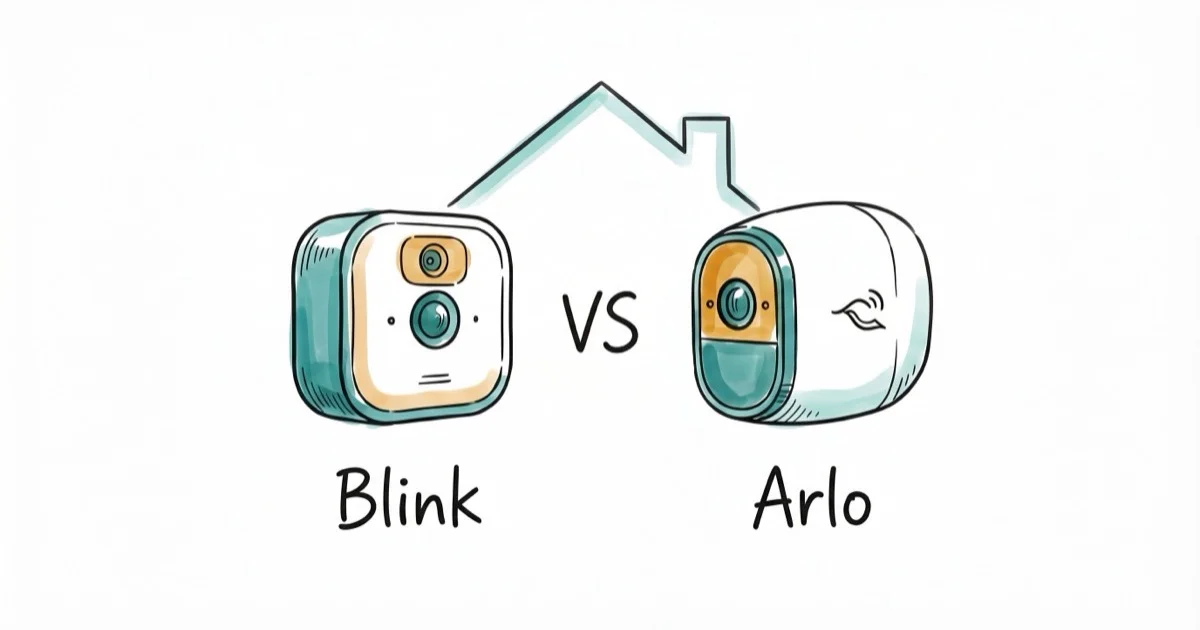
Quick AnswerArlo is the better security camera for most people, offering 2K/4K resolution, color night vision, and AI-powered detection. Blink wins on battery life (2 years vs 3-6 months) and price, starting at $35 for the Mini.
Blink and Arlo are two of the most popular DIY security cameras, but they target very different buyers. The differences between them are bigger than most comparison articles suggest.
- Arlo offers 4K cameras, while Blink’s current lineup now reaches 2K
- Blink batteries last 2 years on AA lithiums versus Arlo’s 3-6 months
- Arlo’s AI separately detects people, animals, vehicles, and packages
- Blink includes free local storage; Arlo needs a paid SmartHub or subscription
- Arlo works with Alexa, Google Assistant, HomeKit, and IFTTT; Blink is Alexa-only
#Blink Outdoor 4 vs Arlo Pro 4: Our Picks and Where to Buy
Before the full breakdown, here is the short version on each system and where to get it.
#Arlo Pro 4
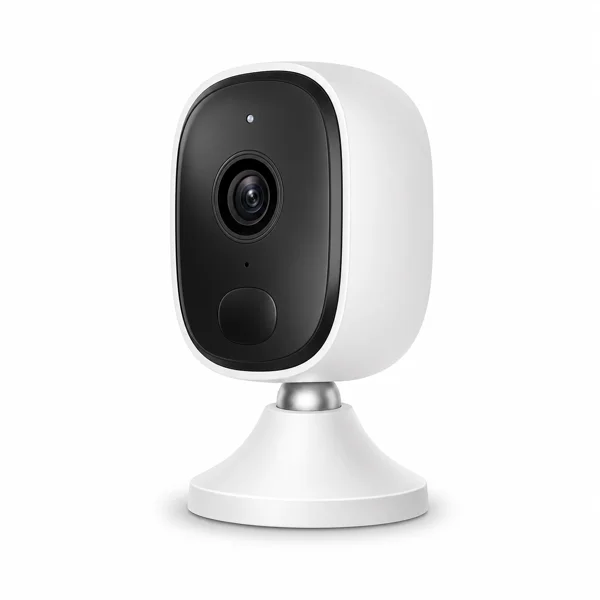
- 2K HDR video with full-color night vision
- Built-in spotlight deters intruders and lights subjects
- Connects straight to Wi-Fi, no separate hub needed
Last updated on Jun 30, 2026
As an Amazon Associate fone.tips earns from qualifying purchases. Prices and availability on Amazon are accurate as of the date above and subject to change.
#Blink Outdoor 4
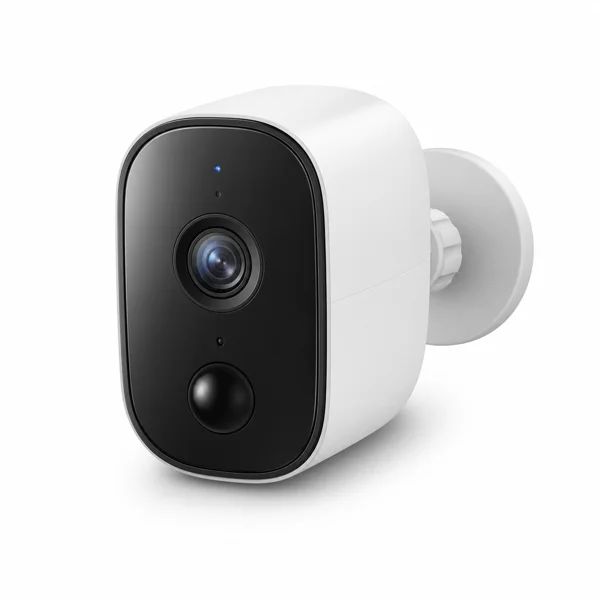
- Up to two-year battery life on two AA lithium cells
- Free local storage, no subscription required
- Simple setup and low ongoing cost
Last updated on Jun 30, 2026
As an Amazon Associate fone.tips earns from qualifying purchases. Prices and availability on Amazon are accurate as of the date above and subject to change.
#Video Quality: Arlo’s Biggest Advantage
Arlo keeps the maximum-resolution edge, but the gap has narrowed. According to Arlo’s current camera lineup, its Ultra line reaches 4K. Blink’s current product lineup now includes Outdoor 2K+, Mini 2K+, and 2K+ doorbells, so Blink no longer stops at 1080p across every model.
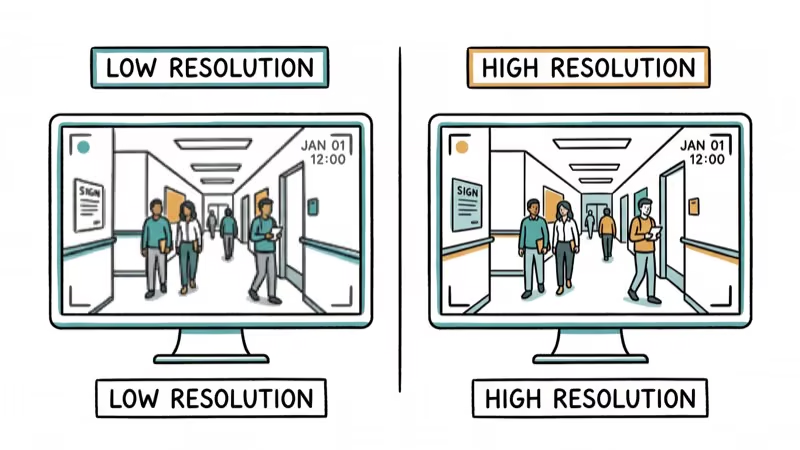
The Arlo Pro 4’s 2K footage captures more detail than the Blink Outdoor 4’s 1080p. According to Arlo’s official Pro 4 spec sheet, the Pro 4 records at 2560x1440 resolution with a 160-degree diagonal field of view.
Blink’s Outdoor 4 specifications list a 143-degree diagonal field of view. The 110-degree figure belongs to the older Outdoor and Indoor (3rd Gen) cameras, as Blink’s third-generation specifications confirm.
Night vision is another gap. Arlo Pro 4 and Ultra 2 use built-in spotlights for color night vision. Blink Outdoor 4 relies on infrared, producing black-and-white footage. Color footage makes it easier to identify a person’s clothing or a vehicle’s color at night.
If you’re troubleshooting an existing Blink setup, check our guide on the Blink camera flashing red issue.
#Smart Features and AI Detection Compared
Arlo’s AI capabilities are significantly more advanced than Blink’s. The Arlo Secure plan includes object recognition that distinguishes between people, animals, vehicles, and packages. You get rich push notifications with image previews showing exactly what triggered the alert.
Blink’s detection is basic by comparison. It flags movement in customizable zones but can’t distinguish people from swaying branches, and without people detection it tends to fire more false alerts from moving branches or passing cars.
Both cameras support two-way audio for speaking through the camera.
For alternative security approaches, light bulb cameras offer a more discreet option that blends into existing fixtures.
#What Does Each System Actually Cost?
Blink is the budget pick. Here’s what you’ll pay:
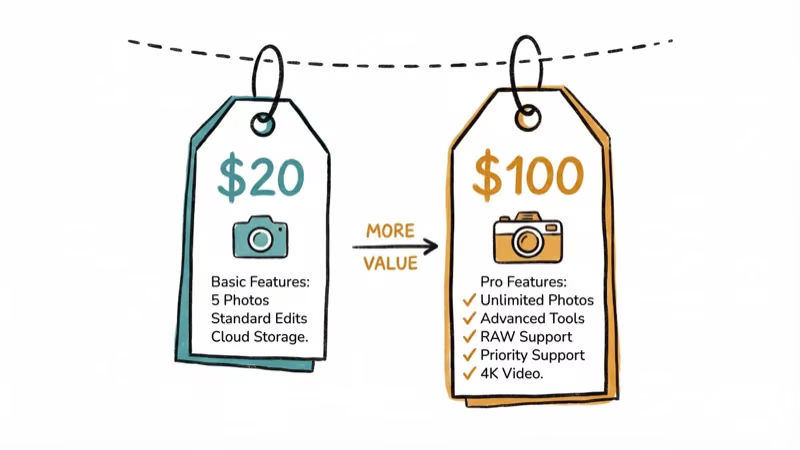
- Blink Mini (indoor): $34.99
- Blink Indoor: $79.99
- Blink Outdoor: $99.99
Arlo costs more upfront:
- Arlo Essential (indoor): $99.99
- Arlo Pro 4: $199.99
- Arlo Ultra 2: $299.99
Subscription fees add up fast. Blink’s Basic plan runs $3/month per camera or $10/month for unlimited cameras. According to Arlo’s US pricing page, Arlo Secure Plus for unlimited cameras costs $17.99/month when billed annually or $19.99 month to month. It includes smart detection, activity zones, and 60 days of video history.
Over 3 years with 4 cameras, Blink’s total cost (hardware + subscription) comes to roughly $760. Arlo with Pro 4 cameras and an annually billed Secure Plus subscription totals around $1,450. That’s about a $690 difference for the premium features.
#Battery Life and Power Options
Blink wins on battery life. Outdoor cameras run up to two years on two AA lithium batteries.
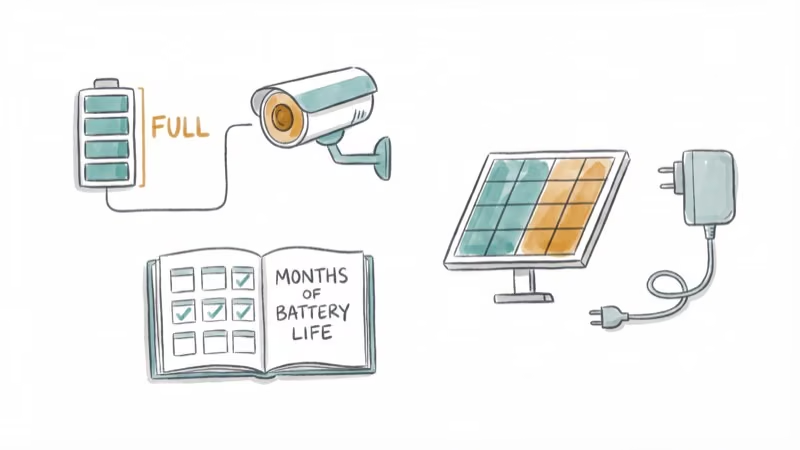
Arlo batteries last 3-6 months, depending on activity and settings. Blink AA lithium cells are rated for up to two years.
Both brands sell solar panel accessories for outdoor cameras. Arlo’s solar panel maintains the charge continuously, which offsets the shorter battery life. If you’re interested in cameras under a specific budget, check our roundup of the best cameras under $300 for options beyond security systems.
#How Do Storage Options Differ?
Blink gives you free local storage right in the box. Plug a USB flash drive into the included Sync Module 2 and clips save locally with zero subscription fees, zero cloud dependency, and zero monthly charges for as long as you own the camera.
Arlo’s cloud recording requires Arlo Secure. Local recording requires a separate SmartHub.
Blink’s local-first approach keeps footage on your home network. If you’re exploring other discreet monitoring options, a peephole camera is another way to watch your front door.
#Smart Home Compatibility
Arlo’s official compatibility guide lists support across Amazon Alexa, Google Home, Apple Home, Samsung SmartThings, and IFTTT, although compatibility varies by model.
Blink is Amazon-owned and it shows. Alexa integration is deep, but that’s about it.
If your Alexa isn’t responding, fix that first. Blink’s official FAQ documents Alexa and IFTTT support but doesn’t list native Google Home or Apple Home integration.
Apple’s camera guide confirms that compatible cameras can stream in the Home app and send activity notifications. Because Arlo lists Apple Home support while Blink doesn’t, Arlo is the safer choice for HomeKit users.
#Bottom Line
Pick Blink if you want affordable, low-maintenance cameras with 2-year battery life and free local storage. Pick Arlo if you need the best video quality, AI-powered detection, and broad smart home compatibility. On balance, Arlo is the better choice for anyone willing to spend more for a premium security system, while Blink is the smarter pick for budget-conscious buyers who prioritize simplicity.
#Frequently Asked Questions
Can Blink cameras record continuously?
No. Blink cameras only record when triggered by motion. Continuous recording isn’t available even with a subscription. Arlo offers continuous recording through its Arlo Secure Plus plan on wired cameras.
Do Arlo cameras work without a subscription?
Yes, but with reduced functionality. Without Arlo Secure, you lose AI detection, cloud storage, and activity zones. Live viewing and local storage through a SmartHub still work without paying monthly.
Is Blink owned by Amazon?
Yes. Amazon acquired Blink in 2017, which is why Blink integrates so tightly with Alexa and is sold through Amazon’s ecosystem.
Can I mix Blink and Arlo cameras in the same home?
You can, but they’ll run on separate apps with no unified dashboard. Each system manages its own cameras independently through the Blink app or Arlo app.
How weatherproof are outdoor models?
Both the Blink Outdoor and Arlo Pro 4 carry IP65 ratings, meaning they’re designed for rain, snow, and dust, but neither should be treated as waterproof.
Do these cameras work with Ring doorbells?
No. Ring, Blink, and Arlo are separate ecosystems. Ring and Blink are both Amazon-owned but use different apps and don’t share a unified interface. Arlo is completely independent from both.
Which camera has better night vision?
Arlo, by a significant margin. The Pro 4 and Ultra 2 use spotlight-powered color night vision that shows real colors in darkness. Blink uses infrared night vision that produces black-and-white footage only.
How difficult is installation?
Both install in under 15 minutes with no tools required. Magnetic mounts or screw mounts are included. The setup apps walk you through each step with visual guides.

Best Laptop for Running LLMs in 2026: Memory Comes First
The best laptop for running LLMs is a memory purchase first. Compare MacBook unified memory against NVIDIA laptop VRAM, and see what each tier really runs.

Pixel 11 vs Pixel 10: What Changed and Who Should Upgrade
Pixel 11 vs Pixel 10: same screen and camera resolution, new Tensor G6, 25W wireless, and Gemini Intelligence. Here is who should actually upgrade.

Best Power Bank for iPad in 2026: Pro, Air, and Mini
Best power bank for iPad in 2026. Compare mAh tiers and USB-C PD wattage for iPad Pro, Air, and mini, plus airline Wh math, cables, and travel tips.

Best Power Bank With Built-In Cable: Top 2026 Picks
Best power bank with built-in cable picks for 2026. Compare single USB-C, multi-connector, and retractable laptop banks, plus airline Wh math.