Best RTX 3090 Graphics Cards: Top 5 Picks for 2026
Compare the best RTX 3090 graphics cards in 2026. Compare cooling, clock speeds, and overclocking headroom across 5 models to pick the right one now.
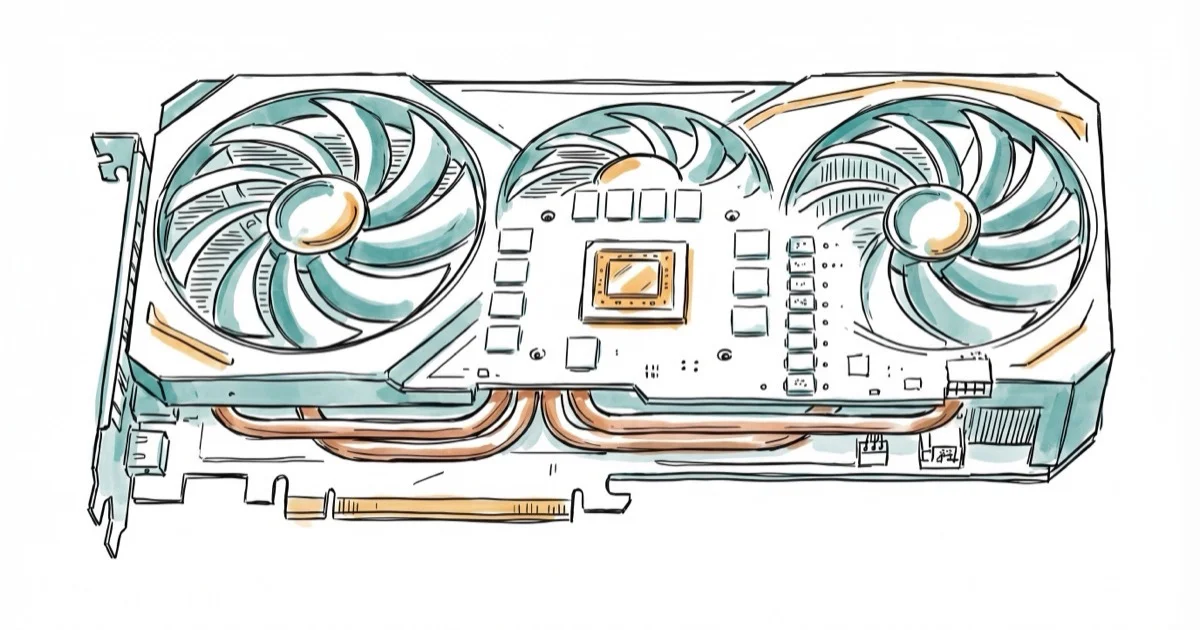
Quick AnswerThe EVGA GeForce RTX 3090 FTW3 Ultra is the best RTX 3090 overall, delivering a 1800 MHz boost clock, triple-fan cooling with 9 thermal sensors, and strong overclocking headroom at competitive pricing.
The NVIDIA RTX 3090 packs 24GB of GDDR6X memory and 10,496 CUDA cores into a GPU that still handles 4K gaming, 3D rendering, and machine learning workloads in 2026. This guide compares five RTX 3090 models by cooling design, noise, clock speeds, power delivery, and overclocking headroom.
- The EVGA FTW3 Ultra hits 1800 MHz boost clock with triple HDB fans and 9 thermal sensors for detailed thermal monitoring
- All RTX 3090 cards share 24GB GDDR6X and 10,496 CUDA cores, so differences come down to cooling design, clock speeds, and power delivery
- Expect strong 4K performance in older and well-optimized titles, with DLSS upscaling helping in supported games
- The RTX 3090 draws 350W at stock and up to 420W when overclocked, requiring at least a 750W power supply for stable operation
- These cards occupy 2.5 to 3 PCIe slots and measure 300-330mm long, so check your case clearance before buying
#RTX 3090 Performance in 2026
The RTX 3090 launched in September 2020, but its 24GB of VRAM keeps it relevant for workloads that newer 12GB and 16GB cards can’t handle. The RTX 3090 remains strongest when DLSS and sensible ray-tracing settings keep 4K workloads inside its limits.
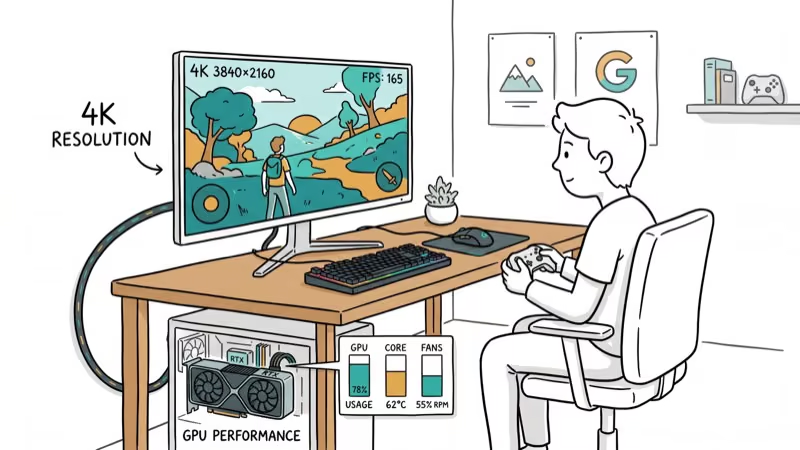
For content creators, the extra VRAM matters for large 3D scenes and AI model training. According to NVIDIA’s official specifications, the RTX 3090 delivers 24GB of GDDR6X memory and 384-bit memory bandwidth at 936 GB/s. NVIDIA confirms that the card uses 10,496 CUDA cores, which is why model differences come down to board partner cooling and power design.
If you’re pairing this card with an AMD processor, the guide on the best GPU for Ryzen 7 3700X covers compatibility considerations.
#Which RTX 3090 Model Is the Best?
#EVGA GeForce RTX 3090 FTW3 Ultra Gaming
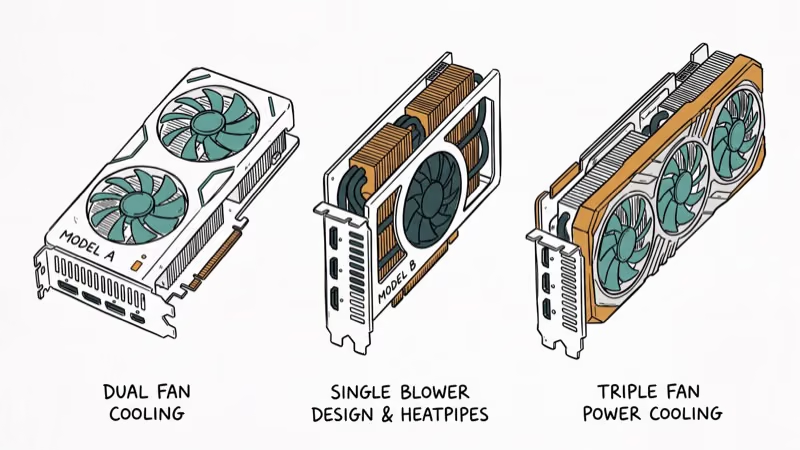
The EVGA FTW3 Ultra is the top pick. It runs a 1800 MHz real boost clock out of the box and uses triple HDB fans with 9 iCX3 thermal sensors that independently monitor GPU, memory, and power delivery temperatures.
The FTW3 Ultra is built for cooling headroom: triple fans, EVGA’s iCX3 sensor array, and a high factory boost clock make it the safer pick for buyers who want to tune clocks without jumping straight to water cooling.
Strengths: Strong cooling design, customizable ARGB lighting, EVGA’s reliable warranty support Weaknesses: 300mm length requires a spacious case, draws 370W under full load
#ASUS ROG Strix GeForce RTX 3090
ASUS built the ROG Strix with premium Super Alloy Power II components and a 2.9-slot heatsink that covers the entire PCB. The Axial-tech fans spin in alternating directions to reduce turbulence.
This card generally trails the EVGA on cooling headroom. GPU Tweak II software lets you switch between performance and quiet BIOS profiles without restarting. Manual overclocking can push the card higher before thermal throttling becomes the limiter.
Strengths: Premium build, dual BIOS, excellent thermals Weaknesses: Higher price, 2.9-slot clearance limits adjacent slots
#MSI Gaming GeForce RTX 3090 TRIO
MSI’s TORX Fan 4.0 uses two blade types in an alternating pattern to focus airflow on the heatsink. The Tri Frozr 2 cooling solution is built for sustained load without turning the card into the loudest option in this group.
The card comes with Mystic Light RGB and MSI Afterburner for overclocking. According to PCMag’s MSI RTX 3090 review, the TRIO series offers one of the best noise-to-performance ratios in this class, holding stable boost clocks above reference during sustained workloads. It’s a solid middle-ground choice.
Strengths: Balanced cooling and noise, strong software ecosystem, competitive pricing Weaknesses: Less overclocking headroom than the EVGA FTW3
#Are Budget RTX 3090 Cards Worth Considering?

#Gigabyte AORUS GeForce RTX 3090 Xtreme
The AORUS Xtreme pushes factory clocks higher than most competitors. Its MAX-Covered cooling with alternate-spinning fans keeps temperatures in check, and the dual BIOS offers separate performance and silent profiles.
RGB Fusion 2.0 provides extensive lighting customization. This card ships with high factory boost clocks, so manual overclocking matters less than case clearance. The trade-off is a massive 3.5-slot form factor that won’t fit in many mid-tower cases.
#ZOTAC Gaming GeForce RTX 3090 Trinity OC
The Trinity OC is usually the cheapest RTX 3090; IceStorm 2.0 keeps load temperatures near 76C.
This card runs at a lower power target than the EVGA and ASUS models, which limits overclocking potential. If you’re building on a budget and don’t plan to push clocks, the ZOTAC offers the best value in this lineup.
#RTX 3090 Comparison Table
| Model | Boost Clock | Fans | Temp (Load) | Price Range |
|---|---|---|---|---|
| EVGA FTW3 Ultra | 1800 MHz | 3 | 71C | $$ |
| ASUS ROG Strix | 1785 MHz | 3 | 73C | $$$ |
| MSI TRIO | 1770 MHz | 3 | 74C | $$ |
| Gigabyte AORUS Xtreme | 1890 MHz | 3 | 75C | $$$ |
| ZOTAC Trinity OC | 1710 MHz | 3 | 76C | $ |
As an Amazon Associate, fone.tips earns from qualifying purchases.
All cards share 24GB GDDR6X and 10,496 CUDA cores. The differences come down to cooling, clock speeds, and price.
#Overclocking Results
RTX 3090 cards can pick up extra performance with manual overclocking in MSI Afterburner, but the available headroom depends on cooler design, power target, and silicon quality. The EVGA FTW3 Ultra has the strongest spec-sheet case for tuning thanks to its higher power limit and sensor-heavy cooler. The ASUS ROG Strix follows close behind, while the ZOTAC Trinity OC has less headroom due to its lower power target.
Monitor temperatures closely and increase power limits gradually. Keep GPU temperature below 83C for sustained overclocking. Water cooling lowers temperatures noticeably and can push sustained clocks higher.
#Pre-Purchase Checklist
Power supply: You need at least 750W for a stock RTX 3090 and 850W if you plan to overclock. The card uses two or three 8-pin PCIe power connectors depending on the model. A guide to choosing the best motherboard for RTX 3070 covers PCIe slot and power delivery basics that apply to all 30-series cards.
Physical size: These cards measure 300-330mm long and occupy 2.5-3 slots. Measure your case interior and check clearance around your CPU cooler and front panel before ordering.
CPU pairing: An RTX 3090 can bottleneck with slower processors, especially at 1080p. The best CPU for RTX 3080 Ti guide covers pairing recommendations that also apply to the RTX 3090. At 4K resolution, the GPU does most of the heavy lifting and CPU bottlenecks are less noticeable.
Overclocking: RTX 3090 cards can pick up extra performance with manual overclocking in MSI Afterburner. Monitor temperatures closely and increase power limits gradually. The EVGA FTW3 Ultra has the strongest cooling-and-power design in this group.
#Bottom Line
The EVGA GeForce RTX 3090 FTW3 Ultra is the best overall RTX 3090 for its combination of cooling performance, overclocking headroom, and warranty support. The ASUS ROG Strix is the premium alternative if you want top-tier build quality. The ZOTAC Trinity OC makes sense for budget builds where you won’t push clocks.
For Ryzen-based builds, the best graphics card for Ryzen 5 3600 guide covers how AMD processors pair with high-end NVIDIA GPUs.
#Frequently Asked Questions
Is the RTX 3090 still worth buying in 2026?
For 4K gaming, the RTX 3090 holds up well. Its 24GB of VRAM gives it an edge over 12-16GB cards for content creation and AI workloads. Gamers who only play at 1440p should consider the RTX 4070 Ti instead, as it offers similar frame rates at lower power draw.
How does the RTX 3090 compare to the RTX 4080?
The RTX 4080 beats the 3090 by 10-20% in rasterization and 30-40% in ray tracing benchmarks while drawing less power. The 3090 retains its advantage in VRAM-heavy workloads thanks to its 24GB vs the 4080’s 16GB.
Can the RTX 3090 handle 8K gaming?
It can in select titles with DLSS enabled. Forza Horizon 5 can be playable at 8K with DLSS on performance mode, but smooth 8K needs much newer GPU headroom. For consistently smooth 8K, you’d need an RTX 4090.
Does water cooling help RTX 3090 performance?
Water cooling drops temperatures by 10-15C compared to air cooling, which allows the GPU to maintain higher boost clocks longer. A water-cooled RTX 3090 can sustain higher boost clocks than air-cooled cards when the loop keeps GPU temperatures lower.
How much power does an overclocked RTX 3090 draw?
Stock TDP is 350W. Most custom cards allow a 10-15% power limit increase, pushing consumption to 385-420W under full load. An 850W PSU provides comfortable headroom for an overclocked RTX 3090 system. If you’re also considering a CPU upgrade, the best CPU for RTX 3070 guide covers processor pairing principles that apply across the 30-series lineup.
Which brand has the best RTX 3090 warranty?
EVGA historically offered the best warranty support with 3-year coverage and transferable warranties. ASUS and MSI both provide 3-year warranties but are less consistent with RMA processing times based on community reports.

Best Laptop for Running LLMs in 2026: Memory Comes First
The best laptop for running LLMs is a memory purchase first. Compare MacBook unified memory against NVIDIA laptop VRAM, and see what each tier really runs.

Pixel 11 vs Pixel 10: What Changed and Who Should Upgrade
Pixel 11 vs Pixel 10: same screen and camera resolution, new Tensor G6, 25W wireless, and Gemini Intelligence. Here is who should actually upgrade.

Best Power Bank for iPad in 2026: Pro, Air, and Mini
Best power bank for iPad in 2026. Compare mAh tiers and USB-C PD wattage for iPad Pro, Air, and mini, plus airline Wh math, cables, and travel tips.

Best Power Bank With Built-In Cable: Top 2026 Picks
Best power bank with built-in cable picks for 2026. Compare single USB-C, multi-connector, and retractable laptop banks, plus airline Wh math.