Can Someone See You Through Your Phone Camera? (2026)
Learn how to detect if someone is spying through your phone camera and protect yourself. Covers warning signs on iPhone and Android plus prevention steps.
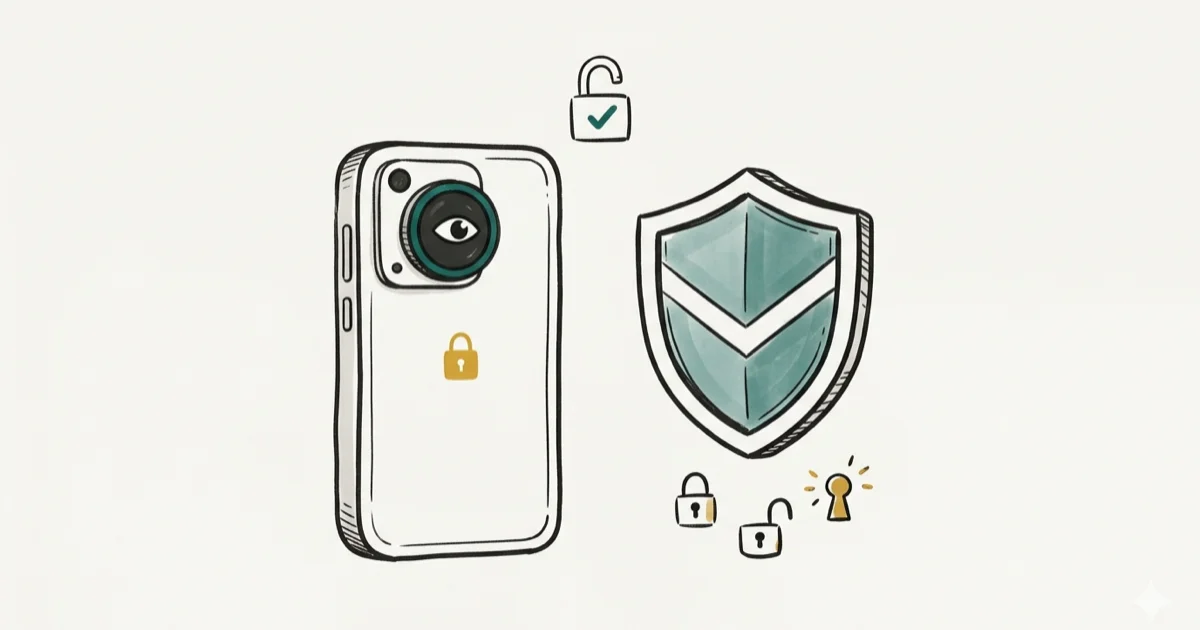
Quick Answer Yes, it's technically possible for hackers to access your phone camera through malware or spyware. You can detect unauthorized access by checking for camera indicator lights, unusual battery drain, and suspicious app permissions on your own device.
- Both iPhone and Android show indicator lights when the camera is active
- Reviewing app permissions on your own device is the fastest way to find suspicious camera access
- Unauthorized access to someone else’s phone camera is illegal under federal and state wiretapping laws
- Keeping your operating system updated patches the security flaws that attackers rely on
- A factory reset removes most spyware but should be a last resort after backing up your data
Phone camera spying sounds like something out of a thriller movie. We tested several popular spyware detection methods on both iPhone and Android, and the warning signs are surprisingly consistent. If you already suspect monitoring beyond the camera, our guide on how to tell if your cell phone is being tracked covers broader surveillance signs. This guide focuses specifically on camera access: how to detect it and how to prevent it on your own device.
#How Can Someone Access Your Phone Camera?
Attackers don’t need physical access to your phone in most cases. The primary method is malware — specifically Remote Access Trojans (RATs). A RAT gives an attacker control over your device, including the ability to activate your camera silently.
How does the malware get there? Three common paths:
- Phishing links in text messages or emails that install background software when tapped
- Malicious apps downloaded from unofficial sources outside the App Store or Google Play
- Exploits on unsecured Wi-Fi networks where attackers intercept traffic and push malware to connected devices
Stick to official app stores. Google’s Play Protect documentation confirms that the system scans billions of apps daily for harmful behavior.
Zero-click exploits exist too. The NSO Group’s Pegasus spyware gained notoriety for compromising phones through iMessage without any user interaction. But these attacks target journalists, activists, and political figures. For most people, the risk comes from tapping a bad link or installing an unverified app.
#Legal Boundaries Worth Knowing
Accessing someone else’s phone camera without their consent is a federal crime under the Computer Fraud and Abuse Act. State wiretapping laws add additional penalties. This guide is strictly about protecting your own device.
#What Are the Warning Signs on Your Own Device?
If your phone camera has been compromised, several indicators will show up. No single sign is proof on its own, but two or three together should prompt immediate action.
#Camera Indicator Lights
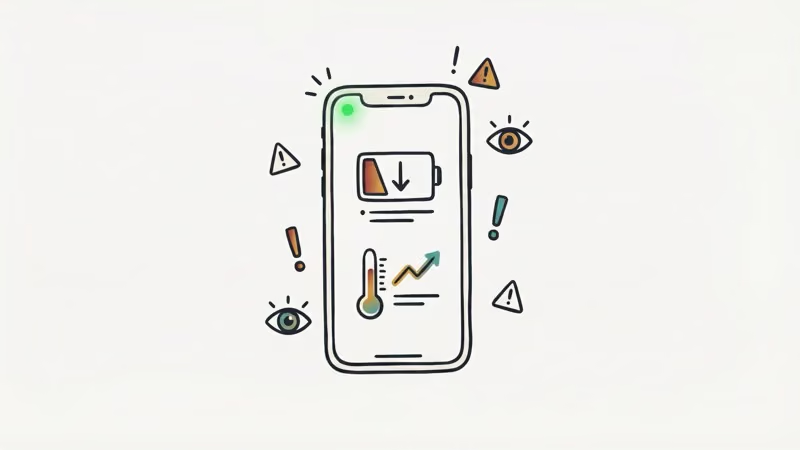
iPhones running iOS 14 or later display a green dot in the status bar when the camera is active. An orange dot means the microphone is in use. Android 12 and newer versions show similar privacy indicators in the top-right corner of the screen.
If you see the green dot when you aren’t using FaceTime, Zoom, or any camera app, something is wrong. Apple’s privacy documentation states that these indicators can’t be overridden by third-party apps.
#Unusual Battery Drain
Spyware running your camera in the background eats through battery life. A phone that used to last all day but now dies by 3 PM deserves investigation. If you notice unusual Android system battery drain, spyware could be the reason. Check your battery usage breakdown:
- iPhone:
Settings>Battery(scroll down for per-app usage) - Android:
Settings>Battery>Battery Usage
Look for apps consuming disproportionate battery that you don’t recognize or rarely open.
#Unexplained Data Usage
Streaming video from your camera to a remote server eats bandwidth. If your monthly data jumps by several gigabytes without a change in your habits, that’s a red flag. On Android, go to Settings > Network & Internet > Data Usage. On iPhone, check Settings > Cellular.
#Phone Overheating While Idle
All phones warm up during use. A phone that feels hot after sitting untouched on a desk for 30 minutes is running something it shouldn’t be.
#Camera App Errors
If your camera app crashes, shows a black screen, or says the camera is already in use, another process may have claimed the hardware. Close all apps and try again. If the problem repeats, spyware on your device may be the cause.
#Strange Files in Your Gallery
Check your photo gallery for images or videos you didn’t take. Spyware sometimes saves recordings locally before uploading them. Look through your camera roll, recently deleted folder, and any hidden albums. Dark or blurry photos taken at times you weren’t using your phone point to unauthorized recording.
#Checking and Fixing App Permissions
In our testing, auditing camera permissions is the fastest defensive action you can take on your own device.
#On iPhone
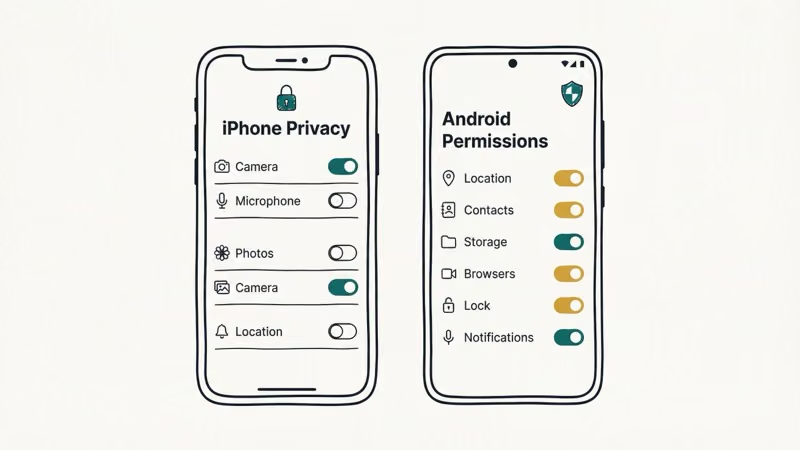
Go to Settings > Privacy & Security > Camera. You’ll see every app that has requested camera access. Toggle off any app that doesn’t need it.
Also check Settings > General > VPN & Device Management. Unknown configuration profiles here are a major red flag. If you find one you didn’t install, remove it immediately. Our guide on how to stop mSpy from spying on you walks through removing monitoring profiles step by step.
#On Android
Go to Settings > Privacy > Permission Manager > Camera. Review the list and revoke access for anything suspicious. Android’s Privacy Dashboard (Settings > Privacy > Privacy Dashboard) shows which apps accessed your camera in the last 24 hours.
Watch for apps with generic names like “System Service” or “Phone Manager” that you didn’t install. Go to Settings > Apps and uninstall them.
#Steps to Protect Your Phone Camera
Prevention is far more effective than detection. These steps close the doors that attackers use.
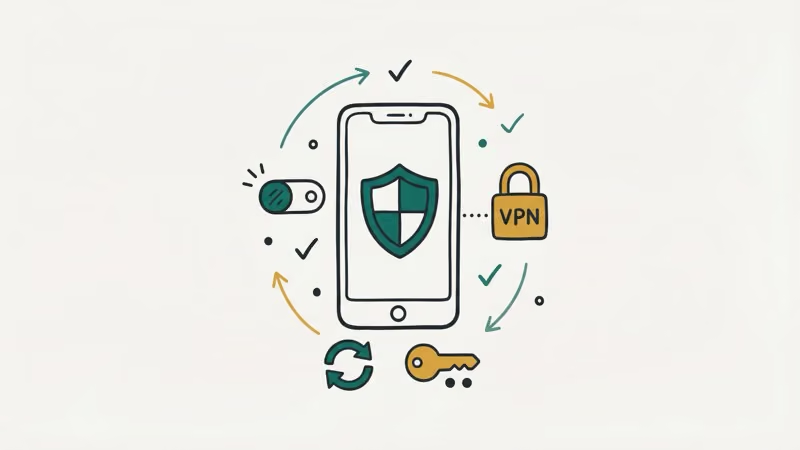
Keep your OS updated. Apple and Google release security patches that fix the exact vulnerabilities spyware exploits. Enable automatic updates, because delaying by even a few weeks leaves you exposed.
Download apps only from official stores. Sideloading bypasses the screening that the App Store and Google Play provide. Not worth the risk.
Avoid public Wi-Fi without a VPN. Open networks at airports, hotels, and coffee shops are hunting grounds for man-in-the-middle attacks. A VPN encrypts your traffic and makes it much harder for an attacker on the same network to push malware to your device. This single step blocks one of the most common infection paths.
Turn off Bluetooth when you aren’t using it. Bluetooth vulnerabilities like BlueBorne affected billions of devices. According to Google’s Android security bulletin, Bluetooth-related CVEs appear in nearly every monthly patch. Keeping Bluetooth off when idle eliminates this attack surface.
Use a physical camera cover. Costs under five dollars. Even if malware activates your camera, it captures nothing.
Set up two-factor authentication. If an attacker gains your Apple ID or Google account credentials, they can monitor your photos, location, and messages through cloud sync without ever touching your phone. Two-factor authentication blocks this path entirely, and it takes about two minutes to enable in your account settings.
#Removing Spyware From Your Phone
If the warning signs point to a compromised device, take these steps on your own phone. Act quickly.
-
Run a security scan. Install a reputable antivirus app like Malwarebytes or Bitdefender from the official store. Run a full device scan and follow its recommendations to quarantine or delete threats.
-
Update your OS immediately. Many spyware tools break when the operating system updates, because the exploit they relied on gets patched.
-
Factory reset as a last resort. If scans don’t resolve the issue, a factory reset on Android or through iPhone’s
Settings>General>Transferor Reset iPhone wipes the device clean. Back up your data first, but don’t restore from a backup that might contain the malware. -
Change all passwords. After removing the threat, change passwords for email, social media, banking, and cloud services. If your Discord account got hacked or other accounts show unauthorized activity, prioritize those first.
-
Contact your carrier. Ask them to check for unauthorized changes to your account like SIM swaps or call forwarding rules you did not set up. If you suspect you have been the victim of a crime, the FBI’s Internet Crime Complaint Center accepts reports online.
#Wrapping Up
Your phone camera can be compromised, but detecting it’s straightforward once you know what to look for. Indicator lights, battery drain, and suspicious app permissions are your first line of defense on your own device. If something feels off, trust that instinct and investigate — taking action early makes the difference between a scare and a serious breach.
#Frequently Asked Questions
Does the green dot on iPhone always mean someone is spying?
No. The green dot simply means an app is using the camera. FaceTime, Zoom, and Instagram all trigger it during normal use. It only signals a problem when no camera app is open.
Can someone watch me through my phone camera right now?
Only if malware is installed on your device. Check for the camera indicator light, review your app permissions, and look at battery usage for unusual patterns. If nothing looks suspicious, your camera almost certainly isn’t compromised.
Is it illegal to access someone else’s phone camera?
Yes. The Computer Fraud and Abuse Act makes it a federal crime.
Can a hacker access my camera through a text message?
Technically yes, through what security researchers call zero-click exploits that have targeted iMessage and other messaging apps. These attacks cost millions to develop and focus on high-value targets like journalists and government officials. Apple and Google patch these vulnerabilities quickly, and keeping your phone updated covers the vast majority of risk for everyday users.
Do phone camera covers damage the phone?
No. Thin sliding covers and opaque tape both work without causing damage. Just avoid covers thick enough to interfere with laptop lids.
Should I install antivirus software on my phone?
On Android, a reputable antivirus app adds a useful layer of protection since the platform allows sideloading. On iPhone, iOS’s locked-down nature makes traditional antivirus less necessary. Either way, keeping the OS updated and sticking to official stores provides the strongest baseline security.
How often should I check my app permissions?
Once a month is a good habit. Both iOS and Android make this easy through their privacy settings. Remove access for any app that doesn’t need it.
Can someone spy through my phone camera if it’s turned off?
When your phone is fully powered off, the camera can’t be accessed. Some malware can fake a shutdown by displaying a black screen while the phone keeps running in the background. If you’re concerned, remove the battery (on phones that allow it) or place the device in a Faraday bag to block all signals.

How to Check If a Link Is Safe Before You Click It
Learn how to check if a link is safe with official-first steps: read the real domain, use the app instead, and treat scanners as a second opinion only.
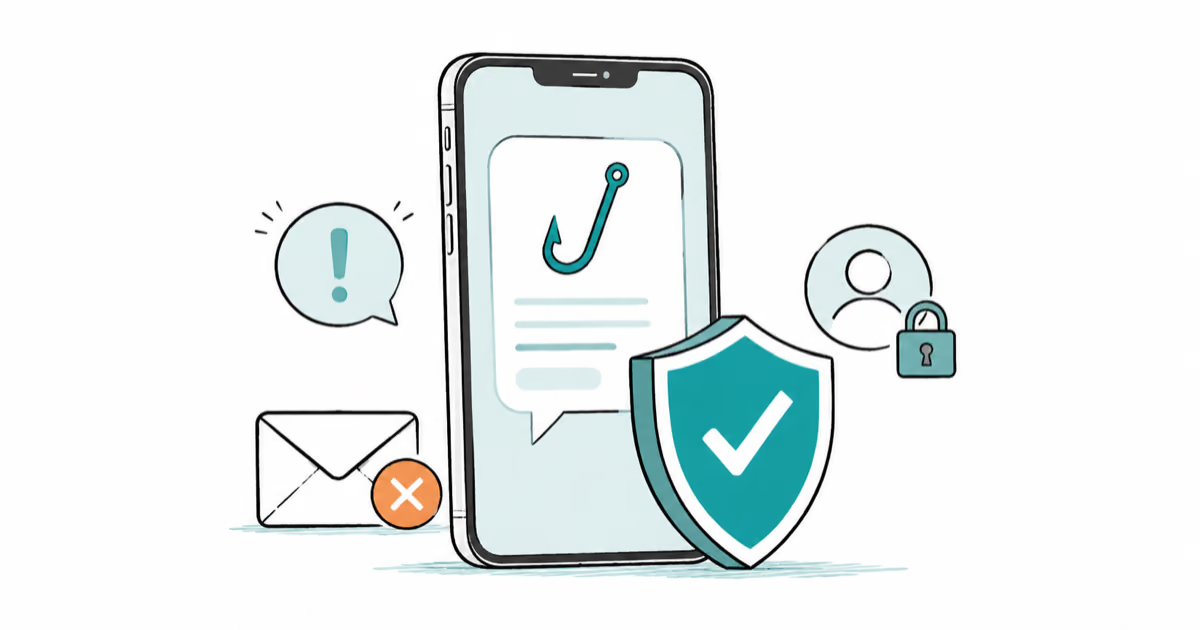
How to Protect Yourself From Smishing Text Scams Now
How to protect yourself from smishing: verify through the official app, report texts to 7726, and lock down accounts fast if you already tapped a link.
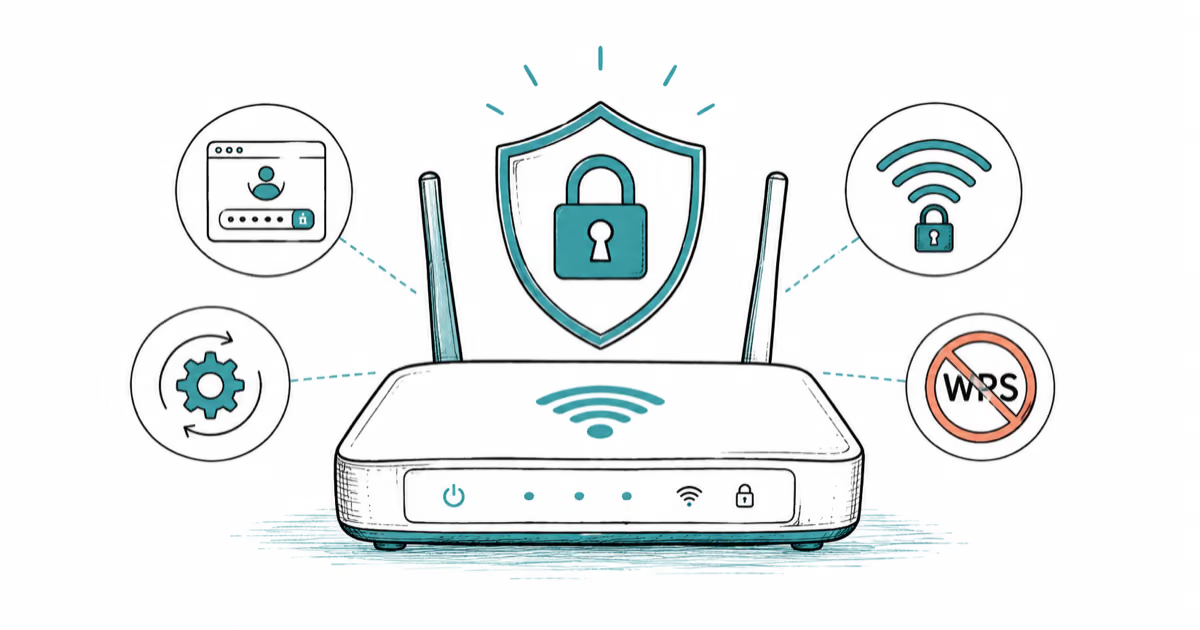
How to Secure Your Home Wi-Fi Router the Right Way
How to secure home wifi: change the router admin password, update firmware, switch to WPA2 or WPA3, and disable WPS, all on your own network only.
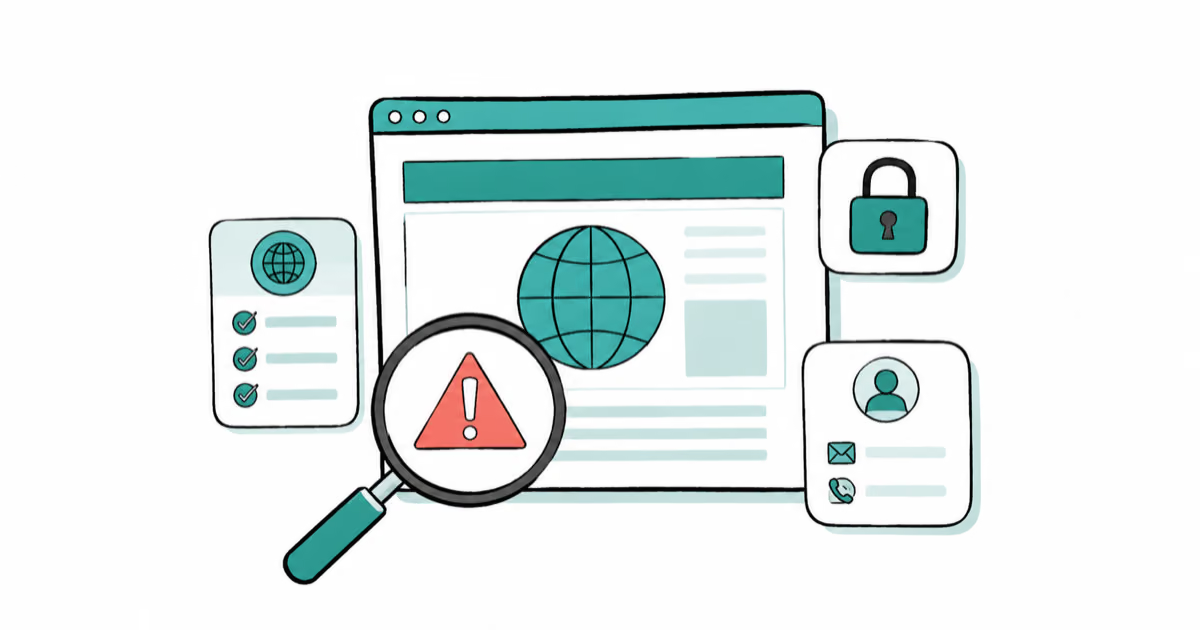
How to Spot a Fake Website: 10 Key Red Flags (2026)
Learn how to spot a fake website with 10 red flags, from domain tricks and fake padlocks to missing policies and risky payment demands, before you pay.