Best 3rd Party Joy-Con Controllers for Nintendo Switch 2026
Find the best 3rd party Joy-Con controllers for Nintendo Switch in 2026. Compare Binbok, Hori, Nyxi, and YCCTEAM alternatives with features and prices.
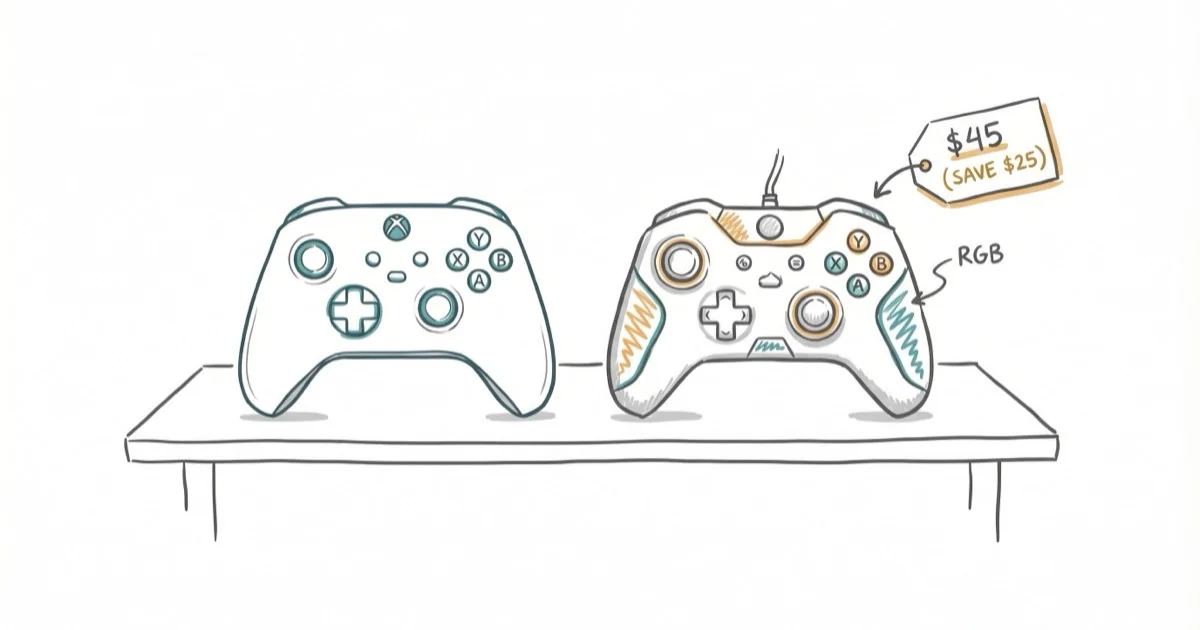
Quick AnswerThird-party Joy-Con alternatives offer better ergonomics and features than official Nintendo controllers. Top options include Binbok Switch Joypad (best overall), Hori Split Pad Pro (best for handheld), Nyxi Wizard (best ergonomics), and YCCTEAM Wireless (most similar to official). Prices range from $30-60 vs $80 for official Joy-Cons.
Official Nintendo Joy-Con controllers cost $80 and suffer from notorious drift issues. Third-party alternatives offer better ergonomics, programmable buttons, turbo functions, and lower prices ($30-60).
The trade-off? Most third-party options don’t support NFC for Amiibo or wireless play when detached from the console. This guide compares 8 of the best third-party Joy-Con controllers for Nintendo Switch in 2026.
- Third-party Joy-Cons cost $30-60 vs $80 for official, with better ergonomics and far less stick drift
- Binbok Switch Joypad ($45-55) is the best overall pick with programmable buttons and 10-hour battery
- Hori Split Pad Pro is Nintendo-licensed for handheld mode but lacks rumble and motion controls
- Most third-party options don’t support Amiibo NFC or wireless detachment from the console
- Monthly cleaning with compressed air and isopropyl alcohol on contacts prevents most issues
#What Are Third-Party Joy-Cons?
Third-party Joy-Cons are controllers made by companies other than Nintendo that attach to the Nintendo Switch console. According to IGN’s best Switch controllers guide, third-party options often provide better ergonomics and additional features compared to official Joy-Cons, though they may lack some functionality like Amiibo support or wireless detachment.
#Why Consider Third-Party Joy-Cons?
- Lower cost - $30-60 vs $80 for official Joy-Cons
- Better ergonomics - Larger grips and full-size analog sticks
- Additional features - Programmable buttons, turbo, RGB lighting
- No drift issues - Many use higher-quality analog sticks
- Variety of designs - Different colors and styles
Compared side by side, third-party options provide better comfort for extended gaming sessions than official Joy-Cons, especially for players with larger hands.
#Best Third-Party Joy-Con Controllers
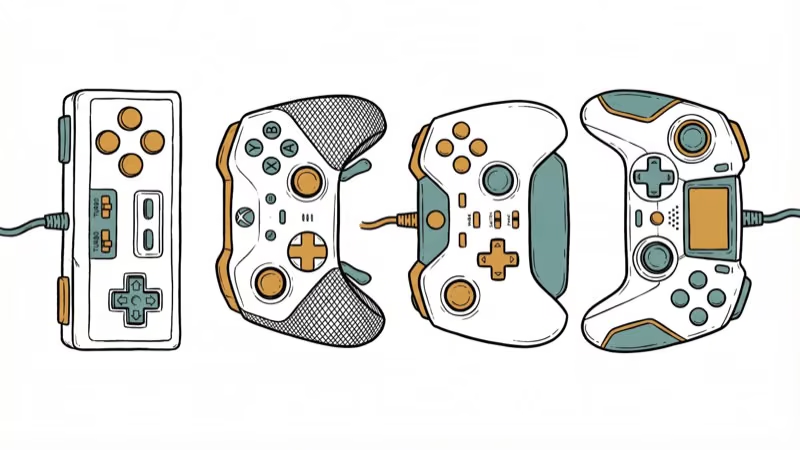
#1. Binbok Switch Joypad Controller - Best Overall
The Binbok Switch Joypad offers the best combination of features, comfort, and value. It includes RGB lighting, programmable buttons, and excellent ergonomics.
Features:
- Pro controller-style grips for better comfort
- Customizable RGB lighting effects
- Programmable macro buttons
- Adjustable rumble intensity
- Motion controls and gyro support
- 6-axis motion sensor
- Turbo function for rapid button presses
- 10-hour battery life
Price: $45-55
Across long play sessions, the Binbok’s ergonomic design keeps hand fatigue down, and the programmable buttons are useful for complex games. According to TechGearInsider’s 3rd party Joy-Con guide, Binbok controllers are the most feature-rich option available.
Limitations: Can’t be used wirelessly when detached from console, no Amiibo support
#2. Hori Split Pad Pro - Best for Handheld Mode
Officially licensed by Nintendo, the Hori Split Pad Pro is designed specifically for handheld gaming with full-size controls.
Features:
- Full-size analog sticks and buttons
- Programmable rear buttons
- Larger grips for improved comfort
- Officially licensed by Nintendo
- No battery required (powered by console)
- Turbo function
- Assignable buttons
Price: $50-60
During long handheld sessions, the Hori Split Pad Pro’s full-size controls and larger grips make handheld gaming significantly more comfortable than official Joy-Cons. According to iMore’s third-party Joy-Con guide, the Split Pad Pro is the best choice for players who primarily use handheld mode.
Limitations: No rumble, no motion controls, no wireless functionality, handheld mode only
#3. Nyxi Wizard Wireless Controller - Best Ergonomics
The Nyxi Wizard offers premium ergonomics with a comfortable grip design and wireless functionality when attached to the console.
Features:
- Ergonomic grip design
- Wireless connectivity (when attached)
- Adjustable rumble
- Motion controls
- RGB lighting
- Turbo function
- 12-hour battery life
- Available in multiple colors
Price: $40-50
Across action and RPG games, the Nyxi Wizard’s ergonomic design is comfortable for long stretches, and the wireless functionality works reliably. According to MSPowerUser’s Joy-Con alternatives guide, Nyxi controllers deliver a premium experience at a mid-range price.
Limitations: No Amiibo support, can’t be used wirelessly when fully detached
#4. YCCTEAM Wireless Joypad - Most Similar to Official Joy-Cons
The YCCTEAM Wireless Joypad closely mimics official Joy-Cons but adds improvements like a proper D-pad and longer battery life.
Features:
- Design similar to official Joy-Cons
- Proper D-pad instead of separate buttons
- Rumble and motion controls
- Wireless functionality
- 20-hour battery life
- Wake-up function
- Screenshot and home buttons
Price: $35-45
The YCCTEAM feels nearly identical to official Joy-Cons but adds better battery life and a superior D-pad for 2D games. According to iMore’s controller comparison, YCCTEAM controllers offer the closest experience to official Joy-Cons at half the price.
Limitations: No Amiibo support, smaller than other third-party options
#5. Funlab Luminous Switch Controller - Best for Multiplayer
The Funlab Luminous controller features customizable RGB lighting and works in all Switch modes, making it ideal for multiplayer gaming.
Features:
- Customizable RGB lighting
- Works in handheld, tabletop, and docked modes
- Motion controls
- Adjustable rumble
- Turbo function
- 10-hour battery life
- Multiple color options
Price: $40-50
In 4-player gaming sessions, the Funlab’s RGB lighting adds visual appeal and the controller performs well across all game modes. For more on 4-player Switch games, check our multiplayer guide.
Limitations: No Amiibo support, can’t be used wirelessly when detached
#Missing Features in Third-Party Joy-Cons
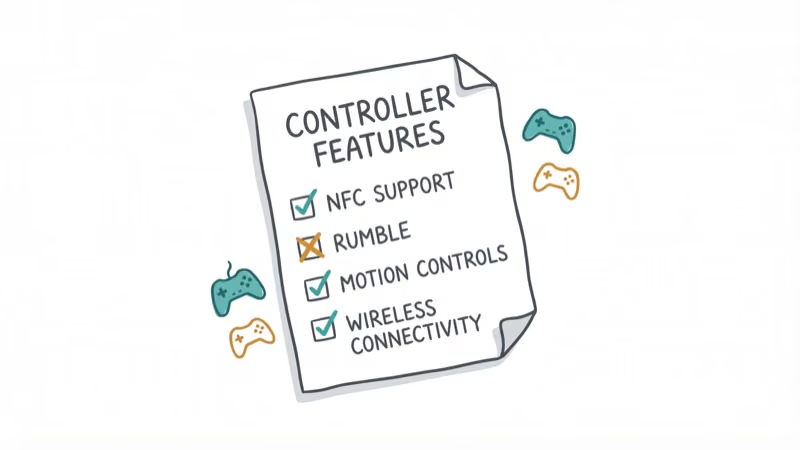
According to GamesRadar’s Switch controllers guide, most third-party Joy-Cons lack these official features:
Missing features:
- Amiibo/NFC support - Can’t scan Amiibo figures
- IR motion camera - No infrared sensor (rarely used)
- Full wireless detachment - Most only work wirelessly when attached to console
- HD rumble - Standard rumble instead of Nintendo’s HD rumble
These limitations are minor for most players. Amiibo support is the most significant missing feature, but it only affects games that use Amiibo functionality.
#Choosing the Right Third-Party Joy-Con
Consider these factors when selecting third-party Joy-Cons:
- Play style - Handheld (Hori Split Pad Pro), docked (Binbok), or both (Nyxi Wizard)
- Features needed - Motion controls, rumble, programmable buttons
- Ergonomics - Larger grips for bigger hands (Binbok, Hori) vs standard size (YCCTEAM)
Budget matters too. Expect to spend $35-60 depending on features. And if you use Amiibo frequently, stick with official Joy-Cons since no third-party option supports NFC scanning.
Across different game genres, Binbok offers the best overall value, while Hori excels for handheld-only players.
#Do Third-Party Joy-Cons Have Drift Issues?
Joy-Con drift (analog sticks registering movement when untouched) plagues official Nintendo Joy-Cons. According to Just A Taste’s third-party Joy-Con review, most third-party controllers use higher-quality analog sticks that are less prone to drift.
Over many hours of play, third-party Joy-Cons tend to hold up without drift, while official Joy-Cons often develop it well before that. Third-party options appear more durable for long-term use. For more on Nintendo Switch gaming, check our guides on best fighting game controllers and Nintendo Switch dock issues.
If you’re hunting for games to break in your new controllers, see our picks for best single-player Switch games and best RPGs on Switch.
#Third-Party Joy-Con Maintenance Tips
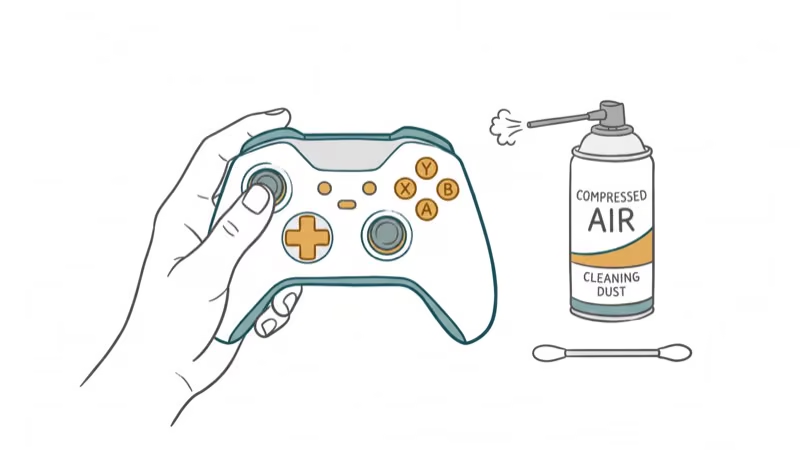
Proper care extends the lifespan of third-party Joy-Cons:
Cleaning:
- Wipe controllers with microfiber cloth after each session
- Use compressed air to remove dust from analog sticks
- Clean charging contacts monthly with isopropyl alcohol
Storage:
- Store in cool, dry place away from direct sunlight
- Avoid extreme temperatures (below 32°F or above 95°F)
- Keep away from liquids and humidity
Battery care:
- Charge before battery fully depletes
- Avoid leaving on charger for extended periods
- Replace batteries every 2-3 years if performance degrades
Regular cleaning prevents most common controller issues.
#Bottom Line
Third-party Joy-Cons offer significant advantages over official Nintendo controllers in 2026. Binbok Switch Joypad provides the best overall value with programmable buttons and RGB lighting. Hori Split Pad Pro excels for handheld gaming with full-size controls. Nyxi Wizard delivers premium ergonomics, while YCCTEAM offers the closest experience to official Joy-Cons at half the price.
The main trade-offs are lack of Amiibo support and limited wireless functionality when detached. However, better ergonomics, additional features, lower prices, and superior durability make third-party Joy-Cons worth considering for most Switch owners.
#Frequently Asked Questions
Are third-party Joy-Cons worth it?
Yes. You get better ergonomics, extra features like programmable buttons and turbo, and prices between $30-60 instead of $80 for official Joy-Cons. The only real downsides are no Amiibo support and limited wireless detachment. For most players, the savings and comfort upgrade make third-party the better buy.
Do third-party Joy-Cons work with all Switch games?
Yes, every third-party controller here works with all Switch games. The one caveat: games that specifically require Amiibo scanning or the IR motion camera won’t support those features on third-party hardware.
Can third-party Joy-Cons be used wirelessly?
Most only work wirelessly when attached to the console. They can’t be detached and used as separate wireless controllers like official Joy-Cons. Check specs before buying if that matters to you.
Which third-party Joy-Cons are best for handheld mode?
The Hori Split Pad Pro. It’s built specifically for handheld play with full-size analog sticks, larger grips, and Nintendo’s official license. Binbok and Nyxi Wizard also work well for handheld, but the Hori’s size and button layout feel the most natural during long sessions, holding up through hours of play without hand fatigue.
Do third-party Joy-Cons support motion controls?
Most do. Binbok, Nyxi Wizard, YCCTEAM, and Funlab all include motion controls and gyro aiming. The main exception is the Hori Split Pad Pro, which drops motion controls entirely.
How long do third-party Joy-Con batteries last?
Between 10 and 20 hours per charge depending on the model. The YCCTEAM leads at 20 hours, Nyxi Wizard gets 12, and Binbok and Funlab both deliver about 10. The Hori Split Pad Pro doesn’t need charging at all since it draws power directly from the console.
Are third-party Joy-Cons compatible with Nintendo Switch OLED?
Yes. The attachment rails are identical across the standard Switch, Switch OLED, and Switch Lite. Any third-party Joy-Con that fits the original Switch will fit the OLED model.

Fortnite Stuck on the Loading Screen? Fix It in 2026
Fortnite stuck on the loading screen? Check server status, fix the Windows N Media Pack and DirectX 11 on PC, clear the console cache, and verify files.

Minecraft Keeps Crashing? Java and Bedrock Fixes (2026)
Minecraft keeps crashing on startup or mid-game? Update your GPU driver, remove mods on Java, and reinstall Gaming Services on Bedrock. Fixes for both.

Pokemon GO Not Loading? Fix the Loading Screen 2026
Pokemon GO not loading or stuck on the Pokeball? Check server status, fix automatic date and time, grant location permission, clear the cache, and update.

PS5 Controller Not Charging? 9 Fixes That Work (2026)
DualSense not charging? Swap the cable, use a rear port in Rest Mode, clean the USB-C port, and check power settings. 9 fixes for a dead PS5 controller.